

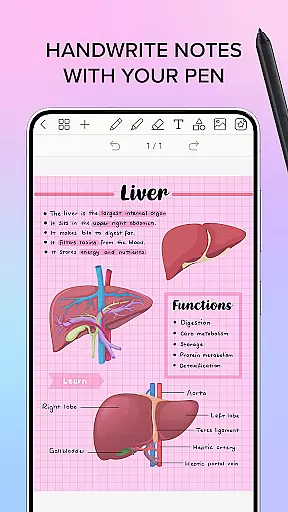
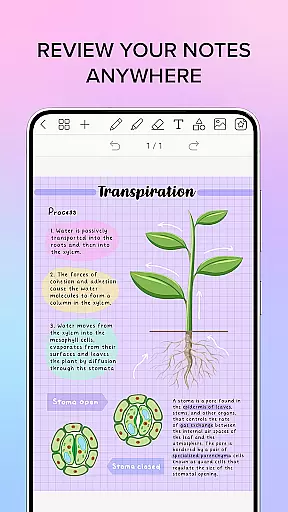
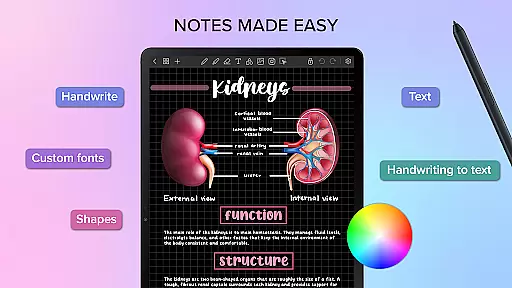
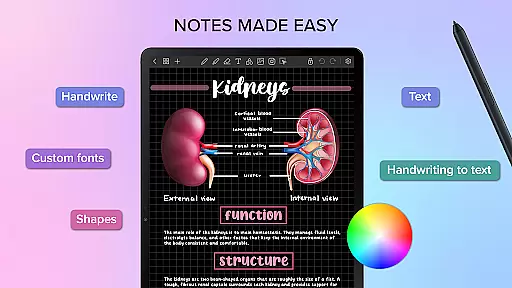
Penly is a comprehensive digital planner, journal, and note-taking app designed to enhance productivity and creativity. With its intuitive interface, users can smoothly handwrite notes while utilizing smart tools like automatic handwriting-to-text conversion, highlight and underline features, and object transformation capabilities.
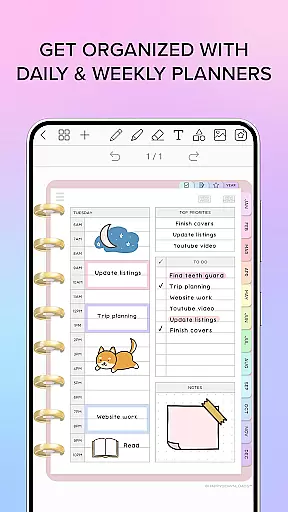
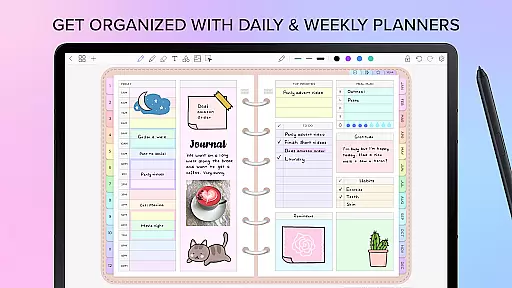
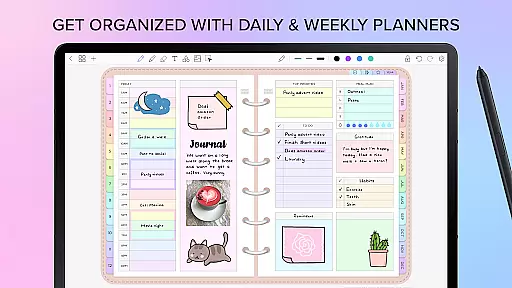
The app includes four digital planners with hyperlinked pages, undated and reusable templates, and various styles. Users can import any PDF file, create custom hyperlinks, and organize stickers and images efficiently. Penly also supports syncing between Android devices via Google Drive, ensuring seamless access across multiple platforms.
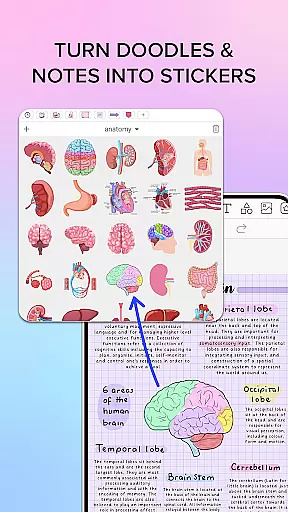
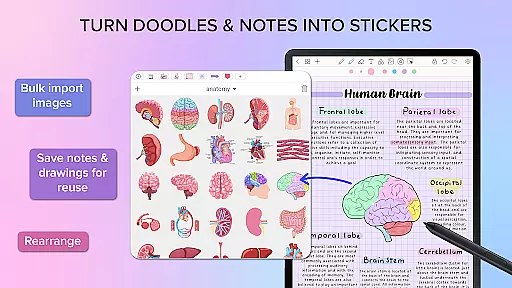
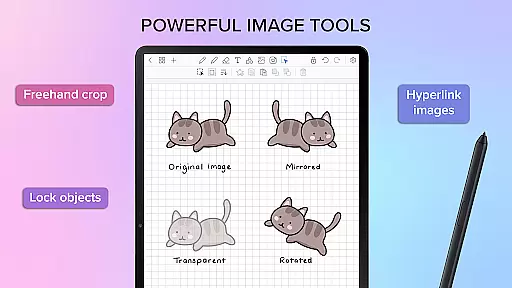
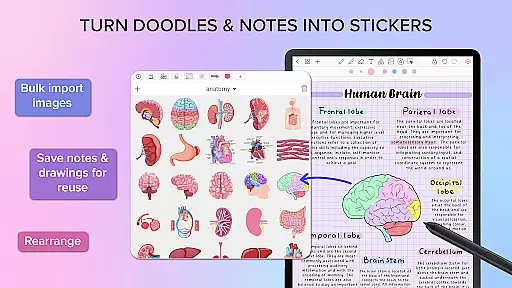
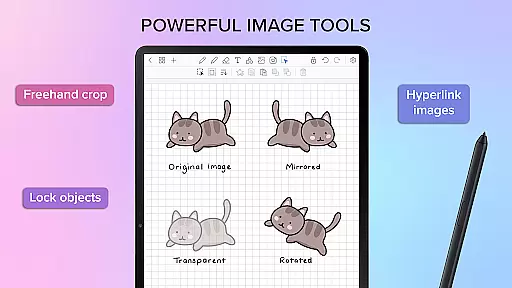
Penly offers an extensive range of features tailored for productivity enthusiasts. The app provides text, image, and shape tools alongside the ability to create sticker collections and import custom fonts. Its powerful editing options allow users to transform, group, and lock objects, as well as undo and redo actions effortlessly.
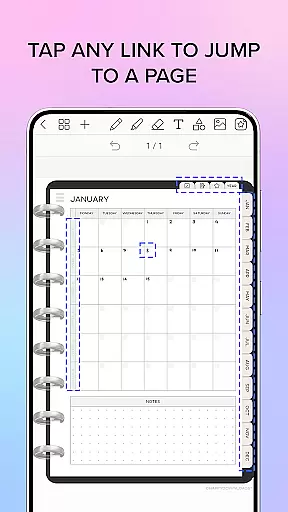
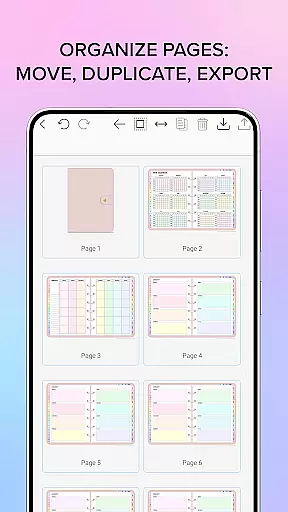
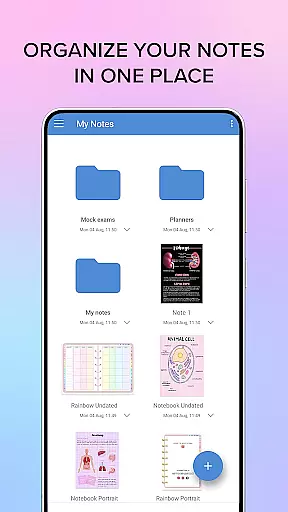
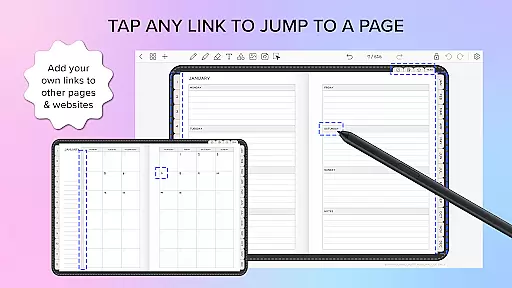
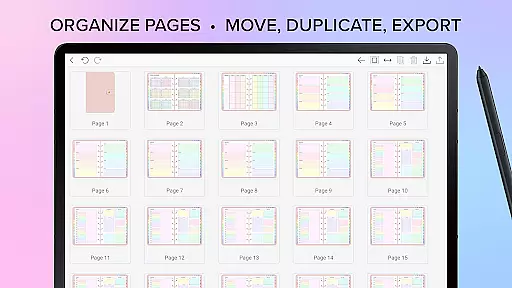
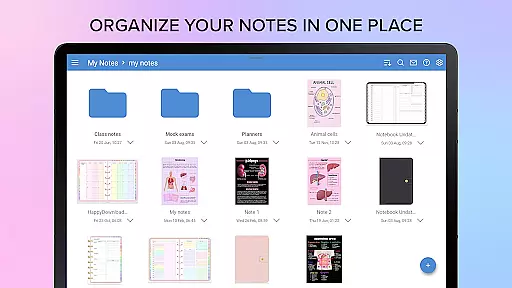
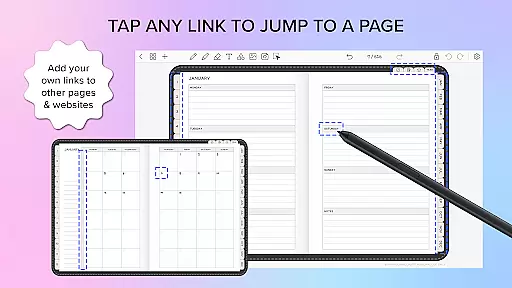
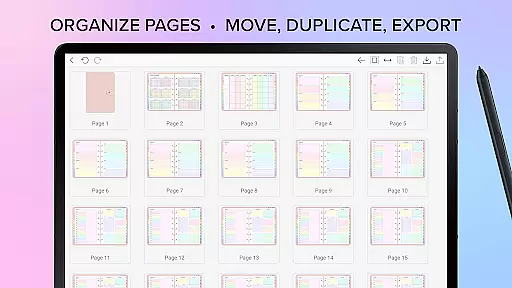
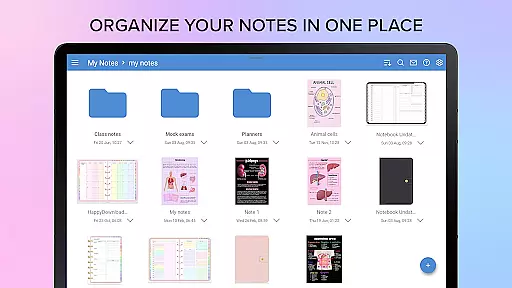
Organization is made easy with Penly's page and document management system. Users can copy, paste, delete, and rearrange pages while managing documents through folders and sub-folders. Additionally, the app's hyperlink creation feature enables linking objects to specific pages or external websites, enhancing navigation within documents.
Penly offers a comprehensive suite of tools for managing tasks and organizing your digital life. The app includes four digital planners with hyperlinked pages, allowing users to navigate seamlessly between monthly, weekly, and daily views.
The undated and reusable nature of these planners provides flexibility, enabling users to customize dates according to their needs. With both landscape and portrait orientations and various styles, Penly caters to diverse preferences while maintaining a consistent workflow.
Beyond traditional planning, Penly supports creating hyperlinks within documents, transforming any object into an interactive link that can direct users to specific pages or external websites. This feature enhances productivity by streamlining access to frequently used resources.
Additionally, the ability to import PDF files and transform them into editable formats ensures that all necessary documents are accessible within the app. Users can manage their notes efficiently by copying, pasting, deleting, and rearranging pages, making Penly a versatile tool for task management.
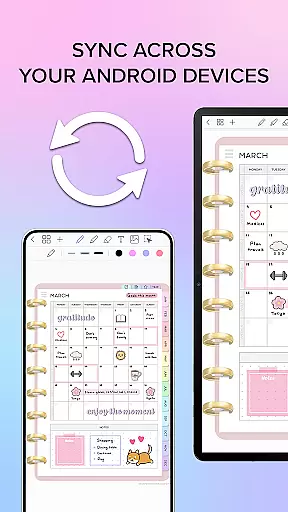
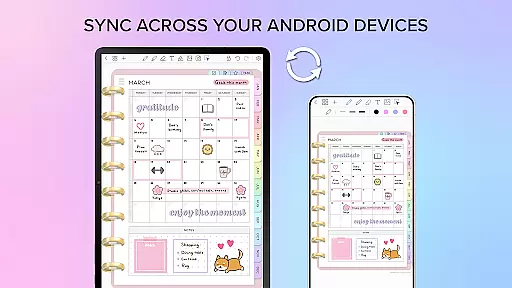
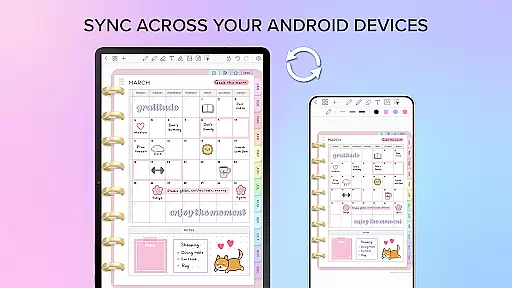
One of Penly's standout features is its robust cross-device synchronization, which ensures that your data remains consistent across all Android devices. By linking Google Drive to Penly, users can enable automatic syncing whenever the app is opened or closed.
This seamless integration not only provides peace of mind but also enhances productivity by allowing users to pick up right where they left off, regardless of the device they are using. Documents reopen in the same state, preserving the continuity of work.
The reliability of this synchronization is crucial for users who rely on their digital planners and notes throughout the day. Penlyu2019s system ensures that every change made on one device is accurately reflected on others, eliminating the risk of data loss or inconsistencies.
Moreover, the option to sync manually adds an extra layer of control, catering to users who prefer to manage updates themselves. This dual approach to synchronization underscores Penly's commitment to providing a dependable and user-friendly experience.
User-friendly interface
Extensive customization options
Powerful organization tools
Seamless cross-device syncing
Comprehensive digital planners included
Limited to English language support
No automatic cloud backup
Premium features require one-time payment
Advanced tools may overwhelm new users
Refund policy limited to 7 days

Take control of your clipboard with Clipper!
 3.90
3.90
Professional calendar app for Google Calendar, MS Outlook & Exchange
4.20
Make your handwriting beautiful, even more than pen on paper.
3.60
Font maker keyboard with your own handwriting
4.10
Activate Two Factor Authentication (2FA or Multi OTP), Password manager and more
4.10
Secure, open-source, SPICE and SSH Remote Desktop for QEMU KVM virtual machines
4.00
A comprehensive suite of tools designed specifically for Lactation Consultants
4.2
A beautiful digital clock with autostart and many other functions
4.70
AI Chatbot and AI writing assistant powered by ChatGPT.
4.60
Seamlessly integrate data and reports to build your presentation to impress
4.80
Android Wallet Password Manager
4.80
Secure, fast, open-source, Remote Desktop Client for Windows and Linux with SSH
4.60
A simple Whisper AI keyboard for reliable speech transcription and rewording
4.60
Send files, sync SMS, notifications & clipboard across devices via local network
4.40
Share files & memories safely. Keep your photos and videos secure.
4.40
Access, manage and transfer files on Android, PC, Mac, NAS and cloud storages.
4.30
Total remote control for your Android device, PC and cloud services (IFTTT)!
4.20
Wake up & get tasks done! Add alarms & reminders on the Clock Launcher.
4.00
Easiest event planning, volunteer signups & parent teacher conference scheduling
2.20

User Reviews