

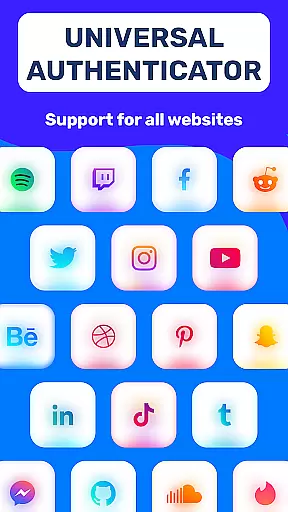
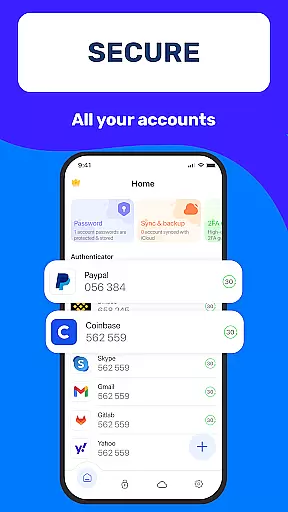
Authenticator App 2FA - Password Manager is a comprehensive productivity tool designed to enhance both security and convenience in managing digital accounts. The app integrates two-factor authentication (2FA) with advanced password management, ensuring users can protect their accounts while simplifying the login process. With features like QR code scanning for 2FA, secure password storage, and automatic form filling, it caters to individuals seeking robust account protection without compromising usability.
In addition to its core security functions, Authenticator App offers practical utilities such as cross-device data backup and synchronization, biometric unlocking via Touch ID, and flexible import-export capabilities. These features make it an ideal solution for users who frequently switch devices or need to manage sensitive information across multiple platforms. Whether you're looking to safeguard personal accounts or streamline workflows, this app provides a reliable and user-friendly experience.
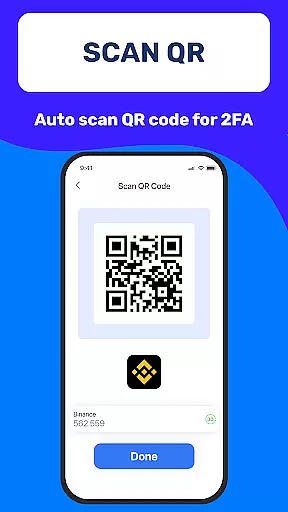
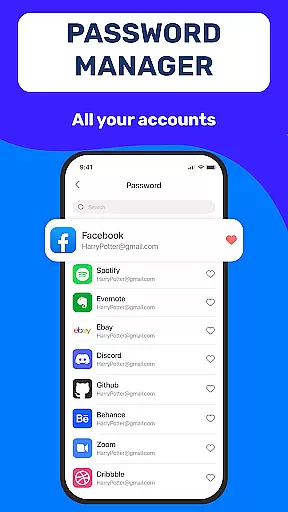
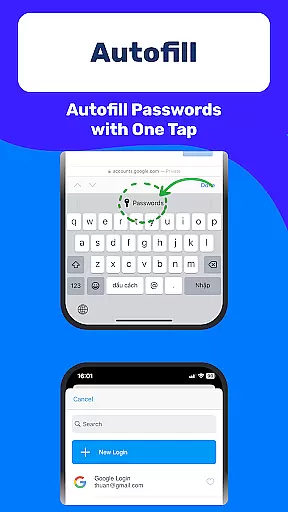
One of the standout features of Authenticator App 2FA - Password Manager is its ability to scan QR codes for two-factor authentication, streamlining the login process while maintaining high-security standards. This functionality eliminates the hassle of manually entering authentication codes, making account access faster and more secure. Additionally, the app's built-in password manager allows users to store credentials safely and retrieve them through autofill functionality on websites, significantly reducing input errors and saving time during logins.
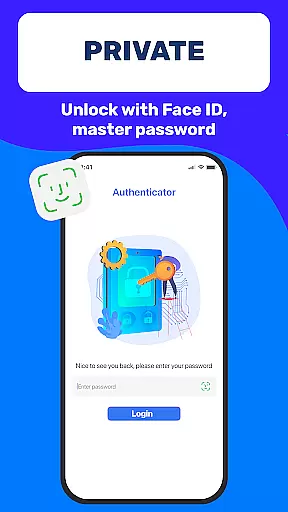
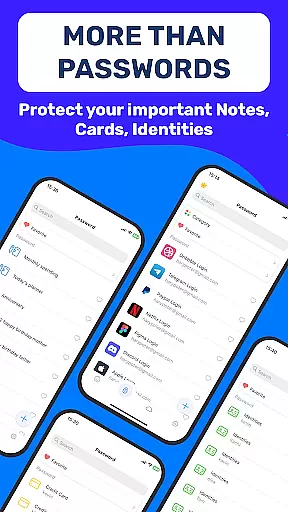
Beyond its primary security tools, the app includes several productivity-enhancing features. For instance, the Backup & Sync option ensures that all critical data remains accessible even when switching devices or reinstalling the app. Users also benefit from biometric authentication methods like Master Password and Touch ID, which add an extra layer of protection against unauthorized access. Furthermore, the inclusion of Dark Mode, credit card storage, and vital identification notes demonstrates the app's commitment to providing a versatile and comfortable user experience tailored to modern needs.
Task management is a critical aspect of productivity applications, and Authenticator App 2FA - Password Manager excels in this area. The app provides users with the ability to manage multiple accounts efficiently through its multifunctional features.
The Scan QR 2FA feature simplifies the process of adding new accounts by scanning a QR code, streamlining account setup while enhancing security. This ensures that users can quickly and safely access their accounts without compromising on protection.
Additionally, the Backup & Sync feature plays a vital role in task management by safeguarding data integrity. Users can effortlessly switch devices or recover from reinstallation, ensuring continuity and reliability in managing tasks across different platforms.
With these capabilities, Authenticator App 2FA - Password Manager not only simplifies daily digital activities but also reinforces the importance of maintaining an organized approach to online account management.
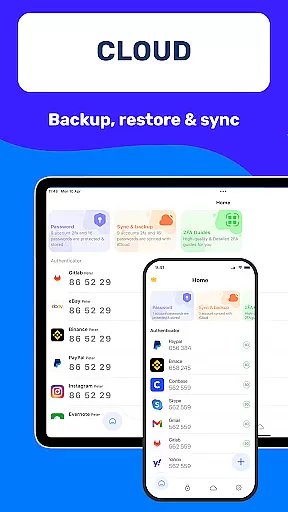
Cross-device synchronization is essential for users who operate across multiple devices, and Authenticator App 2FA - Password Manager offers reliable solutions to ensure seamless transitions. By leveraging cloud storage, the app guarantees that your information remains accessible regardless of device changes.
The Backup & Sync functionality ensures that all your crucial data, including passwords and account details, are consistently updated across devices. This means you can start a task on one device and continue it on another without missing a beat.
Moreover, the Import and Export Data feature enhances synchronization by allowing easy transfer of information between devices. This flexibility empowers users to manage their accounts more effectively, adapting to various technological environments with ease.
By prioritizing synchronization reliability, Authenticator App 2FA - Password Manager provides peace of mind, assuring users that their valuable data is always within reach, securely stored, and up-to-date across all their devices.
Enhanced Security
User-Friendly Interface
Efficient Autofill
Cross-Device Sync
Flexible Import Options
Premium Features Locked
Occasional Sync Delays
Limited Free Storage
No Windows Support
Complex Setup

Take control of your clipboard with Clipper!
 3.90
3.90
Auto-shutoff Alarm with Sunrise, Sunset & Fixed Options.
3.50
Ads Free App! Editor, Hide File, Copy, Move, Delete and Rename.. all facility av
1.70
Easily read and manage all your PDF files
4.10
Remotely view listen control and record cameras.
3.70
Find and delete junk files & block unwanted notifications & manage files
3.70
ID.me Authenticator is a simple and free Two Factor Authentication solution
3.50
A beautiful digital clock with autostart and many other functions
4.70
Quickly and easily keep track of your work shifts
4.70
Seamlessly integrate data and reports to build your presentation to impress
4.80
Absolutely the best CNC machinist speed and feed calculator around. fswizard.com
4.60
To do list widget with a notebook organizer, checklist, simple shopping list
4.60
Fill, sign & send docs, forms, agreements & contracts via electronic signature.
4.50
Tally and goal counter for Wear OS & mobile
4.50
CalenGoo is a very flexible and feature-rich calendar app
4.40
Intelligent AI Assistant
4.10
Customizable calendar widget for seamless event sync, planning & scheduling.
4.00
Create and edit presentations with Google Slides, part of Google Workspace.
4.00
⏰ Finally a timer app which can run multiple timers simultaneously on your watch
3.90

User Reviews