

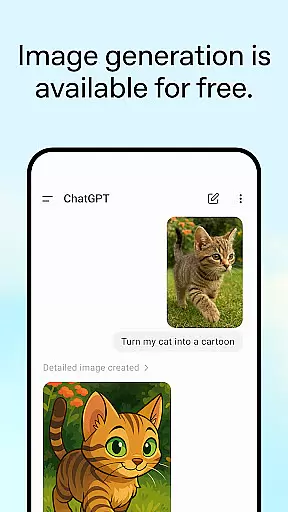
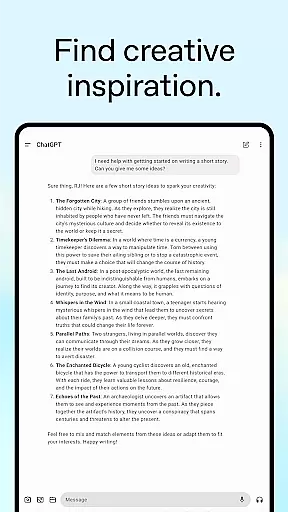
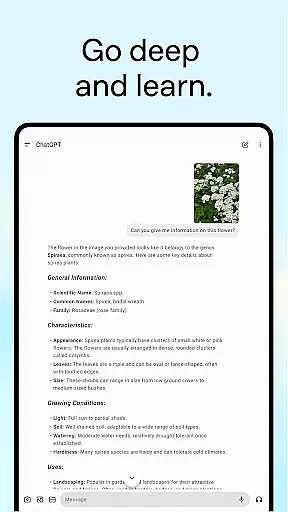
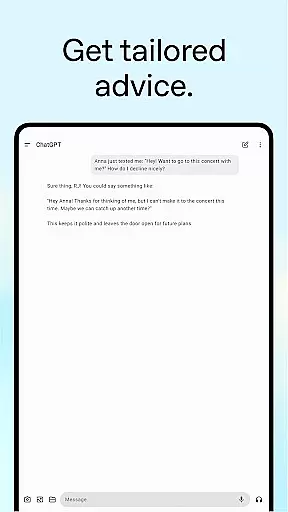
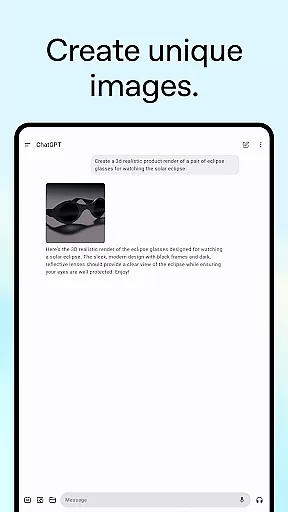
ChatGPT for Android offers a versatile productivity tool that brings OpenAI's advanced language model to your mobile device. The app allows users to generate original images, engage in real-time conversations, and upload photos for analysis or transcription. With features like Advanced Voice Mode and Photo Upload, it supports both personal and professional tasks.
The application syncs history across devices, ensuring seamless access to past interactions. Whether you need creative inspiration, tailored advice, or instant answers, ChatGPT is designed to assist with a wide range of queries and tasks, making it an invaluable tool for enhancing productivity on the go.
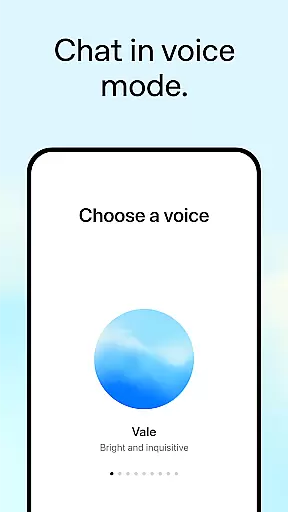
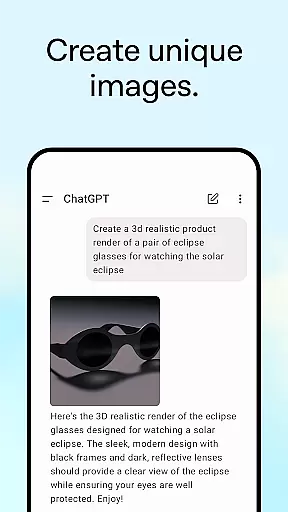
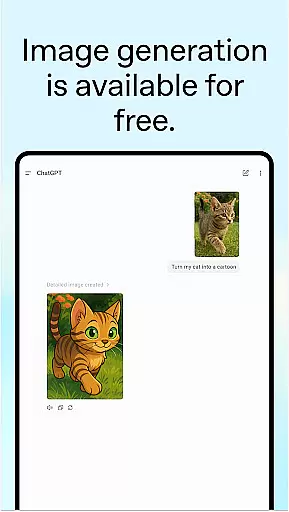
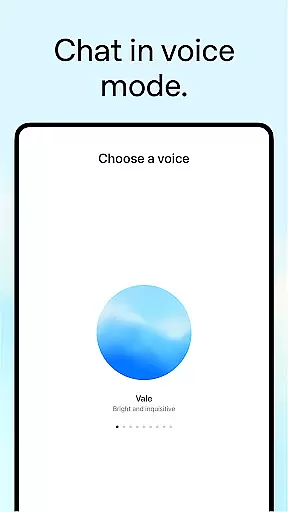
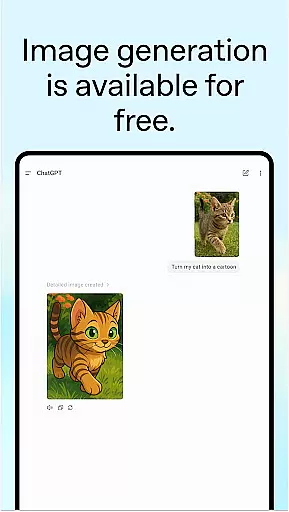
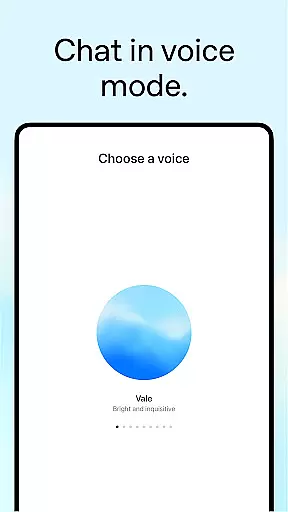
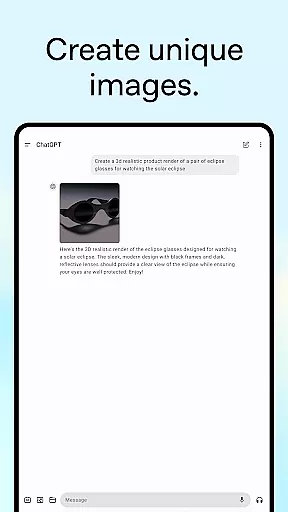
ChatGPT stands out with its diverse feature set tailored for productivity. The Image Generation capability lets users create visuals from descriptions or modify existing images effortlessly. Advanced Voice Mode facilitates natural conversations, allowing users to resolve debates or practice languages in real-time.
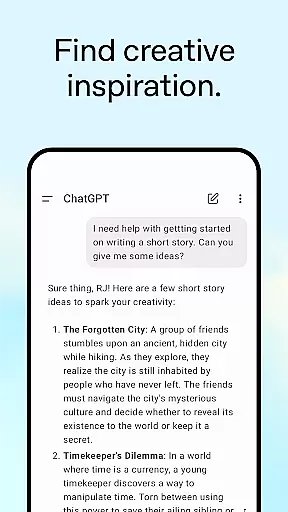
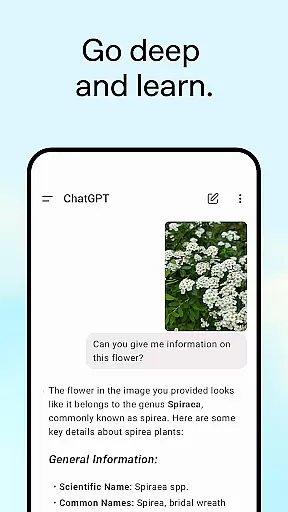
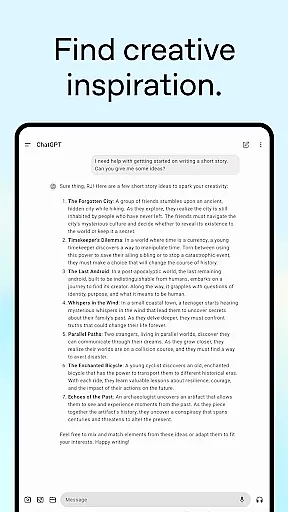
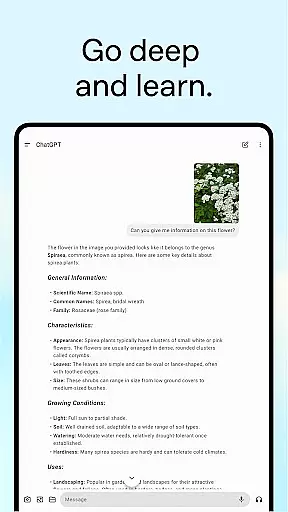
With Photo Upload, users can transcribe handwritten notes or identify landmarks by simply snapping a picture. The app also excels in providing creative inspiration, personalized learning experiences, and professional input such as marketing ideas or business strategies. These robust features make ChatGPT a comprehensive solution for various productivity needs.
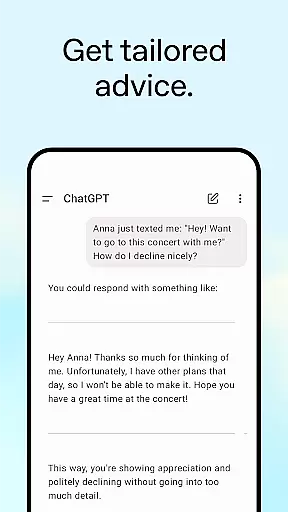
Task management is a cornerstone of productivity applications, and ChatGPT excels in providing users with tools to organize their work efficiently. This app allows you to settle debates, practice languages, and even transcribe handwritten recipes by uploading images.
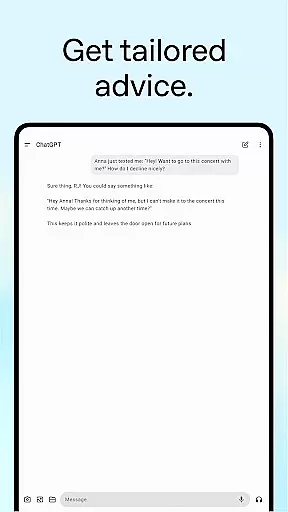
The advanced voice mode enables real-time conversations that can assist in managing your tasks on the go. Whether it's crafting detailed travel itineraries or getting help with responses, ChatGPT offers tailored advice that makes task management more intuitive.
Moreover, the app provides personalized learning experiences and professional input which are crucial for effective task management. By explaining complex topics in simple terms or brainstorming marketing strategies, ChatGPT ensures that each user's workflow is not only organized but also optimized for their specific needs.
Cross-device synchronization is vital for users who operate across multiple platforms, ensuring that their data and history are accessible wherever they go. ChatGPT offers reliable syncing capabilities, allowing users to access their information seamlessly from any device.
This feature supports continuity in productivity by maintaining an up-to-date record of interactions and generated content. Users can start a conversation or generate an image on one device and continue right where they left off on another, without missing a beat.
With its official app being free and committed to bringing the latest advancements from OpenAI, ChatGPT guarantees that all your devices are in sync. This reliability empowers users to integrate this tool into their daily routines confidently, knowing their work is always up-to-date and available at their fingertips.
User-friendly interface
Versatile functionality
Real-time assistance
Cross-device syncing
Advanced AI capabilities
Limited offline functionality
Requires stable internet
Premium features may cost extra
Privacy concerns with photo uploads
Occasional response latency

A customizable calendar for your Wear OS watch
 4.20
4.20
When you Focus, so will your Bean in this cozy focus timer
4.30
All in one sketching tool. Technical and General drawing. Online Maps support.
3.70
Absolutely the best CNC machinist speed and feed calculator around. fswizard.com
4.60
Remotely view listen control and record cameras.
3.70
App lock - lock apps with fingerprint, password, pin or pattern, protect privacy
4.70
Subscribe to Webcal & .ics calendars and keep them up-to-date!
4.50
Simple notepad & memo. Take notes, to-do list, shopping list with reminders.
4.80
AI Chatbot and AI writing assistant powered by ChatGPT.
4.60
Mind Map and brainstorm, note taking and idea collection
4.80
Scan paperwork into PDF/JPG, generate your own e-signature and send fax or email
4.70
Experience Reading - Night Mode for Documents
4.40
Enjoy classic gameplay with customizable features and retro-style graphics.
4.30
Font maker keyboard with your own handwriting
4.10
* block pre-roll ads, pop-up and forced redirect ads * Samsung certification app
4.00
Experience and share your SolidWorks designs on your Android® phone and tablet.
2.50
Easiest event planning, volunteer signups & parent teacher conference scheduling
2.20
AI Video AI Image Private LLM AI Browser Llama Gemma Ollama Connect LLM Studio
4.0
A comprehensive suite of tools designed specifically for Lactation Consultants
4.0


User Reviews