

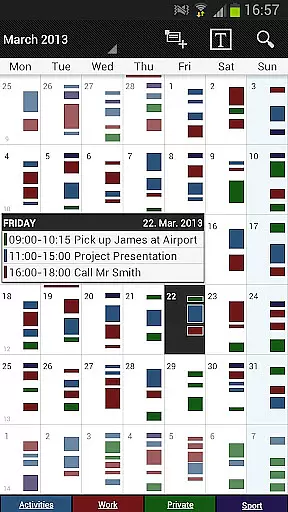
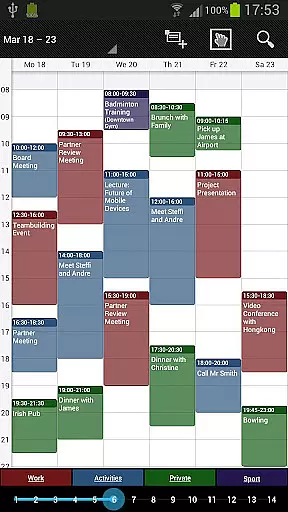
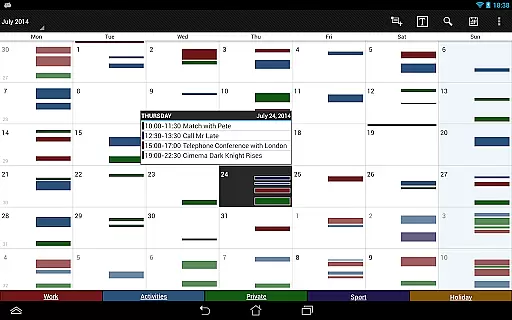
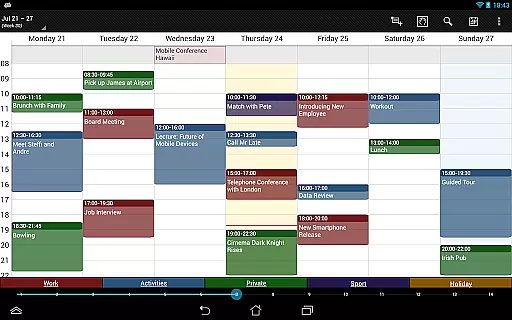
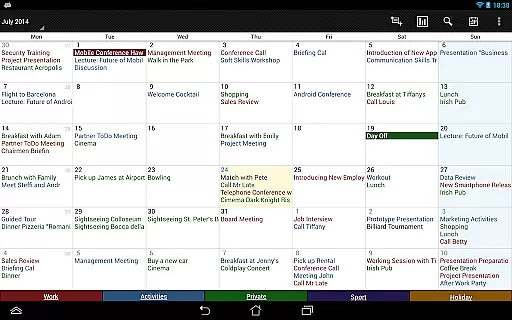
Business Calendar Pro is a comprehensive productivity tool designed for professionals who need an efficient way to manage their schedules. The app offers an intuitive interface that provides an excellent overview of appointments, making it easy to create and manipulate events. With its powerful customization options, users can adapt views and widgets to suit their preferences, ensuring a personalized experience.
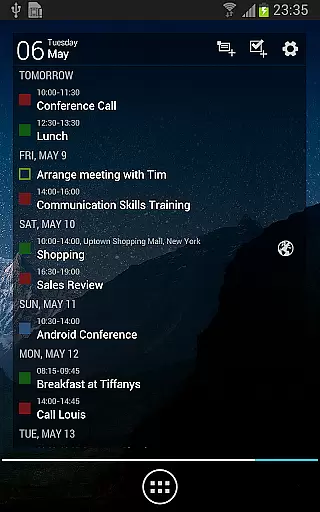
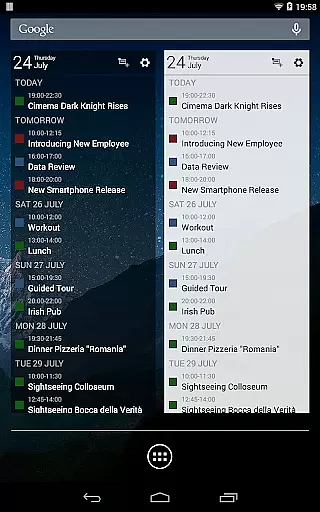
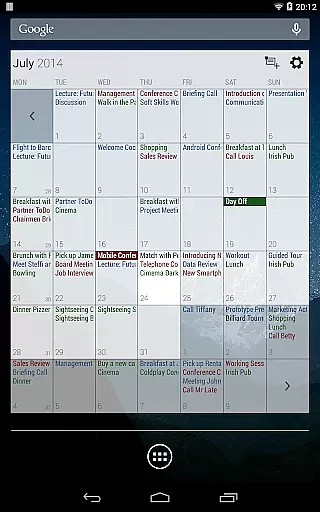
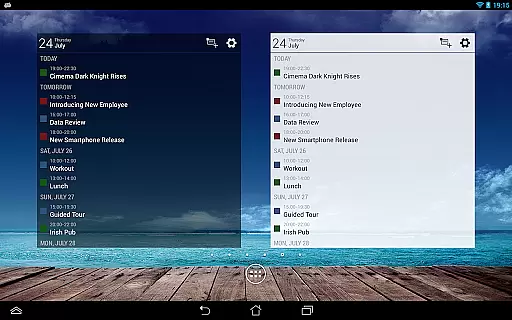
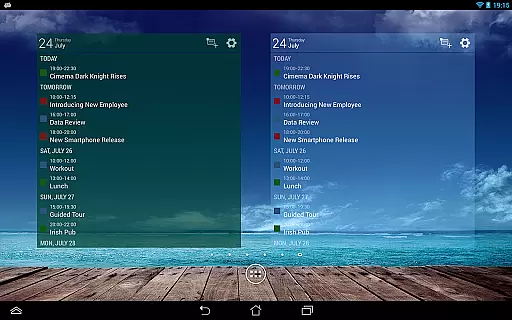
The app stands out with features like the Quick Day View for daily event summaries, smooth scrolling and zooming for better interaction, and professional widgets for different calendar views. It supports synchronization with Google Calendar, Microsoft Outlook, and Exchange, offering flexibility for both personal and business use. Whether you're managing simple tasks or complex recurrent events, Business Calendar Pro delivers the tools needed to stay organized and productive.
Business Calendar Pro boasts an impressive array of features that cater to diverse scheduling needs. One of its key strengths is the ability to customize every detail, from individual reminders with vibration and sounds to adjustable font sizes for the app and widgets. This level of personalization ensures users can tailor the app to fit their unique workflow.
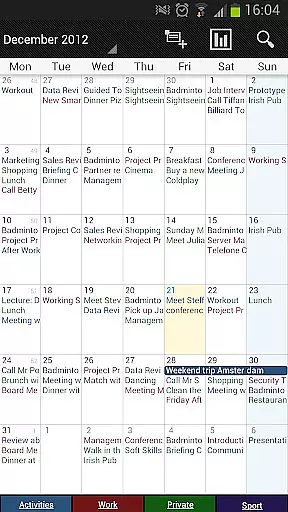
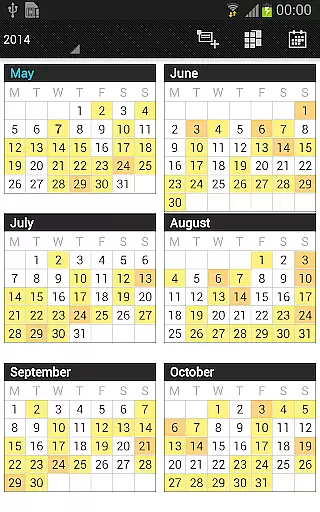
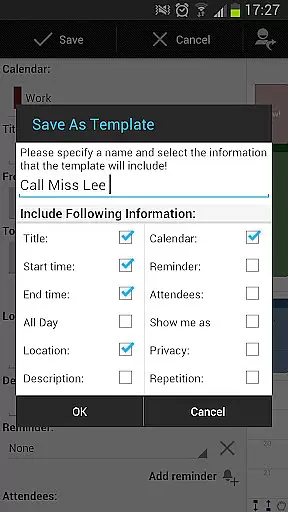
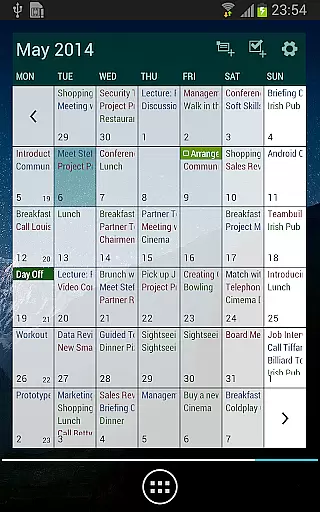
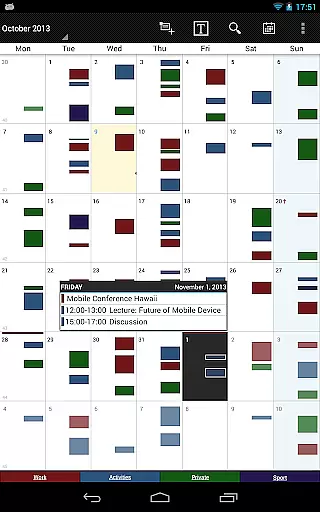
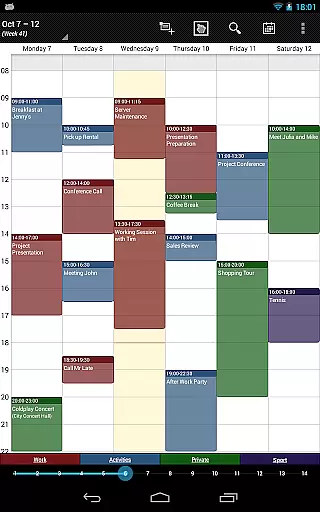
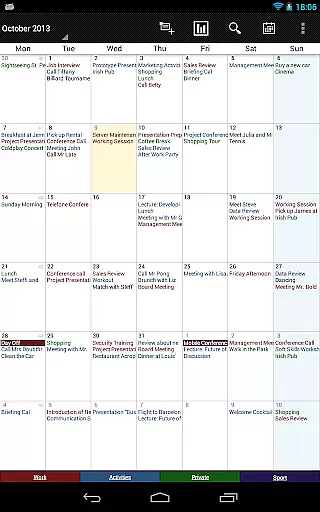
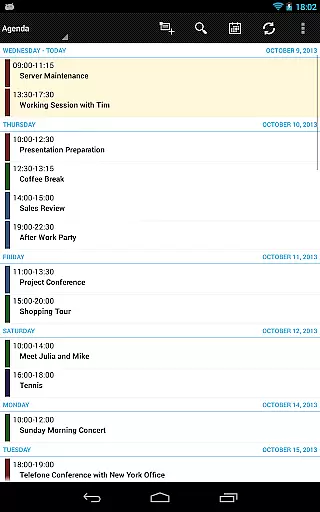
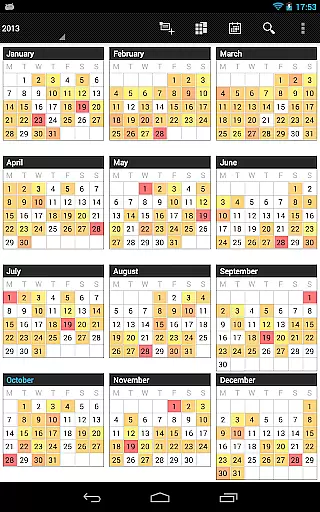
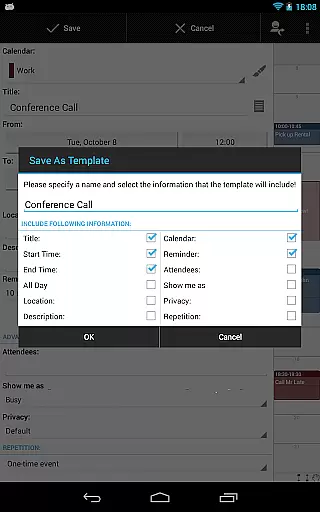
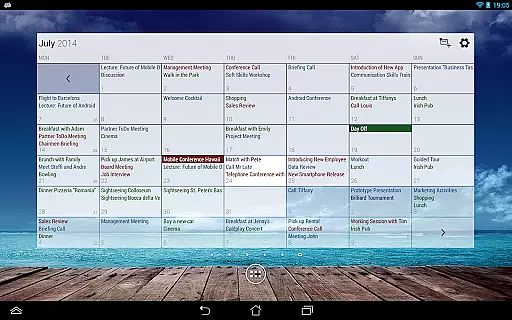
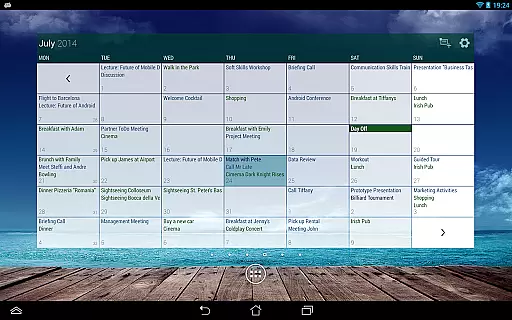
In addition to standard month, week, and day views, the app offers advanced functionalities such as color-coded year views, multi-day views, and easy switching between timeline bars and event titles. The pro version includes exclusive features like contact management, customizable templates, and drag-and-drop functionality in multi-day views. These robust tools, combined with task management integration and comprehensive reminder systems, make Business Calendar Pro an indispensable tool for power users seeking maximum control over their schedules.
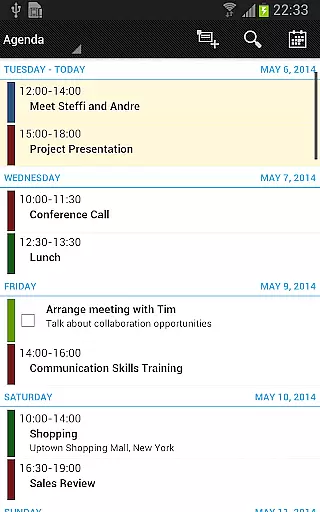
Task management is a cornerstone of productivity applications, and Business Calendar Pro excels in this area. The app provides users with comprehensive tools to manage their schedules effectively.
With features like individual reminders, adjustable font sizes, and color-coded views, the app ensures that users never miss an important event. The ability to sync with Google Calendar, Microsoft Outlook, and Exchange enhances its utility by integrating seamlessly into professional workflows.
Users benefit from advanced functionalities such as multi-selection for bulk editing, drag-and-drop for easy event manipulation, and customizable templates for recurring events. These features collectively streamline task management, making it intuitive and efficient.
The inclusion of a tasks add-on further enriches the experience by allowing synchronization with Google Tasks and Toodledo, ensuring that both calendar events and task lists are always up-to-date and accessible.
Cross-device synchronization is vital for users who rely on multiple devices throughout their day. Business Calendar Pro addresses this need with robust synchronization capabilities.
The app supports synchronization with various calendar systems including Google Calendar, Microsoft Outlook, and Exchange. This ensures that all your devices reflect the most current information, providing a seamless experience across smartphones, tablets, and computers.
Reliability is enhanced through context-sensitive help and professional widgets that offer real-time updates. Users can trust that their data remains consistent and accurate, regardless of the device they are using.
Additionally, the app's import and export functionality allows quick backups and transfers of calendar data in .ics format, adding another layer of reliability and convenience for managing schedules across different platforms.
User-friendly interface
Highly customizable
Advanced widget options
Comprehensive task management
Flexible synchronization
Paid application
Complex for beginners
Occasional sync issues
Limited free version
Resource-intensive


Take control of your clipboard with Clipper!
 3.90
3.90
Unlock AutoNotification
4.00
8 custom complications. Custom Time Fonts. Beautiful color schemes. A++ Design.
5.00
Remotely view listen control and record cameras.
3.70
⏰ Finally a timer app which can run multiple timers simultaneously on your watch
3.90
Font maker keyboard with your own handwriting
4.10
Access, manage and transfer files on Android, PC, Mac, NAS and cloud storages.
4.30
Understand anything with a personalized AI research assistant
4.80
Seamlessly read, manage, and organize all your PDF files solution in one place
4.40
Great calculator for Android named one of USA TODAY's "25 Essential Apps".
4.90
Protect and view your important info on your phone and tablet with eWallet®
4.80
The long-awaited modern gallery app for your Nextcloud server
4.70
Planet Free VPN - The best Fast Unlimited and Secure VPN Without Logs
4.50 4.20
4.20
Todo reminder
4.10
Cloud storage, automatic phone backup, and more.
4.10
Create and edit presentations with Google Slides, part of Google Workspace.
4.00
Ultimate Virtual AI Character for immersive Roleplay Chat. Perfect Companion
3.90
A comprehensive suite of tools designed specifically for Lactation Consultants
4.2

User Reviews