

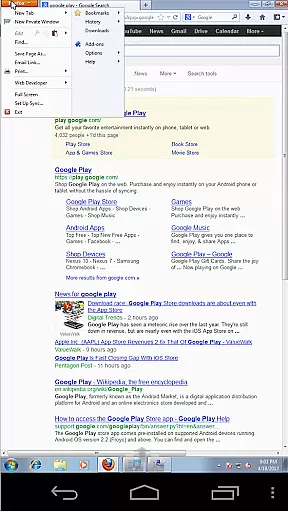
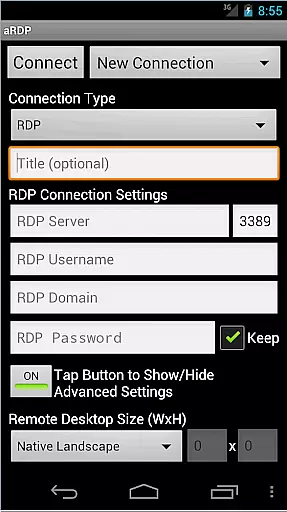
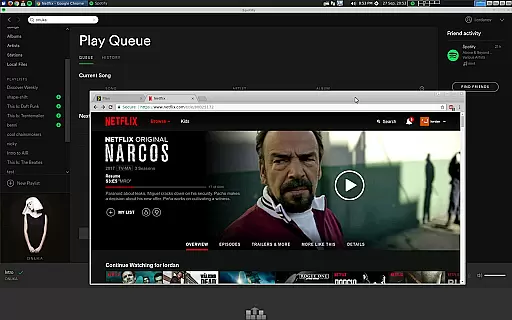
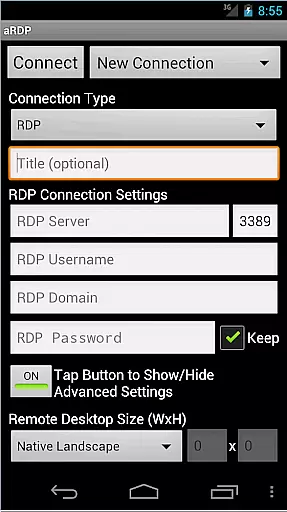
aRDP Pro is a premier open-source Remote Desktop Protocol (RDP) client, offering secure and versatile remote desktop control. It leverages the robust FreeRDP library to enable users to connect to Windows and Linux systems effortlessly.
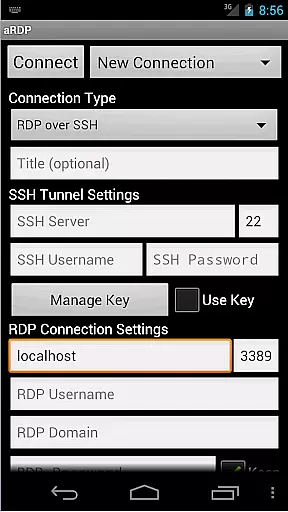
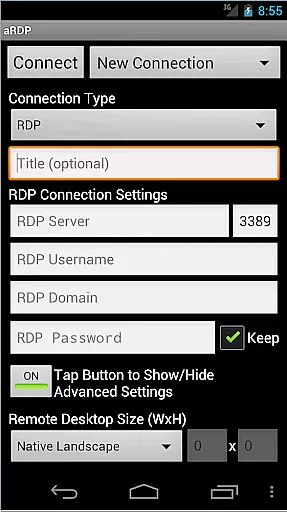
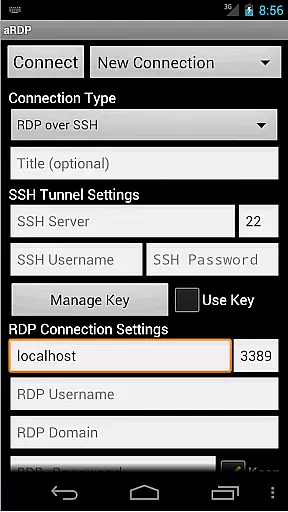
With features like SSH tunneling, sound redirection, and multi-touch controls, it ensures a seamless and interactive remote session experience. The app supports various configurations including RDP Gateway, console mode, and dynamic resolution changes, making it adaptable to different user needs.
Whether for professional IT management or personal use, aRDP Pro provides reliable access to remote computers, enhancing productivity by allowing full desktop control from Android devices.
aRDP Pro stands out with its comprehensive feature set tailored for productivity. It offers multi-factor authentication and master password capabilities, ensuring secure connections to remote desktops.
The app supports advanced functionalities such as RDP file support, SD card redirection, and fine-tuned session styling. These features allow users to customize their remote access experience according to their specific requirements.
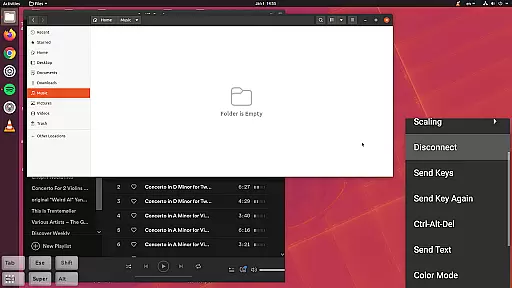
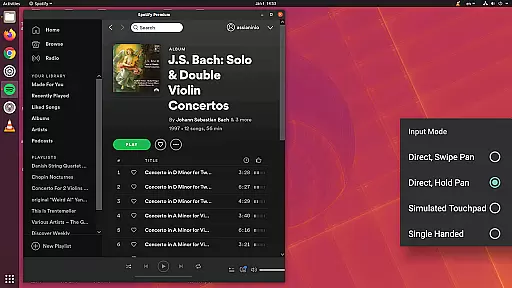
Additionally, aRDP Pro includes UI optimizations for various Android devices, multi-language support, and innovative input methods like simulated touchpad modes, maximizing both accessibility and efficiency.
In the realm of remote desktop applications, aRDP Pro excels in core task management by offering users comprehensive control over their remote sessions. This is achieved through an array of features that cater to both basic and advanced user needs.
The application provides dynamic resolution changes, allowing users to reconfigure their desktop environments on-the-fly while maintaining an active connection. This ensures that productivity is not hindered by fixed settings and enables seamless interaction with virtual machines from BIOS to operating system level.
Additionally, aRDP Pro supports multi-touch gestures for intuitive mouse control, including pinch-zooming, scrolling with two-finger drag, and distinct tap actions for left, right, and middle clicks. These touch controls are essential for efficient task execution on touchscreen devices.
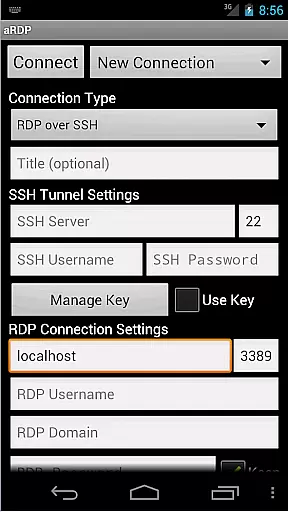
With its support for SSH tunneling, RDP Gateway, and various authentication methods including MFA/2FA, the app secures connections while enabling access to machines behind firewalls. This security-minded approach to task management ensures that users can safely perform their duties without compromising sensitive data or system integrity.
aRDP Pro demonstrates exceptional cross-device synchronization reliability, ensuring that users experience consistent performance whether they're using smartphones or tablets. The application's adaptive UI optimizes display and functionality across different screen sizes, providing a uniform experience.
One of the key features contributing to this reliability is automatic connection session saving. Users can seamlessly switch between devices without losing their place or having to re-establish connections manually. This feature particularly benefits professionals who utilize multiple devices throughout their workday.
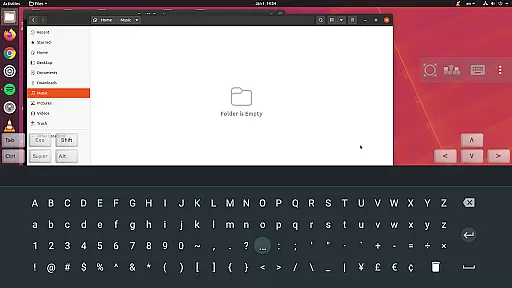
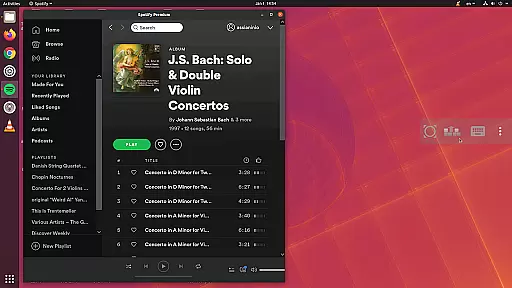
The app also maintains full desktop visibility even when the soft keyboard is extended, preventing accidental obstructions during critical tasks. Furthermore, Samsung multi-window support allows for productive multitasking without sacrificing usability or performance.
By implementing robust protocols like FreeRDP and supporting various color depths, aRDP Pro guarantees reliable visual fidelity across devices. This consistency in display quality ensures that users receive accurate representations of their remote desktops regardless of the device they choose to use.
Secure SSH connections
Multi-touch controls
Dynamic resolution adjustment
Comprehensive feature set
Open-source software
No iOS version available
Complex setup for beginners
Limited Windows 10 Home support
Occasional connectivity issues
Advanced features require technical knowledge
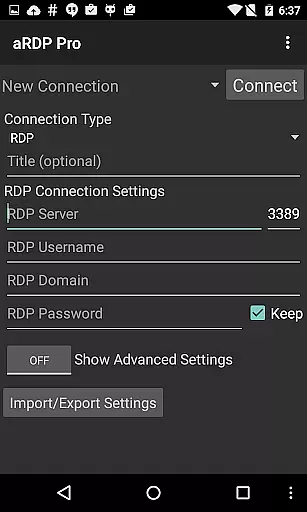
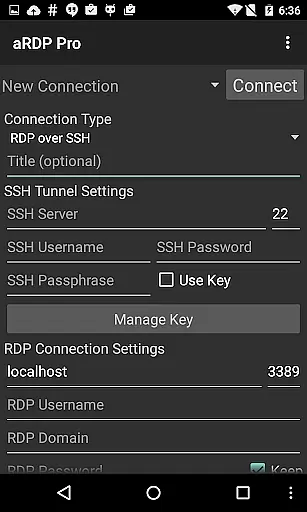
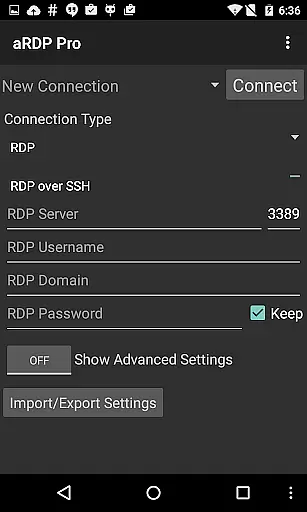
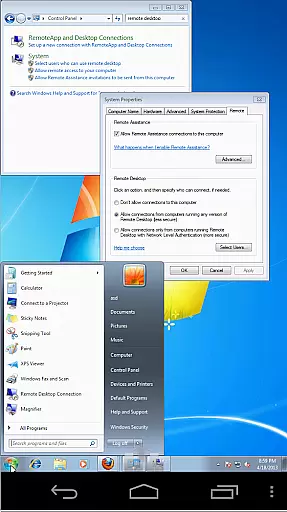
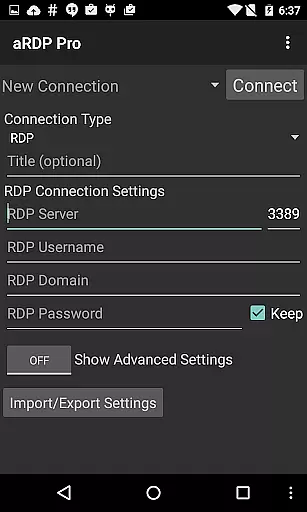
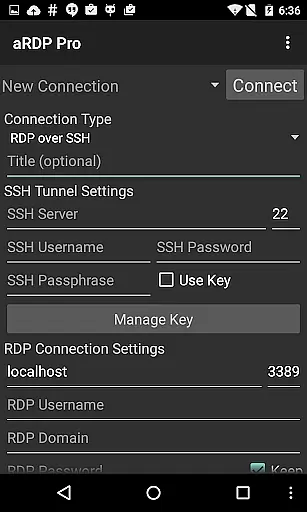
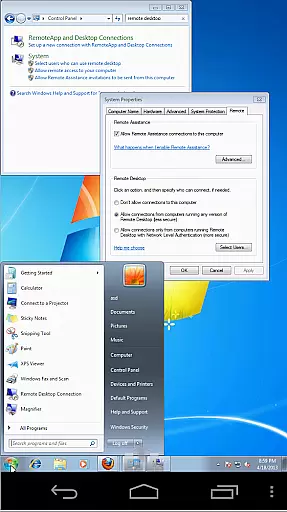
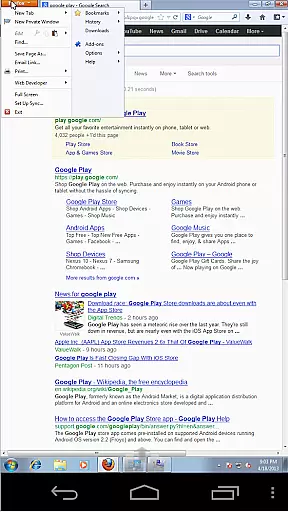
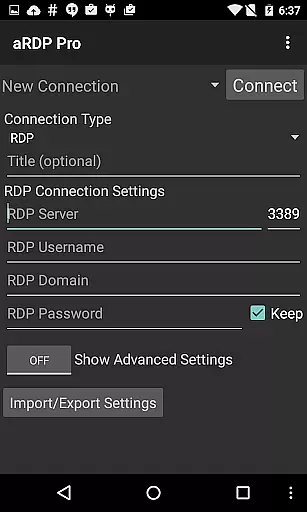
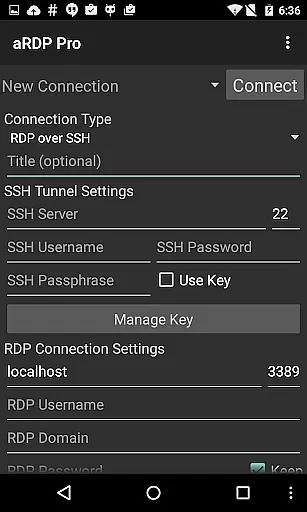
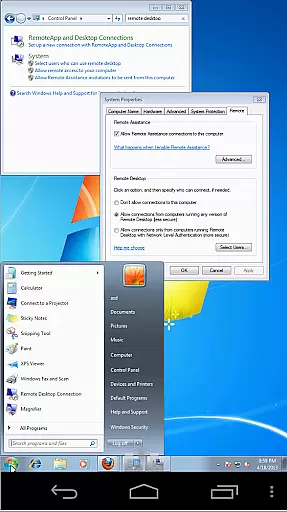
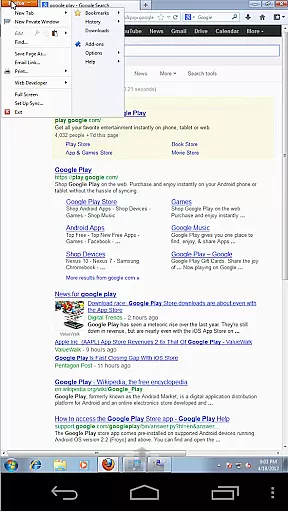

Total remote control for your Android device, PC and cloud services (IFTTT)!
 4.20
4.20
8 custom complications. Custom Time Fonts. Beautiful color schemes. A++ Design.
5.00
aCalendar+ makes your day, week and month
4.70
Todo reminder
4.10
Fill, sign & send docs, forms, agreements & contracts via electronic signature.
4.50
Calendar 2023 widget for Android. Appointment scheduler, planner, and reminder
4.60
A Pixel Art watchface inspired by other iconic 90s designs for Wear OS devices!
4.40
This small app MUST BE INSTALLED after purchase, else license won't work
4.40
Scan paperwork into PDF/JPG, generate your own e-signature and send fax or email
4.70
Seamlessly integrate data and reports to build your presentation to impress
4.80
Mind Map and brainstorm, note taking and idea collection
4.80
Absolutely the best CNC machinist speed and feed calculator around. fswizard.com
4.60
Docker, Kubernetes management over Portainer Mobile
4.40
Automates browsing any website and notifies you of important changes or events
4.30
Professional calendar app for Google Calendar, MS Outlook & Exchange
4.20
Pwnagotchi companion app
4.20
Device's storage information in a simple and clear graphical form (infographics)
4.10
Mega cloud explorer plugin for Solid Explorer
3.80
Easiest event planning, volunteer signups & parent teacher conference scheduling
2.20


User Reviews