

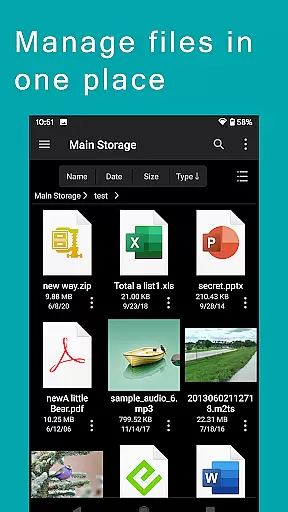
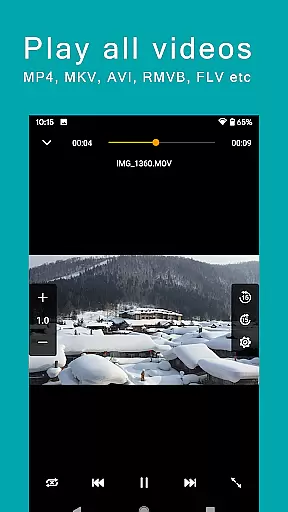
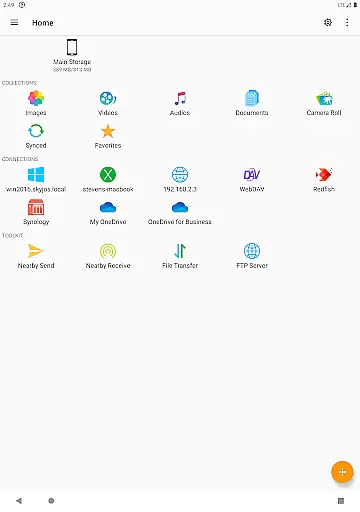
FE File Explorer Pro is a versatile file management application designed for both Android and iOS users. This app allows you to access local files on your device as well as remote files stored on computers, NAS systems, and various cloud storage services. With its powerful transfer capabilities, you can move files between any locations seamlessly. Stream multimedia content such as movies and music directly to your mobile devices and manage documents, photos, and other files without the need for downloading.
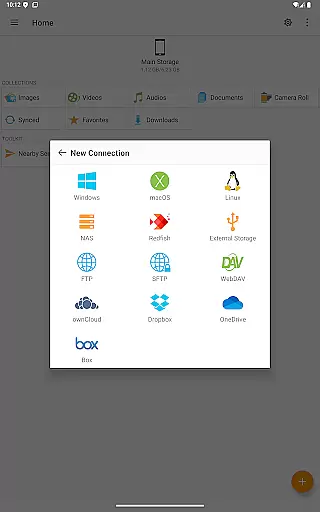
The app supports multiple protocols including SMB/CIFS, WebDAV, FTP, and SFTP, enabling connectivity with macOS, Windows, Linux, and NAS devices. It also integrates with popular cloud services like OwnCloud, Dropbox, OneDrive, and OneDrive for Business. Whether you're editing documents in place or managing media files, FE File Explorer Pro provides an intuitive interface that enhances productivity.
For professionals who require efficient file handling on the go, this app offers a comprehensive solution by combining robust file management features with user-friendly accessibility. Its ability to sync files, backup photos, and transfer data between different storage types makes it an essential tool for anyone looking to streamline their digital workflow.
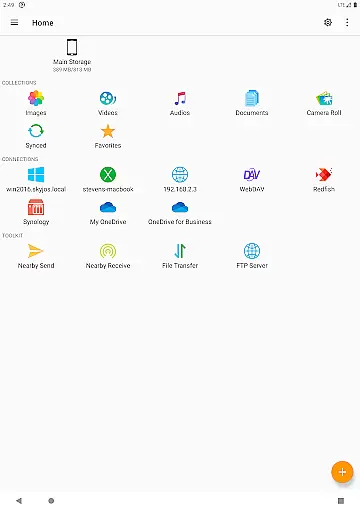
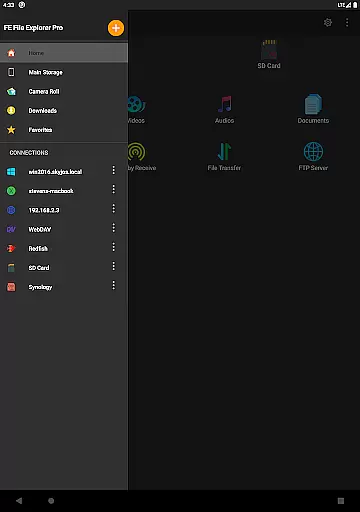
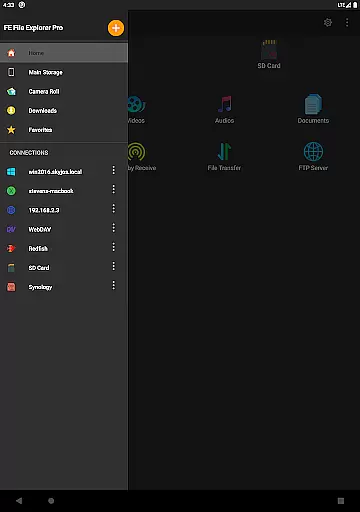
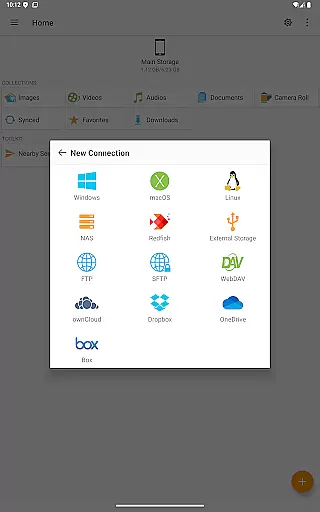
One of the standout features of FE File Explorer Pro is its extensive connectivity options. The app supports SMB/CIFS protocol for accessing network shares on macOS, Windows, Linux, and NAS systems. Additionally, it connects to WebDAV, FTP, and SFTP servers, providing unparalleled flexibility in file management. Cloud storage integration includes services like OwnCloud, Dropbox, OneDrive, and OneDrive for Business, ensuring that all your files are accessible from a single platform.
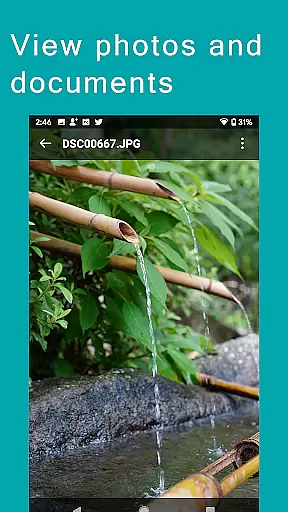
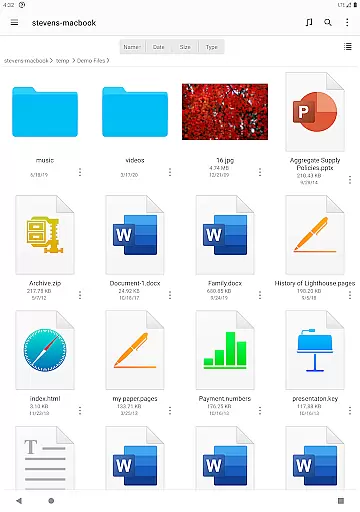
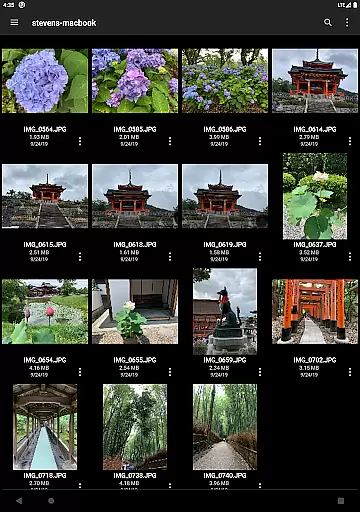
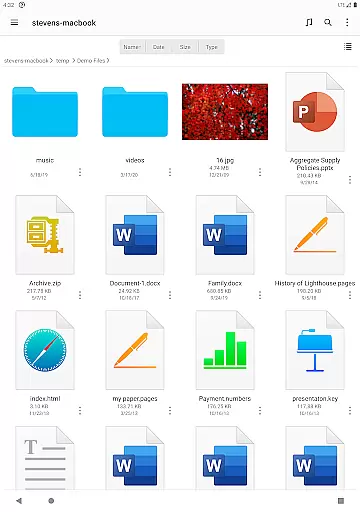
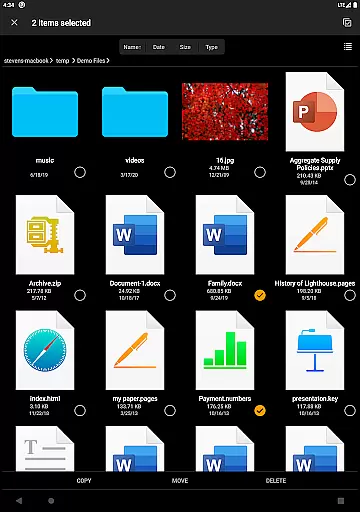
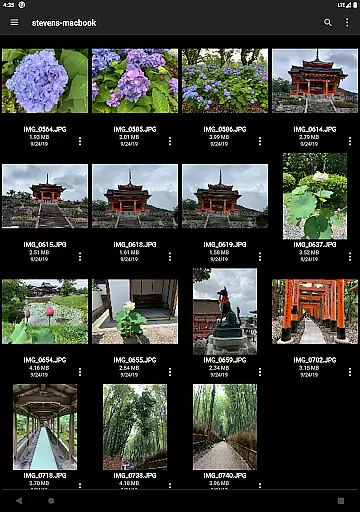
FE File Explorer Pro excels in functionality with capabilities such as automatic discovery of computers and NAS when setting up new connections. It supports Windows Domain, Active Directory, and DFS, making it suitable for enterprise environments. Users can perform essential file operations like copy, move, rename, and delete directly on their Android devices. The app also supports viewing documents, browsing images, and playing multimedia files.
Innovative features like Edit-in-Place allow users to modify documents located on remote storage using another app, with changes saved automatically. The app handles archive formats like ZIP, RAR, and 7zip, and includes a search function for quickly locating files by name. Streaming capabilities enable users to enjoy multimedia content from remote storages on their Android devices. With functionalities for syncing, transferring, and backing up files, FE File Explorer Pro stands out as a comprehensive productivity tool.
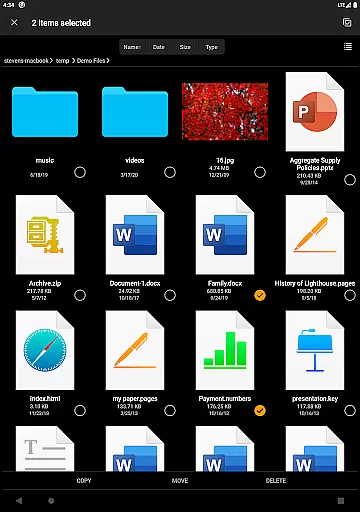
FE File Explorer Pro excels in core task management by offering a comprehensive suite of tools for file handling. This includes the ability to copy, move, rename, and delete files directly on your Android device. Such features ensure that users can efficiently manage their documents, photos, and other file types without any hassle.
The app also supports editing documents located on remote storage directly within another app through its Edit-in-Place feature. Once you're done editing, FE File Explorer will automatically save the changes back to the remote storage, streamlining your workflow and ensuring that all your modifications are updated across devices.
Additionally, the app provides powerful archive and unarchive capabilities for ZIP, RAR, and 7zip files. This means you can easily compress or extract files as needed, making it simpler to organize and transfer large volumes of data. With these robust task management features, FE File Explorer Pro empowers users to handle their files with precision and ease.
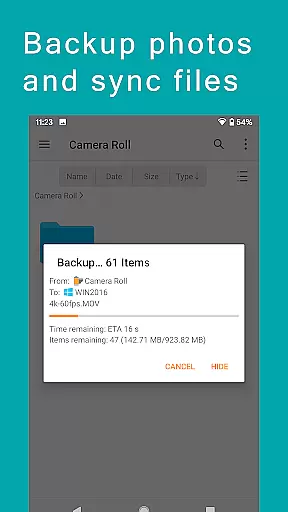
Cross-device synchronization is a standout feature of FE File Explorer Pro, allowing seamless file transfers between various storage locations. Whether you need to sync files from your computer, NAS, or cloud storage to your Android device, this app ensures reliable and efficient data synchronization.
One notable capability is the automatic discovery of computers and NAS when setting up new connections, which simplifies the process of linking different devices. The app supports protocols like SMB/CIFS, WebDAV, FTP, and SFTP, providing versatile options for accessing network shares on macOS, Windows, Linux, and NAS systems.
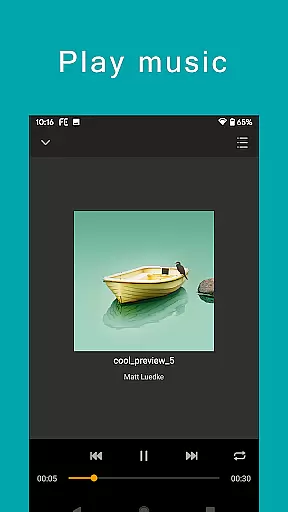
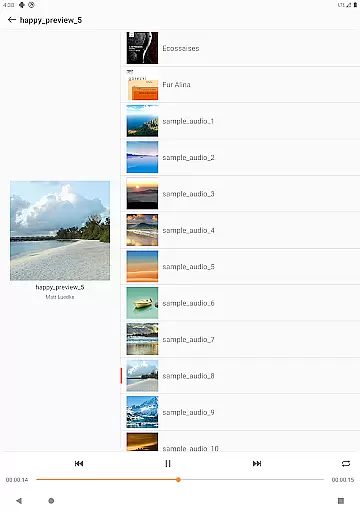
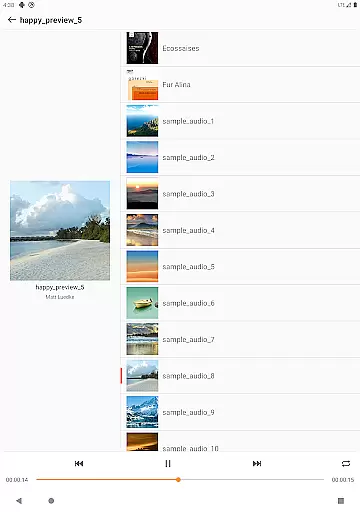
Moreover, FE File Explorer Pro enables users to stream movies and music from remote storages directly to their Android devices and even backup camera photos to remote storage. These functionalities highlight the app's commitment to delivering a dependable cross-device experience, ensuring that your files are always accessible wherever you are.
User-friendly interface
Wide range of supported protocols
Robust cloud integration
Efficient file management tools
Seamless multimedia streaming
Premium version required
Occasional connection issues
Limited free features
Advanced settings may overwhelm beginners
Interface could be more visually appealing



Experience Reading - Night Mode for Documents
 4.40
4.40
8 custom complications. Custom Time Fonts. Beautiful color schemes. A++ Design.
5.00
Pwnagotchi companion app
4.20
aCalendar+ makes your day, week and month
4.70
Activate Two Factor Authentication (2FA or Multi OTP), Password manager and more
4.10
The AI assistant that thinks with you - write, code, and solve complex tasks
4.60
All document reader, all in one file viewer read PDF, DOCX, XLS, PPT, TXT files.
4.60
Translate text/voice/photos in 150+ languages. Offline & fast translator app.
4.50
Subscribe to Webcal & .ics calendars and keep them up-to-date!
4.50
Best Tool for the professionals Electrician, Electrical contractors, etc.
4.90
The long-awaited modern gallery app for your Nextcloud server
4.70
To do list widget with a notebook organizer, checklist, simple shopping list
4.60
This small app MUST BE INSTALLED after purchase, else license won't work
4.40
Professional calendar app for Google Calendar, MS Outlook & Exchange
4.20
Todo reminder
4.10
Font maker keyboard with your own handwriting
4.10
Cloud storage, automatic phone backup, and more.
4.10
Unlock AutoNotification
4.00
Create and edit presentations with Google Slides, part of Google Workspace.
4.00


User Reviews