

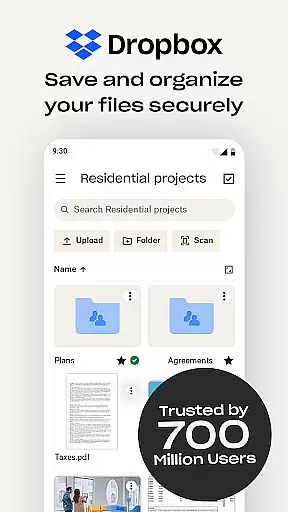
Dropbox is a leading cloud storage solution that allows users to securely backup, access, and manage their essential files from any location. With over 700 million registered users globally, it provides reliable and private file management for individuals and teams. The app supports automatic photo uploads, offline file access, and easy sharing of large files through simple links.
The service offers advanced features such as document scanning, version history, and file recovery, making it an ideal tool for both personal and professional use. Dropbox ensures seamless synchronization across devices, including PC and Mac, while maintaining top-notch security standards. Its user-friendly interface and powerful functionality make it a go-to choice for managing digital content efficiently.
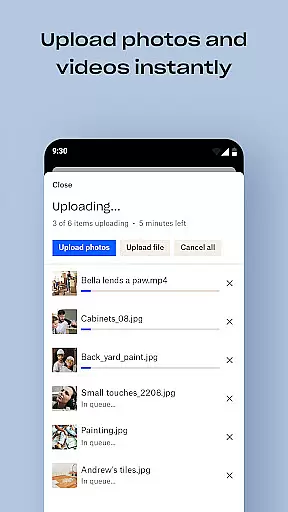
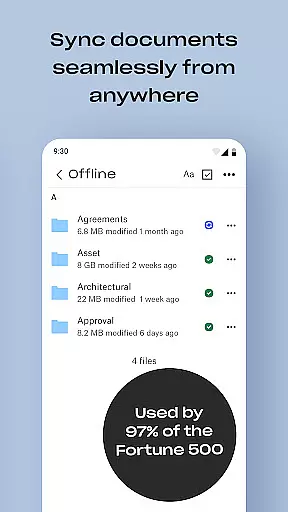
Dropbox stands out with its comprehensive feature set tailored for productivity. The app automatically uploads photos from your camera roll to cloud storage, enabling effortless photo sharing. It allows users to access any file in their account even when offline, with support for previewing over 175 different file types without requiring special software.
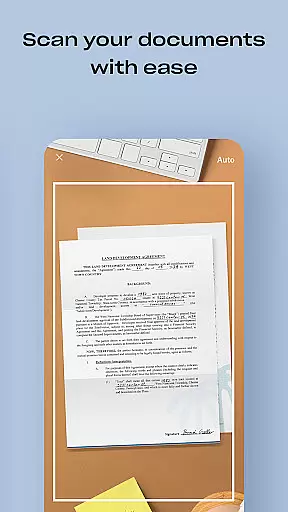
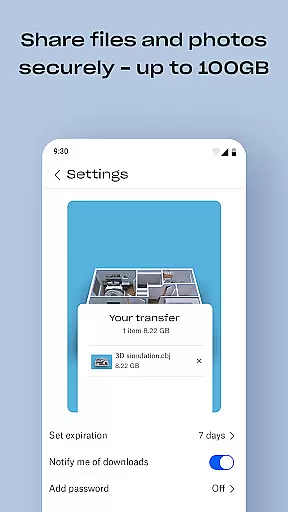
Sharing large files is simplified by generating shareable links, accessible to anyone regardless of whether they have a Dropbox account. Additional capabilities include document scanning, transforming images into high-quality PDFs, and syncing folders on your computer with the cloud. Dropbox Plus subscribers benefit from enhanced features like password management, secure vaults for sensitive documents, and the ability to rewind changes for up to 30 days.
Dropbox excels in core task management by offering a seamless experience for organizing, accessing, and sharing files. The app allows users to automatically upload photos and documents, access files offline, and preview various file types without needing special software.
With its intuitive interface, Dropbox makes it easy to manage tasks such as backing up essential files, scanning documents, and transforming them into high-quality PDFs. This functionality ensures that users can efficiently handle their digital content without hassle.
The ability to sync folders on your PC or Mac and recover older versions of files adds another layer of task management efficiency. Users can easily maintain version history and recover deleted files, ensuring no data is ever lost.
By integrating features like Dropbox Passwords, Vault, and Rewind, the app further enhances task management. These tools allow users to store passwords, secure sensitive documents, and roll back files or folders, providing comprehensive control over their data.
Cross-device synchronization is a cornerstone of Dropbox's reliability, enabling users to access their files from any location and at any time. With over 700 million registered users, Dropbox has perfected the art of keeping data consistent across multiple devices.
The app ensures that files are updated in real-time across all linked devices, whether you're using a PC, Mac, or mobile device. This synchronization process is seamless and reliable, allowing users to continue their work uninterrupted, regardless of the device they are using.
Moreover, Dropbox's camera upload feature automatically transfers photos from your camera roll to cloud storage, making them available everywhere. This feature not only saves storage space on your devices but also guarantees that your precious memories are safely backed up.
Security is paramount, and Dropbox employs robust encryption methods to protect data during transfer. This ensures that cross-device synchronization does not compromise the privacy and security of user information, maintaining trust and reliability.
User-friendly interface
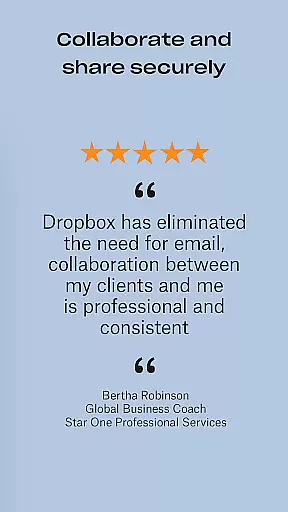
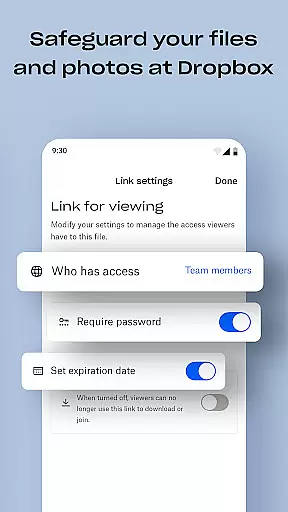
Secure file sharing
Offline file access
Automatic photo backup
Cross-device sync
Limited free storage
Paid subscription required
Occasional sync issues
High cost for extra space
No built-in editor

The long-awaited modern gallery app for your Nextcloud server
 4.70
4.70
A simple, portable logger for POTA, SOTA, Field Day, and more
4.3
Multilingual translator for text, voice, and image translation!
4.90
ID.me Authenticator is a simple and free Two Factor Authentication solution
3.50
Calendar 2023 widget for Android. Appointment scheduler, planner, and reminder
4.60
This small app MUST BE INSTALLED after purchase, else license won't work
4.40
Ultimate Virtual AI Character for immersive Roleplay Chat. Perfect Companion
3.90
Seamlessly read, manage, and organize all your PDF files solution in one place
4.40
Set up, print, and get support—in one place
4.20
Protect and view your important info on your phone and tablet with eWallet®
4.80
A beautiful digital clock with autostart and many other functions
4.70
App Lock with fingerprint, password: Lock apps & hide photos with lock screens
4.60
Planet Free VPN - The best Fast Unlimited and Secure VPN Without Logs
4.50
When you Focus, so will your Bean in this cozy focus timer
4.30
Take control of your clipboard with Clipper!
3.90
⏰ Finally a timer app which can run multiple timers simultaneously on your watch
3.90
All in one sketching tool. Technical and General drawing. Online Maps support.
3.70
Remotely view listen control and record cameras.
3.70
Easiest event planning, volunteer signups & parent teacher conference scheduling
2.20


User Reviews