

Clock Launcher is a productivity-focused app that combines an alarm clock with a launcher interface, providing users with instant access to essential time management tools. The app allows you to check the time in any city, set alarms, reminders, and timers, all from your home screen.
With its unique launcher functionality, Clock Launcher transforms your home screen into a hub for managing your day efficiently. Whether you need to wake up on time, track international time zones, or set reminders for important tasks, this app offers a comprehensive solution for staying organized and punctual.
This app is particularly useful for frequent travelers, professionals with international meetings, and anyone who values efficient time management. By integrating multiple time-related functions into one accessible interface, Clock Launcher helps users maintain a consistent routine while offering customization options like wallpapers and widgets.
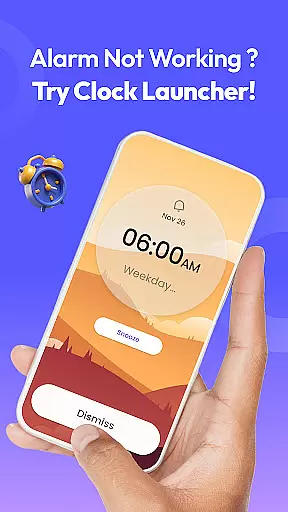
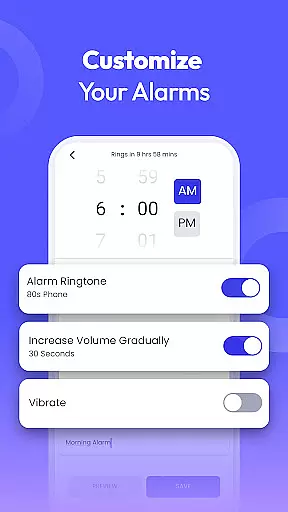
Clock Launcher stands out with its diverse range of features designed to enhance productivity. First and foremost, it provides a customizable alarm clock that allows users to set daily or weekly alarms, choose from different tones, and adjust snooze durations. This ensures that users can tailor their wake-up experience to fit their personal preferences.
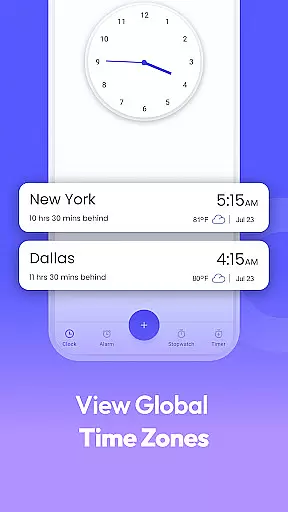
In addition to the alarm clock, the app includes a world clock feature for tracking time across different cities, making it ideal for travelers and professionals managing international schedules. Users can also take advantage of the reminder system to keep track of appointments, flights, and events, ensuring they never miss an important deadline.
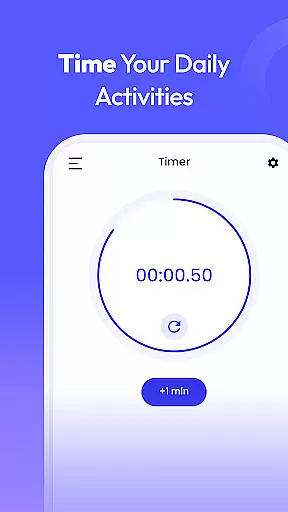
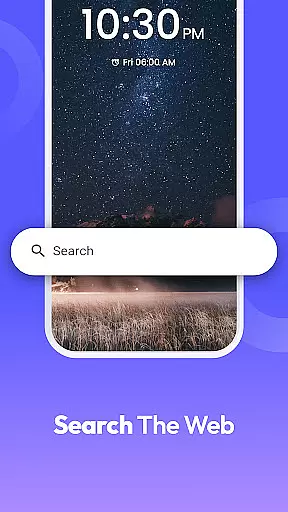
The app further enhances productivity with its timer and stopwatch functionalities, perfect for cooking, workouts, or monitoring tasks. With multi-touchpoint search capabilities and home screen shortcuts, Clock Launcher streamlines access to these tools, allowing users to manage their time effectively without navigating through multiple menus.
At the heart of Clock Launcher lies its robust core task management system, designed to streamline your daily routine. This feature allows users to effortlessly set alarms, reminders, and timers, ensuring they stay on top of their schedules without any hassle.
The app's intuitive interface makes it simple to manage various time-related tasks from a single access point. Whether you need to wake up early, remember an important meeting, or time your cooking perfectly, Clock Launcher has got you covered with its comprehensive suite of tools.
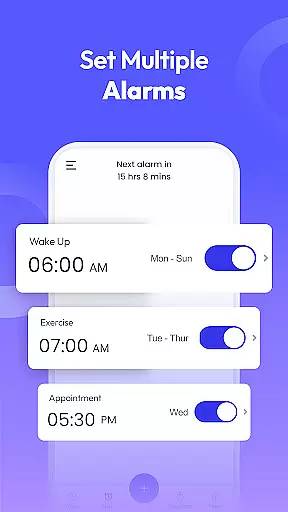
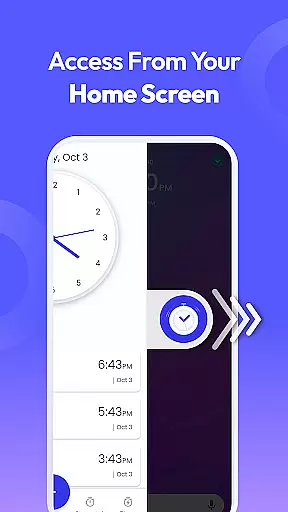
What sets this productivity app apart is its seamless integration with the home screen, offering one-swipe access to all essential time management functions. This means you can quickly check the time in any city, set multiple alarms for different purposes, and create reminders for both personal and professional events without navigating through multiple menus.
Users benefit greatly from having all these features readily available, helping them maintain better control over their time and commitments. With Clock Launcher's efficient task management system, staying organized and punctual becomes second nature.
Clock Launcher excels in providing reliable cross-device synchronization, ensuring that your time management data remains consistent across all your devices. This feature is crucial for users who rely on multiple gadgets throughout their day, as it guarantees that all alarms, reminders, and timers are accurately reflected on each device.
The app achieves this synchronization through a sophisticated cloud-based system that updates your information in real-time. Whether you're switching from your phone to a tablet or even a smartwatch, you can trust that your settings will be exactly where you left them, without any delays or discrepancies.
This level of reliability is particularly beneficial for individuals with busy lifestyles or those who travel frequently. Imagine setting an alarm on your phone before bed and knowing it will ring at the correct time even if you forget your phone and use your tablet instead.
By prioritizing cross-device synchronization, Clock Launcher ensures that users never miss an important event due to device switching. This peace of mind allows you to focus on what truly matters, knowing that your time management tools are working seamlessly behind the scenes.
User-friendly interface
Comprehensive time management
Customizable alarms and reminders
Efficient launcher functionality
Free to download and use
Home screen layout changes
Limited widget customization
No advanced calendar integration
Occasional performance lags
Basic design aesthetics


 4.20
4.20
QuickBooks Workforce lets teams view pay info and track time in one place.
4.70
Create study competitions, track your hours, and stay consistent with friends
4.4
Professional calendar app for Google Calendar, MS Outlook & Exchange
4.20
A lightweight JSON & XML files creator, editor and viewer (Premium Version)
4.40
Absolutely the best CNC machinist speed and feed calculator around. fswizard.com
4.60
Customizable calendar widget for seamless event sync, planning & scheduling.
4.00
A comprehensive suite of tools designed specifically for Lactation Consultants
4.3
Set up, print, and get support—in one place
4.20
Understand anything with a personalized AI research assistant
4.80
Secure, fast, open-source, VNC and SSH Remote Desktop for Windows, Linux and Mac
4.70
All document reader, all in one file viewer read PDF, DOCX, XLS, PPT, TXT files.
4.60
Calendar 2023 widget for Android. Appointment scheduler, planner, and reminder
4.60
A simple Whisper AI keyboard for reliable speech transcription and rewording
4.60
Lightweight PDF, Word, Excel reader.
4.60
Planet Free VPN - The best Fast Unlimited and Secure VPN Without Logs
4.50
A Pixel Art watchface inspired by other iconic 90s designs for Wear OS devices!
4.40
Total remote control for your Android device, PC and cloud services (IFTTT)!
4.20
Code on-the-go with VScode for Android. Edit,debug and collaborate from mobile!!
3.10

User Reviews