

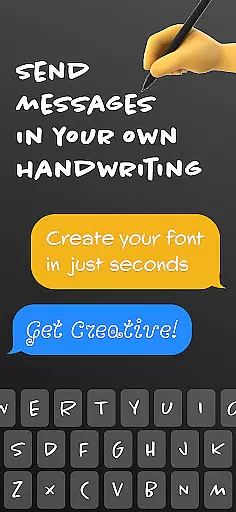
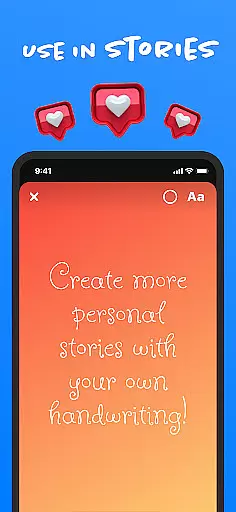
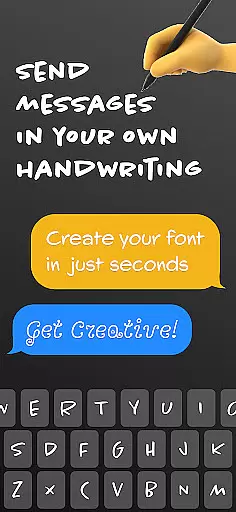
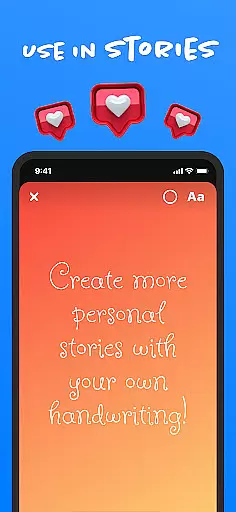
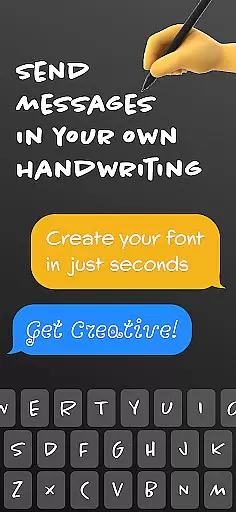
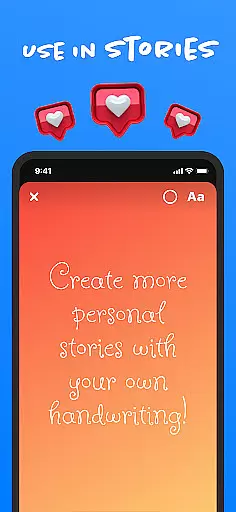
Fontmaker is a productivity app designed to help users create personalized cursive and handwritten fonts for their messaging needs. With this app, you can design unique fonts that reflect your individual style by using your own handwriting. This font keyboard tool allows you to customize text across various platforms such as Messenger, Instagram, Snapchat, TikTok, and Facebook.
The app's standout feature is its ability to generate a custom handwriting cursive font, which enhances your online presence and helps you express your creativity. Whether you're looking to add a personal touch to social media posts or make your messages more memorable, Fontmaker provides the tools necessary to revolutionize your text customization experience.
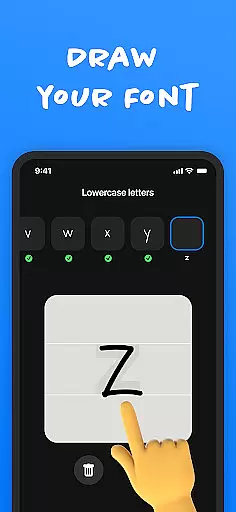
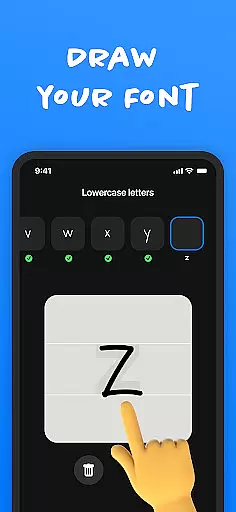
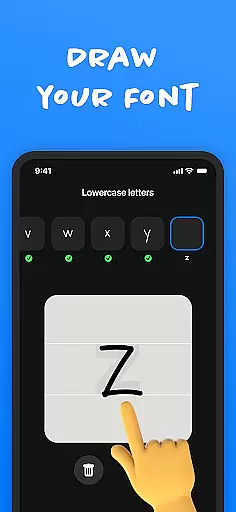
Fontmaker offers a variety of features that cater to those interested in customizing their text. One of the key functionalities is the font creator, which allows users to create custom handwriting fonts. This feature lets you input your handwriting and convert it into a usable font, making your messages truly unique.
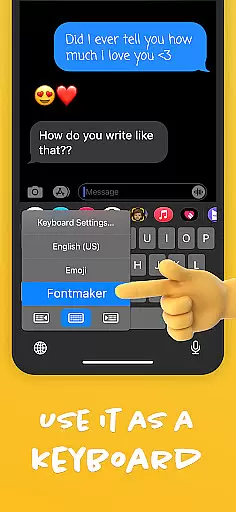
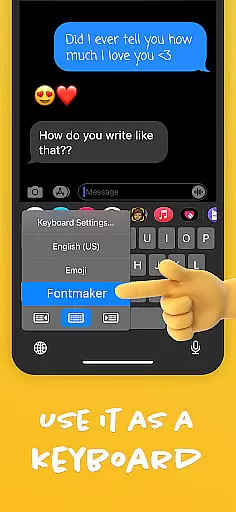
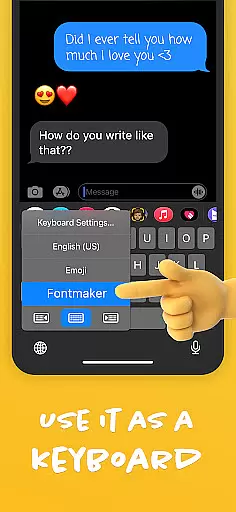
In addition to the font creator, Fontmaker includes a font keyboard feature. This allows you to use your custom fonts as a keyboard for social media and messaging apps. By integrating with platforms like Messenger, Instagram, and TikTok, the app ensures that your personalized fonts are readily available whenever you need them. The overall aim is to enhance your online presence by allowing you to communicate in your true authentic voice.
Fontmaker revolutionizes the way users manage their text customization tasks by offering a seamless font creation experience. This app allows you to take control of your messaging and social media presence through its unique font creator feature.
With Fontmaker, task management becomes an intuitive process where you can design, save, and apply custom fonts at will. The font keyboard functionality ensures that once a font is created, it's readily available for use across various platforms, streamlining your communication tasks.
The benefit to the user is an unprecedented level of personalization in their digital interactions. By integrating your own handwriting into a font, you ensure that every message sent is unmistakably yours, enhancing both personal and professional correspondence.
This innovative approach to managing text-related tasks not only saves time but also adds a distinctive touch to your online identity, making each keystroke an expression of individuality.
Cross-device synchronization is a pivotal feature of Fontmaker, ensuring that your personalized fonts are consistently available, no matter which device you're using. Whether you're on your phone, tablet, or any other compatible device, your custom font library synchronizes smoothly, providing uninterrupted access.
The app employs reliable cloud-based technology to keep your creations up-to-date across all your devices. As soon as a new font is crafted, it's uploaded and synced, meaning your unique style isn't confined to one gadget; it travels with you wherever you go.
For users, this means peace of mind knowing that their creative work is safely stored and always at hand. It eliminates the frustration of inconsistent user experiences when switching between devices, allowing for a fluid and cohesive workflow.
By prioritizing synchronization reliability, Fontmaker enhances productivity and creativity, letting users focus on expressing themselves rather than worrying about technical inconsistencies.
User-friendly interface
Custom font creation
Integration with social media
Enhances personal expression
Unique messaging options
Limited free features
Requires manual input
Premium version costs
Occasional bugs
Learning curve

Create study competitions, track your hours, and stay consistent with friends
 4.3
4.3
Total remote control for your Android device, PC and cloud services (IFTTT)!
4.20
Planet Free VPN - The best Fast Unlimited and Secure VPN Without Logs
4.50
8 custom complications. Custom Time Fonts. Beautiful color schemes. A++ Design.
5.00
Device's storage information in a simple and clear graphical form (infographics)
4.10
Secure, open-source, SPICE and SSH Remote Desktop for QEMU KVM virtual machines
4.00
Tally and goal counter for Wear OS & mobile
4.50
Docker, Kubernetes management over Portainer Mobile
4.40
Seamlessly read, manage, and organize all your PDF files solution in one place
4.40
Quickly and easily keep track of your work shifts
4.70
Scan paperwork into PDF/JPG, generate your own e-signature and send fax or email
4.70
Absolutely the best CNC machinist speed and feed calculator around. fswizard.com
4.60
App Lock with fingerprint, password: Lock apps & hide photos with lock screens
4.60
Fill, sign & send docs, forms, agreements & contracts via electronic signature.
4.50
Experience Reading - Night Mode for Documents
4.40
Secure your apps with lock screens, use custom themes and different features.
4.40
Experience real multitasking on your Android!
4.00
Ads Free App! Editor, Hide File, Copy, Move, Delete and Rename.. all facility av
1.70
A comprehensive suite of tools designed specifically for Lactation Consultants
4.0


User Reviews