

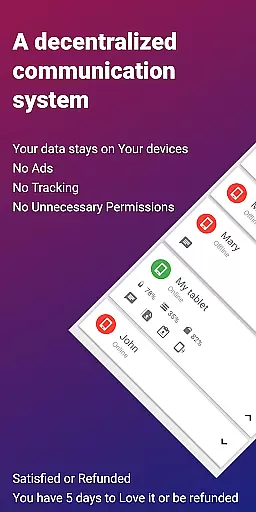
EasyJoin is a productivity-focused application designed to seamlessly connect your devices within the same local network. It enables instant file transfers, clipboard synchronization, and remote device control without relying on cloud services or external servers. With end-to-end encryption, all data shared between devices remains private and secure, ensuring complete user control over their information.
The app supports cross-platform functionality, working across Android, Windows, macOS, iPhone, iPad, and Linux. Whether you need to send files, sync notifications, or use your phone as a keyboard for your PC, EasyJoin provides a versatile solution for personal and team use. Its offline capabilities make it ideal for environments where privacy and speed are critical.
Perfect for professionals who require efficient workflows, EasyJoin eliminates the need for accounts, subscriptions, or advertisements, offering a one-time payment model for unlimited access to its features.
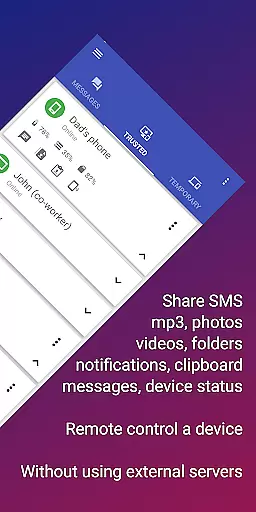
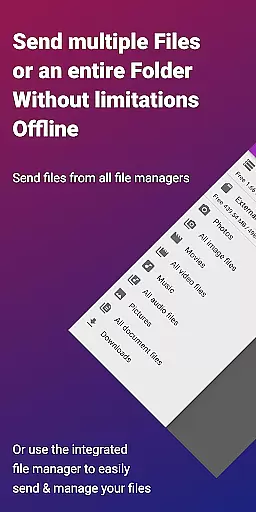
EasyJoin stands out with its comprehensive feature set tailored for productivity enthusiasts. The app facilitates fast file transfers between devices such as phones, PCs, and tablets without requiring an internet connection. This ensures that large files like photos, videos, and documents can be shared instantly within a secure local network environment.
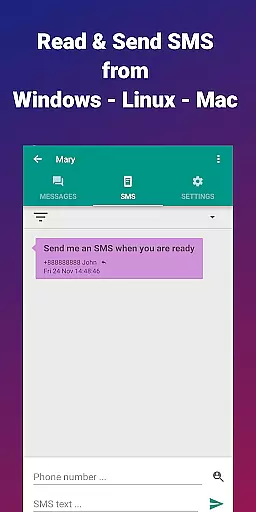
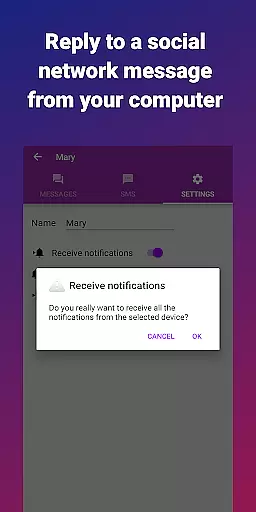
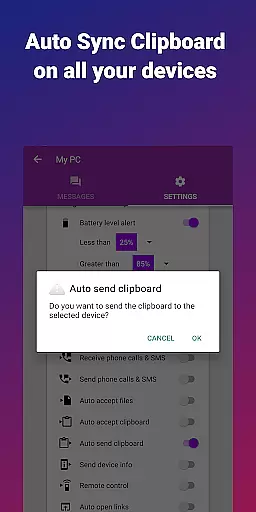
Another key feature is clipboard synchronization, which allows users to copy content on one device and paste it on another. This functionality extends across multiple operating systems, including Android, Windows, macOS, and Linux, making cross-device workflows effortless. Additionally, the app offers remote notification management, enabling users to read and respond to SMS messages directly from their computers.
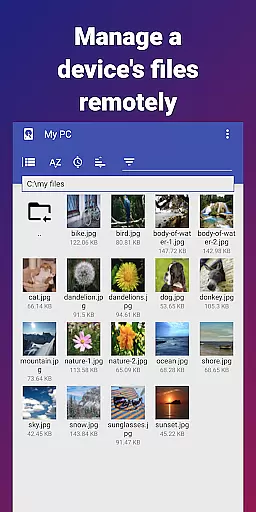
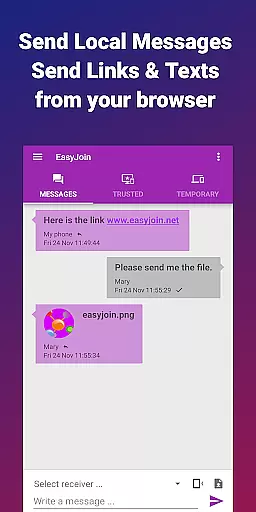
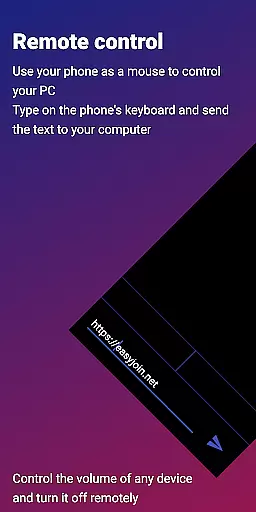
For enhanced convenience, EasyJoin includes remote control capabilities, allowing users to operate their phone as a keyboard or mouse for their PC. These features, combined with local network messaging and robust encryption protocols, ensure that EasyJoin delivers both versatility and security for modern productivity needs.
Task management is a critical aspect of productivity applications, and EasyJoin excels in this area by offering a suite of features that streamline device connectivity and file sharing. The app enables users to send files, sync clipboards, and manage SMS notifications across multiple devices without relying on cloud services or external servers.
EasyJoin's implementation of task management revolves around its peer-to-peer encrypted sharing capabilities. Users can transfer photos, videos, documents, and even entire folders between their devices instantly. This functionality is bolstered by the app's support for cross-platform use, ensuring seamless integration whether you're working on an Android phone, Windows PC, macOS laptop, or Linux desktop.
The value proposition for users is clear: increased efficiency and privacy. With no need for internet access or third-party storage solutions, tasks like reading notifications, responding to SMS messages directly from a computer, or using a phone as a remote control become more secure and private. All data stays within the local network, protected by end-to-end encryption.
Ultimately, EasyJoin's approach to task management empowers users to maintain control over their data while enhancing their workflow. By eliminating the need for accounts, cloud storage, ads, and trackers, it provides a clean, focused environment where productivity thrives without compromising personal security.
Cross-device synchronization is essential for maintaining productivity in today's multi-device world. EasyJoin addresses this need with robust features designed to keep your devices connected and your data synchronized in real-time. Whether you're copying text on one device and pasting it on another or managing notifications remotely, the app ensures that all actions are mirrored accurately across your network.
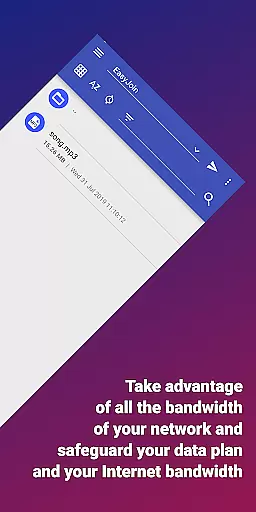
The reliability of EasyJoin's synchronization stems from its use of local network connections and end-to-end encryption. By avoiding reliance on cloud services or external servers, the app guarantees that your clipboard contents, file transfers, and notification updates remain private and secure. This method also reduces latency, providing near-instantaneous updates between linked devices.
For users, this means enhanced convenience and peace of mind. Imagine being able to read and respond to SMS messages directly from your computer or using your phone as a keyboard or mouse for your PCu2014all while knowing that your data never leaves your local network. These capabilities make multitasking across devices effortless and secure.
By focusing on synchronization reliability, EasyJoin delivers a user experience that prioritizes both functionality and privacy. Its commitment to a one-time payment model with no subscriptions further underscores the app's dedication to providing lasting value without intrusive monetization tactics.
Fast file transfer
Clipboard sync
Remote SMS
Cross-platform
Private sharing
Limited to LAN
No cloud backup
Paid version
Setup required
Wi-Fi dependent

Experience Reading - Night Mode for Documents
 4.40
4.40
Experience real multitasking on your Android!
4.00
The Pro Version of Android's tiniest Notepad app. Just 0.3MB but feature-packed!
4.60
Device's storage information in a simple and clear graphical form (infographics)
4.10
App lock - lock apps with fingerprint, password, pin or pattern, protect privacy
4.70
App Lock with fingerprint, password: Lock apps & hide photos with lock screens
4.60
Activate Two Factor Authentication (2FA or Multi OTP), Password manager and more
4.10
Enjoy classic gameplay with customizable features and retro-style graphics.
4.30
Set up, print, and get support—in one place
4.20
A beautiful digital clock with autostart and many other functions
4.70
To do list widget with a notebook organizer, checklist, simple shopping list
4.60
Docker, Kubernetes management over Portainer Mobile
4.40
Font maker keyboard with your own handwriting
4.10
Take control of your clipboard with Clipper!
3.90
⏰ Finally a timer app which can run multiple timers simultaneously on your watch
3.90
Smart PDF reader & editor to view, organize and manage PDF documents easily.
3.70
Find and delete junk files & block unwanted notifications & manage files
3.70
Make your handwriting beautiful, even more than pen on paper.
3.60
Ads Free App! Editor, Hide File, Copy, Move, Delete and Rename.. all facility av
1.70

User Reviews