

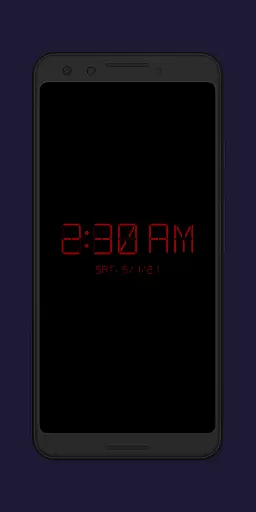
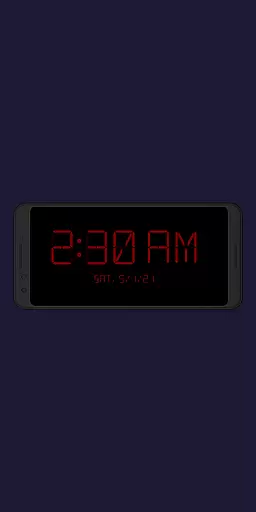
Night Clock + is a versatile digital clock app designed to serve as both a bedside night clock and a daylight mode display. This supporter version offers all features without limitations, making it ideal for users who want a reliable and customizable timepiece on their devices.
The app provides essential functionalities such as adjustable font types, colors, brightness levels, and display sizes. Additionally, it includes practical features like flashlight access directly from the clock screen and automatic start options when connecting a power cord or setting a specific time. These capabilities ensure convenience and usability whether you're waking up at night or using an old device as a dedicated clock.
With its comprehensive settings and unique features, Night Clock + enhances user experience by offering both aesthetic appeal and functional utility. Whether used in a bedroom or any other setting requiring a dependable time display, this app meets diverse needs effectively.
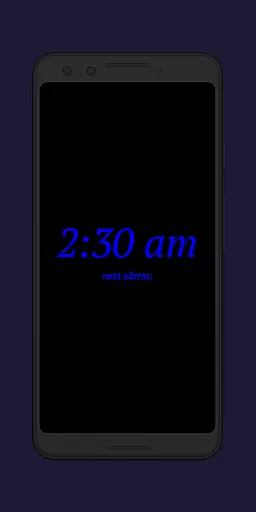
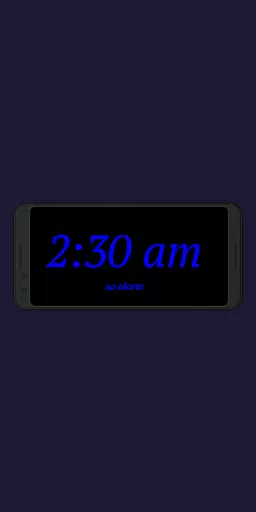
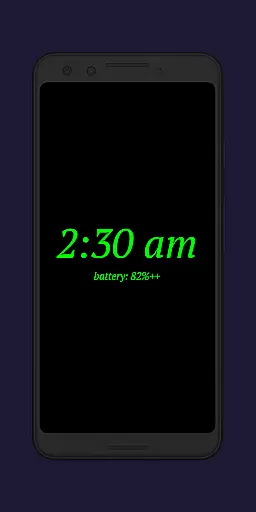
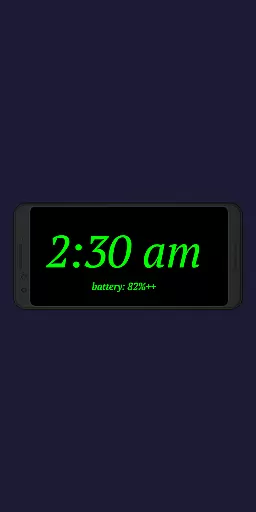
Night Clock + stands out with its rich array of features tailored to enhance user customization and convenience. One notable feature is the ability to choose from four different font types, allowing users to personalize the appearance of their clock display according to their preferences.
In addition to font selection, the app offers fully adjustable font colors and brightness levels, ensuring optimal visibility under various lighting conditions. Users can also modify the display size of clock elements, providing flexibility in how the information is presented on-screen. The inclusion of a flashlight function directly on the clock interface adds practicality for nighttime use.
Automatic start options further elevate the app's utility. Users can configure the night clock to launch automatically when a power cord is connected or at a preset time each day. This automation simplifies usage patterns and ensures that the clock is always available when needed most, enhancing overall productivity and convenience.
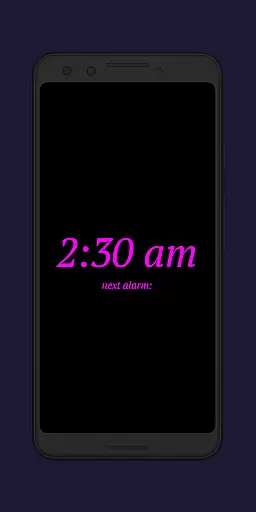
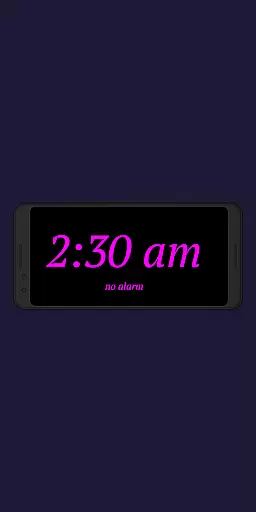
Task management is a critical aspect of productivity applications, and Night Clock + excels in this area by offering users an array of features to manage their time effectively. The app provides functionalities such as displaying the next alarm time set in the Android system, allowing users to keep track of their schedules without switching between apps.
Night Clock + goes beyond basic timekeeping by integrating advanced settings that contribute to task management. Users can preset automatic night clock start times, ensuring that they are always aware of the time, even during nighttime awakenings. This feature is particularly useful for maintaining a routine or managing a strict schedule.
The app's flexibility in its display options adds another layer to its task management capabilities. With adjustable brightness levels and font sizes, users can customize the clock to fit their specific needs, whether it's for quick time checks during the day or clear visibility at night without disturbing sleep.
By incorporating these comprehensive task management features, Night Clock + supports users in optimizing their daily routines. Its ability to seamlessly integrate into users' lives with minimal disruption makes it an invaluable tool for anyone looking to enhance their productivity through better time management.
Cross-device synchronization is essential for users who employ multiple devices in their daily lives, and Night Clock + addresses this need by ensuring reliable functionality across different scenarios. While the app itself does not synchronize data between devices, it offers consistent performance on any single device it is installed on, providing users with dependable access to its features.
The application achieves synchronization reliability through its compatibility with the Android system. By showing the next alarm time set within Android, Night Clock + ensures that users have accurate information at their fingertips, regardless of where the alarm was set. This seamless integration helps maintain continuity in the user's experience.
Moreover, Night Clock + includes an automatic start feature when a power cord is connected, which can be limited to certain hours. This guarantees that the app is ready to use whenever needed, thus maintaining synchronization with the user's daily charging habits and ensuring that the night clock function is available when required.
With these reliable cross-device-like features, Night Clock + delivers a stable and predictable user experience. Users can trust that the app will perform consistently, providing them with the necessary tools to manage their time effectively, whether they are at home or on the go.
User-friendly interface
Highly customizable settings
Automatic start functionality
Integrated flashlight feature
Daylight and night modes
Limited free version features
Requires permissions for full functionality
Potential battery drain with continuous use
No advanced alarm options
Interface may feel cluttered to some users

Secure, fast, open-source, VNC and SSH Remote Desktop for Windows, Linux and Mac
 4.70
4.70
Experience real multitasking on your Android!
4.00
Easily read and manage all your PDF files
4.10
Automates browsing any website and notifies you of important changes or events
4.30
Absolutely the best CNC machinist speed and feed calculator around. fswizard.com
4.60
All in One PDF Reader: Manage, Read and Edit your Documents
4.20
Functional QR scanner and barcode reader that requires little storage space.
4.60
Secure your apps with lock screens, use custom themes and different features.
4.40
Set up, print, and get support—in one place
4.20
Multilingual translator for text, voice, and image translation!
4.90
Great calculator for Android named one of USA TODAY's "25 Essential Apps".
4.90
Seamlessly integrate data and reports to build your presentation to impress
4.80
Simple notepad & memo. Take notes, to-do list, shopping list with reminders.
4.80
Direct Chat without saving contacts & Dual WA Account on Single Device
4.70
Scan paperwork into PDF/JPG, generate your own e-signature and send fax or email
4.70
Calendar 2023 widget for Android. Appointment scheduler, planner, and reminder
4.60
Smart PDF reader & editor to view, organize and manage PDF documents easily.
3.70
Remotely view listen control and record cameras.
3.70
Create study competitions, track your hours, and stay consistent with friends
4.1

User Reviews