

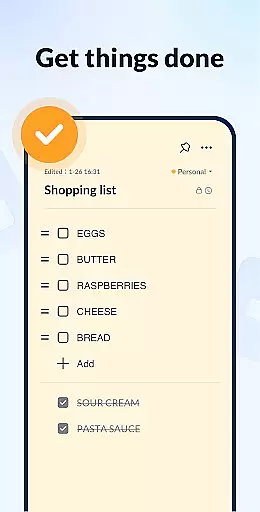
Notein - Notepad, Notes, Lists is a versatile productivity app designed to streamline note-taking and task management. This free notepad app offers multiple note-taking modes including text and checklist formats, automatic saving, and an intuitive interface for creating quick notes, to-do lists, and reminders.
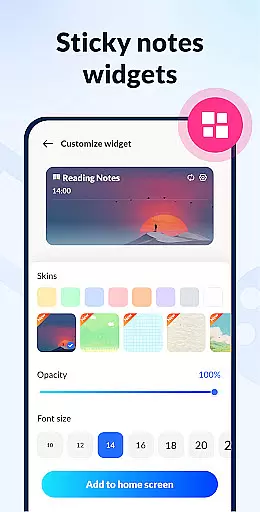
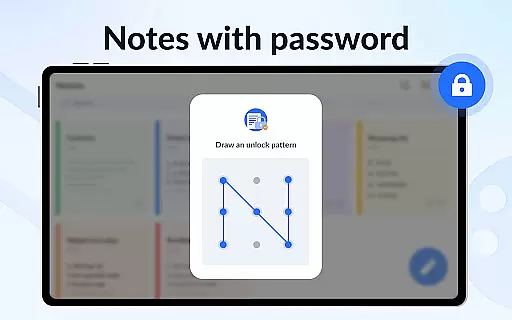
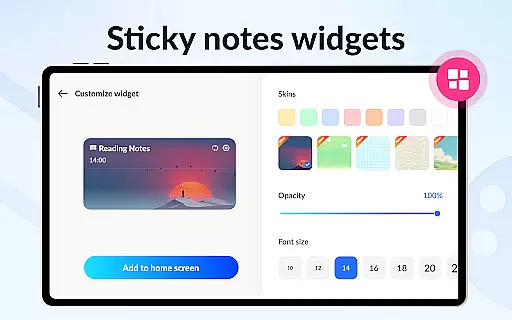
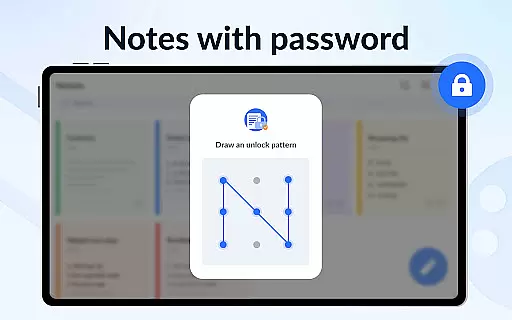
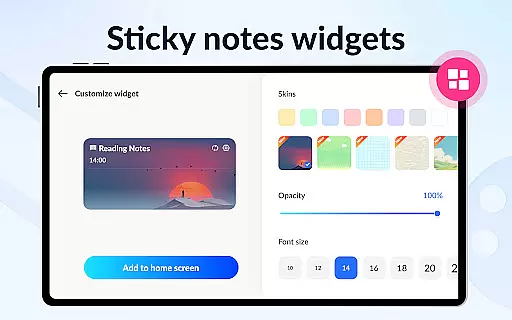
With features like calendar integration, color-coded organization, password protection, and cloud backup, Notein ensures your notes are secure, organized, and accessible across devices. The sticky notes widget provides instant access to important notes directly from your home screen, making it ideal for busy professionals and students alike.
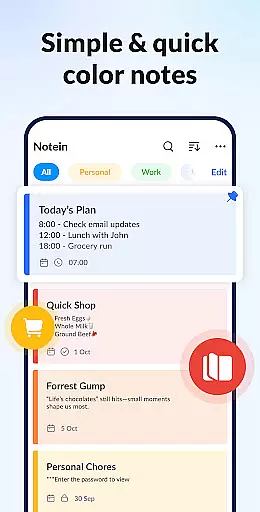
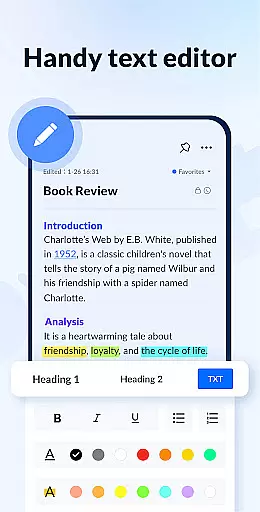
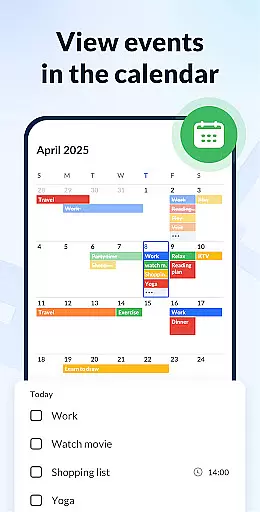
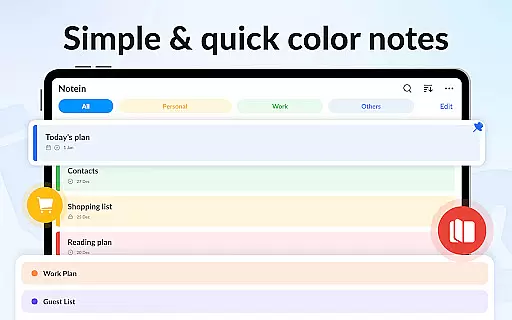
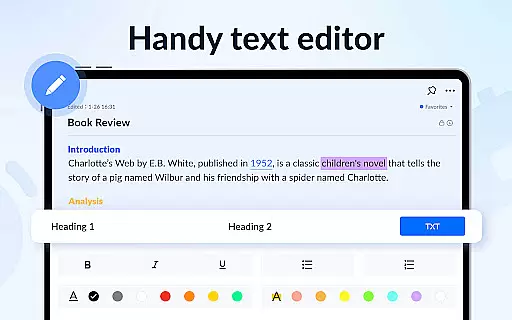
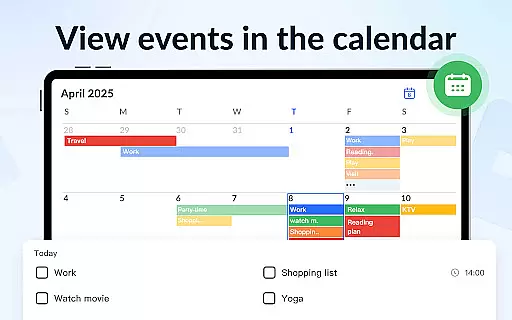
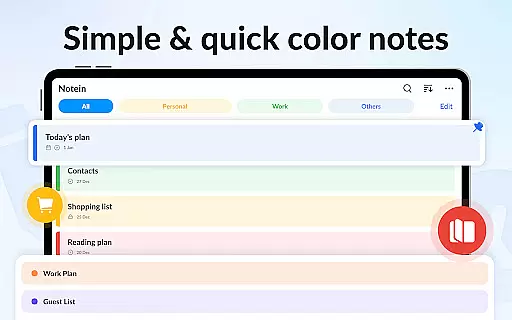
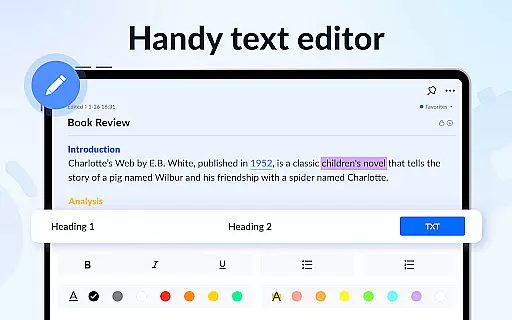
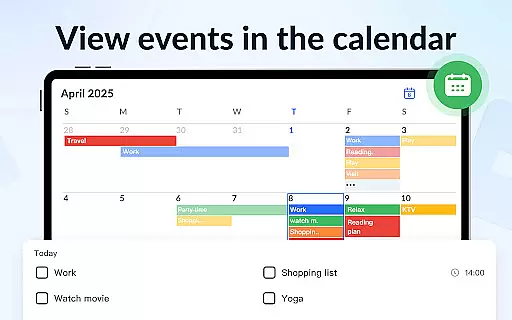
Notein stands out with its comprehensive feature set tailored for efficient note management. The app supports rich formatting options, allowing users to create visually distinct notes using different colors and styles. Its calendar mode helps users schedule tasks and appointments while providing a clear overview of upcoming events.
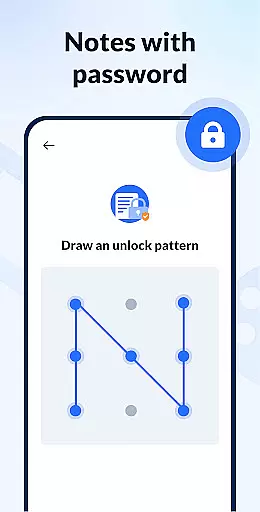
Advanced functionalities include note locking for privacy, powerful sorting and filtering tools, and cross-platform cloud synchronization. Users can easily share notes via various channels like email and social media. The compact app size ensures smooth performance without compromising functionality, making it a reliable choice for both personal and professional use.
Task management is a cornerstone of productivity applications, and Notepad, Notes, Easy Notebook excels in this area. The app provides users with multiple ways to organize their tasks efficiently.
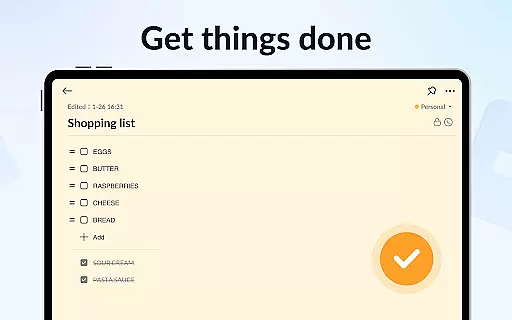
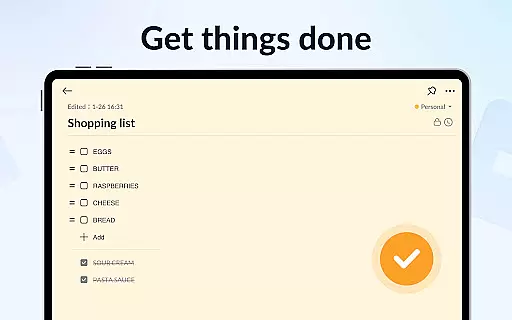
With features like checklist mode, calendar integration, and color-coded notes, users can categorize and prioritize their tasks with ease. This ensures that important deadlines are not missed and that daily activities are well-structured.
The ability to pin crucial notes and view them through widgets on the home screen enhances accessibility and keeps users reminded of their responsibilities throughout the day.
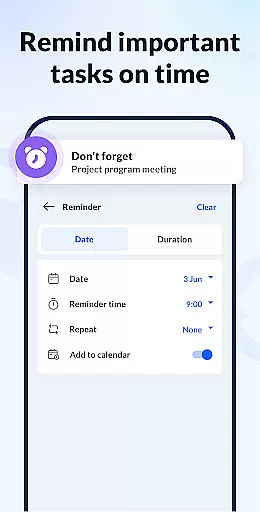
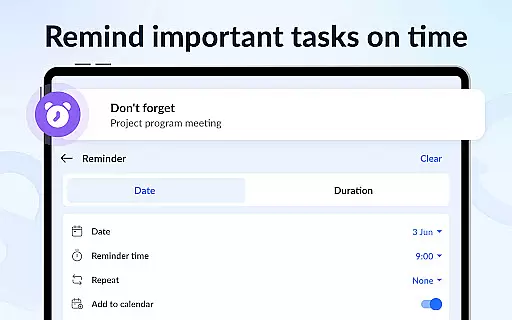
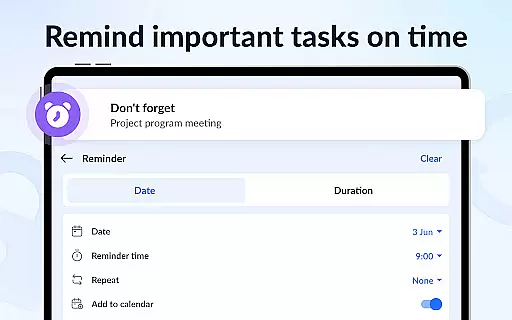
By offering functionalities such as setting reminders and sorting notes by time or color, the app empowers users to manage their workload effectively, thus boosting overall productivity.
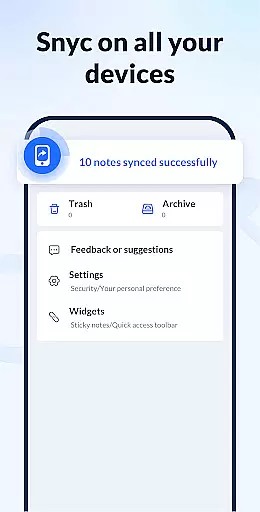
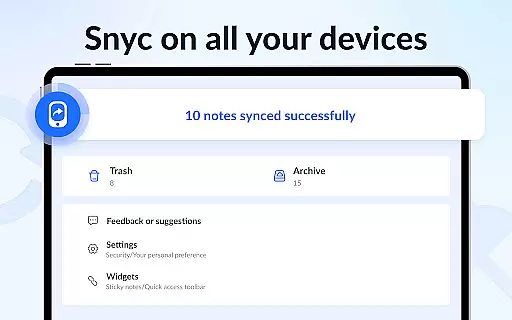
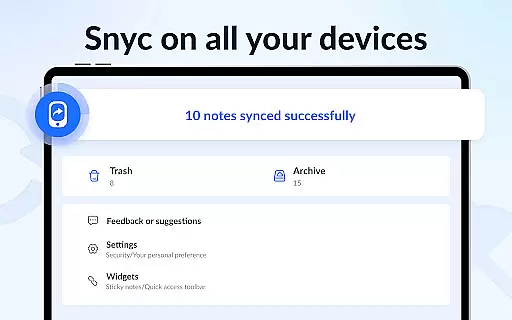
Cross-device synchronization is vital for users who operate across multiple devices. Notepad, Notes, Easy Notebook addresses this need by providing reliable cloud backup and restore options.
This feature guarantees that all notes and lists are securely stored in the cloud, allowing users to access their information from any device at any time. Whether switching between a phone, tablet, or computer, the transition is seamless.
Moreover, the small size of the application ensures that it runs smoothly without consuming excessive resources, which contributes to maintaining consistent performance during synchronization processes.
Overall, these capabilities ensure that users' data remains intact and up-to-date, fostering a dependable environment for managing personal and professional information.
User-friendly interface
Colorful note options
Automatic saving feature
Secure password protection
Cloud backup support
Limited advanced formatting
No real-time collaboration
Occasional sync issues
Basic drawing tools
Ads in free version

Wake up & get tasks done! Add alarms & reminders on the Clock Launcher.
 4.00
4.00
Mind Map and brainstorm, note taking and idea collection
4.80
Device's storage information in a simple and clear graphical form (infographics)
4.10
We're working to become the best machining app on the market! www.cncdirt.com
4.80
Secure, open-source, SPICE and SSH Remote Desktop for QEMU KVM virtual machines
4.00
* block pre-roll ads, pop-up and forced redirect ads * Samsung certification app
4.00
This small app MUST BE INSTALLED after purchase, else license won't work
4.40
Scientific calculator for Android - looks and operates like the real thing!
4.90
Note taking, handwriting, record audio, PDF annotation, planner & journal
4.20
Quickly and easily keep track of your work shifts
4.70
Translate text/voice/photos in 150+ languages. Offline & fast translator app.
4.50
Fill, sign & send docs, forms, agreements & contracts via electronic signature.
4.50
A lightweight JSON & XML files creator, editor and viewer (Premium Version)
4.40
CalenGoo is a very flexible and feature-rich calendar app
4.40
Secure your apps with lock screens, use custom themes and different features.
4.40
Font maker keyboard with your own handwriting
4.10
Activate Two Factor Authentication (2FA or Multi OTP), Password manager and more
4.10
Intelligent AI Assistant
4.10
ID.me Authenticator is a simple and free Two Factor Authentication solution
3.50

User Reviews