

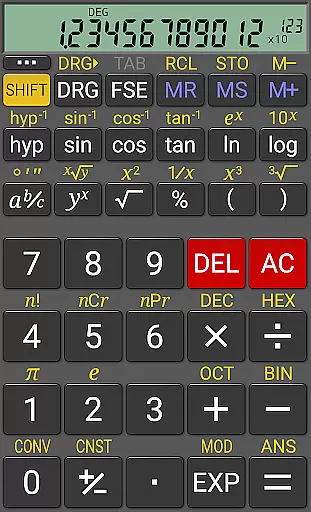
RealCalc Plus is the advanced version of RealCalc, a leading scientific calculator on Android. It mirrors the functionality of a real hand-held calculator and includes all standard scientific functions along with additional capabilities such as fraction calculations, degrees/minutes/seconds conversions, and history tracking. The app also offers customizable unit conversions, constants, and supports binary, octal, and hexadecimal calculations.
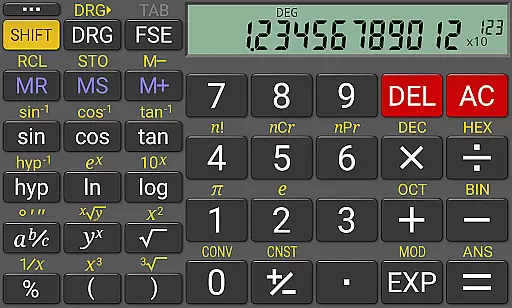
Designed for productivity, RealCalc Plus features a 12-digit display with extended internal precision (32-digit), multiple display modes, and three RPN styles. Its user-friendly interface allows customization of digit grouping and decimal points, making it suitable for both students and professionals who require precise and complex calculations in their work or studies.
RealCalc Plus stands out with its comprehensive feature set tailored for diverse calculation needs. It supports traditional algebraic or RPN operations, fraction calculations, and conversions to/from decimal. Users can perform degrees/minutes/seconds calculations and conversion seamlessly.
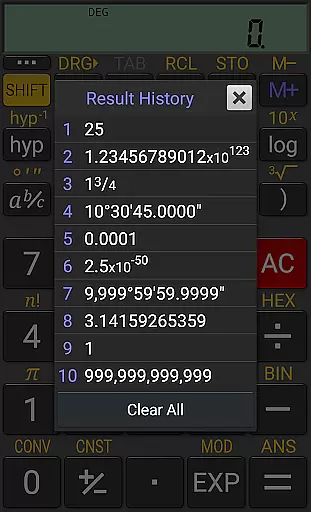
The calculator provides a result history, 10 memories, and customizable settings including unit conversions and constants. With multi-window support, external keyboard compatibility, and landscape mode, RealCalc Plus ensures an efficient and flexible user experience. Additionally, its homescreen widget and full built-in help make it accessible and convenient for everyday use.
RealCalc Plus excels in core task management by offering a comprehensive suite of scientific calculation tools. The app provides traditional algebraic or RPN operation, catering to both standard and advanced users.
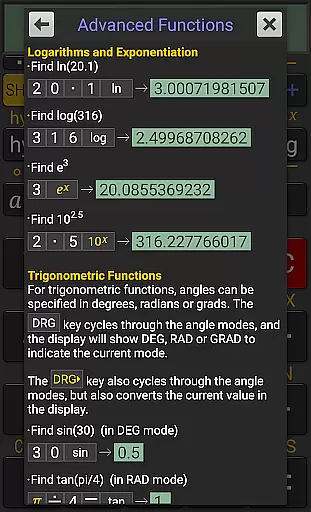
It includes fraction calculations, degrees/minutes/seconds conversions, and trigonometric functions in degrees, radians, or grads. These features ensure that users can perform a wide array of scientific computations with ease.
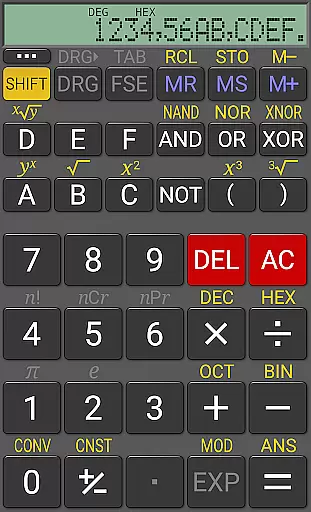
The calculator supports binary, octal, and hexadecimal calculations, making it an invaluable tool for programmers and engineers who need to work across different numeral systems.
With 12-digit display, extended internal precision (32-digit), and multiple display modes including scientific, engineering, and fixed-point, RealCalc Plus ensures accuracy and flexibility in task management.
Cross-device synchronization is crucial for productivity apps, and RealCalc Plus addresses this through its multi-window support and external keyboard compatibility. Users can seamlessly switch between devices without losing functionality.
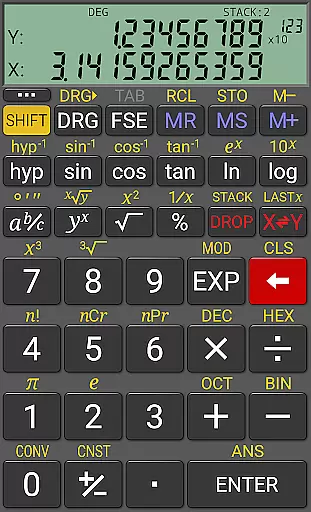
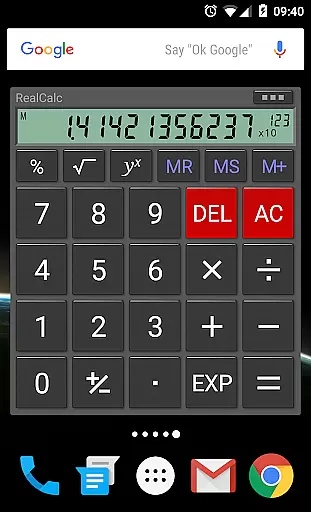
The app offers a homescreen widget with RPN support, allowing quick access to calculations without needing to open the full application. This enhances workflow continuity across different usage scenarios.
Configurable settings such as digit grouping, decimal point customization, and three distinct RPN styles provide reliable consistency when using the app on various devices.
Additionally, RealCalc Plus's drag & drop feature and external keyboard support ensure that users can maintain their productivity regardless of the device they are using, providing a dependable cross-device experience.
User-friendly interface
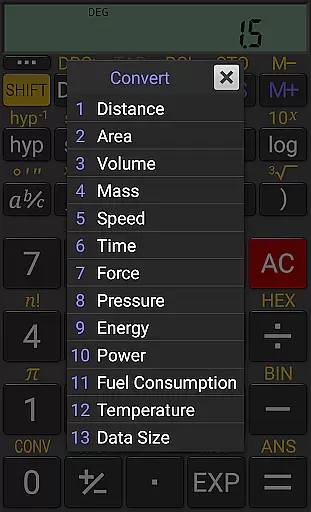
Customizable unit conversions
Supports RPN mode
High precision calculations
Comprehensive help included
Paid version only
No graphing functions
Limited design options
Advanced features may overwhelm beginners
Not available on iOS

All in one sketching tool. Technical and General drawing. Online Maps support.
 3.70
3.70
The Pro Version of Android's tiniest Notepad app. Just 0.3MB but feature-packed!
4.60
Remotely view listen control and record cameras.
3.70
App lock - lock apps with fingerprint, password, pin or pattern, protect privacy
4.70
Make apps & sites with natural language prompts
4.10
Create and edit presentations with Google Slides, part of Google Workspace.
4.00
A simple Whisper AI keyboard for reliable speech transcription and rewording
4.60
AI Chatbot and AI writing assistant powered by ChatGPT.
4.60
Daily processing of PDF documents.
4.40
Android Wallet Password Manager
4.80
Understand anything with a personalized AI research assistant
4.80
CalenGoo is a very flexible and feature-rich calendar app
4.40
Cloud storage, automatic phone backup, and more.
4.10
Take control of your clipboard with Clipper!
3.90
A Revolutionary All-in-One Artificial Intelligence Tools
3.80
Mega cloud explorer plugin for Solid Explorer
3.80
Experience and share your SolidWorks designs on your Android® phone and tablet.
2.50
Easiest event planning, volunteer signups & parent teacher conference scheduling
2.20
The upgraded version of Name Wheel with AI and the power to add your own wheels.
4.1

User Reviews