

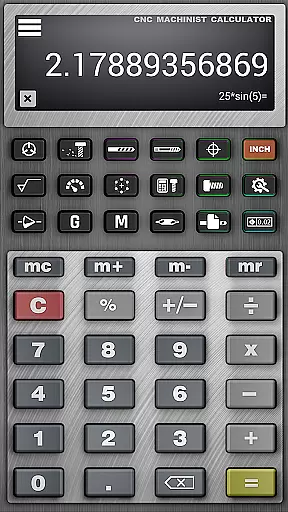
CNC Machinist Calculator Pro is a comprehensive productivity tool designed for manufacturing engineers, machinists, CNC operators, and hobbyists. This application provides a wide range of machining calculations that are essential for efficient and accurate work in the field. With features tailored to lathe and mill operators, it covers cutting speed, cycle time, feed rate conversions, and more.
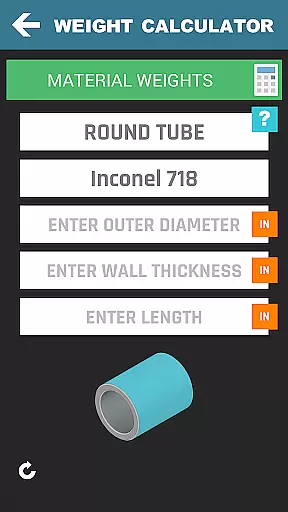
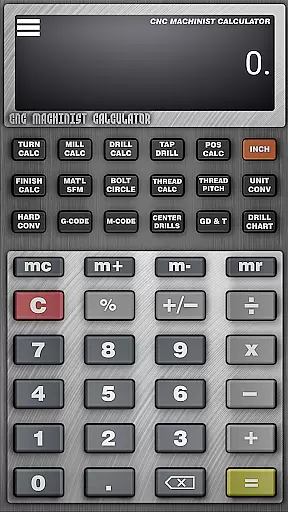
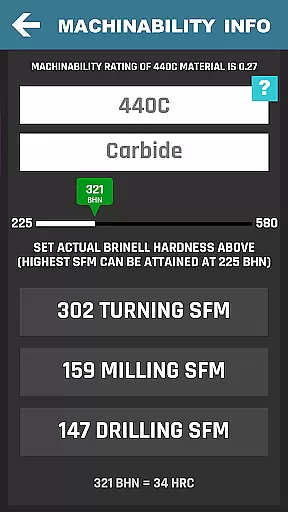
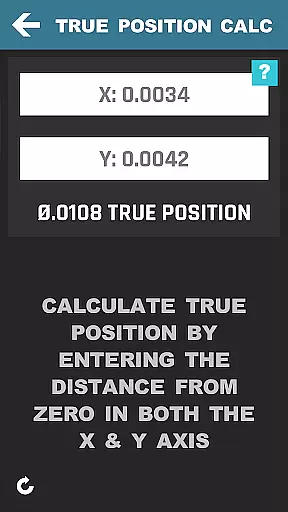
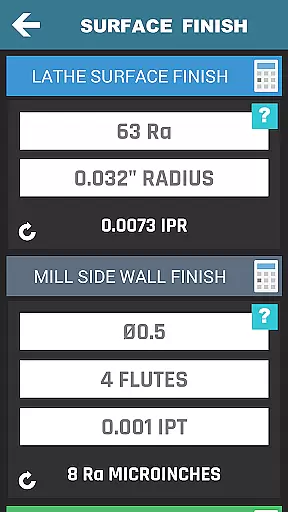
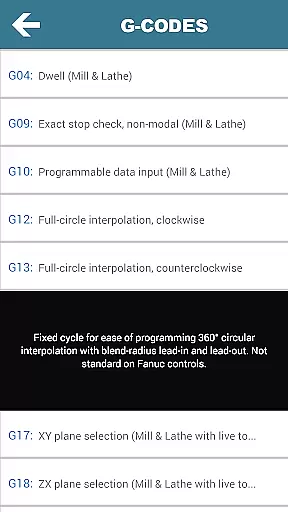
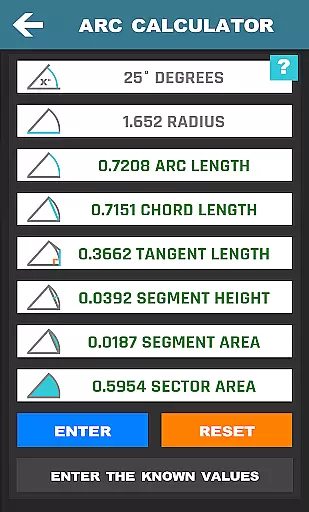
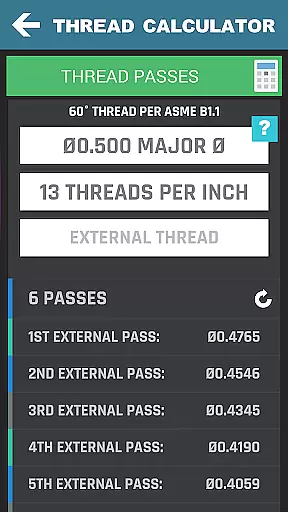
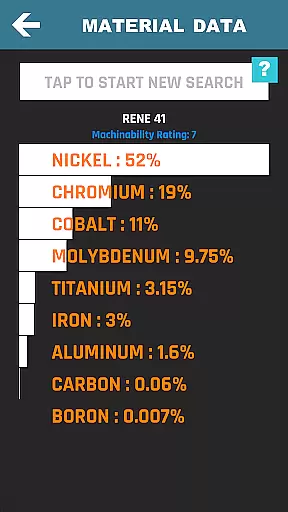
One of the key strengths of this app is its extensive collection of specialized calculators. These include thread, true position, bolt pattern, surface finish calculators, and over 35 other categories. It also offers material property searches, hardness conversions, and even a scientific calculator. The app's ability to export G-code and provide data on national pipe threads and material weights makes it indispensable for precision machining tasks.
The app is particularly useful in quoting new work and making quick calculations on the fly. Its intuitive interface and reliable data make it an invaluable tool for both experienced professionals and those new to CNC machining. By streamlining complex calculations and providing instant access to critical data, CNC Machinist Calculator Pro enhances productivity and accuracy in any machining project.
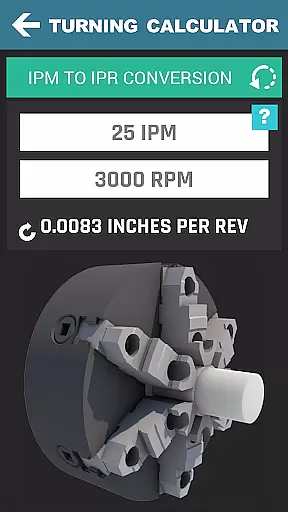
CNC Machinist Calculator Pro stands out with its diverse array of features designed to cater to various machining needs. For lathe operations, users can perform turning calculations, cutting speed assessments, and cycle time estimations. Milling operations are equally supported with cutting speed and feed calculations, radial chip thinning assessments, and milling cut time evaluations.
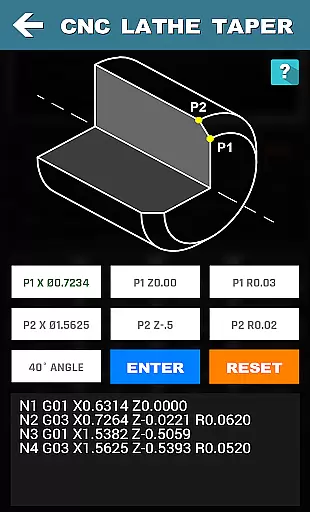
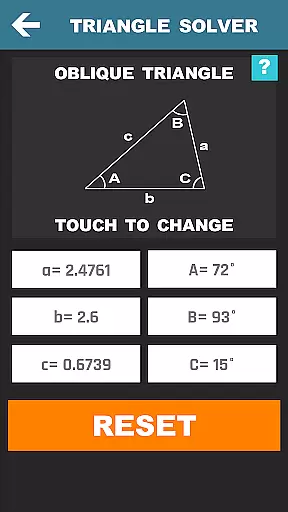
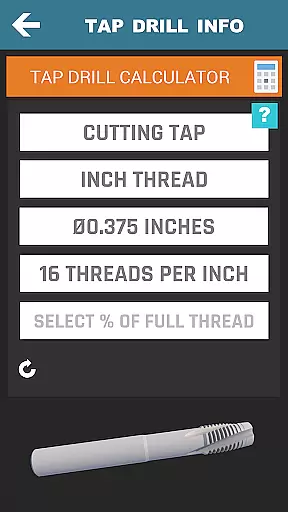
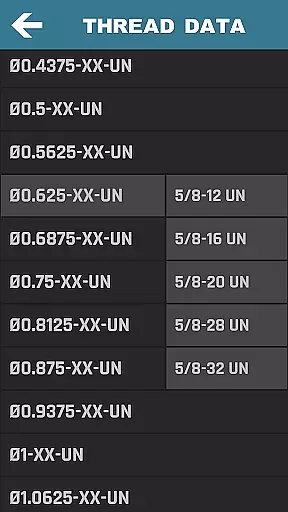
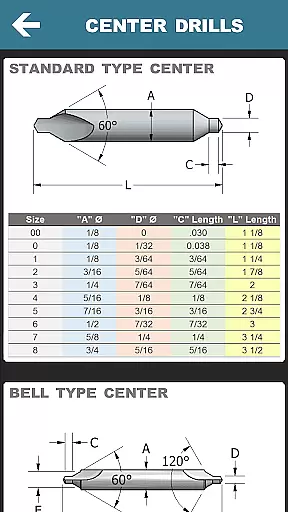
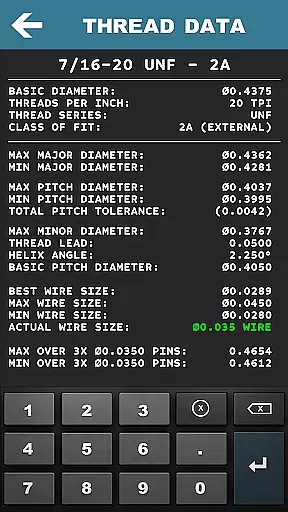
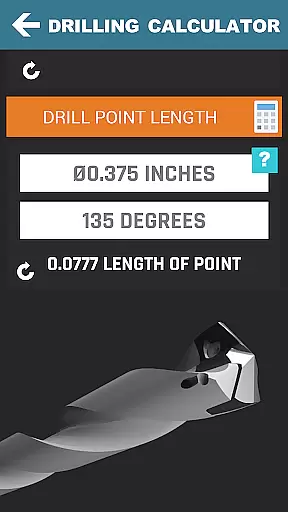
In addition to these, the app includes drilling and gun drilling calculators, which allow users to determine cutting speeds and cycle times based on specific materials. Thread and tap charts, along with thread data for different types of threads, ensure precise machining. The inclusion of geometric calculators, triangle solvers, and a blueprint geometric tolerance descriptor further enhance its utility.
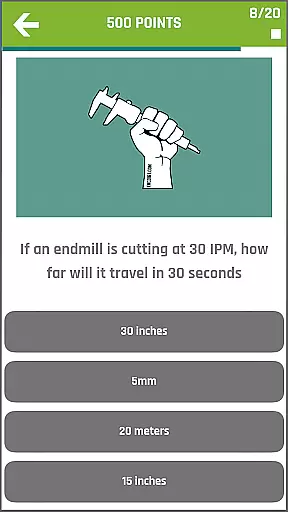
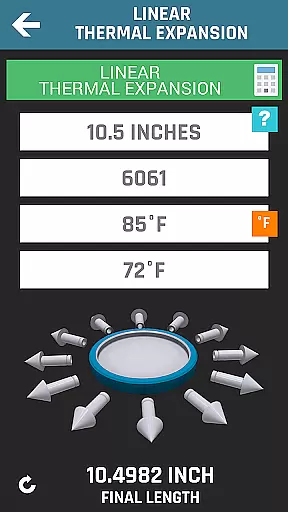
Advanced features such as a scientific calculator, linear thermal expansion calculator, and grinding calculations set this app apart from its competitors. Users can also participate in a machinist forum, access a material property search function, and utilize a tool wear section with images to improve tool life. These robust features collectively contribute to making CNC Machinist Calculator Pro an essential tool for anyone involved in CNC machining.
In the realm of CNC machining, task management is pivotal for efficiency and precision. CNC Machinist Calculator Pro excels in organizing complex machining tasks into manageable components. The application provides dedicated calculators for turning, milling, drilling, and more, each tailored to specific machining operations.
For machinists, this means they can swiftly calculate cutting speeds, feed rates, cycle times, and tool paths without toggling between different tools or references. This consolidation of features into one app minimizes the chances of errors and saves valuable time on the shop floor.
The true power of CNC Machinist Calculator Pro lies in its ability to handle calculations for over 170 materials and various machining processes. Users can rely on this app to streamline their workflow, allowing them to focus on the machining process itself rather than getting bogged down with manual calculations.
By integrating functions like thread data, surface finish calculators, and geometric tolerance descriptors, the app ensures that all aspects of a machining project are covered. This comprehensive approach to task management makes CNC Machinist Calculator Pro an indispensable tool for anyone involved in CNC operations.
Cross-device synchronization is crucial for professionals who operate across multiple devices. CNC Machinist Calculator Pro offers reliable access to critical machining data, ensuring that whether you're on your phone or tablet, your information remains consistent and up-to-date.
This seamless synchronization allows machinists and engineers to start a calculation on one device and continue on another without missing a beat. It supports real-time updates, which means any changes made in the app are instantly reflected across all linked devices.
Reliability in synchronization also extends to the sharing of G-code and other machining programs. Users can export G-code for chamfers, tapers, and radii from one device and access it on another, maintaining continuity in their workflow.
With CNC Machinist Calculator Pro's dependable cross-device capabilities, users can be confident that their data is not only secure but also readily available wherever they need it, enhancing productivity and reducing downtime caused by data discrepancies.
Comprehensive feature set
User-friendly interface
Reliable machining data
Wide range of calculators
Active machinist community
Steep learning curve
Premium price point
Occasional bugs reported
Heavy on system resources
Limited offline functionality





Experience real multitasking on your Android!
 4.00
4.00
Unlock AutoNotification
4.00
App lock - lock apps with fingerprint, password, pin or pattern, protect privacy
4.70
Find and delete junk files & block unwanted notifications & manage files
3.70
Cloud storage, automatic phone backup, and more.
4.10
To do list widget with a notebook organizer, checklist, simple shopping list
4.60
Experience and share your SolidWorks designs on your Android® phone and tablet.
2.50
QuickEdit is a fast, stable and full featured text and code editor.
4.20
Note taking, handwriting, record audio, PDF annotation, planner & journal
4.20
Scientific calculator for Android - looks and operates like the real thing!
4.90
Best Tool for the professionals Electrician, Electrical contractors, etc.
4.90
Lightweight PDF, Word, Excel reader.
4.60
Automates browsing any website and notifies you of important changes or events
4.30
Pwnagotchi companion app
4.20
Activate Two Factor Authentication (2FA or Multi OTP), Password manager and more
4.10
* block pre-roll ads, pop-up and forced redirect ads * Samsung certification app
4.00
The ultimate file manager for rooted devices. The original and still the best.
4.00
⏰ Finally a timer app which can run multiple timers simultaneously on your watch
3.90
AI Video AI Image Private LLM AI Browser Llama Gemma Ollama Connect LLM Studio
4.1


User Reviews