

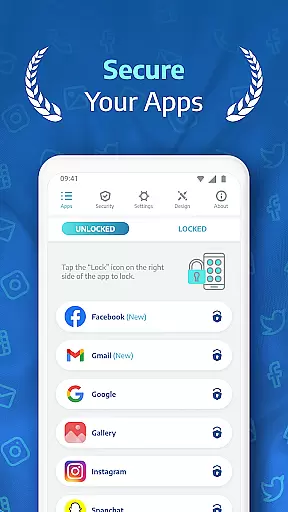
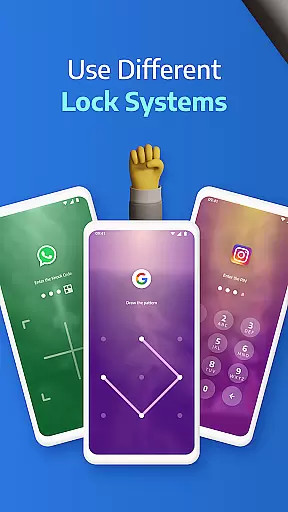
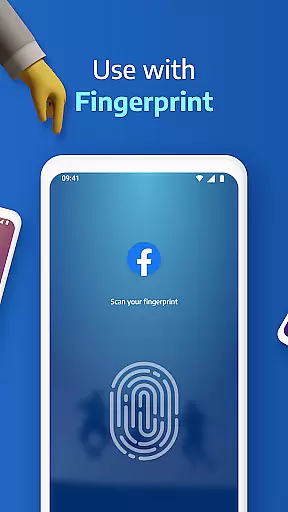
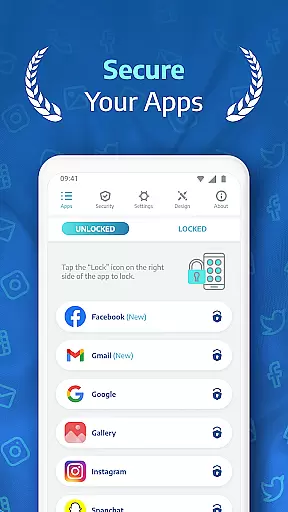
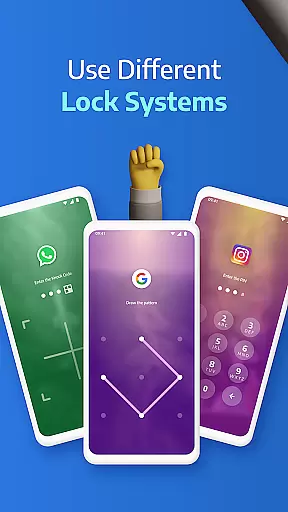
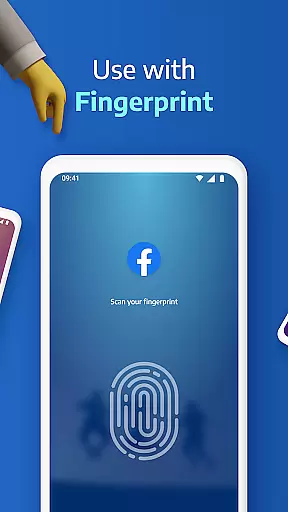
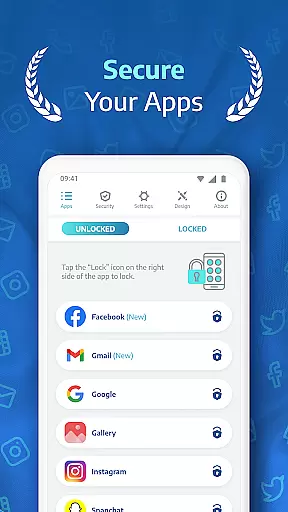
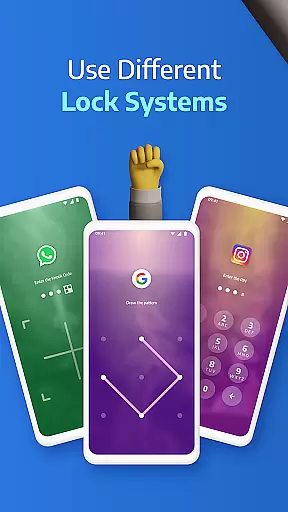
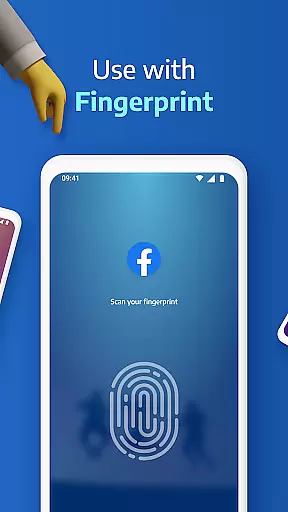
AppLock Pro is a premier productivity app designed to secure your personal data by locking apps and photos. This application offers a robust suite of security features including fingerprint unlock, PIN protection, pattern locks, and KnockCode for supported devices. With millions of users trusting AppLock Pro, it stands out as an essential tool for safeguarding sensitive information from unauthorized access.
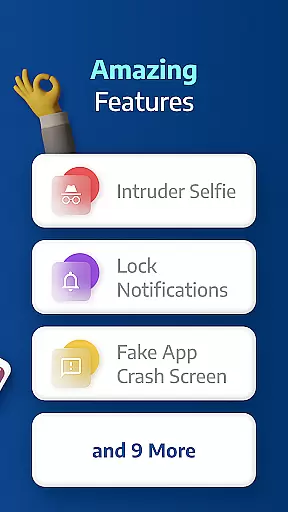
Beyond basic locking mechanisms, AppLock Pro includes advanced functionalities such as spy camera detection, customizable lock styles, and fake error messages to deter intruders. Whether you're looking to protect private messages, social media accounts, or confidential photos, this app provides comprehensive solutions tailored to individual privacy needs.
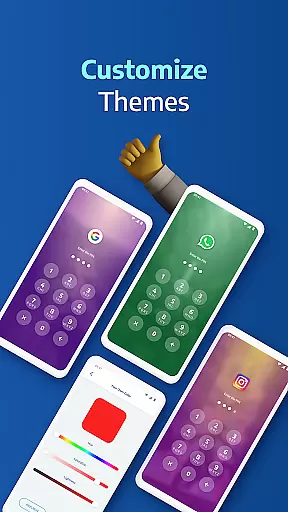
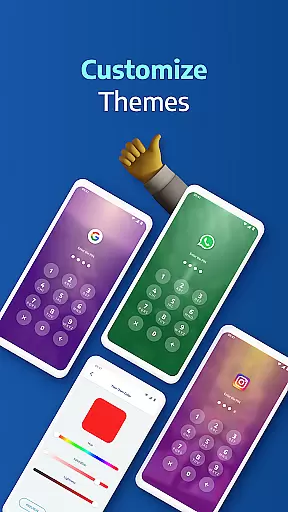
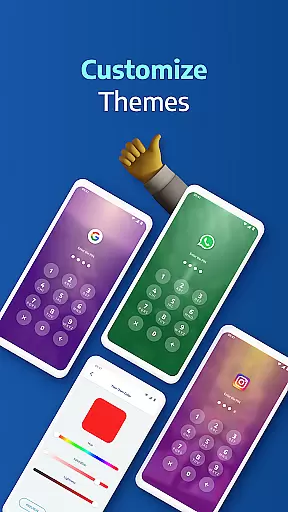
The app's intuitive design ensures ease of use while maintaining high-security standards. Users can customize their experience with unique themes and backgrounds, making security both personalized and enjoyable. AppLock Pro is ideal for anyone seeking to enhance their digital privacy without compromising on usability or performance.
AppLock Pro distinguishes itself through a variety of innovative features that cater to diverse security requirements. One of its standout capabilities is the ability to lock any app using multiple methods such as PIN, pattern, fingerprint (on supported devices), or KnockCode. This versatility ensures that users can choose the most convenient and secure method for their needs.
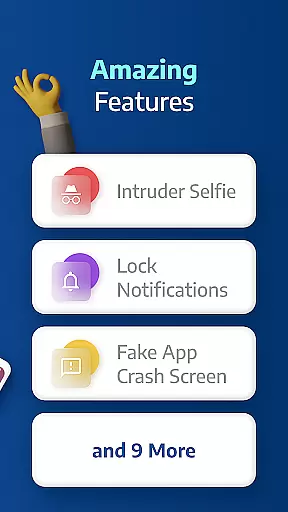
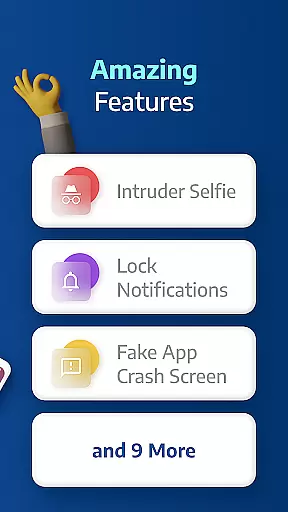
In addition to locking mechanisms, AppLock Pro incorporates smart functionalities like spy camera protection, which captures a photo of anyone attempting unauthorized access. The app also offers a fake error message feature, misleading potential intruders with a deceptive screen. Furthermore, users can hide notifications from locked apps, ensuring complete privacy.
Customization is at the heart of AppLock Pro's appeal. Users can personalize their security experience with custom themes and background images. Advanced settings include options for auto-relock timers, spy alarms, and new app alerts, all optimized for minimal impact on battery life and device performance. These features collectively enhance user control and adaptability, making AppLock Pro a top choice for securing personal data.
Applock Pro excels in core task management by offering a comprehensive suite of security features designed to protect your personal data. The app allows users to lock any application on their device using various methods such as PIN, pattern, fingerprint, or KnockCode. This versatility ensures that users can choose the most convenient and secure method for their needs.
The application goes beyond basic locking mechanisms by incorporating advanced features like spy camera protection. If an unauthorized user attempts to access a locked app and enters the wrong password, the app discreetly takes a photo using the front camera. This feature not only enhances security but also provides users with evidence of intrusion attempts.
Additionally, Applock Pro offers smart settings that optimize performance while minimizing battery and RAM usage. Users can customize vibration feedback, set up alerts for new app installations, and lock recent apps. These features ensure that the app remains lightweight and efficient, providing a seamless user experience without compromising device performance.
Overall, Applock Pro's robust task management capabilities empower users to take full control of their app security, ensuring peace of mind and safeguarding sensitive information from unauthorized access.
Cross-device synchronization is a critical aspect of modern productivity tools, and Applock Pro addresses this need with reliable and efficient features. While primarily focused on securing individual devices, the app includes functionalities that support synchronization across multiple platforms, enhancing user convenience and data integrity.
One notable feature is the ability to customize lock styles and backgrounds using personal gallery photos. This customization extends to all linked devices, allowing users to maintain a consistent look and feel regardless of the device they are using. Such uniformity not only improves user experience but also reinforces brand identity and personalization preferences.
Moreover, Applock Pro's smart settings enable users to configure automatic re-lock timers and disable the lock during specific hours. These settings synchronize seamlessly across devices, ensuring that security measures remain consistent and effective. Whether at home or work, users can rely on these synchronized settings to protect their data without manual intervention.
In summary, Applock Pro's cross-device synchronization reliability ensures that users enjoy a cohesive and secure experience across all their devices, reinforcing its position as a leading productivity tool in the realm of digital security.
Highly secure
User-friendly interface
Customizable lock styles
Advanced spy camera feature
Optimized for performance
Premium version required
Permissions needed
Occasional bugs
Limited free features
Device compatibility issues

Easily read and manage all your PDF files
 4.10
4.10
The upgraded version of Name Wheel with AI and the power to add your own wheels.
4.0
Pwnagotchi companion app
4.20
Easiest event planning, volunteer signups & parent teacher conference scheduling
2.20
Secure, open-source, SPICE and SSH Remote Desktop for QEMU KVM virtual machines
4.00
Calendar 2023 widget for Android. Appointment scheduler, planner, and reminder
4.60
Code on-the-go with VScode for Android. Edit,debug and collaborate from mobile!!
3.10
Share files & memories safely. Keep your photos and videos secure.
4.40
Set up, print, and get support—in one place
4.20
Use powerful, industry-leading AI tools to generate visual charts from any data
4.80
App lock - lock apps with fingerprint, password, pin or pattern, protect privacy
4.70
Tally and goal counter for Wear OS & mobile
4.50
CalenGoo is a very flexible and feature-rich calendar app
4.40
Docker, Kubernetes management over Portainer Mobile
4.40
All in One PDF Reader: Manage, Read and Edit your Documents
4.20
* block pre-roll ads, pop-up and forced redirect ads * Samsung certification app
4.00
Simple and reliable communication between inmates, friends and family
3.20
Experience and share your SolidWorks designs on your Android® phone and tablet.
2.50
A comprehensive suite of tools designed specifically for Lactation Consultants
4.1

User Reviews