

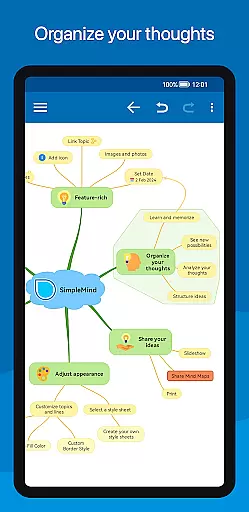
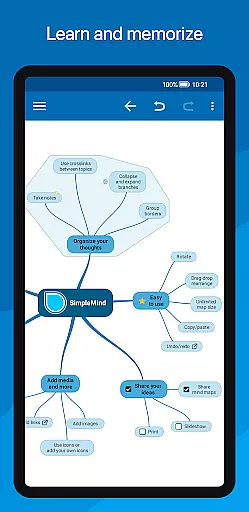
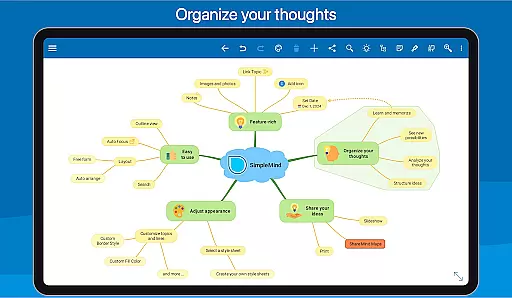
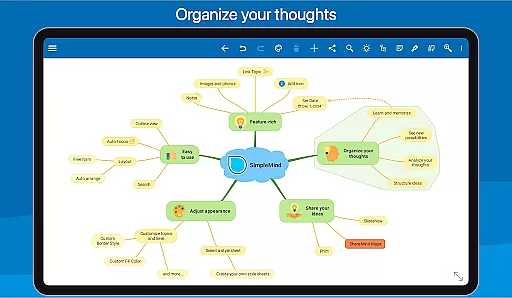
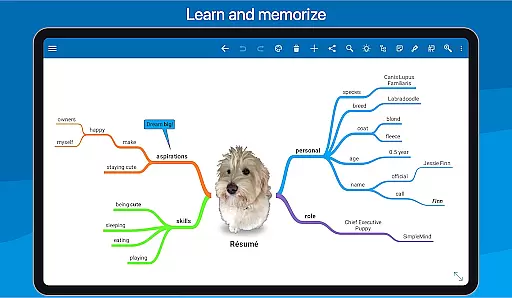
SimpleMind Pro is a premier mind mapping application designed to help users organize thoughts, retain information, and generate innovative ideas. This productivity tool stands out with its intuitive interface and flexible features that cater to various professional fields including business, education, and healthcare.
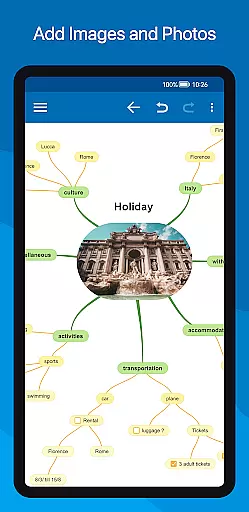
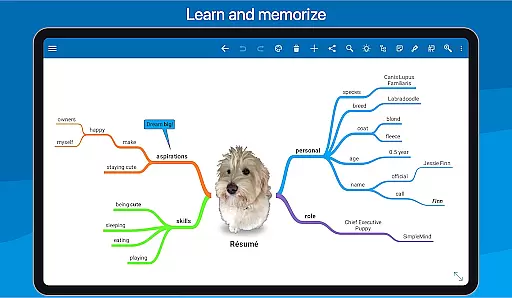
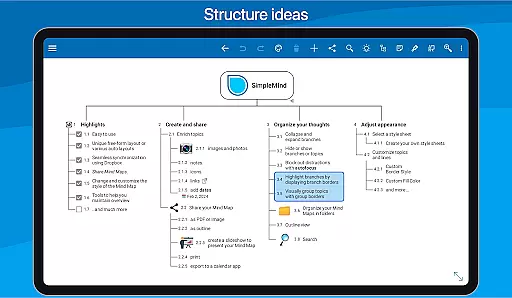
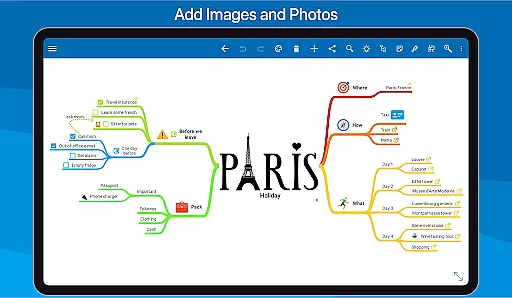
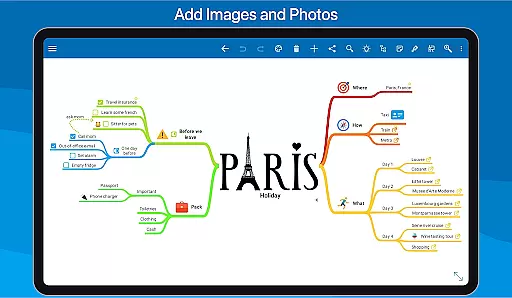
The app allows for both free-form and structured mind map creation, ensuring adaptability to different thinking styles. With reliable synchronization across multiple platforms via cloud services, users can access their mind maps anytime, anywhere. The ability to add rich media elements like images, videos, and voice memos enhances the depth of each mind map.
Whether you're brainstorming new concepts or organizing complex information, SimpleMind Pro provides the tools necessary to maintain clarity and overview. Its styling options and sharing capabilities make it an indispensable tool for professionals seeking efficient ways to capture and communicate ideas.
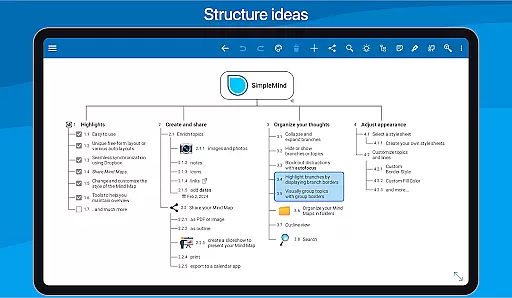
SimpleMind Pro offers an extensive set of features tailored to enhance productivity through mind mapping. One of its key strengths is the versatile layout options; users can place topics freely or utilize auto-layout functions ideal for brainstorming sessions. The app supports virtually unlimited page sizes and elements, accommodating even the most expansive projects.
Integration is another highlight, with seamless synchronization across devices and platforms using cloud services like Dropbox. This ensures that your mind maps are always up-to-date regardless of where they were edited. Additionally, the app allows linking to various resources such as files, webpages, and contacts, enriching the content within each map.
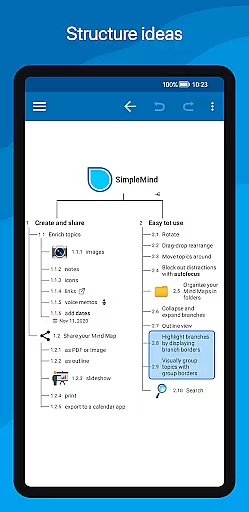
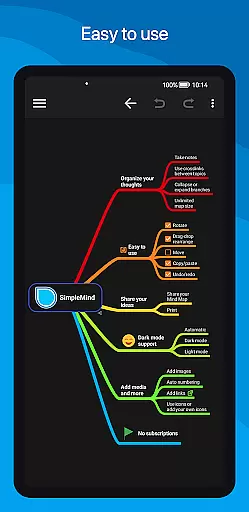
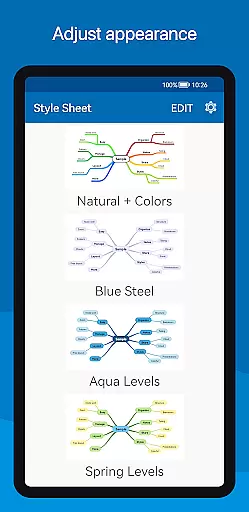
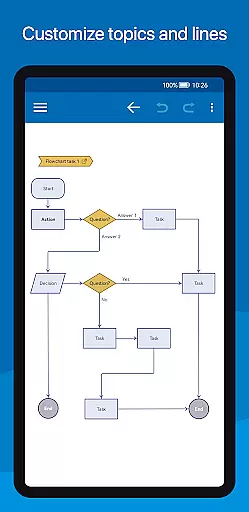
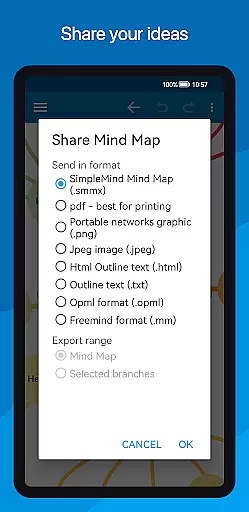
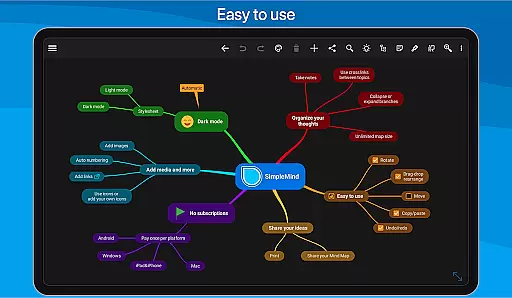
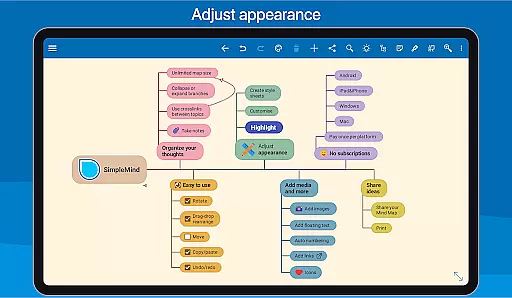
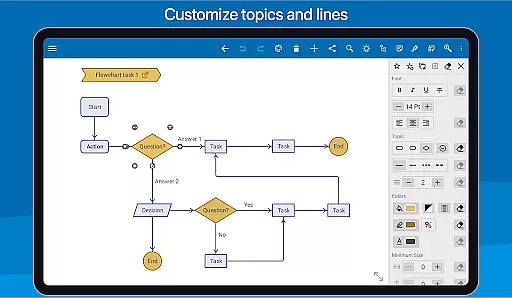
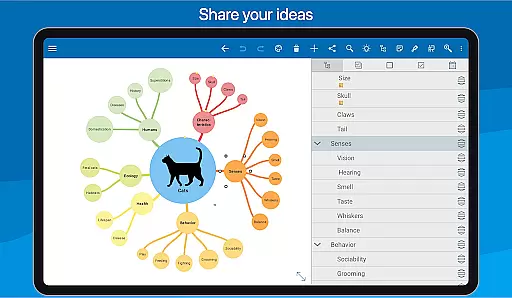
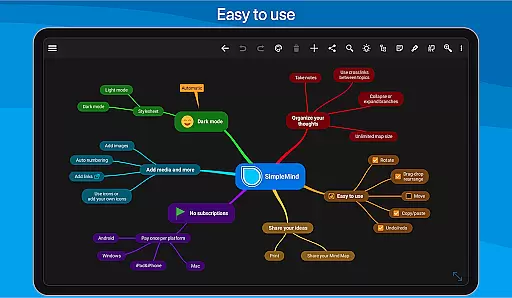
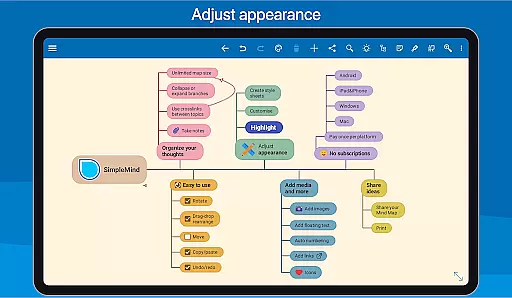
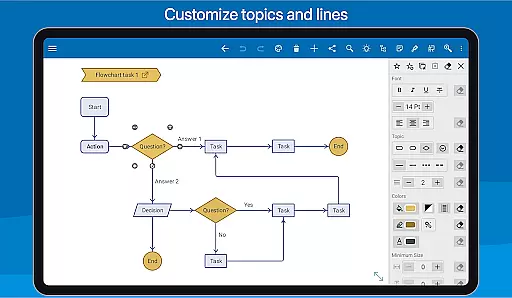
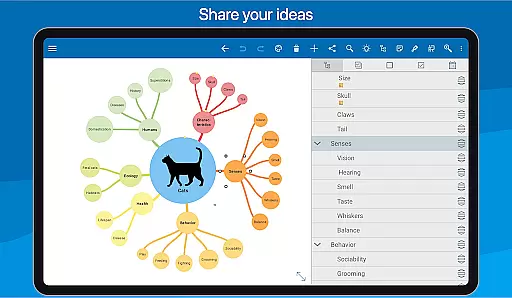
Customization is at the heart of SimpleMind Pro's functionality. Users can apply one of 15+ style sheets or create their own, tailoring every detail from borders to background colors. Tools like autofocus and branch highlighting help maintain an organized overview, while sharing options enable exporting mind maps as PDFs or images for presentations and reports.
SimpleMind Pro excels in core task management by offering a versatile mind mapping experience that helps users organize their thoughts and generate new ideas effectively. The app provides both free-form and auto-layout options, allowing users to place topics anywhere or utilize the auto layout feature for brainstorming sessions.
With functionalities such as drag-and-drop reorganization, checkboxes, progress bars, and auto-numbering, SimpleMind Pro ensures that managing tasks is both intuitive and efficient. Users can also connect any two topics with crosslinks and label relations, which enhances the clarity and interconnectedness of their mind maps.
The virtually unlimited page size and support for multiple mind maps on one page mean that users are only limited by their creativity. This flexibility allows for comprehensive task management that can adapt to various project scopes and complexities, making it an invaluable tool for productivity.
Cross-device synchronization is a critical feature of SimpleMind Pro, ensuring that your mind maps are always up-to-date across all your devices. By leveraging cloud services like Dropbox, the app offers seamless synchronization, which means you can start a mind map on your Android phone and continue working on it with a Windows or Mac computer.
This synchronization capability extends the productivity potential by not confining your work to a single platform or device type. Whether you're switching from a phone to a tablet or from an Android device to a desktop, your mind maps remain consistent and reliable.
Furthermore, this cross-device compatibility supports collaboration and sharing, allowing users to export their mind maps in various formats such as PDF or images. This ensures that teams can collaborate effectively regardless of the device they use, enhancing both individual and group productivity.
User-friendly interface
Reliable cross-platform sync
Versatile layout options
Rich media integration
Extensive customization
Premium price point
Separate desktop purchase
Feature overload for beginners
Limited free version
Occasional sync issues

QuickBooks Workforce lets teams view pay info and track time in one place.
 4.70
4.70
Unlock AutoNotification
4.00
Direct Chat without saving contacts & Dual WA Account on Single Device
4.70
Multilingual translator for text, voice, and image translation!
4.90
A comprehensive suite of tools designed specifically for Lactation Consultants
4.5
Experience and share your SolidWorks designs on your Android® phone and tablet.
2.50
Share files & memories safely. Keep your photos and videos secure.
4.40
Okta MFA
4.70
AT&T Internet customers can use this app to personalize their Wi-Fi network.
4.40
Understand anything with a personalized AI research assistant
4.80
Absolutely the best CNC machinist speed and feed calculator around. fswizard.com
4.60
The Pro Version of Android's tiniest Notepad app. Just 0.3MB but feature-packed!
4.60
Lightweight PDF, Word, Excel reader.
4.60
Planet Free VPN - The best Fast Unlimited and Secure VPN Without Logs
4.50
Enjoy classic gameplay with customizable features and retro-style graphics.
4.30
A customizable calendar for your Wear OS watch
4.20
Total remote control for your Android device, PC and cloud services (IFTTT)!
4.20
All in one sketching tool. Technical and General drawing. Online Maps support.
3.70
AI Video AI Image Private LLM AI Browser Llama Gemma Ollama Connect LLM Studio
4.0

User Reviews