

Work Log Pro is a comprehensive productivity tool designed for efficient work hour tracking and payroll management. The app allows users to log shifts, calculate worked hours, and track wages across multiple jobs with customizable pay periods. Its standout feature is the ability to export data as spreadsheets or PDFs while offering advanced functionalities like automatic break deductions, overtime calculations, and sales/tip tracking.
This application is particularly beneficial for professionals such as servers, salespeople, or anyone managing multiple income streams. By providing detailed wage breakdowns, customizable settings, and backup options, Work Log Pro ensures both convenience and accuracy in payroll processing. The app's widget functionality also enables quick shift logging, making it ideal for busy work environments.
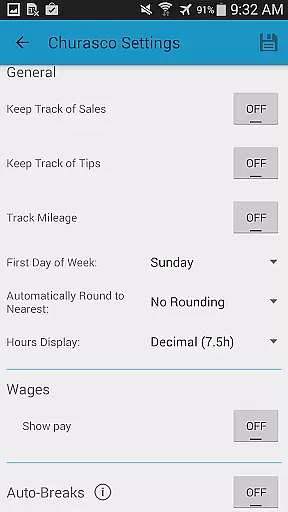
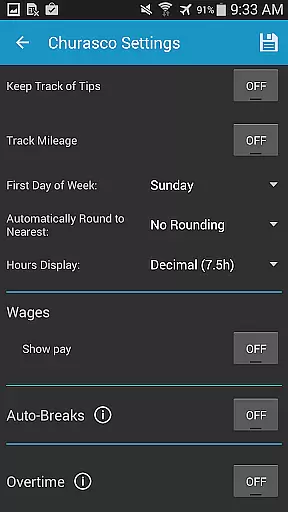
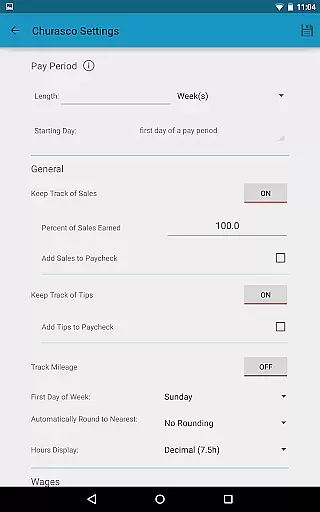
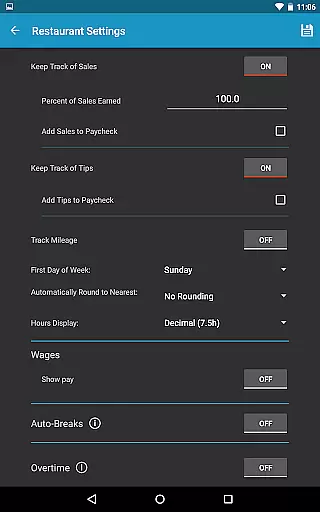
Work Log Pro stands out with its robust feature set tailored for productivity-focused users. The app supports multiple job profiles, each with customizable settings like 24-hour time formatting, pay period configurations, and overtime tracking. Users can choose between manual entry or punch-in/out methods for shift logging, ensuring flexibility based on individual preferences.
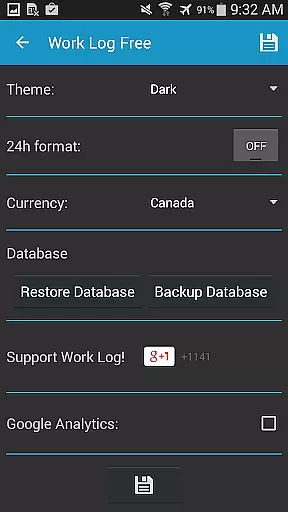
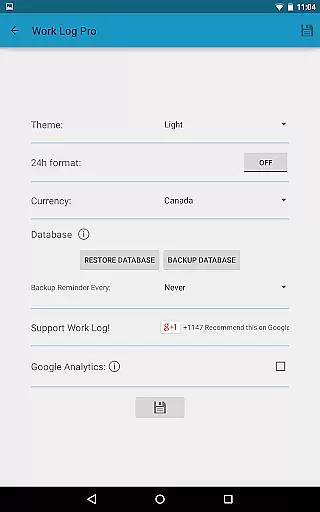
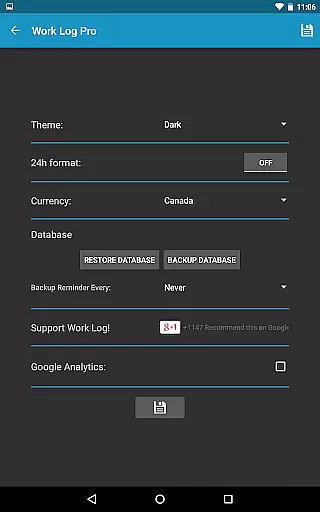
Advanced customization options include automatic paycheck deductions, bonus calculations, and currency display from over 100 countries. Additionally, the app provides reliable backup solutions via email exports and secure database restoration. With an ad-free experience, dark/light themes, and widgets for quick access, Work Log Pro delivers a seamless blend of functionality and user-centric design.
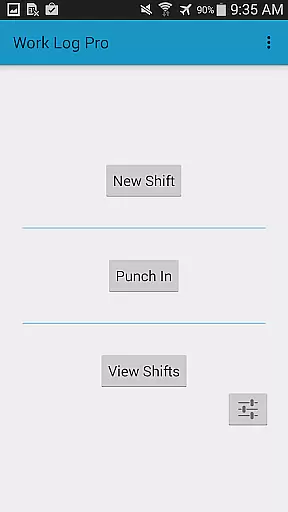
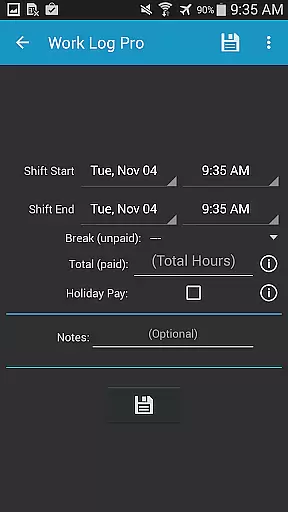
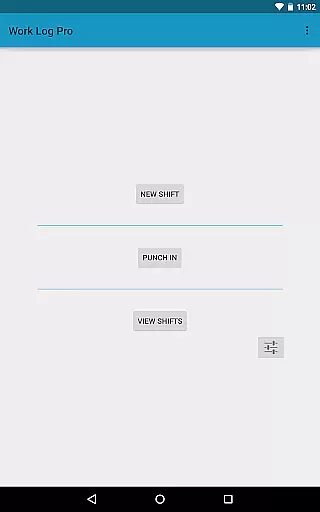
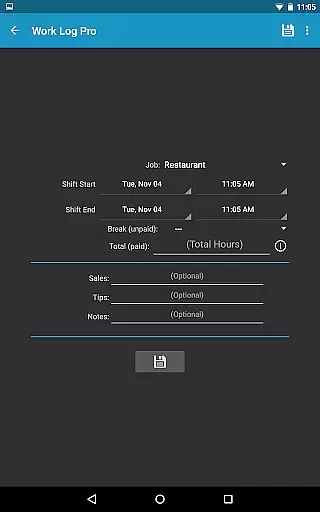
Work Log Pro excels in core task management by offering a comprehensive suite of features designed to streamline the tracking and calculation of work hours. The app allows users to punch in and out or manually enter shift hours, ensuring flexibility in recording time worked.
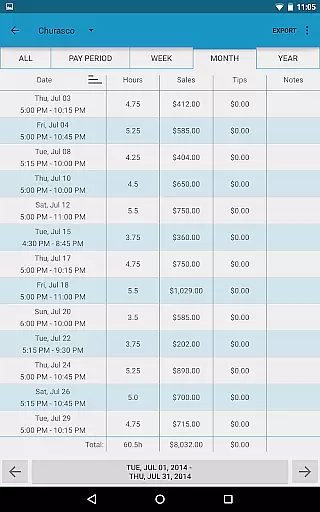
One standout feature is its ability to automatically calculate wages over a pay period, factoring in deductions, bonuses, and even overtime. This functionality not only saves time but also ensures accuracy in paycheck calculations, which is crucial for both employees and employers.
Additionally, Work Log Pro supports multiple jobs, each with customizable settings such as pay rates, break times, and overtime rules. This makes it an invaluable tool for freelancers or anyone juggling various roles, providing a consolidated view of all work commitments.
By integrating widgets for quick access and offering extensive customization options, Work Log Pro enhances productivity and ensures that users can tailor the app to fit their unique needs, ultimately simplifying their work life.
Cross-device synchronization is a critical feature for users who rely on consistent access to their data across multiple devices. Work Log Pro addresses this need by enabling reliable backup and restore functionalities, ensuring that all recorded shifts and settings are safely stored and easily transferable.
The app facilitates backups through email, allowing users to send a copy of their database to themselves. This method ensures that data can be restored on a new device simply by opening the emailed attachment, making transitions seamless and stress-free.
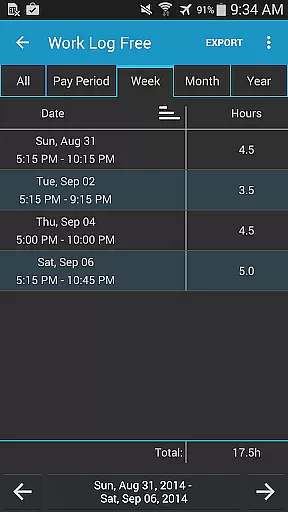
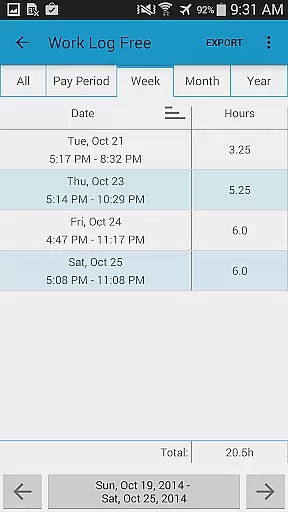
Moreover, Work Log Pro offers export capabilities, letting users save their recorded shifts as a spreadsheet or PDF. These files can be accessed from any device, providing another layer of data portability and security. This feature is particularly useful for those who need to share their work logs with employers or accountants.
By combining robust backup solutions with versatile export options, Work Log Pro guarantees that users will always have reliable access to their data, regardless of the device they are using, thus enhancing both convenience and peace of mind.
Accurate time tracking
Customizable settings
Multiple job support
Export capabilities
Overtime calculation
Requires free version
No standalone use
Paid upgrades
Complex interface
Limited offline help

QuickBooks Workforce lets teams view pay info and track time in one place.
 4.70
4.70
Seamlessly integrate data and reports to build your presentation to impress
4.80
All in one sketching tool. Technical and General drawing. Online Maps support.
3.70
App Lock with fingerprint, password: Lock apps & hide photos with lock screens
4.60
Subscribe to Webcal & .ics calendars and keep them up-to-date!
4.50
Use powerful, industry-leading AI tools to generate visual charts from any data
4.80
Scan paperwork into PDF/JPG, generate your own e-signature and send fax or email
4.70
AI Chatbot and AI writing assistant powered by ChatGPT.
4.60
Note taking, handwriting, record audio, PDF annotation, planner & journal
4.20
Best Tool for the professionals Electrician, Electrical contractors, etc.
4.90
Mind Map and brainstorm, note taking and idea collection
4.80
A beautiful digital clock with autostart and many other functions
4.70
Client for Nextcloud Deck
4.60
Enjoy classic gameplay with customizable features and retro-style graphics.
4.30
Access, manage and transfer files on Android, PC, Mac, NAS and cloud storages.
4.30
Easily read and manage all your PDF files
4.10
Activate Two Factor Authentication (2FA or Multi OTP), Password manager and more
4.10
Smart PDF reader & editor to view, organize and manage PDF documents easily.
3.70
Ads Free App! Editor, Hide File, Copy, Move, Delete and Rename.. all facility av
1.70

User Reviews