

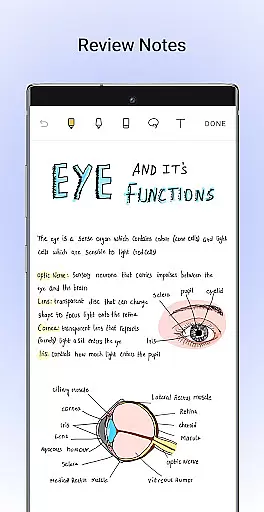
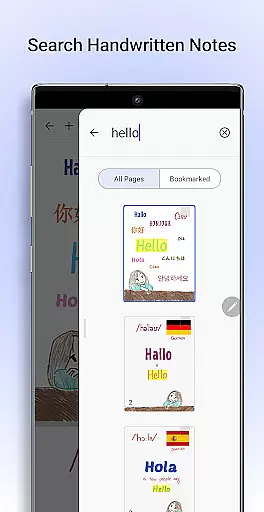
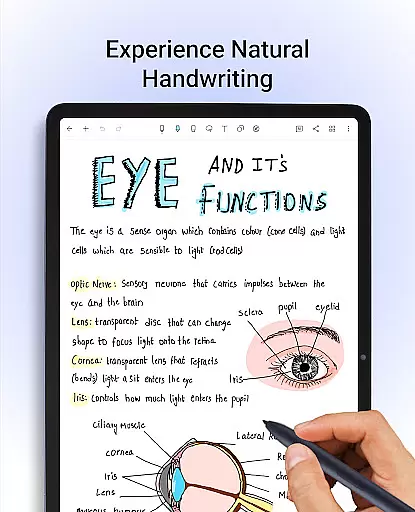
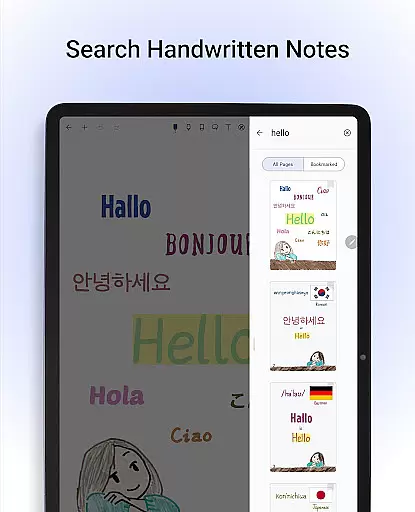
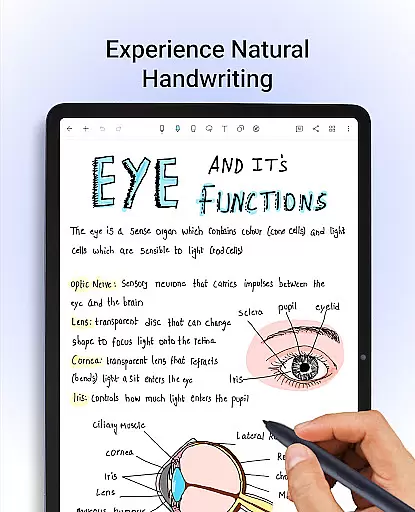
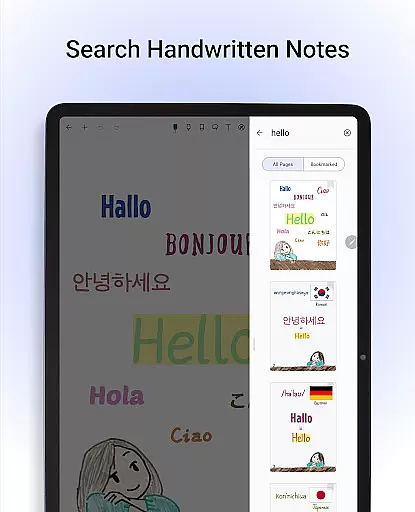
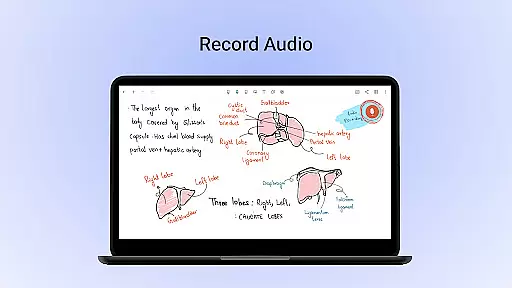
Noteshelf is a feature-rich note-taking app designed for students, teachers, and professionals. It allows users to take beautiful handwritten notes, annotate PDFs, record audio, and organize digital notes with ease. The app offers realistic pens and highlighters, supports multiple styluses, and provides handwriting recognition in 65 languages.
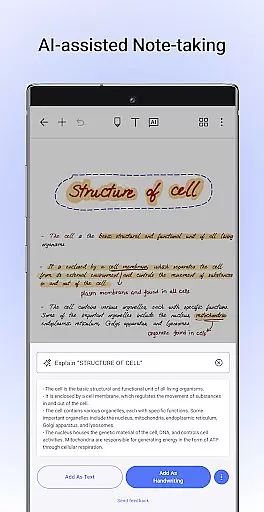
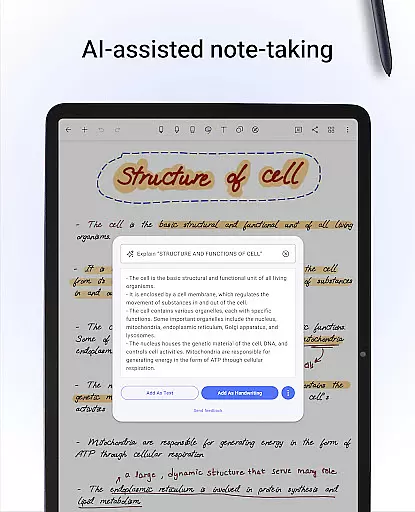
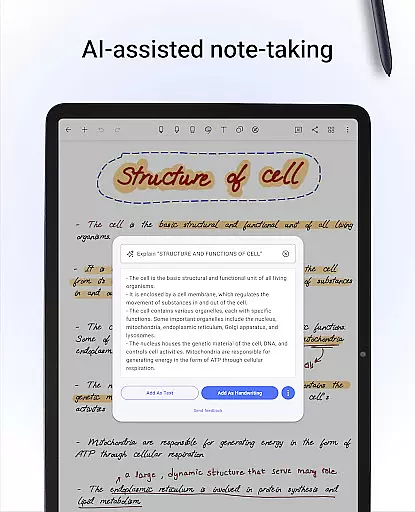
With Noteshelf, users can convert their handwritten notes to typed text, search through notes, and access a vast library of 200+ templates for various needs. The app also introduces Noteshelf AI, an intelligent assistant that understands handwriting and helps generate notes, summarize content, and translate text.
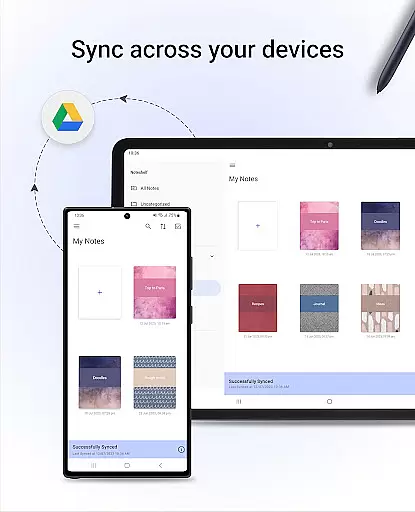
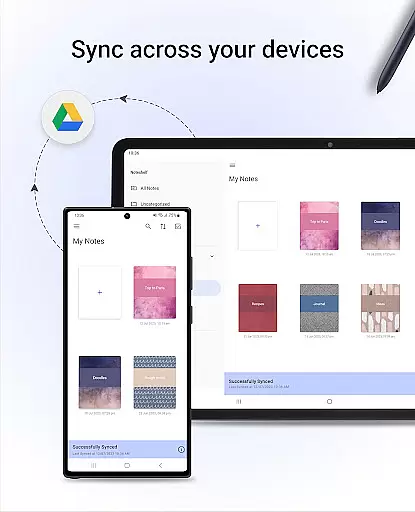
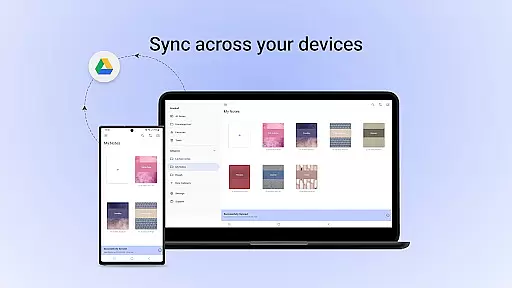
This productivity tool ensures notes are safe and accessible anytime by syncing via Google Drive and offering auto-backup options. Users can personalize their note-taking experience with different paper styles, covers, and formatting options. Noteshelf is ideal for staying organized and enhancing the note-taking experience on Android devices.
Noteshelf stands out with its comprehensive set of features tailored for effective note-taking. The app provides natural handwriting tools with realistic pens and highlighters, supporting a variety of styluses including Samsung Galaxy Note's S-pen with quick-erase functionality. This makes handwriting both intuitive and versatile.
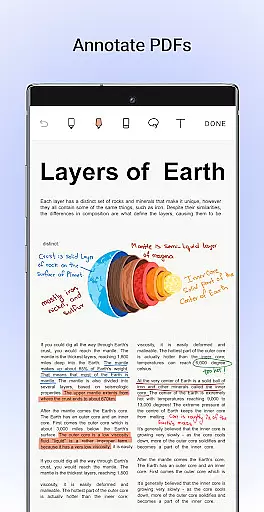
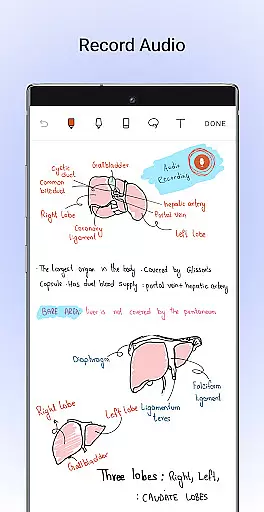
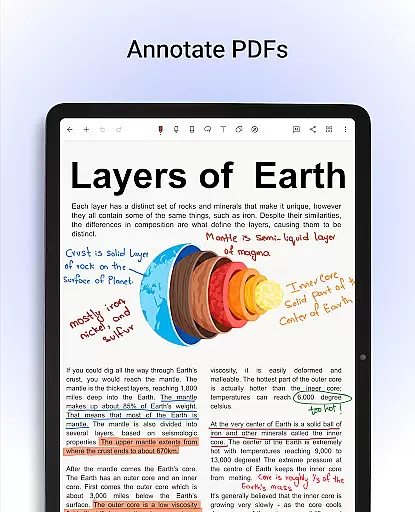
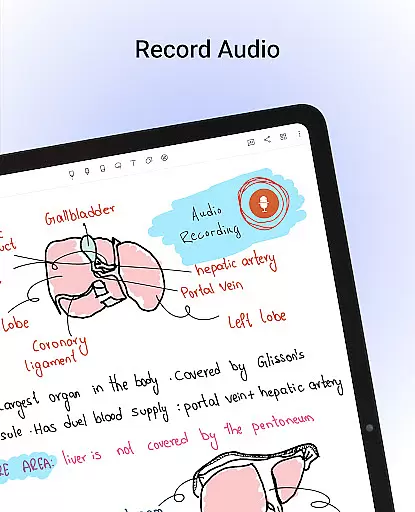
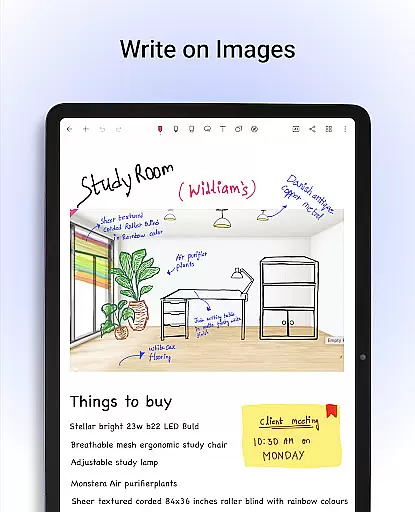
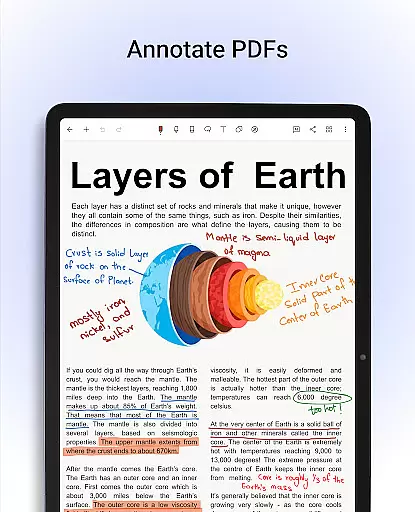
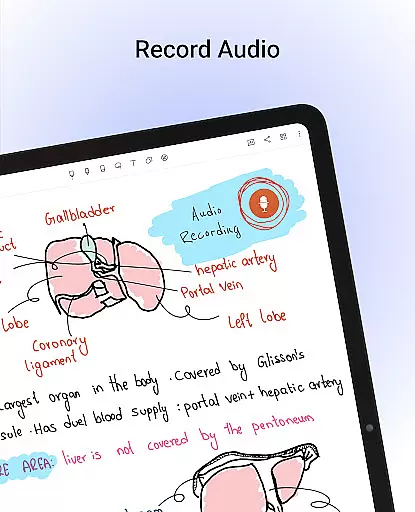
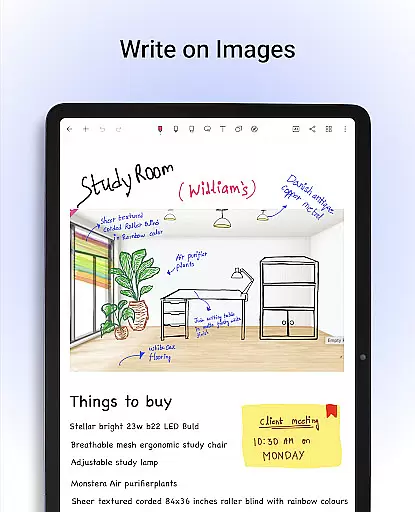
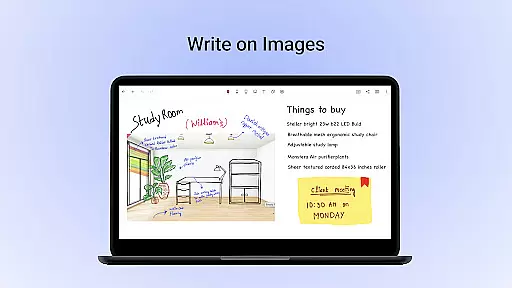
Users can annotate PDFs and images, edit school notes, grade papers, fill out forms, and sign documents. The app includes Noteshelf AI, which revolutionizes note-taking by understanding handwriting, generating notes, summarizing content, and translating text. With over 200 templates, customizable notebooks, and the ability to record audio during lectures, Noteshelf caters to diverse organizational and educational needs.
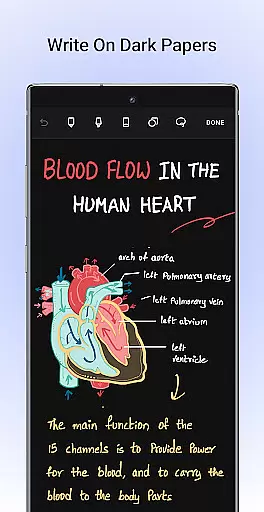
Additional features include syncing notes via Google Drive, auto-backup to cloud services, publishing notes to Evernote, and sharing notes as images. The app also supports dark mode for eye-friendly use and allows importing visuals from libraries like UNSPLASH and PIXABAY, making it a robust tool for creative and professional note-taking.
Task management is a cornerstone of productivity applications like Noteshelf. This app provides users with the ability to create, organize, and manage their digital notes effectively. With features such as natural handwriting support, PDF annotation, and handwriting recognition in 65 languages, Noteshelf ensures that users can handle various types of tasks with ease.
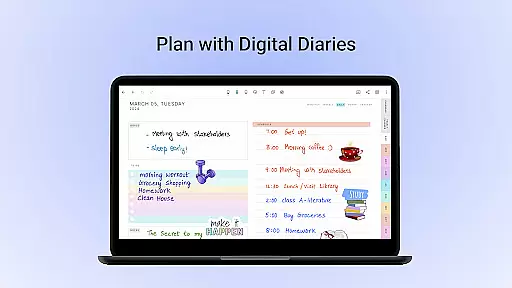
The app offers an extensive template library with over 200 options tailored for different needs, from student notes to professional planners. Users can personalize their note-taking experience by selecting from lined, dotted, or grid papers in multiple colors. Additionally, the integration of Noteshelf AI enhances task management by generating notes, summarizing content, and translating text, making it a powerful tool for both personal and business use.
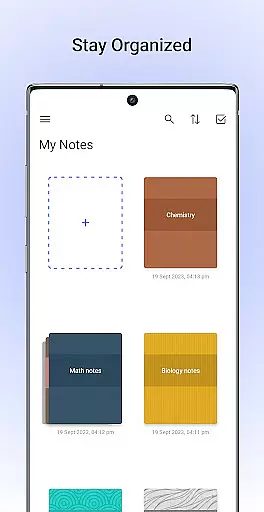
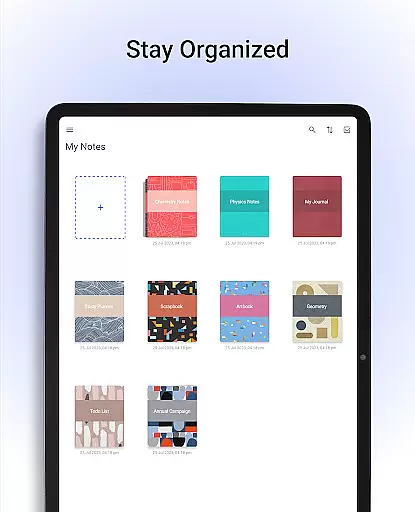
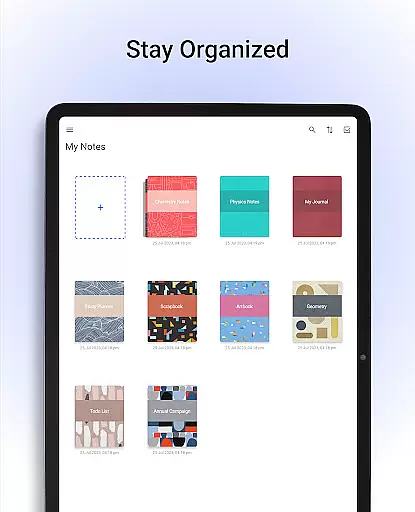
Noteshelf also supports staying organized through grouping notebooks into categories, bookmarking important pages, and naming them to create a personalized table of contents. Syncing via Google Drive and automatic backups to various cloud services ensure that notes are always safe and accessible. These robust task management capabilities make Noteshelf an indispensable tool for anyone looking to streamline their workflow and enhance productivity.
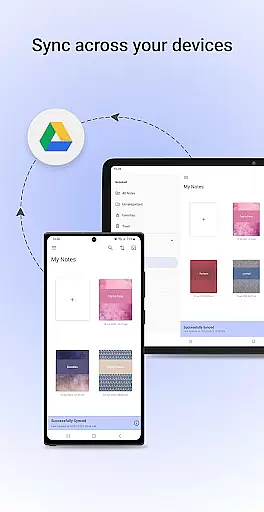
Cross-device synchronization is vital for ensuring that your work is accessible no matter where you are. Noteshelf excels in this area by providing reliable sync options through Google Drive, allowing users to access their notes on any Android device seamlessly. This feature guarantees that whether you're at home, in the office, or on the go, your notes are always up-to-date and available.
In addition to Google Drive, Noteshelf supports auto-backup to other popular cloud services such as OneDrive, Dropbox, and WebDAV. This multi-cloud strategy ensures that there's always a backup available, reducing the risk of data loss. The app also allows automatic publishing to Evernote, further expanding its cross-device capabilities and ensuring that users can retrieve their notes from virtually anywhere.
With features like sharing notes as images and incorporating visuals from libraries like UNSPLASH and PIXABAY, Noteshelf makes collaboration and creativity effortless across devices. Whether you're switching between a tablet for meetings or a phone for quick edits, Noteshelfu2019s synchronization reliability ensures a seamless experience, empowering users to focus on their tasks without worrying about data accessibility.
User-friendly interface
Extensive customization options
Powerful AI capabilities
Cloud integration
Versatile annotation tools
Limited to Android
Advanced features may overwhelm new users
Requires reliable internet for cloud sync
Premium features come at a cost
Learning curve for AI functionalities
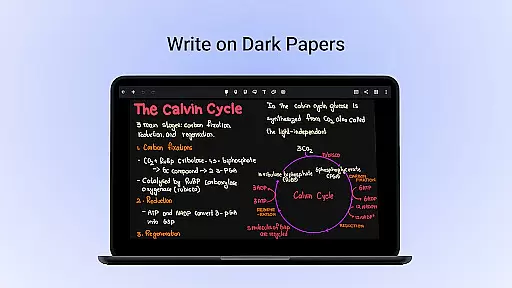
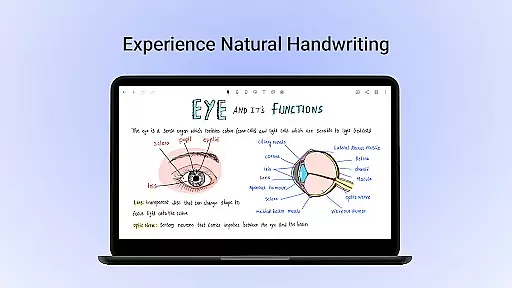
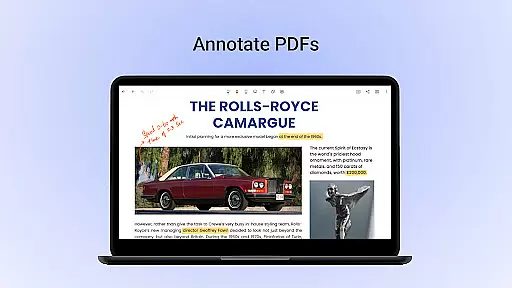
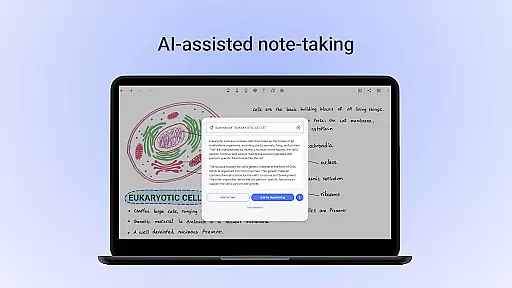

Experience Reading - Night Mode for Documents
 4.40
4.40
Send files, sync SMS, notifications & clipboard across devices via local network
4.40
Remotely view listen control and record cameras.
3.70
Customizable calendar widget for seamless event sync, planning & scheduling.
4.00
Simple and reliable communication between inmates, friends and family
3.20
Functional QR scanner and barcode reader that requires little storage space.
4.60
Intelligent AI Assistant
4.10
AT&T Internet customers can use this app to personalize their Wi-Fi network.
4.40
Put a lock on your cloud: Take the security of your data into your own hands
3.70
8 custom complications. Custom Time Fonts. Beautiful color schemes. A++ Design.
5.00
Great calculator for Android named one of USA TODAY's "25 Essential Apps".
4.90
Protect and view your important info on your phone and tablet with eWallet®
4.80
Absolutely the best CNC machinist speed and feed calculator around. fswizard.com
4.60
Pwnagotchi companion app
4.20
Easily read and manage all your PDF files
4.10
Cloud storage, automatic phone backup, and more.
4.10
Unlock AutoNotification
4.00
Make your handwriting beautiful, even more than pen on paper.
3.60
A simple, portable logger for POTA, SOTA, Field Day, and more
4.2

User Reviews