

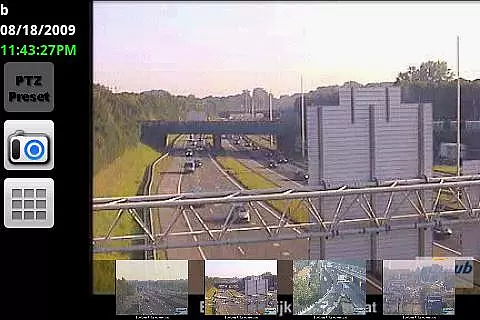
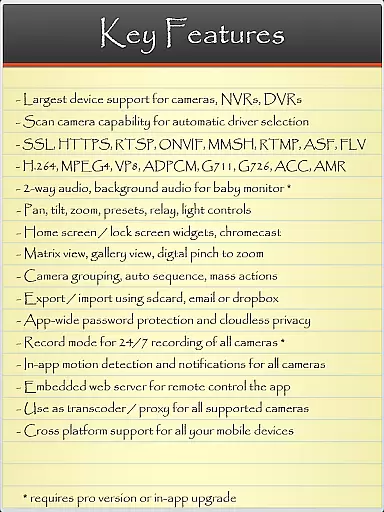
IP Cam Viewer Pro is a powerful productivity tool designed for remote video monitoring. This award-winning utility allows users to access their video cameras, DVRs, network recorders, and webcams from anywhere. Supporting over 1600 devices, it offers compatibility with a wide range of equipment and provides advanced features such as HTTPS, RTSP, and ONVIF protocol support.
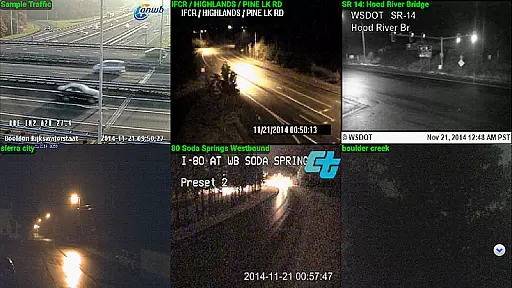
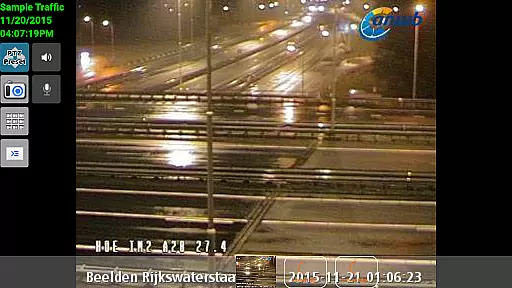
The app stands out with its professional-grade functionalities including pan-tilt-zoom control, motion detection, and matrix view options. Whether you need to monitor your home, office, or any other location, IP Cam Viewer Pro delivers a reliable and customizable solution for all your remote video surveillance needs.
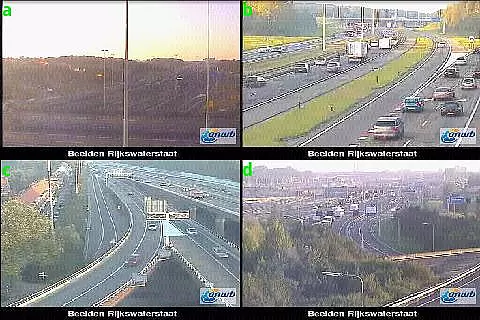
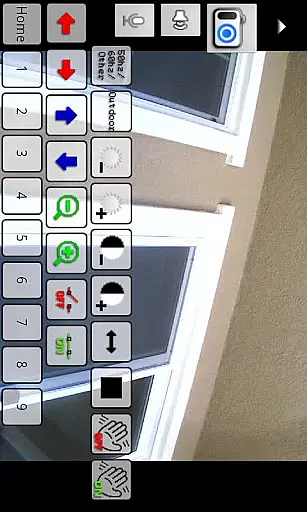
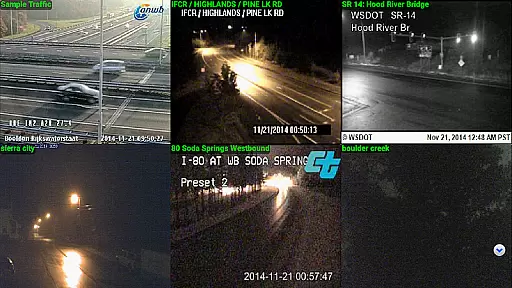
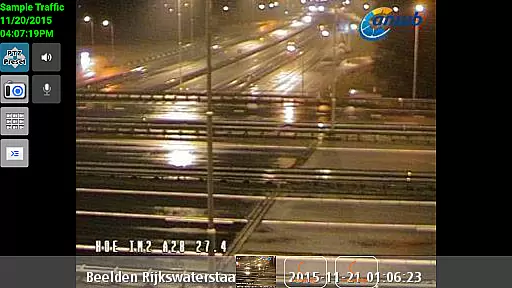
IP Cam Viewer Pro boasts an impressive array of features that cater to both casual and professional users. The app supports multiple protocols like HTTPS, RTSP, and ONVIF, ensuring broad compatibility with various devices. Its standout functionalities include matrix view mode, which allows simultaneous monitoring of multiple camera feeds, and advanced PTZ (pan-tilt-zoom) controls for precise camera adjustments.
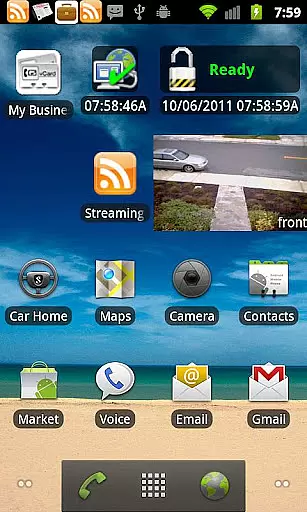
Additional notable features include customizable home screen widgets for quick access, grouping options for organizing cameras, and robust security measures through encryption. The app also offers innovative solutions like in-app motion detection and support for two-way audio communication. With over five years of development, this comprehensive tool continues to evolve, providing users with increasingly sophisticated monitoring capabilities.
IP Cam Viewer Pro excels in core task management by offering a comprehensive suite of tools for video surveillance. The app supports over 1600 devices, ensuring compatibility with a wide range of cameras and recorders.
With features like matrix view and pan-tilt-zoom, users can efficiently monitor multiple camera feeds simultaneously. This functionality is crucial for maintaining an organized surveillance system, allowing users to keep track of various locations without switching between different apps or interfaces.
The inclusion of home and lock screen widgets further enhances task management capabilities. Users can access important controls and information directly from their device's home screen, streamlining the monitoring process and saving valuable time.
Moreover, the app's grouping feature enables users to categorize cameras based on location or function, making it easier to manage large-scale surveillance operations. This level of organization significantly improves productivity when handling complex security systems.
Cross-device synchronization is a standout feature of IP Cam Viewer Pro, ensuring reliable performance across multiple platforms. The app supports HTTPS and RTSP protocols, guaranteeing secure and stable connections between devices.
Users can access their surveillance system from various devices without compromising on quality or speed. This seamless synchronization allows for real-time monitoring, regardless of whether you're using a smartphone, tablet, or computer.
The app's support for ONVIF standards further enhances its cross-device capabilities. This industry-standard protocol ensures compatibility with a wide range of security equipment, making it easier to integrate new devices into your existing system.
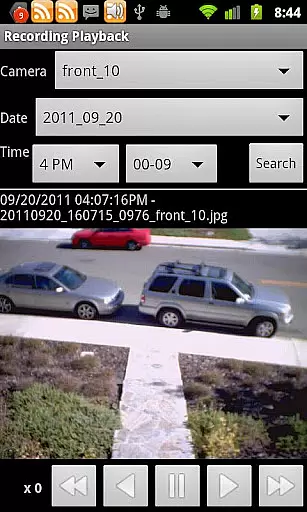
Additionally, features like remote control recording and background audio support demonstrate the app's commitment to providing consistent performance across different devices. These capabilities ensure that users never miss important events, even when they're away from their primary monitoring station.
User-friendly interface
Wide device compatibility
Advanced security features
Comprehensive protocol support
Innovative motion detection
Paid application
Complex for beginners
Requires stable internet
Limited free support
Resource-intensive

The long-awaited modern gallery app for your Nextcloud server
 4.70
4.70
Wake up & get tasks done! Add alarms & reminders on the Clock Launcher.
4.00
We're working to become the best machining app on the market! www.cncdirt.com
4.80
ID.me Authenticator is a simple and free Two Factor Authentication solution
3.50
All document reader, all in one file viewer read PDF, DOCX, XLS, PPT, TXT files.
4.60
Intelligent AI Assistant
4.10
Understand anything with a personalized AI research assistant
4.80
Scan paperwork into PDF/JPG, generate your own e-signature and send fax or email
4.70
Seamlessly read, manage, and organize all your PDF files solution in one place
4.40
8 custom complications. Custom Time Fonts. Beautiful color schemes. A++ Design.
5.00
Best Tool for the professionals Electrician, Electrical contractors, etc.
4.90
Scientific calculator for Android - looks and operates like the real thing!
4.90
Quickly and easily keep track of your work shifts
4.70
Translate text/voice/photos in 150+ languages. Offline & fast translator app.
4.50
Tally and goal counter for Wear OS & mobile
4.50
Secure your apps with lock screens, use custom themes and different features.
4.40
Mega cloud explorer plugin for Solid Explorer
3.80
Code on-the-go with VScode for Android. Edit,debug and collaborate from mobile!!
3.10
Experience and share your SolidWorks designs on your Android® phone and tablet.
2.50


User Reviews