

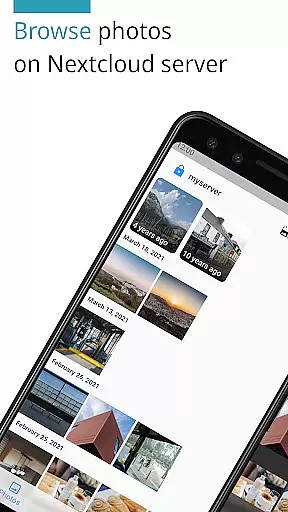
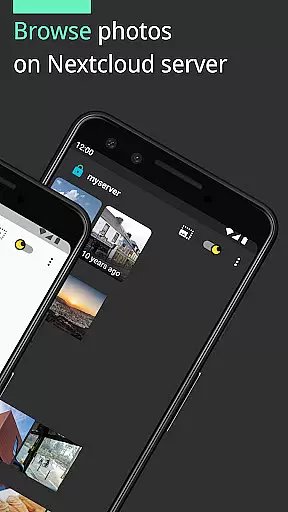
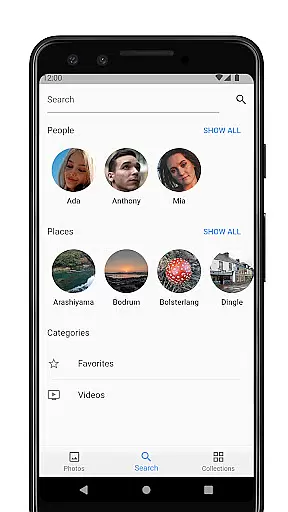
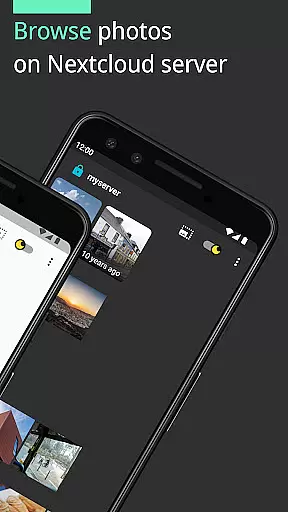
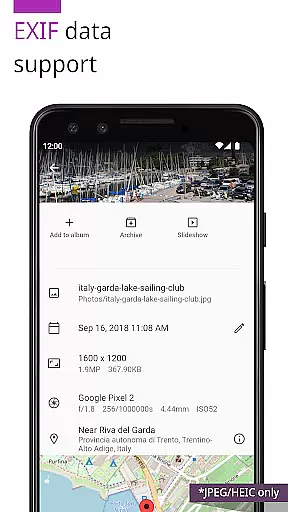
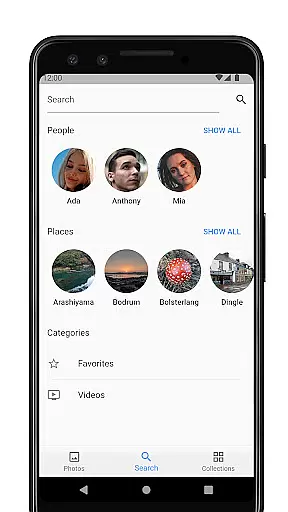
Photos for Nextcloud is a powerful productivity app designed to enhance photo management on the Nextcloud platform. This app offers advanced features such as JPEG XL support, client-side EXIF extraction, and reverse geocoding, making it easier to organize and manage your photos efficiently.
In addition to supporting various image and video formats like JPEG, PNG, WebP, HEIC, GIF, JPEG XL, MP4, and WebM, Photos for Nextcloud also integrates with the Nextcloud Face Recognition app. It allows users to sign in to multiple servers and create shared albums experimentally with others on the same server, enhancing collaborative efforts.
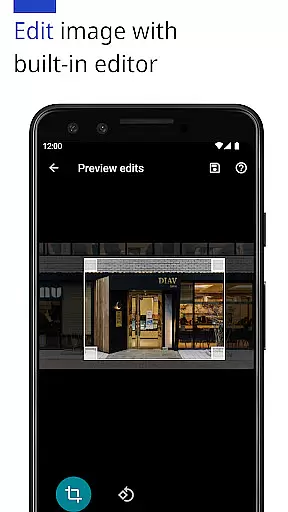
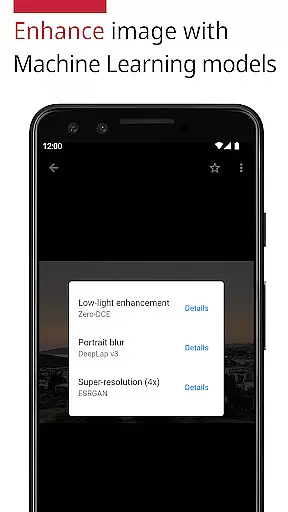
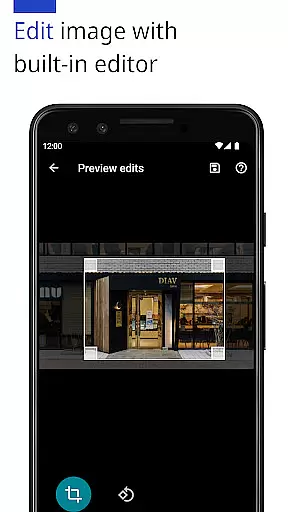
One of the standout features of Photos for Nextcloud is its ability to enhance photos using machine learning models and edit them with a built-in editor. These capabilities ensure that users can improve their photos' quality without needing additional software.
The app supports signing in to multiple servers and creating shared albums, which is particularly useful for teams collaborating on projects. Moreover, being open-source, it provides transparency and flexibility for users who prefer to understand or modify the underlying code.
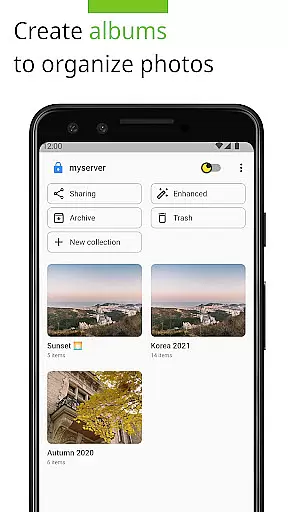
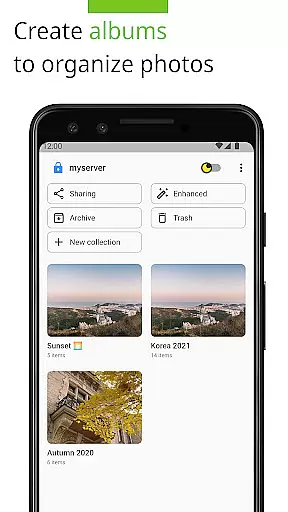
Task management is a critical aspect of productivity applications, and Photos for Nextcloud excels in this area by offering users advanced tools to organize their digital assets effectively. The app supports the creation and management of albums with more flexibility than ever before.
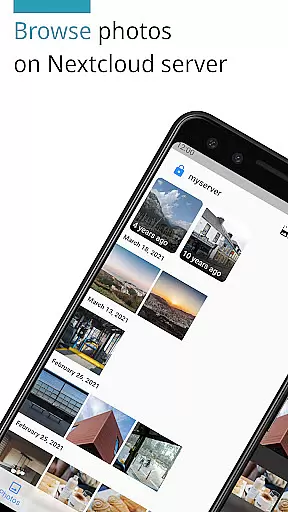
Users can sign in to multiple servers, allowing them to manage photos across different accounts seamlessly. This feature ensures that all your tasks related to photo management are centralized, making it easier to handle large collections of images and videos.
The ability to create shared albums with users on the same server adds another layer of collaboration. Although this feature is experimental, it provides an innovative way to work together on photo projects, enhancing both personal and team productivity.
Cross-device synchronization is essential for ensuring that your data is accessible wherever you are, and Photos for Nextcloud offers reliable synchronization across all your devices. With support for a wide range of formats including JPEG, PNG, WebP, HEIC, GIF, JPEG XL, MP4, and WebM, the app guarantees that your media files are always up-to-date and available.
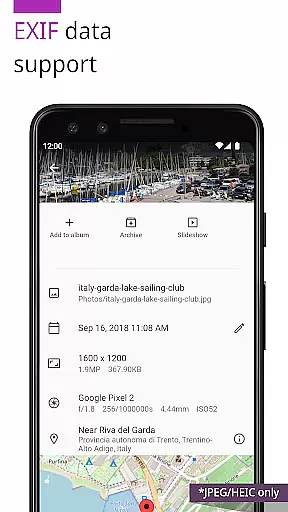
The app's robust synchronization capabilities are further enhanced by client-side EXIF extraction, which works even for formats not supported by the server. This means that metadata crucial for organizing and searching your photos is preserved and synchronized accurately.
Moreover, the app's open-source nature allows for continuous improvements and updates from the community, ensuring that synchronization remains smooth and reliable over time. Users can trust that their photos and videos will be consistently updated across all their devices without any loss of quality or information.
User-friendly interface
Advanced photo editing
Supports multiple formats
Open-source flexibility
Multi-server login
Limited codec support
Experimental sharing
No offline mode
Requires Nextcloud
Paid version only


Planet Free VPN - The best Fast Unlimited and Secure VPN Without Logs
 4.50
4.50
Automates browsing any website and notifies you of important changes or events
4.30
Smart PDF reader & editor to view, organize and manage PDF documents easily.
3.70
A lightweight JSON & XML files creator, editor and viewer (Premium Version)
4.40
Mind Map and brainstorm, note taking and idea collection
4.80
Customizable calendar widget for seamless event sync, planning & scheduling.
4.00
Multilingual translator for text, voice, and image translation!
4.90
This small app MUST BE INSTALLED after purchase, else license won't work
4.40
Secure your apps with lock screens, use custom themes and different features.
4.40
8 custom complications. Custom Time Fonts. Beautiful color schemes. A++ Design.
5.00
Enjoy classic gameplay with customizable features and retro-style graphics.
4.30
Professional calendar app for Google Calendar, MS Outlook & Exchange
4.20
Make apps & sites with natural language prompts
4.10
Unlock AutoNotification
4.00
⏰ Finally a timer app which can run multiple timers simultaneously on your watch
3.90
Ultimate Virtual AI Character for immersive Roleplay Chat. Perfect Companion
3.90
Code on-the-go with VScode for Android. Edit,debug and collaborate from mobile!!
3.10
Experience and share your SolidWorks designs on your Android® phone and tablet.
2.50
A comprehensive suite of tools designed specifically for Lactation Consultants
4.3

User Reviews