

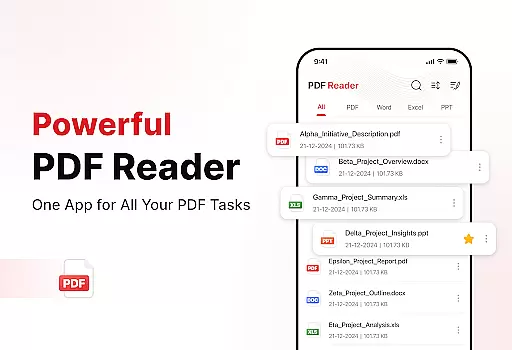
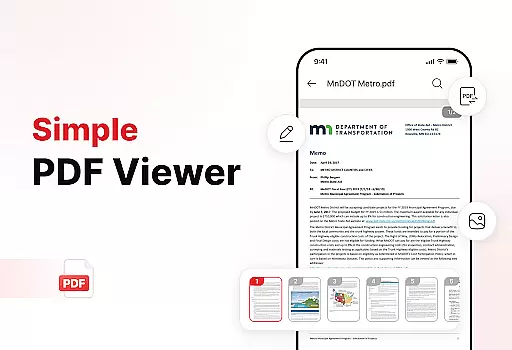
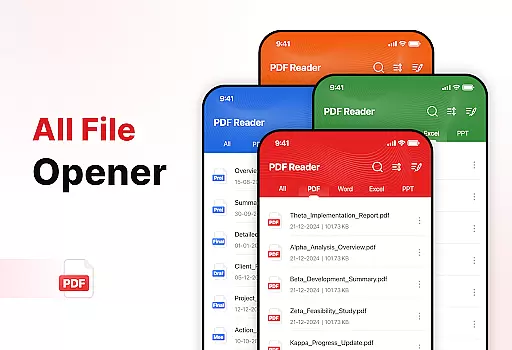
PDF Reader - Edit & View is a comprehensive document management solution designed to simplify how you handle, organize, and convert files. This productivity app offers versatile PDF reading capabilities, allowing users to open and read PDFs of any size without lag while providing easy navigation and zoom features for detailed viewing. The app supports multiple file formats including XLS, DOCX, and PPT, making it an essential tool for students, professionals, and anyone who frequently works with documents.
Beyond basic reading, the app includes powerful document conversion features. Users can scan physical documents and convert them into high-quality PDFs or transform images and screenshots into professional PDF files. The enhanced productivity tools enable efficient file management through advanced sorting options, bookmarking, and effortless sharing. With its user-friendly interface and robust functionality, PDF Reader - Edit & View helps users boost productivity and save valuable time in their daily document workflows.
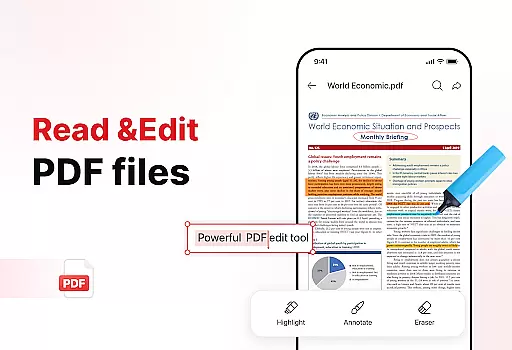
PDF Reader - Edit & View stands out with its diverse range of features that cater to various document management needs. The app's Versatile PDF Reader allows seamless opening and reading of PDF files regardless of size, while providing essential functions like zooming and highlighting. Its multi-format support extends beyond PDFs to include XLS, DOCX, and PPT files, offering users complete flexibility in handling different document types.
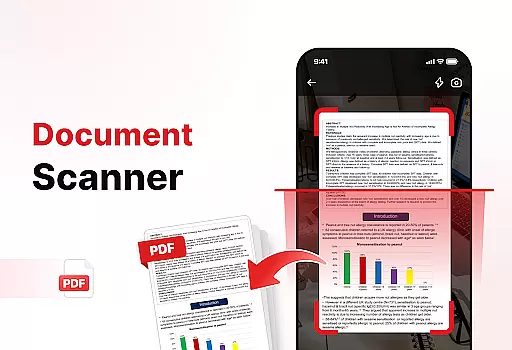
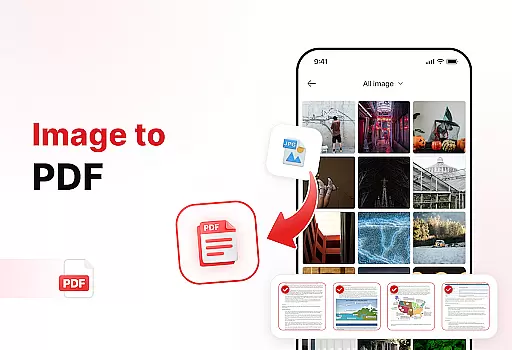
The app's Powerful Document Converter enables users to digitize physical documents through its Document Scan feature, which captures text, images, and diagrams with precision. Additionally, the Image to PDF function allows quick conversion of visual content into professional PDF formats. These features are complemented by enhanced productivity tools that include advanced file sorting options, bookmark management, and secure digital signature capabilities. The app's intuitive design ensures these sophisticated features remain accessible to users of all technical backgrounds, making document management both efficient and enjoyable.
Efficient task management is essential for productivity, and PDF Reader - Edit & View excels in this area. The app offers a comprehensive suite of tools designed to streamline document handling.
Users can easily manage and organize their files with features like bookmarks for quick access, advanced sorting options by name, date, or size, and the ability to delete unnecessary documents. This ensures that storage remains clean and clutter-free.
The app's powerful document converter allows users to scan documents, images, and screenshots, converting them into high-quality PDFs effortlessly. This versatility enhances workflow efficiency and saves time when dealing with various file formats.
By integrating these robust task management features, PDF Reader - Edit & View empowers users to take control of their documents, boosting overall productivity and simplifying complex document management tasks.
Cross-device synchronization is crucial for users who need consistent access to their documents across multiple platforms. PDF Reader - Edit & View ensures reliable and seamless synchronization, enhancing user experience.
The app supports real-time updates, allowing users to access their documents on any device without missing a beat. Whether you're switching from a phone to a tablet or a computer, your files are always up-to-date and readily available.
With effortless sharing capabilities, users can instantly share PDFs and files with colleagues, friends, or family, regardless of the device they are using. This feature fosters collaboration and ensures that important documents are accessible to all stakeholders.
PDF Reader - Edit & View's commitment to reliable cross-device synchronization makes it an indispensable tool for anyone looking to maintain productivity and document accessibility across different devices.
User-friendly interface
Multi-format support
Powerful conversion tools
Advanced organization features
Secure signing capability
Limited free features
Occasional performance lag
Subscription required
Ads in free version
Large file size

Total remote control for your Android device, PC and cloud services (IFTTT)!
 4.20
4.20
Mind Map and brainstorm, note taking and idea collection
4.80
Secure, fast, open-source, Remote Desktop Client for Windows and Linux with SSH
4.60
⏰ Finally a timer app which can run multiple timers simultaneously on your watch
3.90
App lock - lock apps with fingerprint, password, pin or pattern, protect privacy
4.70
PDF scanner & converter for files, photos, lottery, QR codes. One swipe away!
4.50
ID.me Authenticator is a simple and free Two Factor Authentication solution
3.50
Great calculator for Android named one of USA TODAY's "25 Essential Apps".
4.90
Simple notepad & memo. Take notes, to-do list, shopping list with reminders.
4.80
Scientific calculator for Android - looks and operates like the real thing!
4.90
All document reader, all in one file viewer read PDF, DOCX, XLS, PPT, TXT files.
4.60
Tally and goal counter for Wear OS & mobile
4.50
Send files, sync SMS, notifications & clipboard across devices via local network
4.40
A Pixel Art watchface inspired by other iconic 90s designs for Wear OS devices!
4.40 4.20
4.20
Activate Two Factor Authentication (2FA or Multi OTP), Password manager and more
4.10
Customizable calendar widget for seamless event sync, planning & scheduling.
4.00
A Revolutionary All-in-One Artificial Intelligence Tools
3.80
Code on-the-go with VScode for Android. Edit,debug and collaborate from mobile!!
3.10

User Reviews