

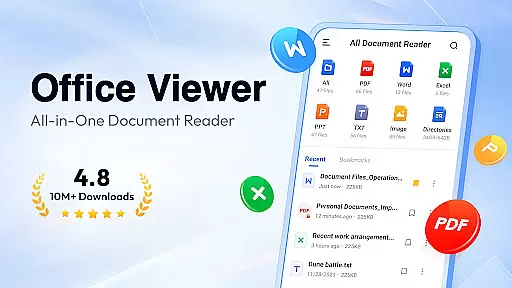
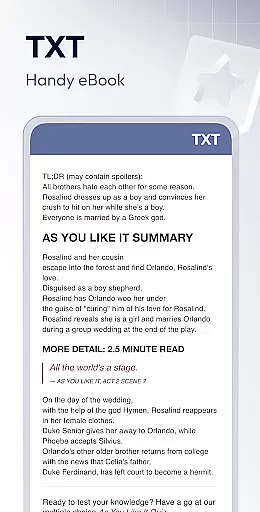
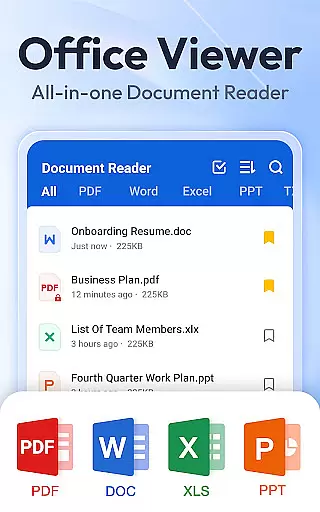
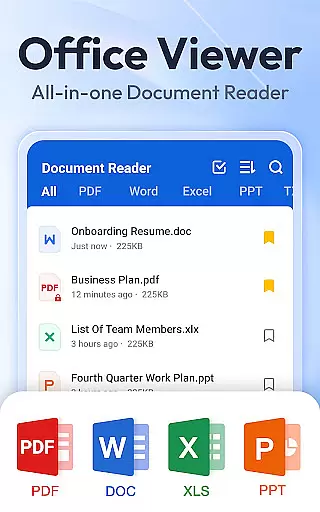
Document Reader & PDF Editor is a versatile productivity tool designed to streamline document management across multiple formats. This all-in-one solution supports PDF, Word, Excel, PPT, and TXT files, making it an essential app for professionals and students alike.
The application's core strength lies in its comprehensive format compatibility and user-friendly interface. Users can view, organize, and manage their documents efficiently through well-structured folder systems with quick search functionality. The app's offline capabilities and bookmarking feature ensure seamless access to important files anytime, anywhere.
Ideal for business environments and educational settings, Document Reader & PDF Editor enables users to handle office tasks on the go. Its lightweight design and one-click access system make document viewing both convenient and efficient, saving valuable time for more critical work.
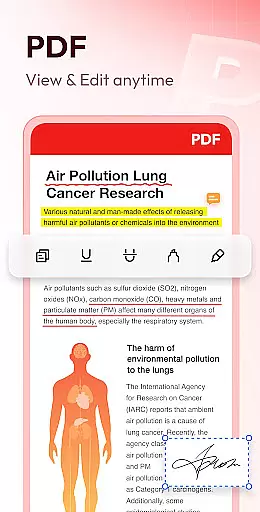
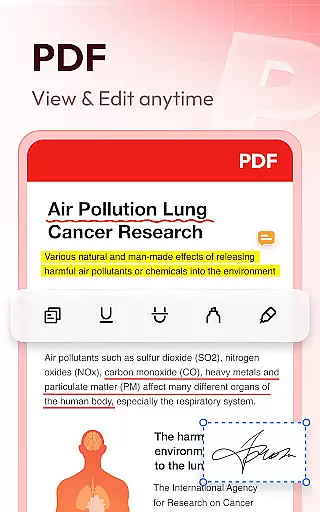
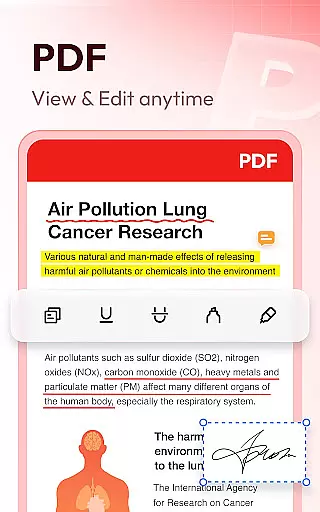
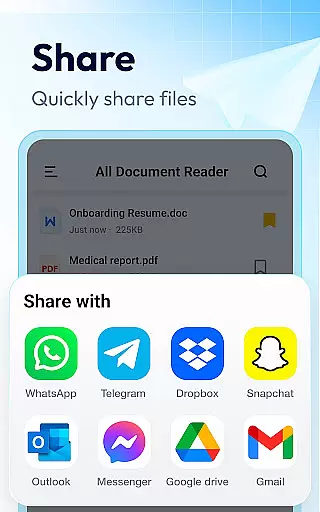
This productivity app distinguishes itself through several advanced features that enhance document handling capabilities. The PDF Reader function offers flexible zoom options, page navigation, and orientation switching between landscape and portrait modes. Users can also print and share PDFs directly from the application.
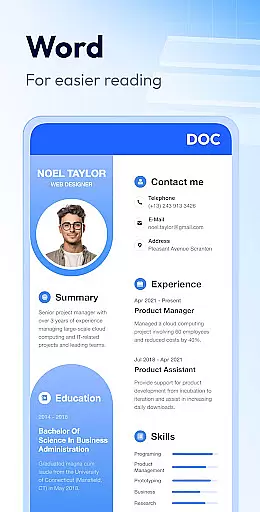
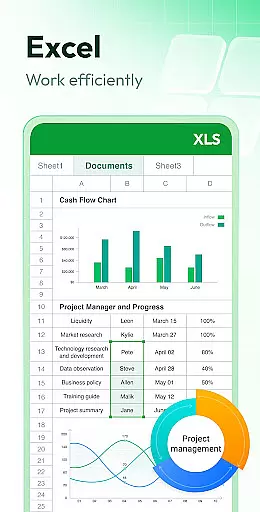
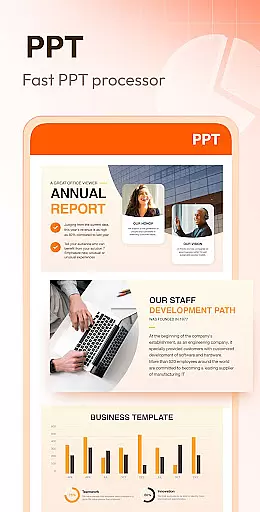
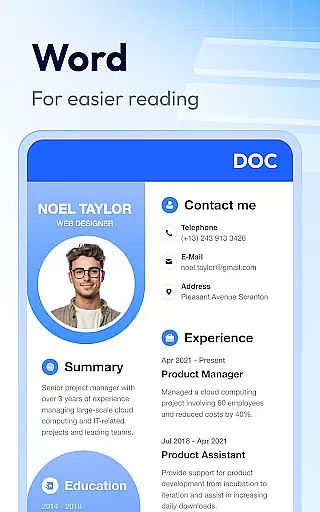
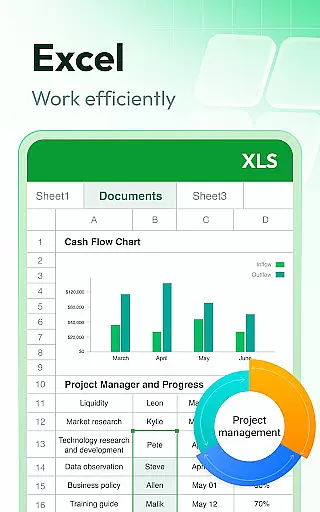
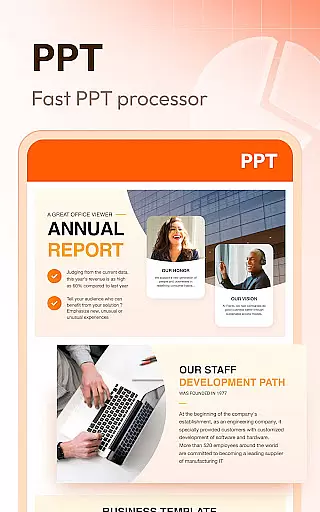
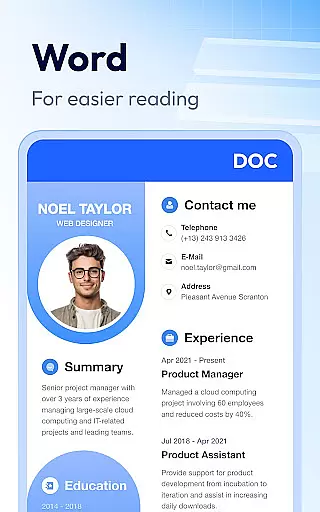
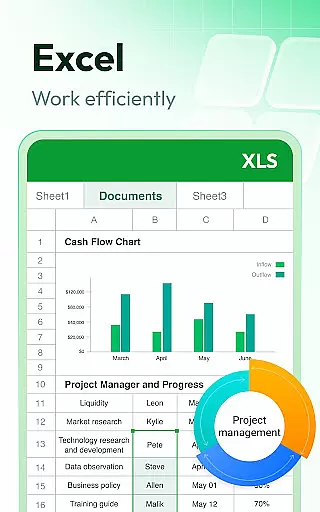
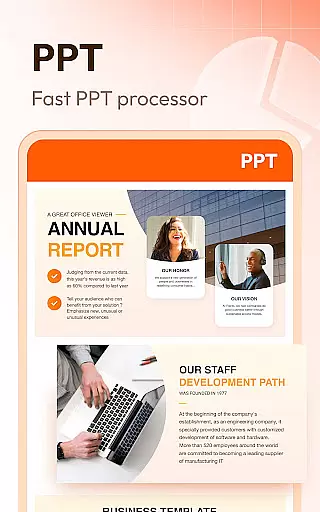
For Word documents, the app provides robust viewing capabilities with multiple sorting options including file path, size, name, and modification date. The Excel viewer maintains spreadsheet integrity while enabling quick data searches, and the PPT viewer ensures high-definition presentations with stable performance.
Additional features include offline access, simple file management, and planned future enhancements such as image-to-PDF conversion and night mode. These capabilities collectively create a comprehensive document management solution that addresses various professional needs.
Document Reader & PDF Editor excels in core task management by offering an all-in-one solution for handling various document formats. This app supports PDF, Word, Excel, PPT, and TXT files, ensuring that users can manage their documents efficiently without switching between multiple applications.
The app's interface is designed to provide quick access to files through well-organized folders, enabling users to search and manage their documents with ease. Whether it's reading a PDF, editing a Word document, or managing Excel sheets, Document Reader streamlines these tasks into a seamless experience.
One of the standout features is its offline functionality, allowing users to read and edit documents without an internet connection. This ensures that productivity is not hindered by connectivity issues, making it an ideal tool for individuals who require reliable document management on the go.
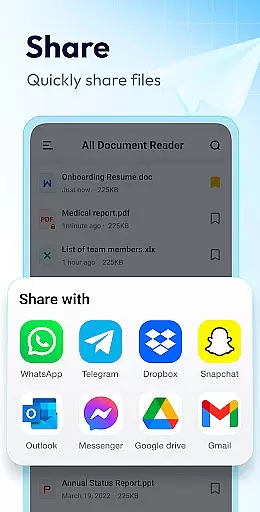
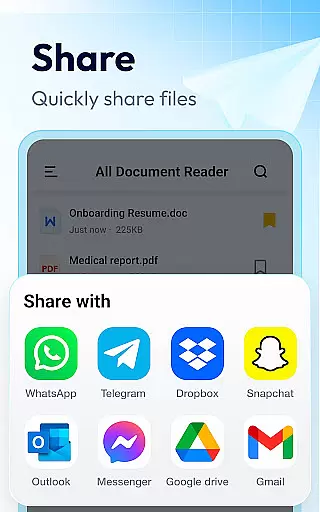
By integrating essential functions like bookmarking, printing, and sharing, Document Reader enhances user productivity. These features collectively ensure that users can perform their document-related tasks swiftly and effectively, thus improving overall efficiency.
Cross-device synchronization is a pivotal feature of Document Reader & PDF Editor, ensuring that users can access their documents seamlessly across different devices. This functionality is crucial for individuals who use multiple devices for their work or personal needs, providing a consistent and reliable experience regardless of the device in use.
The app employs advanced synchronization techniques to keep documents up-to-date across all linked devices. Users can start editing a document on their mobile device and continue working on it from a tablet or computer without any loss of data or formatting discrepancies. This real-time update capability ensures that all changes are accurately reflected, maintaining document integrity.
Security is also a top priority during synchronization. Document Reader implements robust encryption protocols to protect user data as it moves between devices. This guarantees that sensitive information remains confidential and secure, giving users peace of mind when accessing their documents remotely.
Furthermore, the app's compatibility with various file formats, including PDF, DOCX, and XLSX, ensures that users can synchronize and access a wide range of document types. This versatility makes Document Reader an indispensable tool for anyone seeking reliable and secure cross-device document management.
User-friendly interface
Multi-format support
Offline functionality
Quick search feature
Lightweight design
Limited editing tools
No cloud integration
Premium features locked
Occasional bugs
Ads in free version



Ads Free App! Editor, Hide File, Copy, Move, Delete and Rename.. all facility av
 1.70
1.70
Wake up & get tasks done! Add alarms & reminders on the Clock Launcher.
4.00
The upgraded version of Name Wheel with AI and the power to add your own wheels.
4.3
Mind Map and brainstorm, note taking and idea collection
4.80
Absolutely the best CNC machinist speed and feed calculator around. fswizard.com
4.60
Easiest event planning, volunteer signups & parent teacher conference scheduling
2.20
Multilingual translator for text, voice, and image translation!
4.90
A comprehensive suite of tools designed specifically for Lactation Consultants
4.0
Seamlessly read, manage, and organize all your PDF files solution in one place
4.40
8 custom complications. Custom Time Fonts. Beautiful color schemes. A++ Design.
5.00
Best Tool for the professionals Electrician, Electrical contractors, etc.
4.90
Quickly and easily keep track of your work shifts
4.70
Tally and goal counter for Wear OS & mobile
4.50
Professional calendar app for Google Calendar, MS Outlook & Exchange
4.20
Font maker keyboard with your own handwriting
4.10
Customizable calendar widget for seamless event sync, planning & scheduling.
4.00
The ultimate file manager for rooted devices. The original and still the best.
4.00
A Revolutionary All-in-One Artificial Intelligence Tools
3.80
Mega cloud explorer plugin for Solid Explorer
3.80

User Reviews