

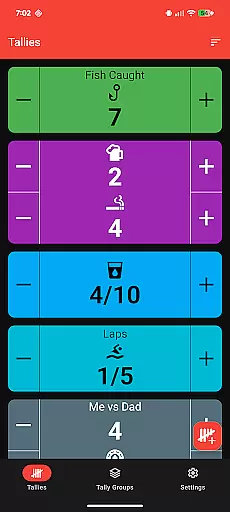
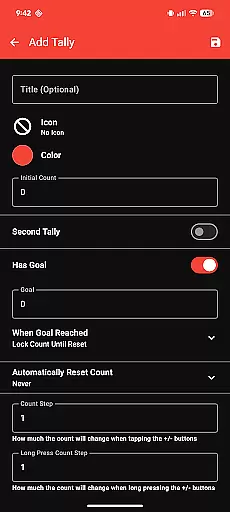
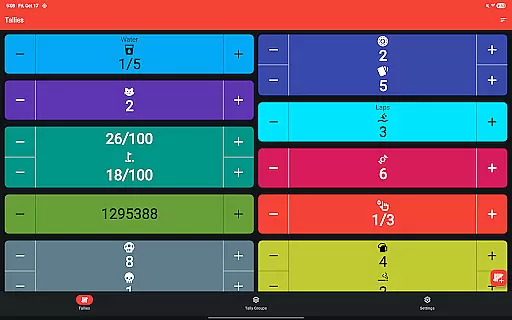
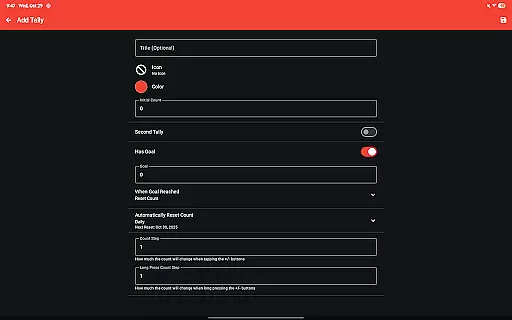
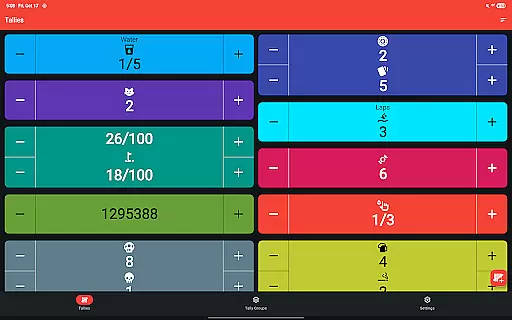
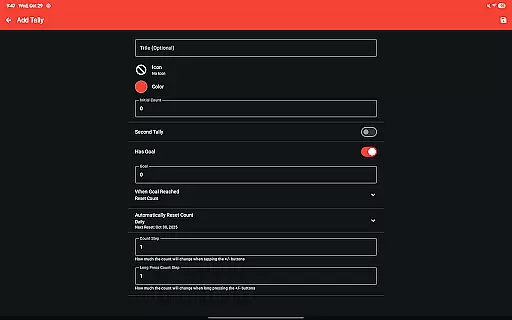
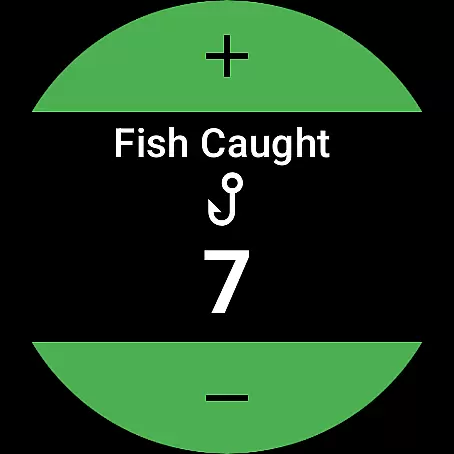
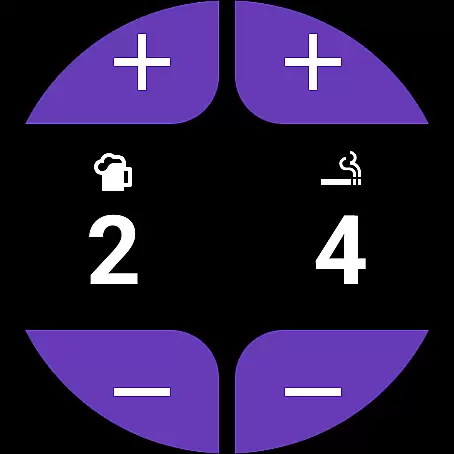
Tallies is a versatile productivity tool designed for both Wear OS and mobile devices, offering users an efficient way to track counts and achieve goals. The app provides double and single tally counters, ongoing counts, and goal tallies with customizable options such as locking or resetting the count upon reaching a target. With features like automatic resets at daily, weekly, monthly, or yearly intervals, Tallies ensures that users can maintain consistent tracking over time.
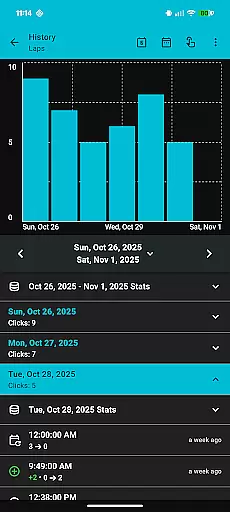
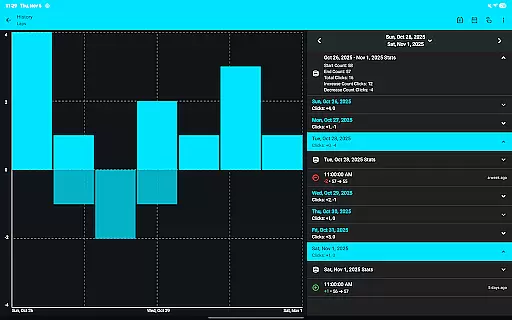
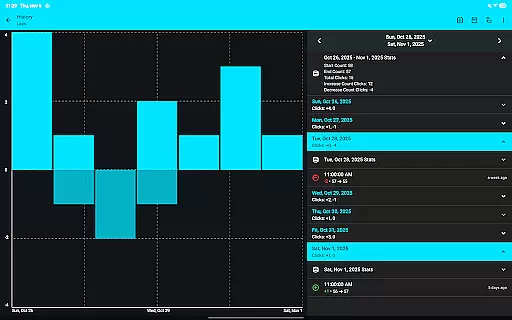
One of the standout capabilities of Tallies is its synchronization functionality between phones and Wear OS watches, allowing seamless updates across devices. Users can view detailed tally histories on their phones through multiple graphs, stats, and selectable intervals. Additionally, the app supports exporting tally history as CSV files, making data analysis convenient. Its intuitive design includes over 200 icons and multiple theme colors, enabling personalization that suits individual preferences while maintaining ease of use.
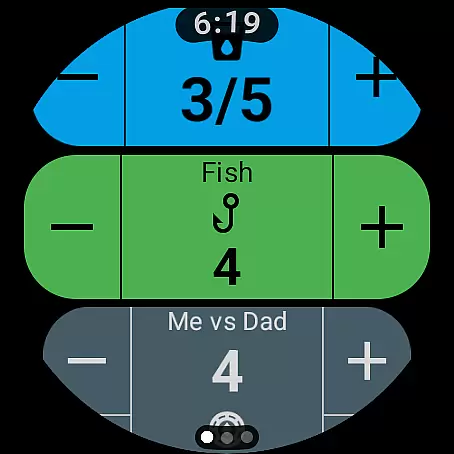
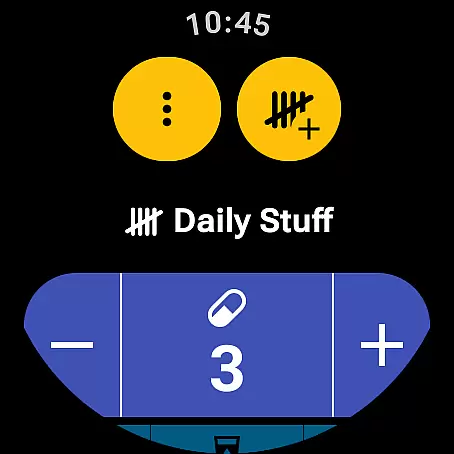
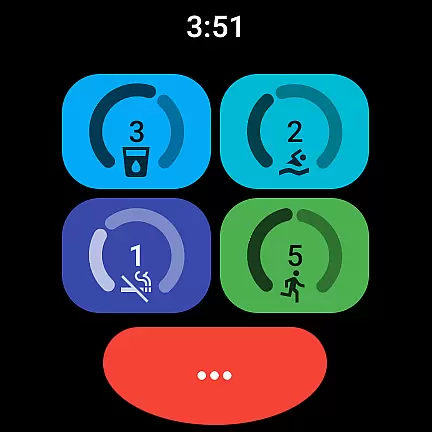
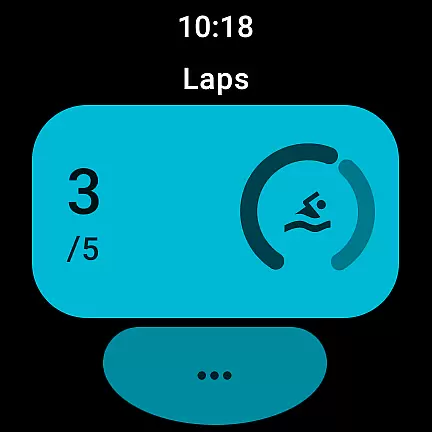
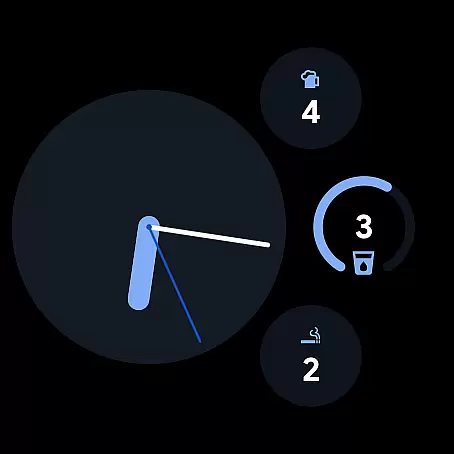
Tallies boasts an extensive set of features tailored for both Wear OS and mobile platforms. For Wear OS, it offers specialized functionalities such as ongoing tally watch complications, goal tally watch complications, quick tally tiles, and multi-goal tally tiles. These features allow users to access their tallies directly from their watch face or through easily accessible tiles, streamlining the tracking process.
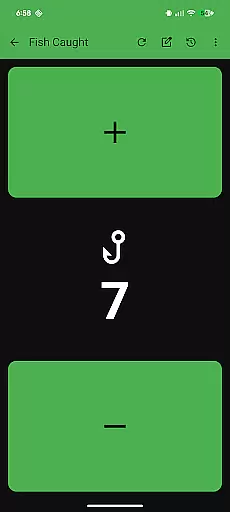
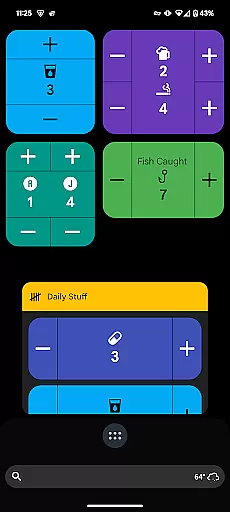
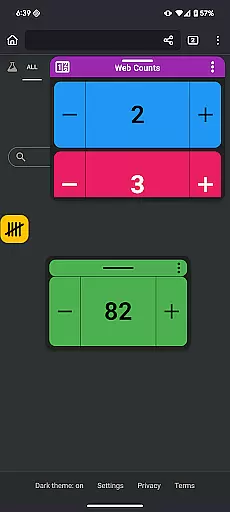
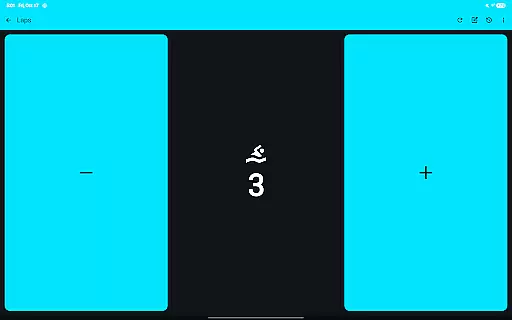
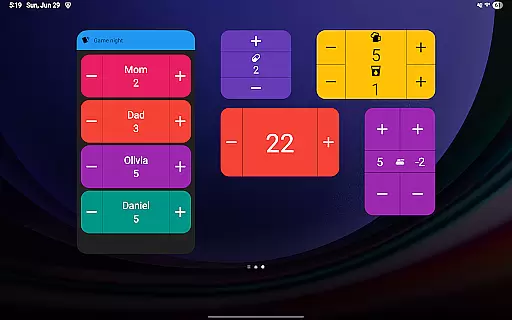
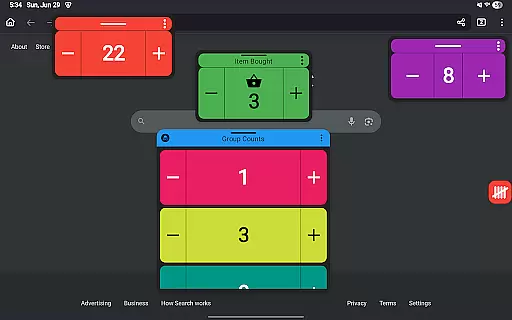
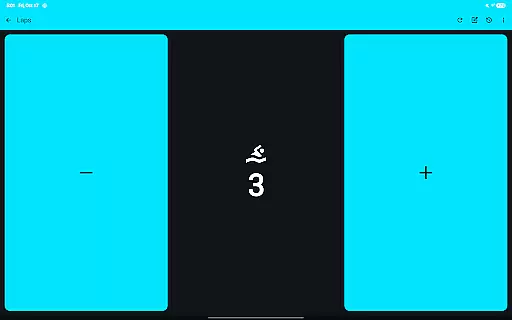
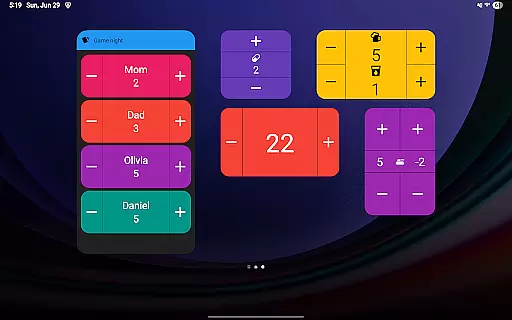
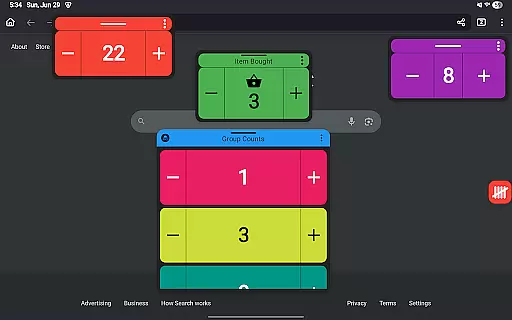
On mobile devices, Tallies provides vertical and horizontal tally home screen widgets, tally list widgets, and tally group widgets. Notably, Android 14+ users can utilize floating tally windows to overlay tallies on top of other apps, ensuring that important counts are always visible. The app also supports using volume buttons to adjust counts in full-screen mode, enhancing accessibility. With no subscription required, users gain access to all these features at a one-time cost, providing excellent value for money.
Tallies offers a robust set of features for managing tasks and counts efficiently. The app provides double and single tally counters, ongoing counts, and goal tallies with flexible options to lock or reset the count upon reaching a target. This ensures users can maintain precise control over their counting tasks.
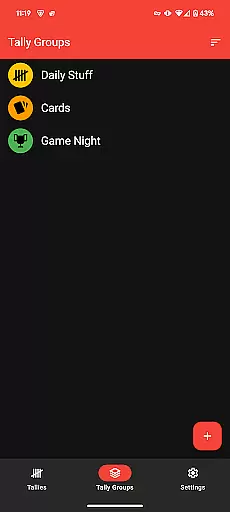
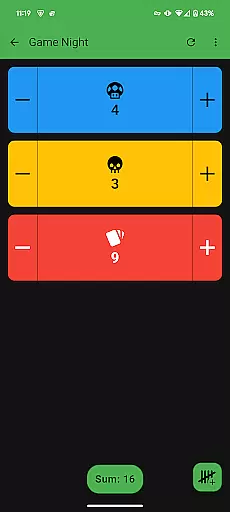
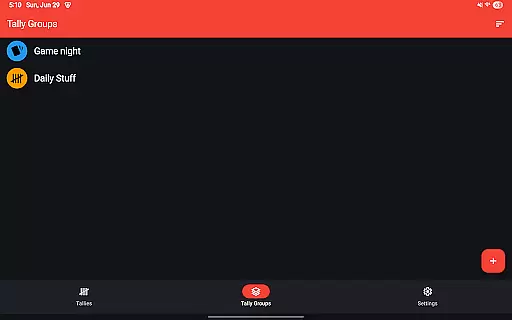
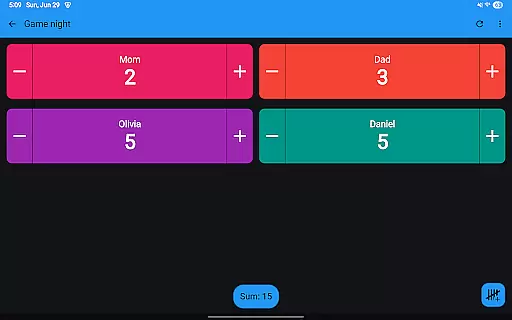
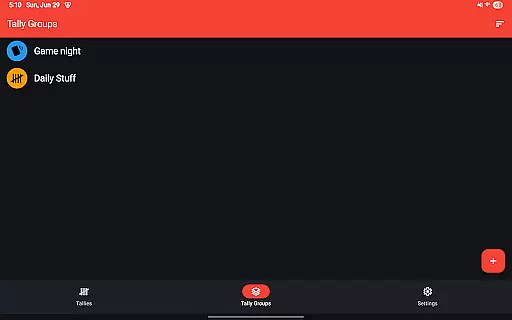
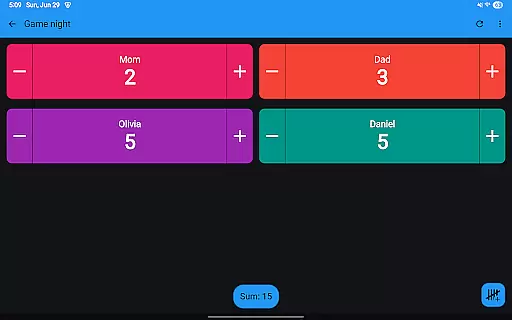
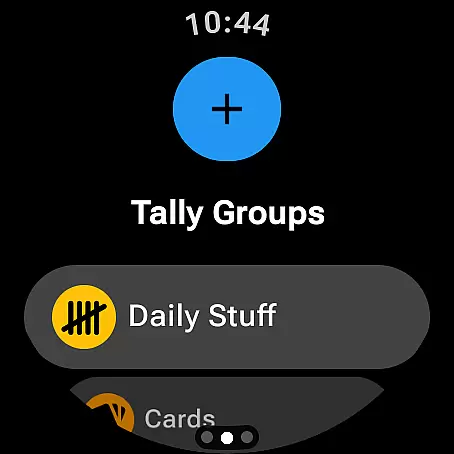
With additional functionalities such as automatic resets available on daily, weekly, monthly, and yearly intervals, Tallies caters to both short-term and long-term task management needs. Users can organize their tallies into groups and view cumulative sums, making it easier to track progress across different categories or projects.
The ability to review tally history on the phone through multiple graphs, selectable intervals, and statistics adds another layer of utility. This feature not only helps in monitoring past performance but also aids in planning future tasks more effectively by providing actionable insights derived from historical data.
Cross-device synchronization is a standout feature of Tallies, ensuring that users can seamlessly manage their counts across Wear OS devices and mobile phones. When the app is installed on both the phone and the watch, any changes made to tallies are automatically synced, maintaining consistency and reliability across devices.
This synchronization extends to various complications and tiles available on Wear OS watches, including ongoing tally complications, goal tally complications, quick tally tiles, and multi-goal tally tiles. These features allow users to access and modify their tallies directly from their watch face or through convenient shortcuts.
On the phone side, Tallies supports vertical and horizontal tally home screen widgets, tally list widgets, and even floating tally windows for Android 14+. Such comprehensive integration ensures that whether you're on your phone or your watch, your data remains up-to-date and readily accessible, enhancing productivity and convenience.
User-friendly interface
Extensive customization options
Seamless cross-device sync
Comprehensive data visualization
No recurring fees
Limited to Android ecosystem
Watch sync requires separate installation
Some features need newer Android versions
Occasional syncing delays
Learning curve for advanced features

A Revolutionary All-in-One Artificial Intelligence Tools
 3.80
3.80
Experience real multitasking on your Android!
4.00
Total remote control for your Android device, PC and cloud services (IFTTT)!
4.20
The Pro Version of Android's tiniest Notepad app. Just 0.3MB but feature-packed!
4.60
Font maker keyboard with your own handwriting
4.10
Quickly and easily keep track of your work shifts
4.70
Ultimate Virtual AI Character for immersive Roleplay Chat. Perfect Companion
3.90
Set up, print, and get support—in one place
4.20
QuickEdit is a fast, stable and full featured text and code editor.
4.20
Native client for Forgejo and Gitea
5.00
Best Tool for the professionals Electrician, Electrical contractors, etc.
4.90
Understand anything with a personalized AI research assistant
4.80
Simple notepad & memo. Take notes, to-do list, shopping list with reminders.
4.80
Fill, sign & send docs, forms, agreements & contracts via electronic signature.
4.50
This small app MUST BE INSTALLED after purchase, else license won't work
4.40
Customizable calendar widget for seamless event sync, planning & scheduling.
4.00
Secure, open-source, SPICE and SSH Remote Desktop for QEMU KVM virtual machines
4.00
Remotely view listen control and record cameras.
3.70
AI Video AI Image Private LLM AI Browser Llama Gemma Ollama Connect LLM Studio
4.1

User Reviews