

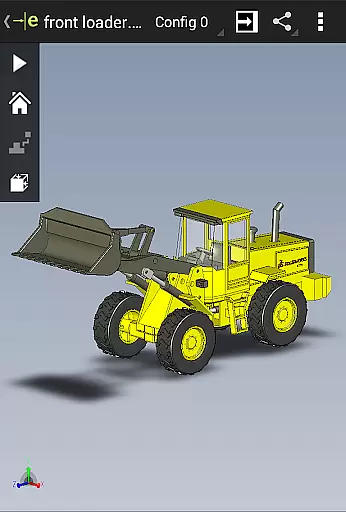
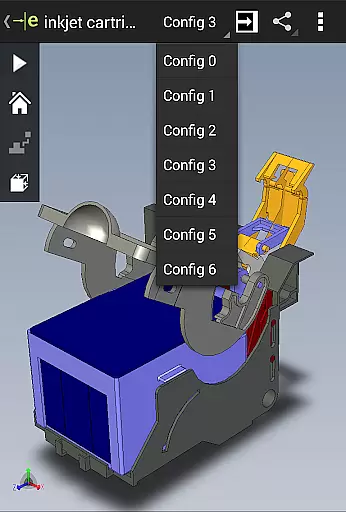
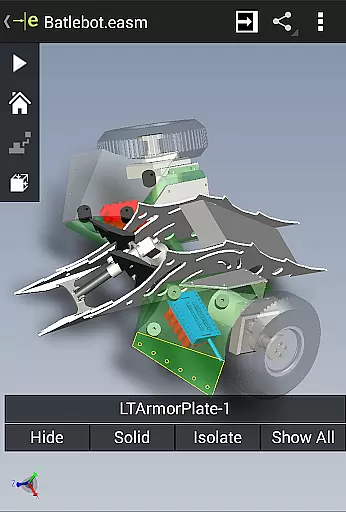
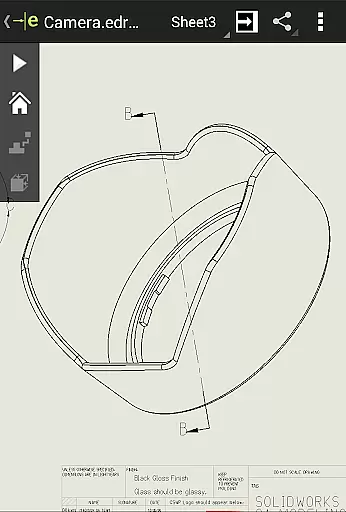
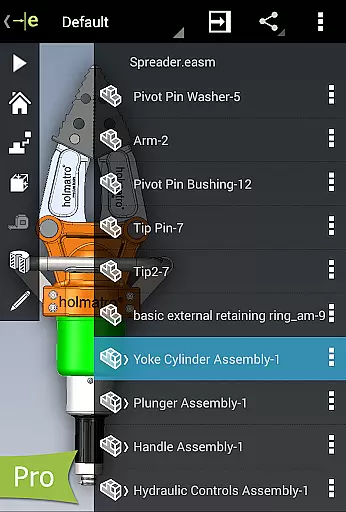
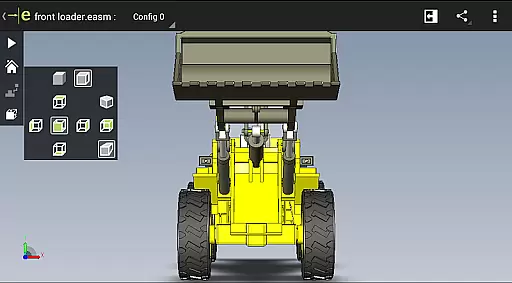
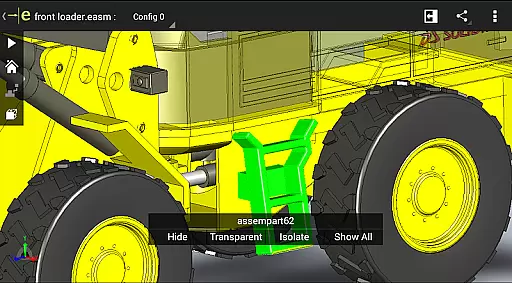
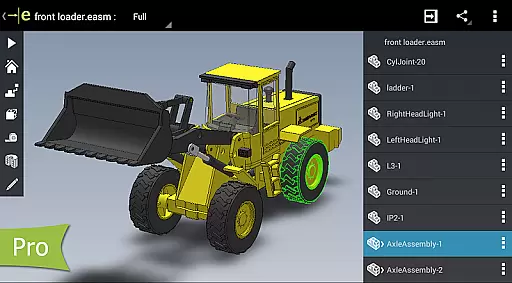
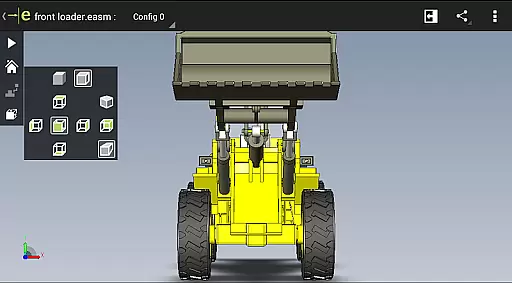
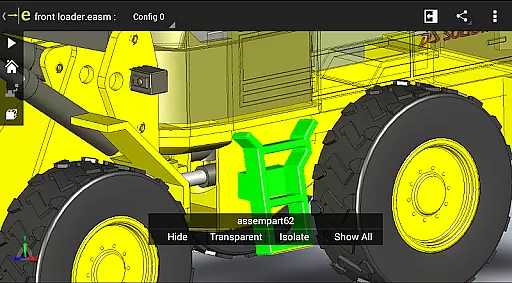
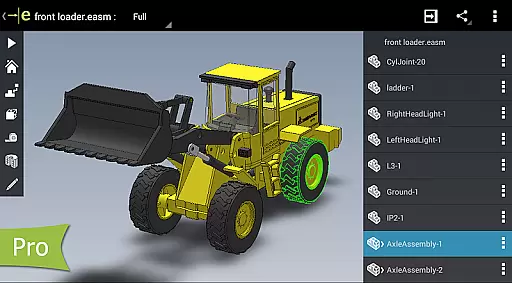
eDrawings is a powerful CAD viewer designed for Android devices, enabling users to view native eDrawings files as well as SolidWorks parts, assemblies, and drawings. This app revolutionizes the way product design information is shared by allowing users to easily load and send files via email, making collaboration seamless even for those not familiar with CAD software.
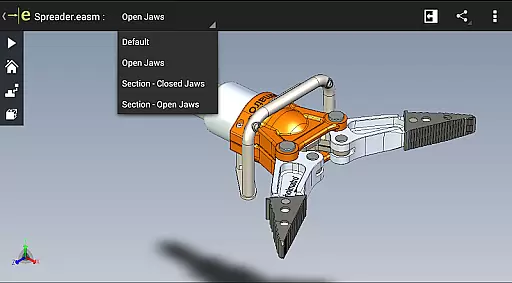
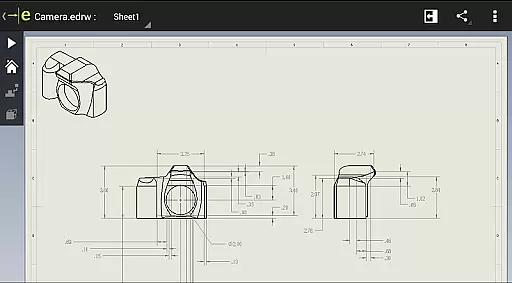
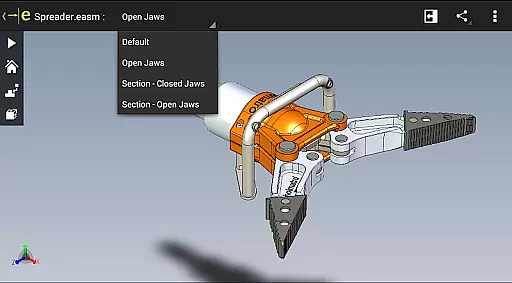
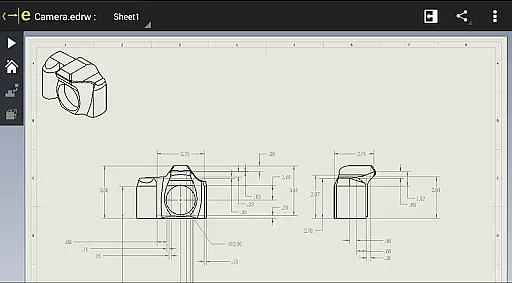
With multi-touch gestures, users can pan, zoom, and rotate models effortlessly. The app supports drawing sheets and exploded views for files published from SolidWorks, providing an intuitive and easy-to-use interface that enhances productivity in interpreting 2D and 3D designs.
eDrawings offers a comprehensive set of features tailored for viewing and collaborating on CAD data. Users can open various 3D and 2D file formats including EASM, EPRT, SLDASM, SLDPRT, IGES, IGS, JT, STEP, STP, IFC, EDRW, SLDDRW, DWG, and DXF from multiple sources such as email attachments, cloud storage services, web, FTP sites, and network folders.
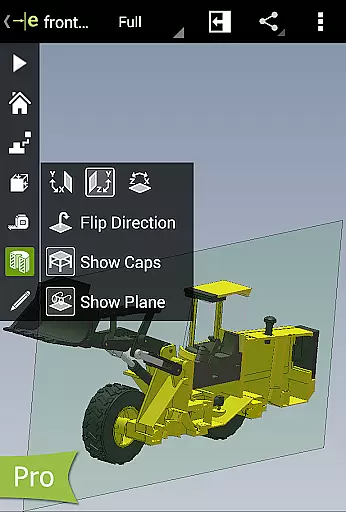
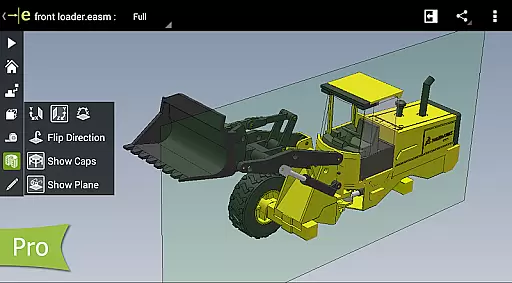
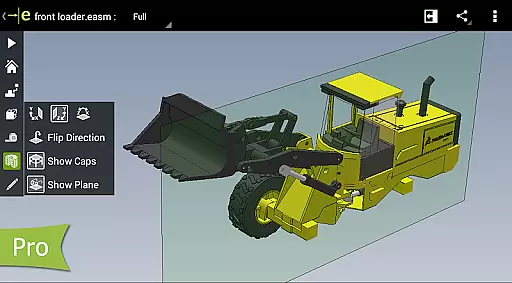
The app allows users to animate standard 3D views, browse through 2D drawing sheets, and view designs in full screen. With the Pro version available through in-app purchase, users gain advanced capabilities like measuring designs, dynamically viewing cross sections, creating markups, and sharing marked-up files for further review, all while saving the markup history within the eDrawings file.
In the realm of productivity applications, core task management is pivotal for organizing and executing tasks efficiently. eDrawings, primarily known as a CAD viewer, integrates essential task management features that cater to professionals in product design and development.
The app allows users to load, view, and share various CAD file formats, including 3D and 2D designs, which are integral to task management in engineering projects. With capabilities to open files from multiple sources such as email attachments and cloud storage services, it ensures that all team members have access to the latest design information, thus streamlining task coordination.
Moreover, eDrawings supports drawing sheets and exploded views, providing clarity in complex assemblies. This functionality aids in breaking down intricate tasks into manageable components, enhancing both individual productivity and team collaboration.
By upgrading to eDrawings Pro through an in-app purchase, users can unlock advanced features like measurement tools and dynamic cross-section viewing, further refining task management by allowing precise evaluations and modifications directly within the app.
Cross-device synchronization is crucial for maintaining consistency and reliability across different platforms, especially in productivity apps like eDrawings. As a versatile CAD viewer, eDrawings ensures that your design data is synchronized accurately across Android phones and tablets, enabling seamless transitions between devices.
This synchronization capability means that whether you're working on a phone or switching to a tablet, the app maintains uniformity in how files are displayed and manipulated. Multi-touch gestures for panning, zooming, and rotating models work consistently across devices, ensuring that user interactions yield the same results irrespective of the device used.
eDrawings also facilitates reliable sharing of product design information via email, making it easier to collaborate with team members who may be using different devices. By supporting various file formats and integrating with cloud storage services, it guarantees that everyone involved has access to up-to-date and accurate design data.
Furthermore, the ability to save all markups within the eDrawings file ensures that any annotations or modifications made on one device are preserved and accessible on others, reinforcing the importance of reliable cross-device synchronization in enhancing collaborative efforts.
Intuitive user interface
Wide range of supported file formats
Efficient collaboration tools
Advanced measurement capabilities
Comprehensive markup options
Limited free version functionality
In-app purchases required for full features
Occasional UI clipping issues
Steep learning curve for beginners
High system resource usage

A Revolutionary All-in-One Artificial Intelligence Tools
 3.80
3.80
Professional calendar app for Google Calendar, MS Outlook & Exchange
4.20
App Lock with fingerprint, password: Lock apps & hide photos with lock screens
4.60
Simple and reliable communication between inmates, friends and family
3.20
Access, manage and transfer files on Android, PC, Mac, NAS and cloud storages.
4.30
Scientific calculator for Android - looks and operates like the real thing!
4.90
Simple notepad & memo. Take notes, to-do list, shopping list with reminders.
4.80
QuickEdit is a fast, stable and full featured text and code editor.
4.20
Note taking, handwriting, record audio, PDF annotation, planner & journal
4.20
Native client for Forgejo and Gitea
5.00
Secure, fast, open-source, VNC and SSH Remote Desktop for Windows, Linux and Mac
4.70
A beautiful digital clock with autostart and many other functions
4.70
Tally and goal counter for Wear OS & mobile
4.50
Pwnagotchi companion app
4.20
Cloud storage, automatic phone backup, and more.
4.10
Wake up & get tasks done! Add alarms & reminders on the Clock Launcher.
4.00
⏰ Finally a timer app which can run multiple timers simultaneously on your watch
3.90
ID.me Authenticator is a simple and free Two Factor Authentication solution
3.50
The upgraded version of Name Wheel with AI and the power to add your own wheels.
4.2


User Reviews