

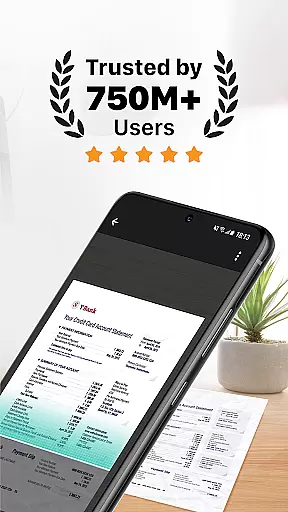
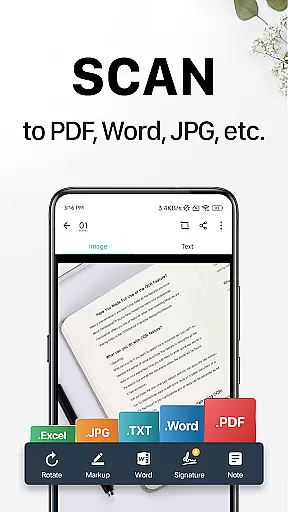
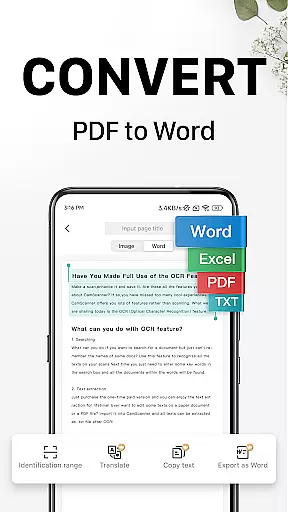
CamScanner is a versatile productivity app that transforms your mobile device into a powerful portable scanner. With advanced OCR technology, it allows users to instantly scan, save, and share documents in various formats including PDF, JPG, Word, and TXT. The app optimizes scan quality through smart cropping and auto-enhancing features, ensuring premium color and resolution for every document.
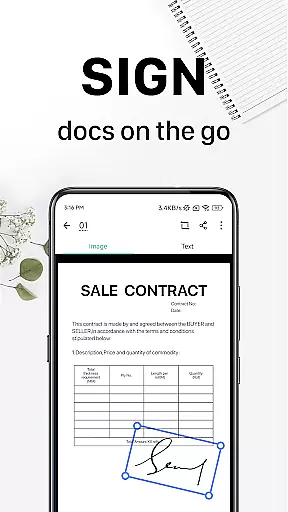
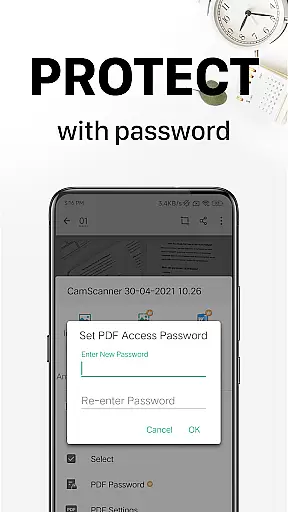
Beyond basic scanning, CamScanner offers text extraction capabilities, wireless printing, remote fax services, and advanced document editing tools. Users can annotate documents, add customized watermarks, and securely protect confidential content with password protection. The app also supports cross-platform syncing, allowing seamless access to documents across smartphones, tablets, and computers.
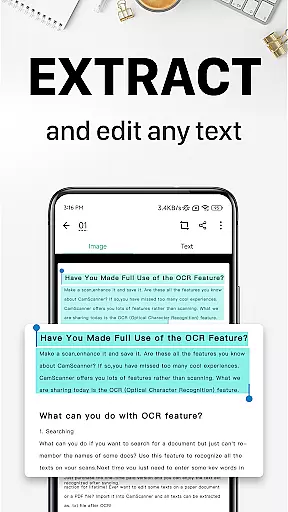
CamScanner stands out with its comprehensive feature set tailored for productivity enthusiasts. The app's quick digitization capability allows users to scan receipts, notes, invoices, business cards, and more using their mobile camera. Its OCR functionality enables text recognition from images or PDFs, making the content searchable and editable.
Additional notable features include wireless printing to nearby printers without additional drivers, remote fax services to over 30 countries, and advanced document editing tools. Users can tag documents for quick search, secure important files with passwords, and sync their documents across multiple devices. These robust features make CamScanner an indispensable tool for both personal and professional document management.
CamScanner excels in core task management by offering a comprehensive suite of productivity tools that streamline document handling. This app allows users to quickly digitize documents using their mobile device's camera, transforming receipts, notes, and business cards into high-quality scans.
The app optimizes scan quality through smart cropping and auto-enhancing features, ensuring that text and graphics are clear and sharp. With optical character recognition (OCR), CamScanner enables users to extract text from images or PDFs for later searching, editing, or sharing, significantly enhancing document manageability.
Additionally, the app supports advanced document editing, allowing users to annotate documents and add customized watermarks. These features ensure that managing and organizing documents is efficient and secure, providing a seamless experience across various platforms.
By integrating quick search capabilities and secure access options, CamScanner ensures that users can easily retrieve and protect their important documents. This robust functionality makes it an invaluable tool for anyone looking to improve their productivity and save time.
Cross-device synchronization is a standout feature of CamScanner, ensuring reliable access to documents across all user devices. By signing up for an account, users can sync their documents on smartphones, tablets, or computers, accessing them anytime and anywhere via the CamScanner platform.
This synchronization capability extends to wireless printing and remote fax functionalities, allowing users to print documents instantly with nearby printers or fax them to over 30 countries without additional applications. Such versatility enhances the user's ability to handle paperwork efficiently.
Moreover, CamScanner offers unlimited access memberships that unlock all features, including enhanced synchronization options. Subscriptions are available on weekly, monthly, quarterly, or annual bases, providing flexibility based on user needs. The auto-renewal feature ensures uninterrupted service, maintaining consistent document access.
With reliable cross-device synchronization, CamScanner empowers users to view, edit, and share documents on the go, making it an essential tool for modern productivity. This ensures that users remain connected and productive, regardless of their location or device.
Advanced OCR Technology
Multi-format Document Support
Cross-platform Syncing
Wireless Printing Capability
Remote Fax Services
Premium Features Locked
Subscription-based Model
Limited Free Trial
Ads in Free Version
Requires Internet Connection

Secure, fast, open-source, VNC and SSH Remote Desktop for Windows, Linux and Mac
 4.70
4.70
Ads Free App! Editor, Hide File, Copy, Move, Delete and Rename.. all facility av
1.70
Simple and reliable communication between inmates, friends and family
3.20
Find and delete junk files & block unwanted notifications & manage files
3.70
The AI assistant that thinks with you - write, code, and solve complex tasks
4.60
Translate text/voice/photos in 150+ languages. Offline & fast translator app.
4.50
Subscribe to Webcal & .ics calendars and keep them up-to-date!
4.50
Lightweight PDF, Word, Excel reader.
4.60
Set up, print, and get support—in one place
4.20
Best Tool for the professionals Electrician, Electrical contractors, etc.
4.90
A beautiful digital clock with autostart and many other functions
4.70
Functional QR scanner and barcode reader that requires little storage space.
4.60
A customizable calendar for your Wear OS watch
4.20
Device's storage information in a simple and clear graphical form (infographics)
4.10
Secure, open-source, SPICE and SSH Remote Desktop for QEMU KVM virtual machines
4.00
⏰ Finally a timer app which can run multiple timers simultaneously on your watch
3.90
A Revolutionary All-in-One Artificial Intelligence Tools
3.80
Code on-the-go with VScode for Android. Edit,debug and collaborate from mobile!!
3.10
IP Camera Viewer - Android TV : RTSP Surveillance camera viewer for Android TV
4.0


User Reviews