

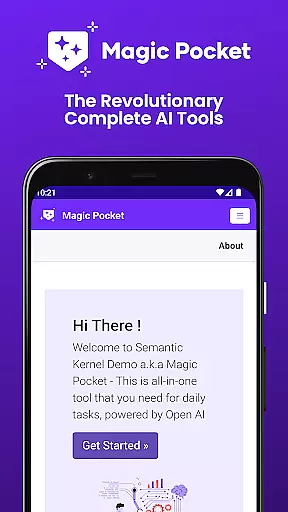
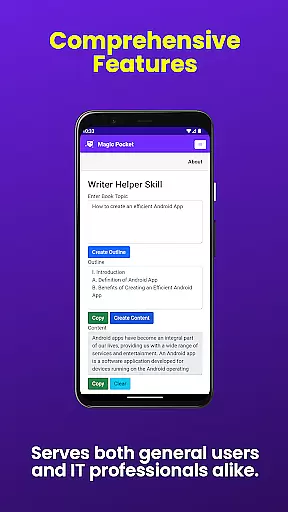
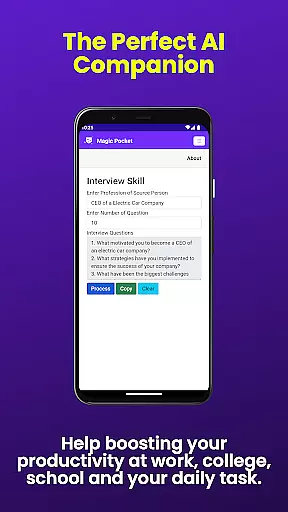
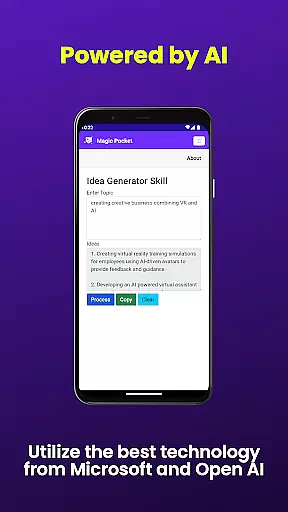
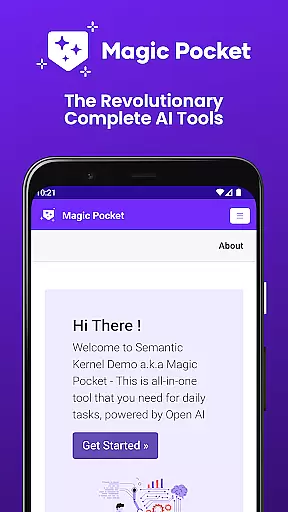
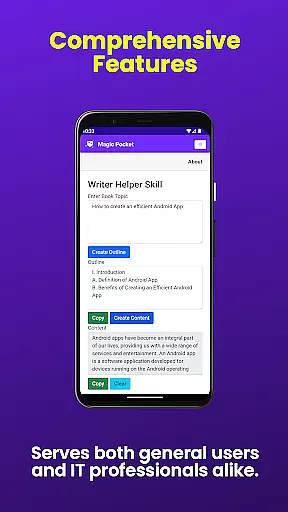
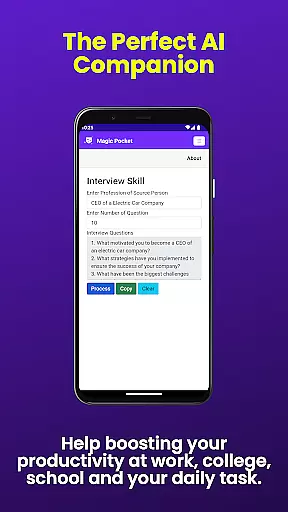
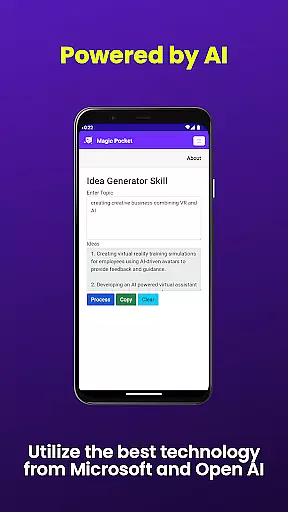
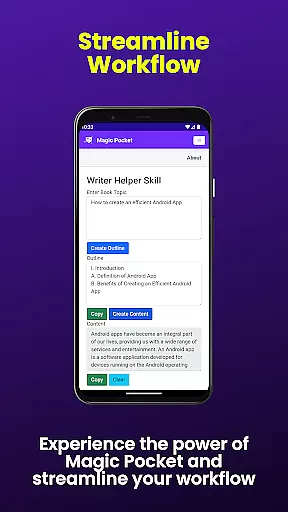
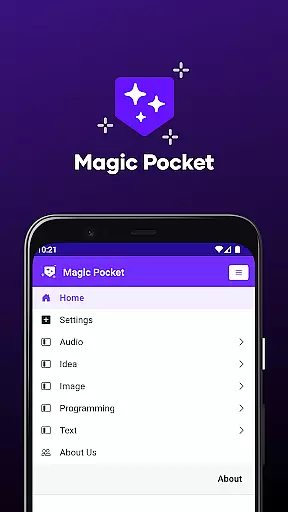
Magic Pocket is a productivity powerhouse that brings together 100 cutting-edge features in one sleek Android and Windows app. Designed for creatives and professionals alike, this app revolutionizes the way you work by offering innovative tools for media management, creative projects, and text transformation.
At its core, Magic Pocket excels in AI-powered content creation and manipulation. Users can seamlessly convert HTML to Markdown, generate realistic handwriting, create stunning headshots, and even transform images into emojis or 3D assets. The app's latest update introduces 20 groundbreaking features including video captioning, background replacement, and advanced image resolution enhancement.
Ideal for digital artists, content creators, and marketing professionals, Magic Pocket streamlines complex workflows while maintaining exceptional output quality. Its comprehensive feature set makes it an indispensable tool for anyone seeking to boost their productivity and unleash their creative potential.
The app's feature set spans multiple categories of productivity tools. Content creators will appreciate the seamless video conversation capabilities and speech-to-speech translation, while designers can leverage powerful image manipulation tools like the Photon Image Generator and Vector Image Generator.
One of Magic Pocket's standout innovations is its ability to bring static images to life through voice-activated animations and 2D animation conversion. The inclusion of advanced models like Luma and Sana for video and image generation demonstrates the app's commitment to utilizing state-of-the-art technology.
For professionals managing complex media projects, features like Video Foreground Extractor and Trellis 3D Asset converter provide unprecedented control over visual content. Meanwhile, the Handwriting Generator and Html to Markdown converter cater to writers and developers seeking efficient text transformation solutions.
In the realm of productivity applications, core task management is fundamental for organizing and prioritizing work efficiently. Magic Pocket - AI Tools excels in this area by offering a comprehensive suite of features that cater to diverse task management needs.
The app provides users with innovative tools such as Talk with Video for seamless communication, Extract Image Data for quick information retrieval, and Animate Image With Voice to add dynamic elements to static images. These features collectively enhance task execution and foster creativity.
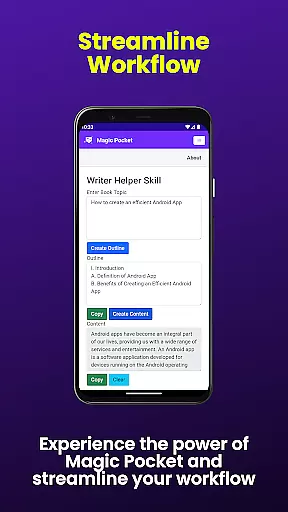
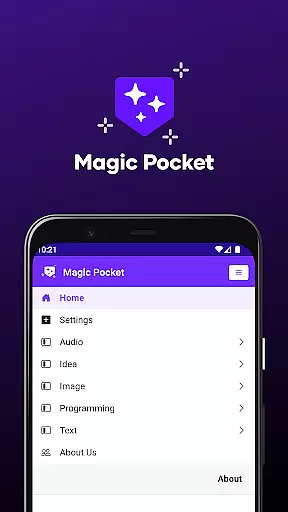
Users benefit from an integrated experience where they can convert content formats, generate media, and manipulate visuals without leaving the app. This consolidation of functions streamlines workflows and saves time, allowing users to focus on what truly matters.
Magic Pocket's ability to handle complex tasks like video generation, background changes, and 3D asset creation positions it as a powerful ally in achieving productivity goals. Its cutting-edge technology empowers users to accomplish more with less effort.
Cross-device synchronization is crucial for maintaining consistency and accessibility across multiple platforms. Magic Pocket - AI Tools addresses this need by ensuring reliable data exchange between Android and Windows devices.
With its latest update, Magic Pocket introduces features like Html to Markdown and Speech to Speech translation, which facilitate smooth transitions and interactions between different device ecosystems. Users can start a task on one device and continue on another without missing a beat.
The app's robust architecture supports real-time updates and seamless integration, enabling users to access their projects and tools wherever they are. This reliability fosters a flexible work environment where productivity is not hindered by device limitations.
By prioritizing synchronization accuracy and speed, Magic Pocket ensures that users' creative and productive endeavors remain uninterrupted. This commitment to connectivity makes it an indispensable tool for modern professionals.
Extensive feature set
Cross-platform support
AI-powered tools
Regular updates
User-friendly interface
Steep learning curve
High system requirements
Some features need improvement
Occasional performance issues
Limited mobile functionality

AI Video AI Image Private LLM AI Browser Llama Gemma Ollama Connect LLM Studio
 4.2
4.2
Smart PDF reader & editor to view, organize and manage PDF documents easily.
3.70
Customizable calendar widget for seamless event sync, planning & scheduling.
4.00
Todo reminder
4.10
All document reader, all in one file viewer read PDF, DOCX, XLS, PPT, TXT files.
4.60
Okta MFA
4.70
AI Chatbot and AI writing assistant powered by ChatGPT.
4.60
Browse and view your photos and videos from the phone with photo & video hide.
4.10
Note taking, handwriting, record audio, PDF annotation, planner & journal
4.20
Native client for Forgejo and Gitea
5.00
Multilingual translator for text, voice, and image translation!
4.90
Seamlessly integrate data and reports to build your presentation to impress
4.80
Mind Map and brainstorm, note taking and idea collection
4.80
Send files, sync SMS, notifications & clipboard across devices via local network
4.40
This small app MUST BE INSTALLED after purchase, else license won't work
4.40
Access, manage and transfer files on Android, PC, Mac, NAS and cloud storages.
4.30 4.20
4.20
All in One PDF Reader: Manage, Read and Edit your Documents
4.20
Intelligent AI Assistant
4.10

User Reviews