

MultiTimerPro for Wear OS is a powerful productivity tool designed to help users manage their time with precision. This app allows you to run multiple timers simultaneously, making it perfect for multitasking on your smartwatch. Whether you're cooking, exercising, or working, MultiTimerPro ensures you stay on track.
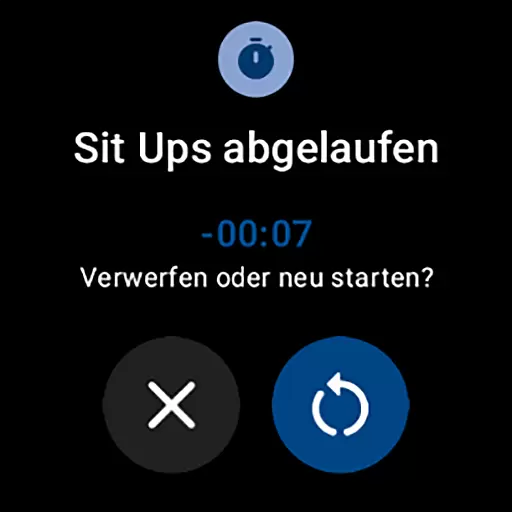
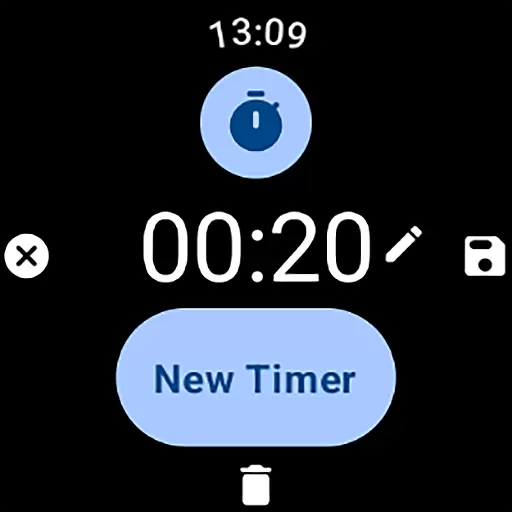
The app features an intuitive interface that makes creating and managing timers simple and efficient. With customizable options for names, durations, icons, and colors, each timer can be tailored to fit your specific needs. The addition of sound notifications ensures you never miss an alert, enhancing your overall time management experience.
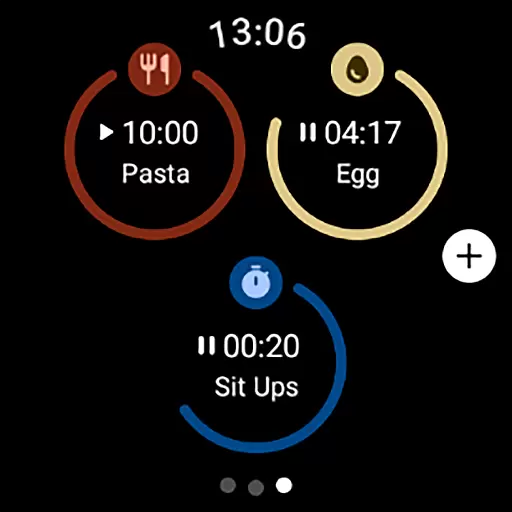
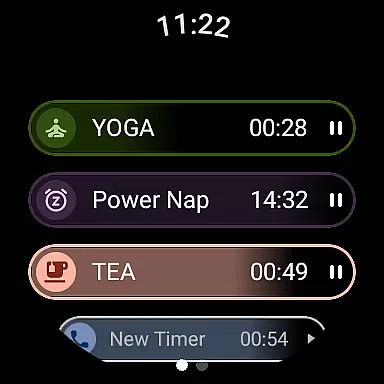
MultiTimerPro stands out with its unique multi-timer functionality, allowing users to handle several tasks at once without losing track of time. Each timer can be customized with specific names, durations, and visual indicators, providing a personalized experience.
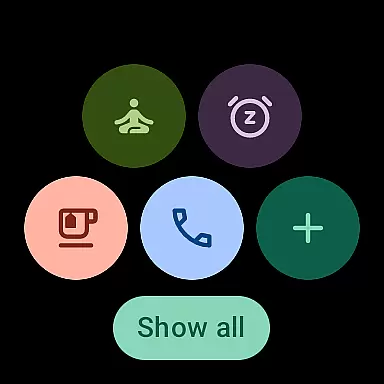
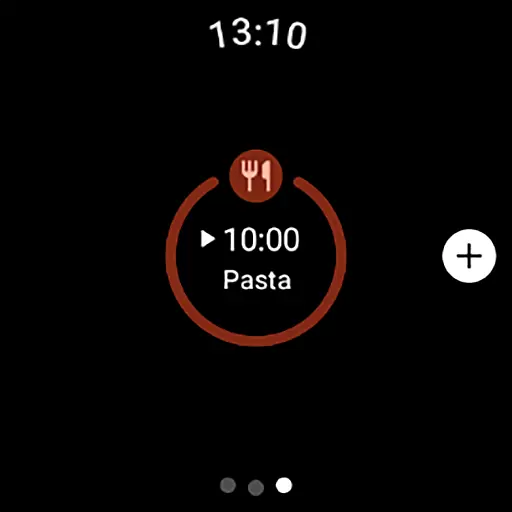
The app's user-friendly interface is designed for seamless navigation on Wear OS devices. Users can easily create, edit, and manage timers with just a few taps. Additionally, the newly added Tile feature provides quick access to favorite timers, streamlining the user experience even further.
With sound notifications and vibrant icons, MultiTimerPro ensures that users are always alerted when their timers go off. This feature-rich app is perfect for anyone looking to enhance their productivity and take control of their daily schedules.
Effective task management is crucial for productivity, and MultiTimerPro excels in this area by offering users the ability to handle multiple tasks simultaneously. The app's core functionality allows users to set and manage numerous timers at once on their Wear OS devices, a feature that is notably absent from the default timer apps.
MultiTimerPro's multi-timer functionality ensures that whether you are cooking, exercising, or working, you can keep track of various activities without losing pace. This means no more constraints of using a single timer; instead, multitask with ease and efficiency.
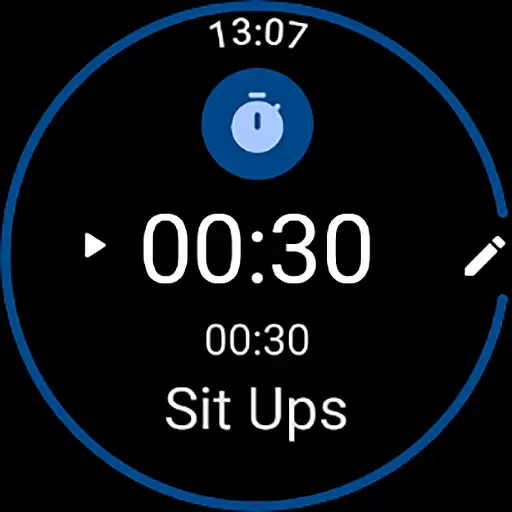
The intuitive interface of MultiTimerPro makes it simple to create, edit, and oversee timers. Users can effortlessly navigate through the app, tailoring each timer with specific names, durations, icons, and colors to match their unique needs. This customization empowers users to organize their tasks effectively and enhances overall time management.
Cross-device synchronization is essential for users who rely on seamless transitions between devices. MultiTimerPro addresses this need by ensuring reliable synchronization across Wear OS devices, allowing users to access their timers wherever they are.
With the newly added Tile feature, users can directly access their favorite timers, making multitasking more fluid and efficient. This instant access contributes to the overall reliability of the app, as users can quickly start or check their timers without navigating through multiple menus.
Furthermore, MultiTimerPro offers sound notifications for timers, ensuring users never miss an alert. This feature adds another layer of reliability, as users can trust the app to notify them audibly, which is particularly useful in environments where looking at the device isn't feasible.
User-friendly interface
Multiple timer support
Customizable options
Sound notifications
Quick access via Tile
Limited to Wear OS
No web interface
Premium features locked
Occasional bugs
Learning curve

When you Focus, so will your Bean in this cozy focus timer
 4.30
4.30
App Lock with fingerprint, password: Lock apps & hide photos with lock screens
4.60
Fill, sign & send docs, forms, agreements & contracts via electronic signature.
4.50
All document reader, all in one file viewer read PDF, DOCX, XLS, PPT, TXT files.
4.60
Quickly and easily keep track of your work shifts
4.70
Intelligent AI Assistant
4.10
Use powerful, industry-leading AI tools to generate visual charts from any data
4.80
AT&T Internet customers can use this app to personalize their Wi-Fi network.
4.40
Set up, print, and get support—in one place
4.20
App lock - lock apps with fingerprint, password, pin or pattern, protect privacy
4.70
Functional QR scanner and barcode reader that requires little storage space.
4.60
Device's storage information in a simple and clear graphical form (infographics)
4.10
Make apps & sites with natural language prompts
4.10
Customizable calendar widget for seamless event sync, planning & scheduling.
4.00
* block pre-roll ads, pop-up and forced redirect ads * Samsung certification app
4.00
The ultimate file manager for rooted devices. The original and still the best.
4.00
Find and delete junk files & block unwanted notifications & manage files
3.70
Create study competitions, track your hours, and stay consistent with friends
4.1
A comprehensive suite of tools designed specifically for Lactation Consultants
4.0

User Reviews