

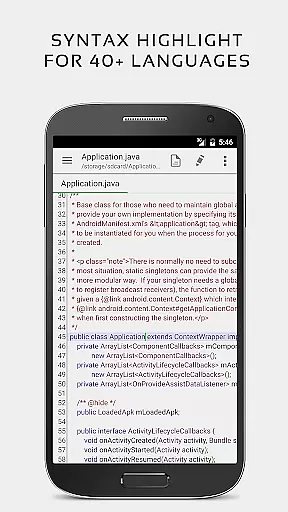
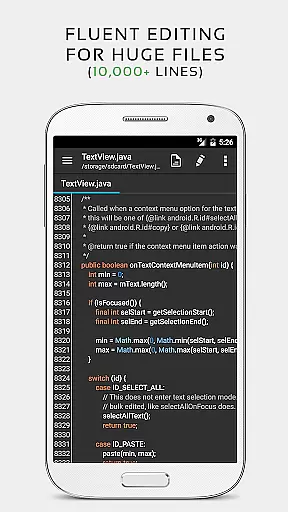
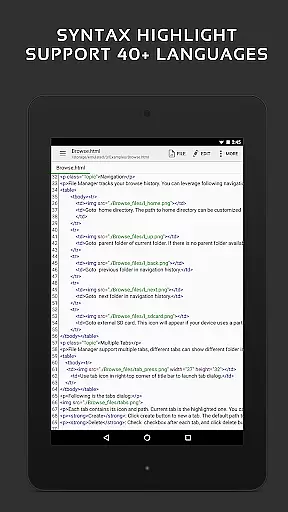
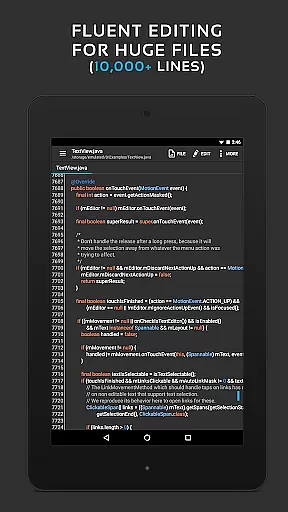
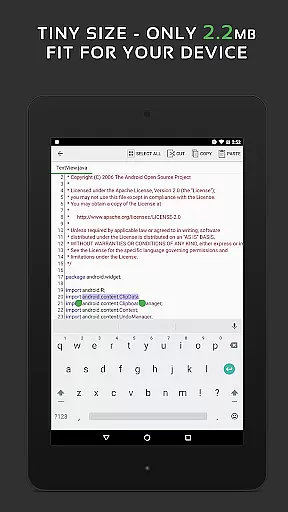
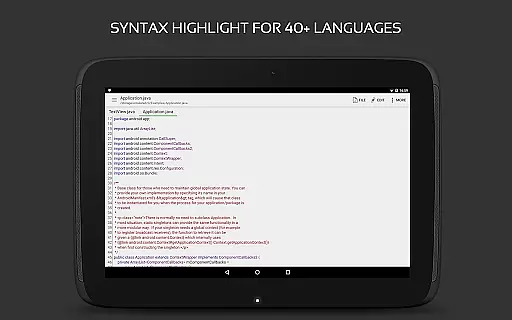
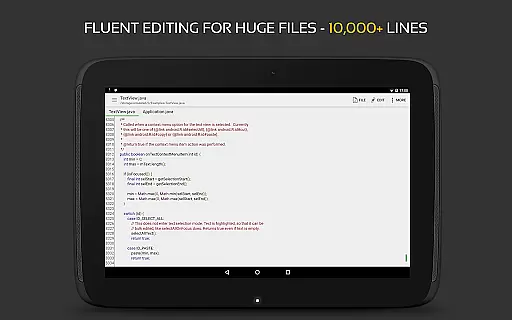
QuickEdit Text Editor Pro is a versatile and high-performance text editor designed for both general and professional use on Android devices. This app stands out with its ability to handle large text files smoothly while offering advanced features like syntax highlighting for over 170 programming languages and an integrated online compiler that supports more than 30 languages.
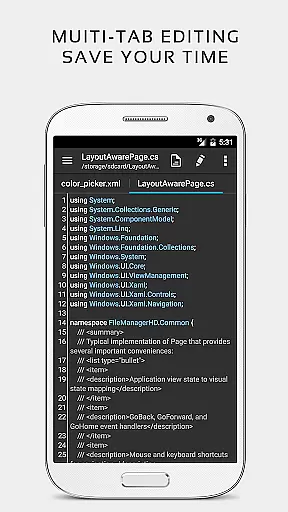
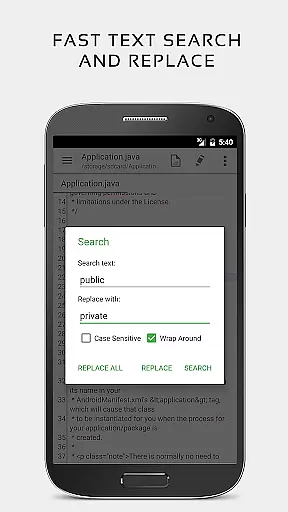
The application provides numerous productivity-enhancing tools such as unlimited undo/redo, quick search and replace, line numbering, and indentation control. Its intuitive interface ensures seamless navigation through multiple open tabs and supports physical keyboard shortcuts. QuickEdit also allows cloud storage integration, enabling users to access files from Google Drive, Dropbox, and other services effortlessly.
Whether you're editing plain text documents or coding complex software projects, QuickEdit's comprehensive feature set makes it an invaluable tool for anyone needing reliable text editing capabilities on their mobile device.
QuickEdit Text Editor Pro boasts an extensive array of features tailored for efficiency and ease of use. One notable aspect is its enhanced notepad functionality which includes syntax highlighting for 170+ languages, making it ideal for developers who require precision when writing code in various programming environments.
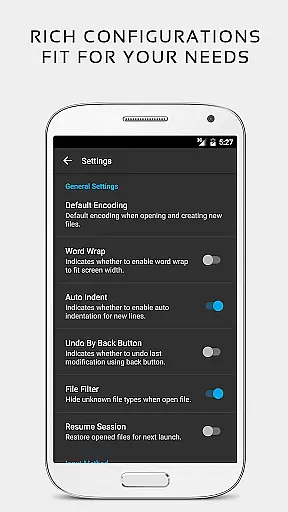
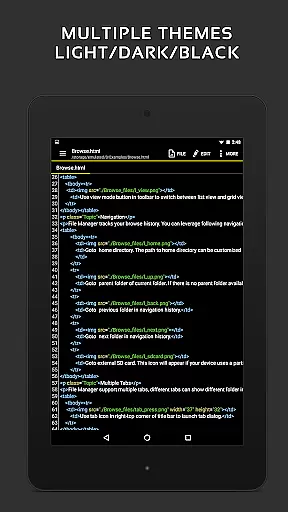
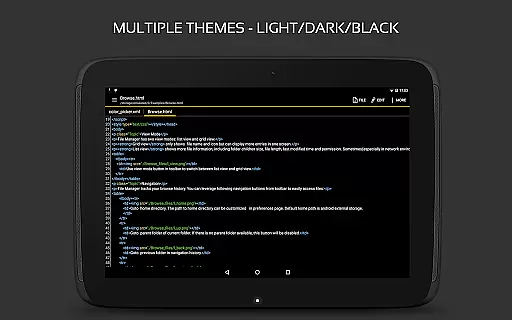
In addition to its robust coding support, QuickEdit offers practical utilities such as the ability to compile and run code directly within the app, smooth scrolling in all directions, direct line targeting, and fast selection editing. Users can customize their experience further by adjusting font sizes, previewing HTML/CSS/Markdown files, and switching between light and dark themes based on preference or ambient lighting conditions.
For power users, QuickEdit provides advanced options like system file editing on rooted devices, FTP access, and support for key combinations via physical keyboards. These features collectively ensure that whether you're managing logs, tweaking configuration files, or drafting documentation, QuickEdit delivers a streamlined workflow optimized for productivity.
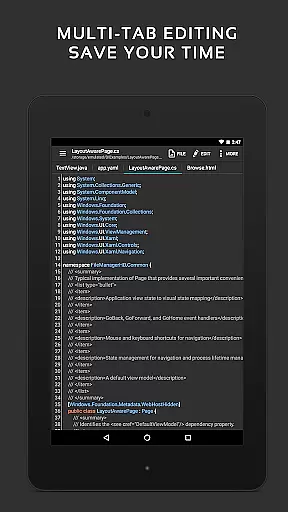
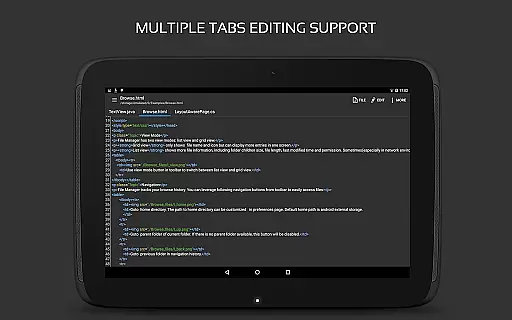
Task management is a crucial aspect of productivity applications, and QuickEdit Text Editor Pro excels in this area. The app provides users with the ability to easily navigate between multiple open tabs, which is essential for managing various tasks simultaneously.
QuickEdit enhances task handling by offering features such as undo and redo changes without limit, displaying or hiding line numbers, and increasing or decreasing line indentations. These functions allow users to efficiently organize their workflow and keep track of their progress within different documents.
The application's high performance ensures that even large text files can be managed without lag, providing a smooth experience when switching between tasks. This responsiveness is critical for professionals who need to manage complex coding projects or extensive documentation work.
With its advanced notepad capabilities, including syntax highlighting for over 170 languages and an online compiler for more than 30 programming languages, QuickEdit empowers users to handle diverse coding tasks with ease. This makes it an invaluable tool for developers looking to streamline their task management process while maintaining code quality.
Cross-device synchronization is vital for users who work across multiple devices, ensuring that their data remains consistent and up-to-date regardless of where it is accessed. QuickEdit Text Editor Pro addresses this need by providing reliable access to files from various cloud services like FTP, Google Drive, Dropbox, and OneDrive.
This feature allows users to seamlessly continue their work on any device without worrying about version control issues or manual transfers. By supporting these popular cloud storage solutions, QuickEdit ensures that all changes are synced automatically, enhancing productivity and collaboration.
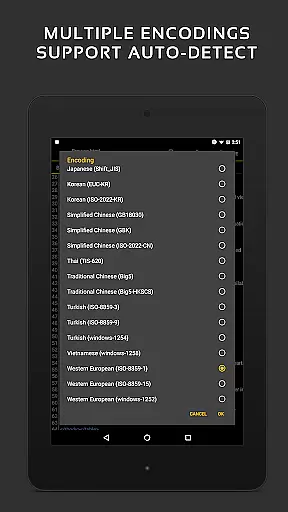
In addition to cloud integration, QuickEdit also supports opening files from recently opened or added file collections, making it easy to pick up where you left off. This level of synchronization reliability means that whether you're editing system files on rooted devices or working with common document types like INI, LOG, TXT, users can trust that their work will be current and accessible.
For professionals who require constant access to their documents, QuickEditu2019s synchronization capabilities ensure that they can rely on having the most recent versions at hand, thus improving overall efficiency and reducing potential errors caused by outdated information.
Fast performance
Extensive language support
Integrated compiler
Cloud storage integration
Customizable UI
No iOS version available
Advanced features need learning
Limited offline help
Paid pro version only
Root required for some functions



Ads Free App! Editor, Hide File, Copy, Move, Delete and Rename.. all facility av
 1.70
1.70
Wake up & get tasks done! Add alarms & reminders on the Clock Launcher.
4.00
Mind Map and brainstorm, note taking and idea collection
4.80
CalenGoo is a very flexible and feature-rich calendar app
4.40
Secure, open-source, SPICE and SSH Remote Desktop for QEMU KVM virtual machines
4.00
Tally and goal counter for Wear OS & mobile
4.50
Secure your apps with lock screens, use custom themes and different features.
4.40
Share files & memories safely. Keep your photos and videos secure.
4.40
AT&T Internet customers can use this app to personalize their Wi-Fi network.
4.40
The long-awaited modern gallery app for your Nextcloud server
4.70
Client for Nextcloud Deck
4.60
Stay on top of your to-dos with Google Tasks, part of Google Workspace.
4.60
Fill, sign & send docs, forms, agreements & contracts via electronic signature.
4.50
Experience Reading - Night Mode for Documents
4.40
A Pixel Art watchface inspired by other iconic 90s designs for Wear OS devices!
4.40
When you Focus, so will your Bean in this cozy focus timer
4.30 4.20
4.20
Todo reminder
4.10
Access your phone's notifications, calls, apps, photos & texts on your PC
3.90

User Reviews