

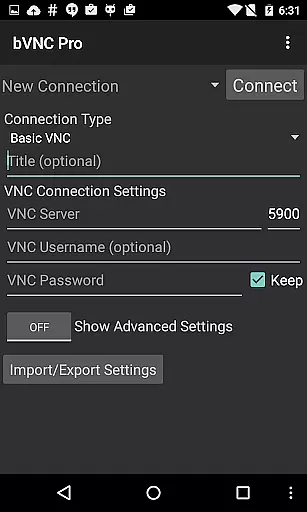
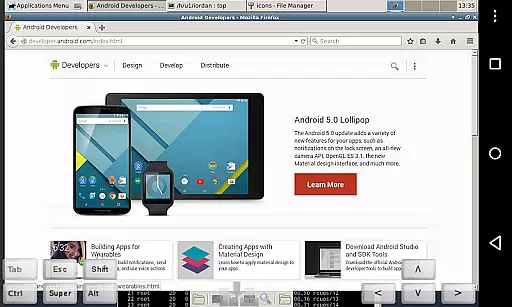
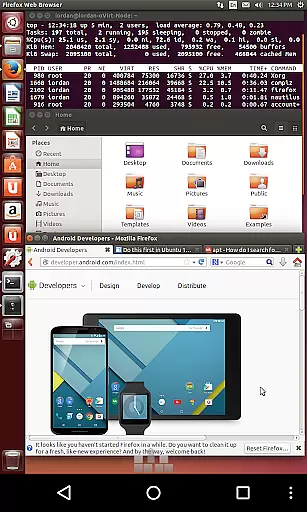
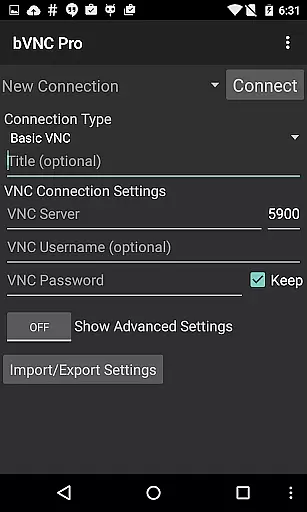
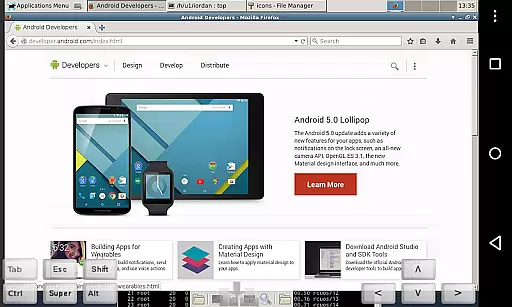
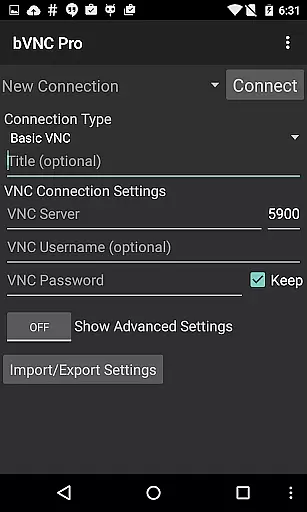
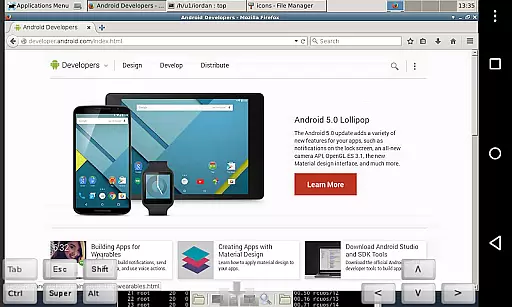
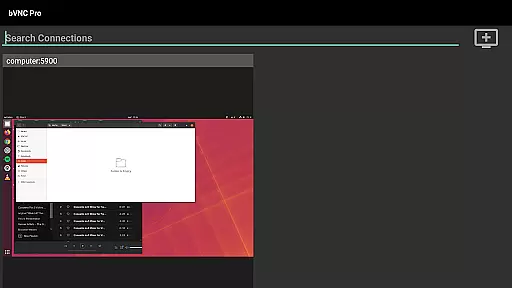
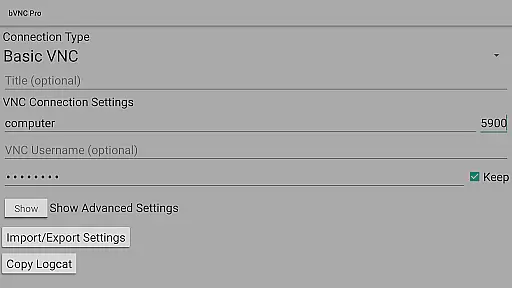
bVNC Pro is a secure, open-source VNC client designed for productivity-focused users who need reliable remote desktop access. The app supports connections to Windows, Mac, Linux, and other operating systems with VNC servers installed, making it versatile for various professional environments.
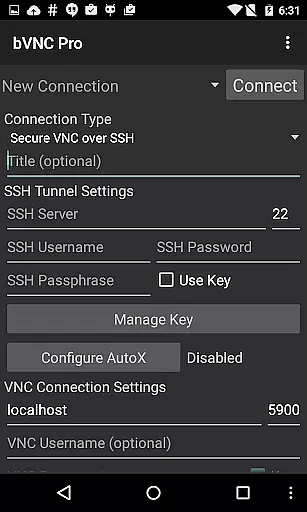
Key features include multi-touch control, dynamic resolution changes, and advanced security protocols like SSH tunneling and VeNCrypt. These capabilities ensure smooth navigation and secure connections, which are essential for IT professionals managing virtual machines or remote systems.
Ideal for users in tech-driven workplaces, bVNC Pro allows seamless integration with tools like PiKVM and Proxmox, while supporting multiple authentication methods including two-factor SSH. This makes the app particularly valuable for securely accessing and controlling remote desktops from anywhere.
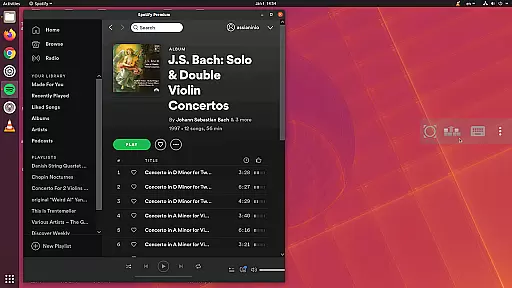
bVNC Pro stands out with its comprehensive feature set tailored for efficient remote desktop management. One of its core strengths is the support for multi-touch gestures, enabling intuitive mouse control through taps and swipes. This functionality enhances user experience by simplifying complex interactions with remote systems.
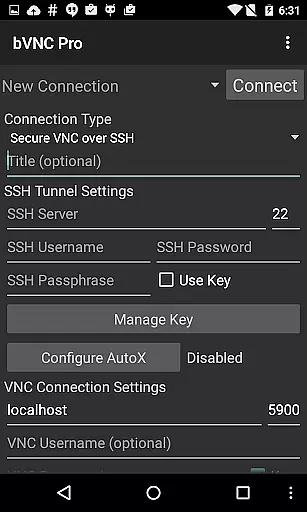
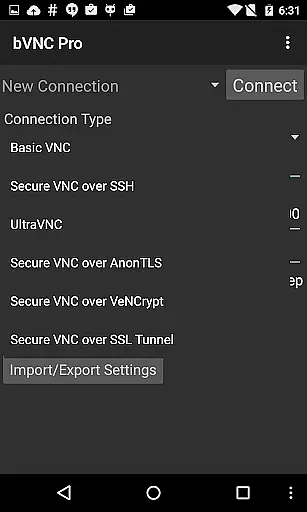
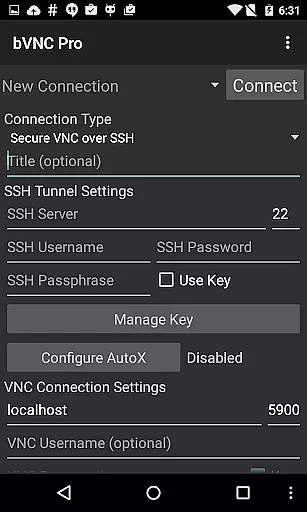
Security is another major highlight, offering high-grade encryption via SSH and VeNCrypt, which surpasses traditional RDP encryption standards. The app also includes master password support and multi-factor authentication in the Pro version, ensuring that sensitive data remains protected during remote sessions.
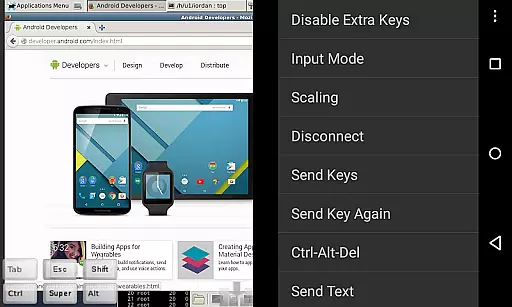
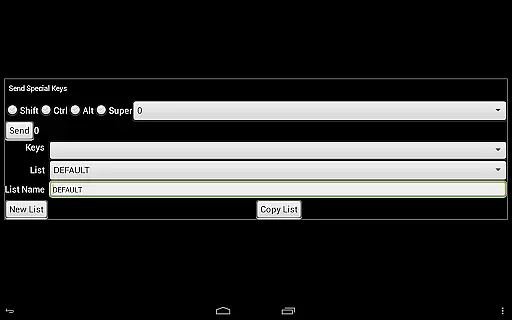
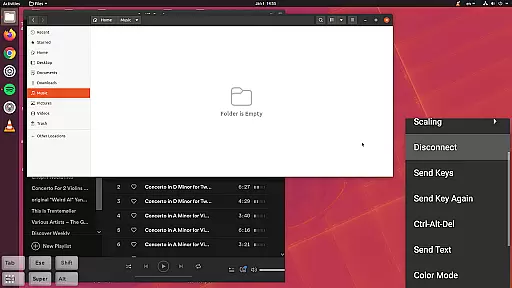
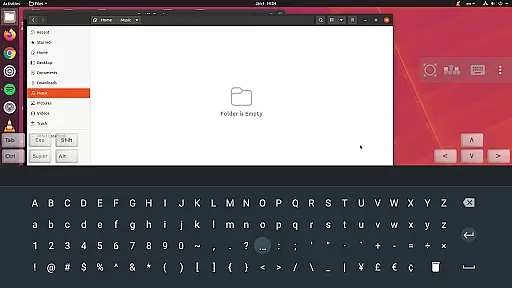
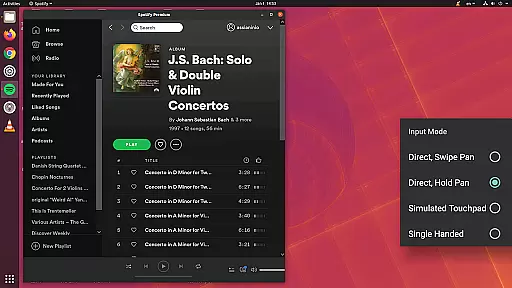
Additionally, bVNC Pro provides practical tools such as pinch-zoom, scrollable screens, and customizable input modes. These features allow users to adapt the interface to their specific needs, whether they're using a smartphone or tablet. The app's compatibility with popular VNC servers like TightVNC and UltraVNC further extends its utility across different platforms.
bVNC Pro is a productivity powerhouse that focuses on secure remote desktop access, which can be considered a core task management tool for IT professionals and tech-savvy users. The app allows you to connect to Windows, Mac, Linux, and other operating systems with installed VNC servers, providing seamless control over multiple machines from your mobile device.
With features like dynamic resolution changes, full rotation, and multi-touch gestures, bVNC Pro ensures that managing tasks across different platforms is both efficient and intuitive. The ability to reconfigure your desktop while connected and control virtual machines from BIOS to OS level adds another layer of versatility to this robust application.
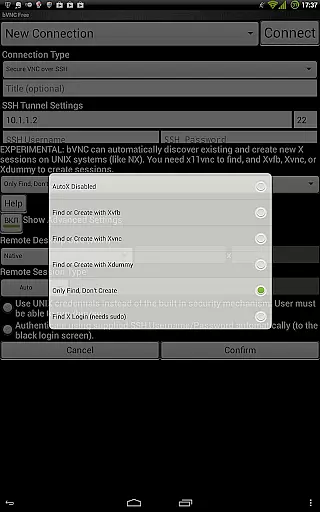
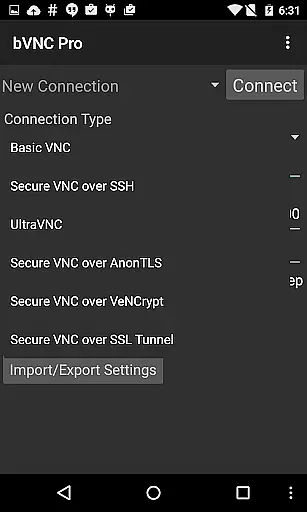
The app also supports SSH tunneling, AnonTLS, and VeNCrypt for secure connections, ensuring that your data remains protected while performing critical tasks remotely. This emphasis on security through high-grade encryption methods makes bVNC Pro an ideal choice for users who prioritize safety without compromising on functionality.
Cross-device synchronization is where bVNC Pro truly shines, offering reliable performance across various platforms. Whether you're using iOS, Mac OS X, or Android devices, the consistency in connection quality and responsiveness remains uncompromised. This reliability is crucial for users who depend on real-time updates and interactions between their workstations and mobile devices.
The Pro version includes advanced features such as master password support and multi-factor SSH authentication, enhancing the overall synchronization experience. These features ensure that your sessions are not only synchronized but also secured against unauthorized access, providing peace of mind when managing sensitive information.
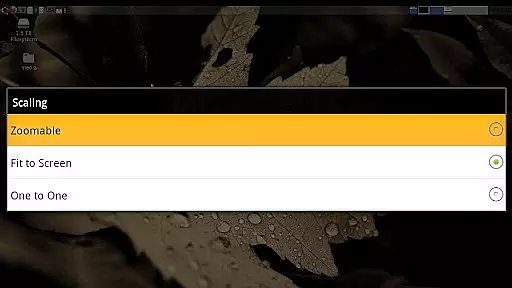
Moreover, bVNC Pro's compatibility with multiple VNC servers including TightVNC, UltraVNC, TigerVNC, and RealVNC guarantees that no matter what system you're connecting from or to, the synchronization will be smooth and dependable. With options like pinch-zoom, scrolling with two-finger drag, and customizable scaling modes, users can tailor their experience for optimal cross-device interaction.
Secure remote access
Multi-touch support
Dynamic resolution
Advanced encryption
Versatile OS support
No RealVNC encryption
Complex setup required
Paid Pro features
Limited iOS support
Steep learning curve

Client for Nextcloud Deck
 4.60
4.60
⏰ Finally a timer app which can run multiple timers simultaneously on your watch
3.90
Customizable calendar widget for seamless event sync, planning & scheduling.
4.00
CalenGoo is a very flexible and feature-rich calendar app
4.40
Easiest event planning, volunteer signups & parent teacher conference scheduling
2.20
Stay on top of your to-dos with Google Tasks, part of Google Workspace.
4.60
PDF scanner & converter for files, photos, lottery, QR codes. One swipe away!
4.50
ID.me Authenticator is a simple and free Two Factor Authentication solution
3.50
To do list widget with a notebook organizer, checklist, simple shopping list
4.60
8 custom complications. Custom Time Fonts. Beautiful color schemes. A++ Design.
5.00
Best Tool for the professionals Electrician, Electrical contractors, etc.
4.90
Mind Map and brainstorm, note taking and idea collection
4.80
Protect and view your important info on your phone and tablet with eWallet®
4.80
Simple notepad & memo. Take notes, to-do list, shopping list with reminders.
4.80
App Lock with fingerprint, password: Lock apps & hide photos with lock screens
4.60
Send files, sync SMS, notifications & clipboard across devices via local network
4.40
Docker, Kubernetes management over Portainer Mobile
4.40
This small app MUST BE INSTALLED after purchase, else license won't work
4.40
Auto-shutoff Alarm with Sunrise, Sunset & Fixed Options.
3.50


User Reviews