

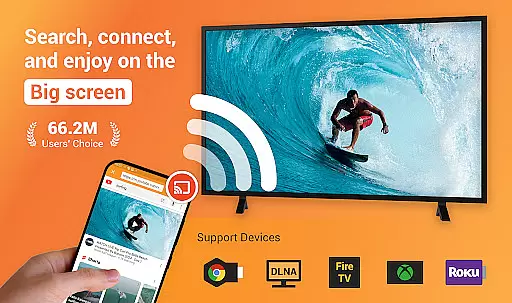
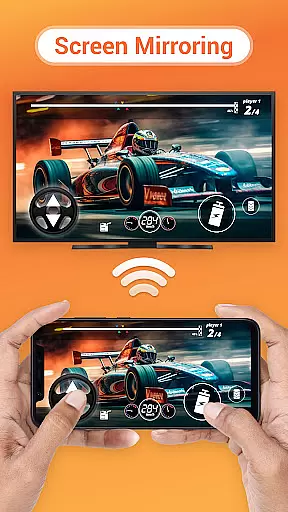
Cast to TV is a versatile media streaming application that allows users to cast online videos, live streams, local videos, music, and images to various devices including TVs, Chromecast, Roku, Amazon Fire Stick, Xbox, Apple TV, and other DLNA-enabled devices. The app serves as an all-in-one solution for streaming multimedia content from your mobile device or computer to larger screens.
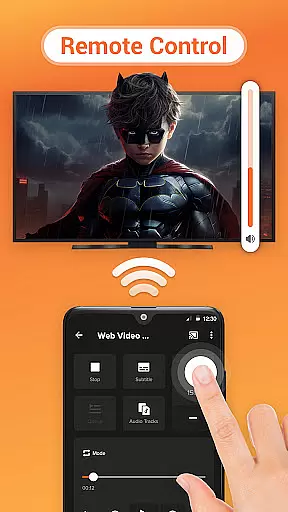
The core functionality of Cast to TV includes the ability to control playback on the receiving device directly from your phone, such as pausing, adjusting volume, skipping forward or backward, and navigating between tracks. Additionally, it features a built-in browser for web video casting, supports local playback, automatically searches for available casting devices, and organizes media files into a play queue with options for shuffle, loop, and repeat modes.
This app is particularly useful in home entertainment settings where users wish to enjoy high-quality video and audio experiences on bigger screens without the hassle of physical media or cables. By leveraging existing Wi-Fi networks, Cast to TV provides seamless integration across multiple platforms, enhancing user convenience and accessibility.
Cast to TV offers a comprehensive set of features designed to enhance the multimedia streaming experience. One of its standout capabilities is the ease of controlling TV playback directly from a smartphone, which includes functions like pause, volume adjustment, fast-forwarding, rewinding, and track navigation. This feature alone significantly improves user interaction and convenience when managing media playback on larger screens.
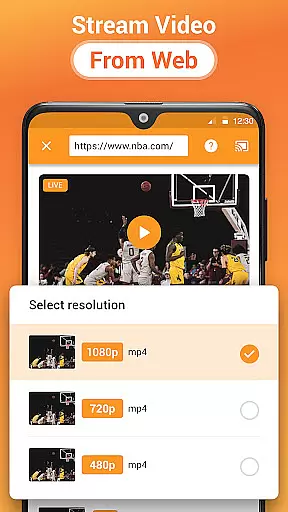
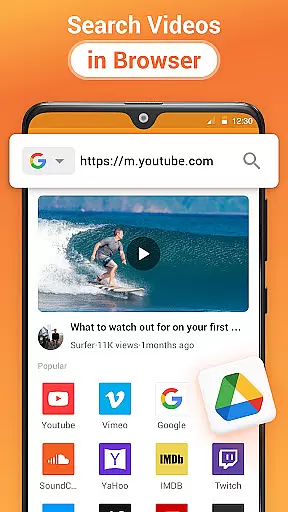
In addition to supporting the casting of local files, Cast to TV also includes a built-in browser that facilitates web video casting. Users can stream live sports events, gaming sessions, and browse the internet for video content that can be instantly cast to their TV. The app's auto-search function for available casting devices ensures a smooth connection process, while its ability to identify and organize video, audio, and photo files from both internal storage and SD cards into a play queue adds another layer of usability.
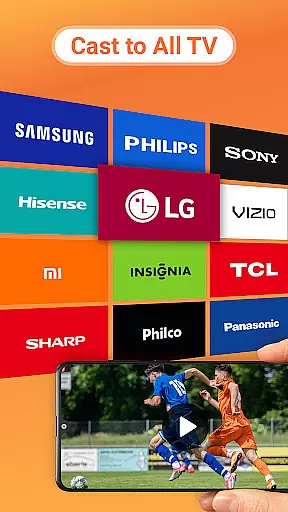
Furthermore, Cast to TV supports advanced playback options such as shuffle, loop, and repeat modes, catering to diverse user preferences. Its compatibility extends across numerous platforms, including Chromecast, Smart TVs (Samsung, LG, Sony, etc.), gaming consoles (Xbox), streaming sticks and boxes (Amazon Fire TV, Roku), and even upcoming integrations with systems like Kodi and IPTV. This wide-ranging support underscores the app's adaptability and commitment to providing a universal casting solution.
Cast to TV, Chromecast & Roku stands out with its extensive video format compatibility, ensuring that users can cast a wide variety of local and online videos to their TV or preferred streaming device without hassle. The app supports numerous formats, making it versatile for different user needs.
This application automatically identifies video files on your device and SD Card, streamlining the casting process. Whether you're looking to cast movies, live streams, or personal recordings, the app's broad format support ensures smooth playback without the need for prior conversion.
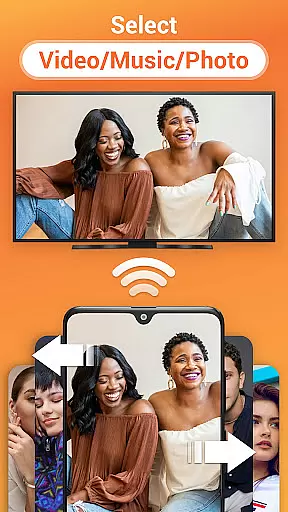
Moreover, Cast to TV is designed not just for video casting but also integrates features for music and photo slideshow casting, enhancing multimedia sharing experiences. Its compatibility extends to various devices including Chromecast, Roku, Apple TV, and DLNA receivers, offering users flexibility in choosing their streaming devices.
By removing barriers related to video format restrictions, this app empowers users to enjoy an uninterrupted streaming experience across a range of platforms. This makes it an ideal choice for those seeking seamless integration between their mobile devices and home entertainment systems.
While primarily known for its casting capabilities, Cast to TV, Chromecast & Roku also incorporates AI-powered editing features that enhance user interaction with media content before it's streamed. These intelligent tools allow users to curate and optimize their media effortlessly.
The app includes functionalities such as creating a Play Queue where users can add local videos and audio tracks. With options for shuffle, loop, and repeat modes, viewers have control over their playback experience. Such features are powered by algorithms that understand user preferences and viewing habits.
Additionally, the built-in browser facilitates web video casting with ease. Users can search for online content directly within the app and cast it instantly. This streamlined process is enhanced by AI that suggests relevant content based on user behavior, thus enriching the overall streaming experience.
Although not its primary function, these AI-driven enhancements make interacting with media more engaging and personalized. By integrating smart technology into everyday tasks like media streaming, Cast to TV offers a modern approach to managing digital entertainment.
User-friendly interface
Wide device compatibility
Comprehensive media support
Advanced playback controls
Efficient device discovery
Dependent on stable Wi-Fi
Limited by device codecs
Occasional connectivity issues
No offline mode
Premium features require subscription


Auto video maker with music & exclusive filters. Video editing made simple.
 4.50
4.50
Your media, on your terms.
4.10
A Quick and Pro Video Editor
4.70
Support 1000+ Video Format, Subtitle Download, mp3 & Background Play, Cast On TV
4.60
Browser for Sony TV to stream web videos, online movies and live tv
3.20
Cast movies, tv shows and live streams to Chromecast, Roku, DLNA, Fire TV & more
4.60
Livestream, news, & gaming content. Watch, chat, and upload. Join Rumble today!
3.80
Download Hub, easy and private way to download and enjoy your videos offline
4.80
Viddo: Generate Action Figure, AI Anime, AI kiss, AI hug Video from image & text
4.40
Video Trimmer, Video to MP3 Converter. Extract music from video, Easy & Fast.
4.80
GENRAL PRO - General Pro is the best video player that fully supports all formats.
4.70
VLC Remote lets you control your VLC Media Player on Mac, PC or Linux.
4.60
IPTV Loader, loads your own Playlist. DOES NOT CONTAIN ANY LIST OR CHANNELS
4.60
Watch IPTV on your Android device
4.60
HD video maker with no watermark, no ads & vlog maker with music, PIP, text
4.50
Movie maker & video editing app with AI effects and green screen
4.30
Browser for Samsung TV to stream webvideos, online movies and livestreams in HD
4.10
Connect 2 UVC devices for recording and broadcast video/audio stream
3.90
Live TV, anywhere in your home
3.80

User Reviews