

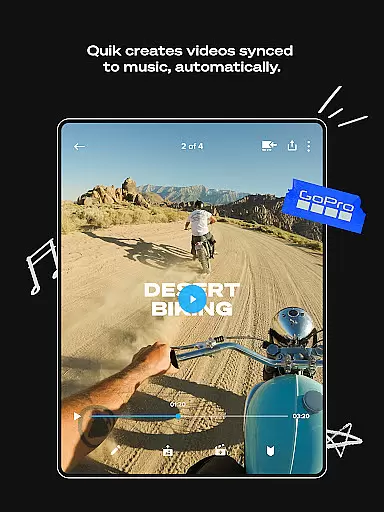
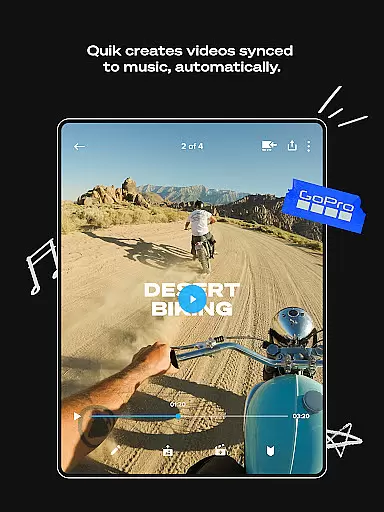
GoPro Quik is a powerful video editing application designed to simplify the process of creating professional-quality videos. The app automatically identifies your best moments from imported footage, syncing them to music beats and adding polished transitions. With cloud integration, all your media is securely backed up and accessible across devices, enabling seamless editing on the go. Whether you're an action sports enthusiast or casual videographer, Quik streamlines video production while offering advanced customization options.
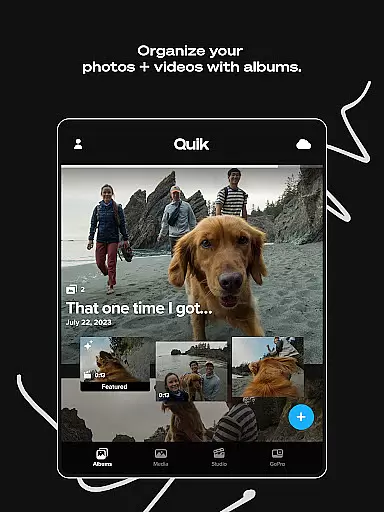
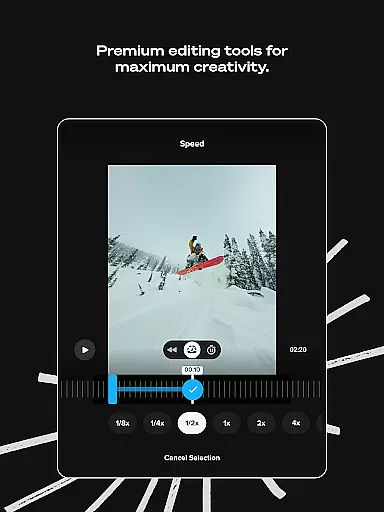
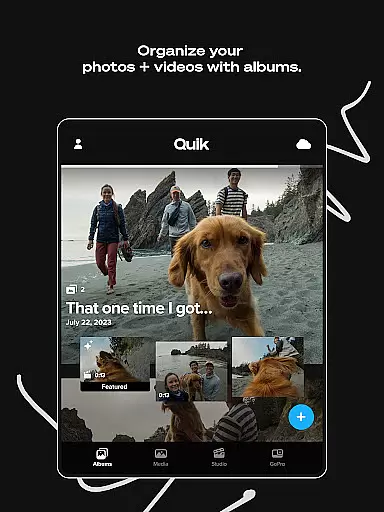
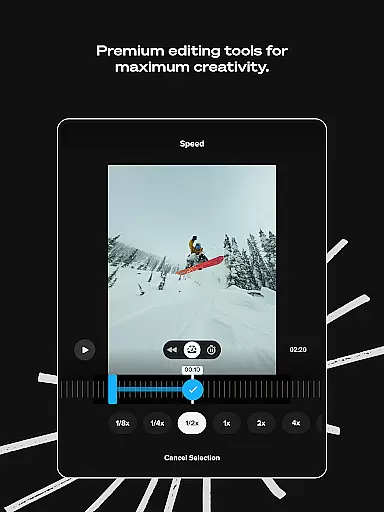
Premium features include unlimited cloud storage for GoPro content, cross-device synchronization, and sophisticated editing tools. These allow users to adjust colors, trim clips, add filters, and experiment with different visual effects. Exclusive functionalities for GoPro camera owners further enhance the experience through automatic media detection, preview capabilities, and efficient content management. This makes GoPro Quik an essential tool for anyone looking to transform raw footage into compelling stories.
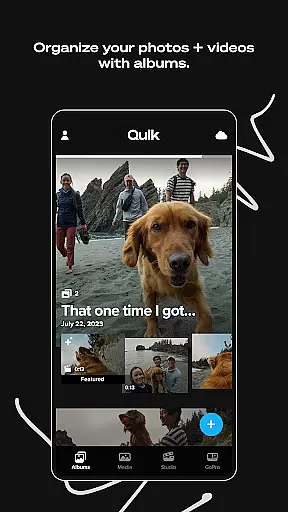
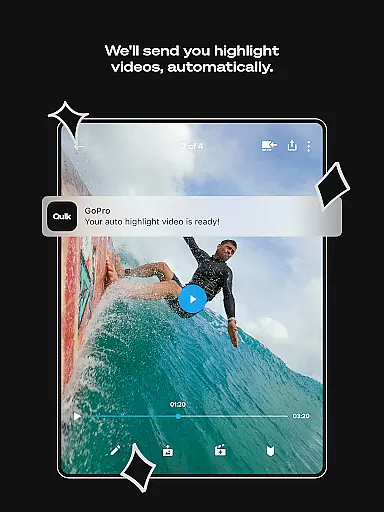
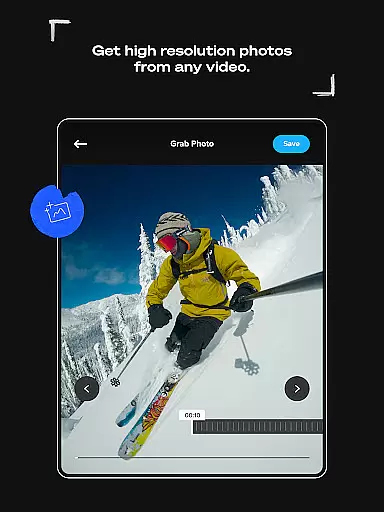
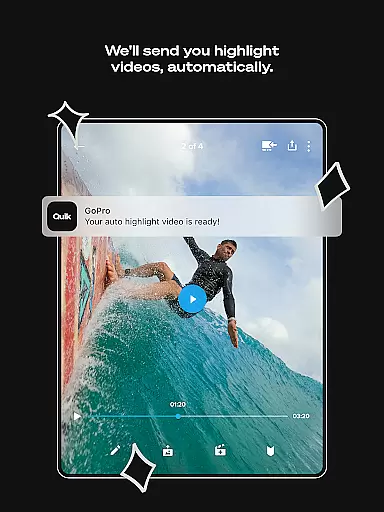
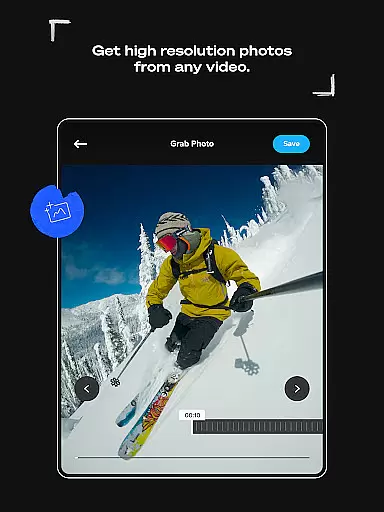
GoPro Quik stands out with its comprehensive suite of editing tools and automation capabilities. The Automatic Highlight feature analyzes footage to create dynamic shareable videos complete with music synchronization and professional transitions. For storage, the app offers unlimited cloud space at original quality for GoPro content, plus significant capacity for other sources through Premium subscriptions. Its Auto Upload function ensures all media is safely stored and synchronized across devices.
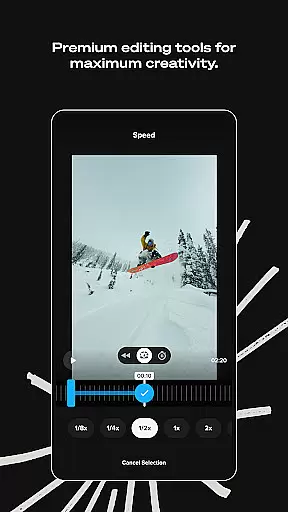
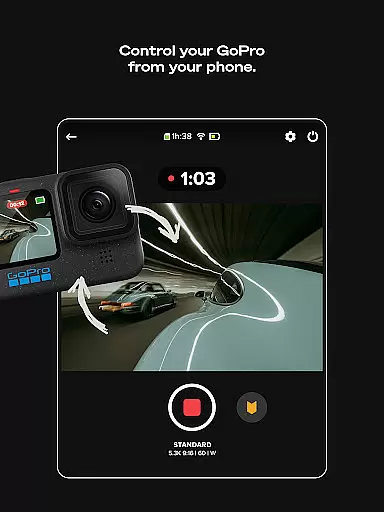
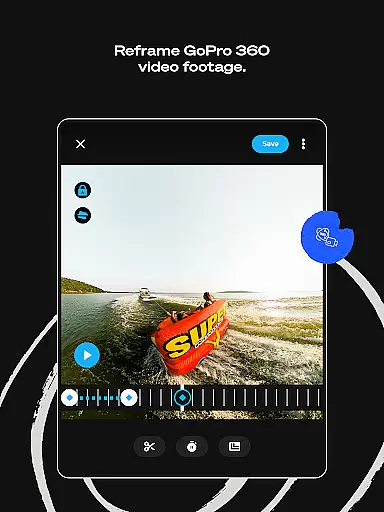
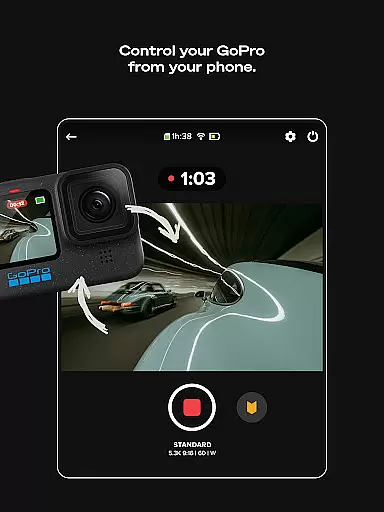
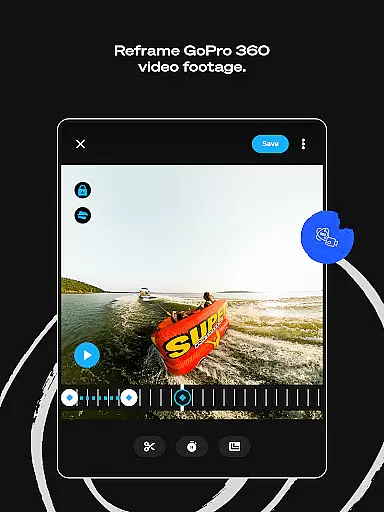
The app's premium editing suite provides precise control over video elements. Users can apply specialized filters optimized for various environments, adjust frame settings, and incorporate text overlays. The innovative Reframe tool allows conversion of 360-degree footage into traditional formats with cinematic transitions. Additionally, GoPro owners benefit from exclusive features like automatic camera detection, direct media transfer, and integrated content management, making it an indispensable solution for managing and enhancing action camera footage.
GoPro Quik supports a wide range of video formats, ensuring that users can import and edit footage from various devices seamlessly. The app is optimized to handle files captured by GoPro cameras as well as other popular camera models, providing flexibility for content creators.
The application's compatibility extends to high-resolution videos, including 4K footage, allowing users to maintain exceptional quality throughout the editing process. This ensures that every frame retains its original clarity and detail, which is crucial for producing professional-grade content.
Additionally, GoPro Quik offers cross-device synchronization, enabling users to access their projects on multiple platforms without worrying about format issues. Whether you're working on a smartphone, tablet, or computer, the app provides a consistent experience, making it easy to switch between devices while maintaining full functionality.
For non-GoPro camera footage, the app supports up to 500GB of cloud storage with a Premium+ subscription, accommodating a variety of file types commonly used in videography. This extensive support empowers creators to focus on storytelling rather than technical limitations.
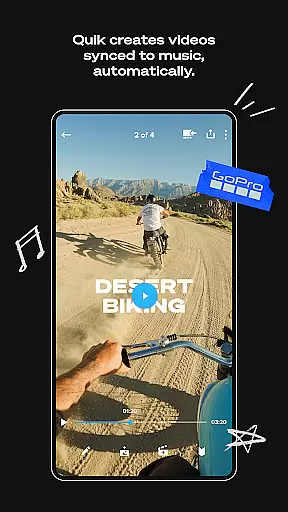
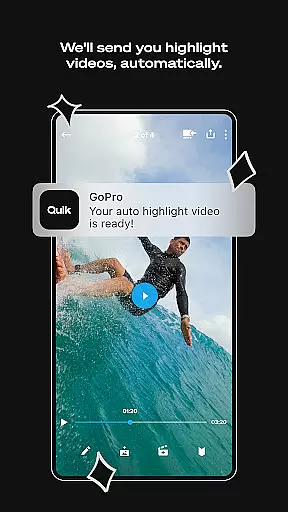
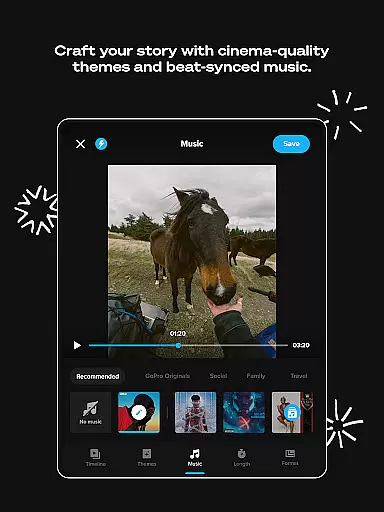
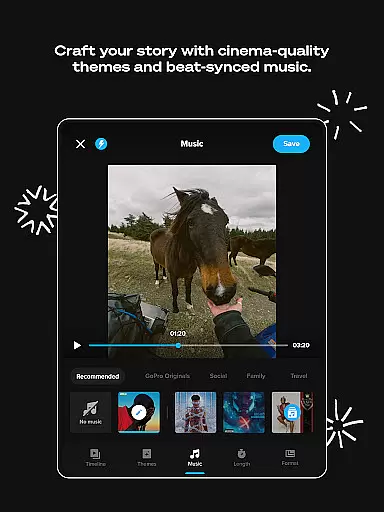
GoPro Quik incorporates advanced AI-powered editing tools that streamline the video creation process. One standout feature is Automatic Highlight videos, where the app intelligently identifies your best shots, syncs them to music, and adds transitions, creating a polished video effortlessly.
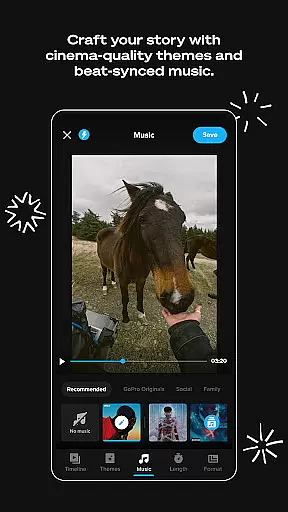
The AI technology also includes Beat Sync, which automatically aligns clips, transitions, and effects to the rhythm of the selected soundtrack. This enhances the overall flow and energy of the video, making it more engaging for viewers.
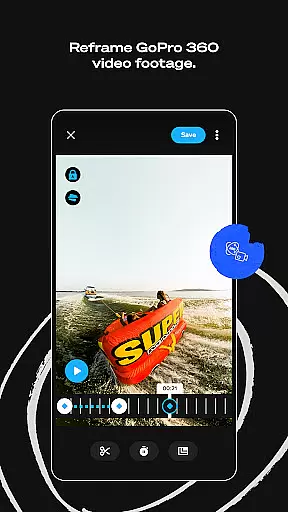
Another innovative tool is Reframe, which transforms 360-degree footage into traditional video formats. Users can experiment with different perspectives and instantly create cinematic transitions using keyframes, all powered by sophisticated AI algorithms.
These AI-driven capabilities significantly reduce editing time while maintaining creative control, allowing both novice and experienced editors to produce high-quality content efficiently. With these features, GoPro Quik sets a new standard in mobile video editing.
User-friendly interface
Powerful editing tools
Unlimited cloud storage
Cross-device sync
Automatic highlight creation
Premium subscription required
Limited free storage
Advanced features locked
Occasional sync issues
Resource intensive

Client application for NextPVR software
 3.00
3.00
Support 1000+ Video Format, Subtitle Download, mp3 & Background Play, Cast On TV
4.60
Turn your phone into a wireless camera!
4.20
Download videos easily & play them all in one smart, powerful video manager.
3.40
Movie maker & video editing app with AI effects and green screen
4.30
All in one HD video downloader & player for multiple formats with full privacy
4.70
LumaFusion: The Ultimate Storytelling Experience for Video Editing
4.10
A Simple app to download Video & Music from the Internet.
4.70
convenient, safe and fast at Video Downloader & Player
4.60
Tik & Story Saver-Download ALL social media videos, photos & reels no watermark.
4.80
#1 Torrent App on Android ** No Ads Ever + Battery Saver **
4.80
GENRAL PRO - General Pro is the best video player that fully supports all formats.
4.70
Snaptubè Video Downloader app allows to download videos and music in Snaptube. .
4.60
VLC Remote lets you control your VLC Media Player on Mac, PC or Linux.
4.60
Fast & easy HD video downloader for all formats, support 4K playback & download.
4.60
Browser + Remote for Roku to stream webvideos, online movies and livestreams
4.60
Stream Web Videos to Chromecast, Samsung, LG, Sony, Roku, Fire TV, DLNA + more
4.00
Livestream, news, & gaming content. Watch, chat, and upload. Join Rumble today!
3.80
Mix with Virtual DJ directly from your phone or tablet !
3.10


User Reviews