

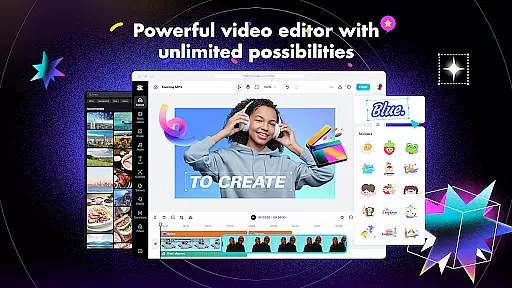
CapCut is a versatile video editing application that provides users with an extensive suite of tools to create professional-quality videos. The app offers basic editing features such as trimming, splitting, and merging clips, alongside advanced functionalities like keyframe animation, chroma key, and stabilization. Capable of adjusting video speed from 0.1x to 100x, it also includes intelligent features such as auto captions and text-to-speech in multiple languages.
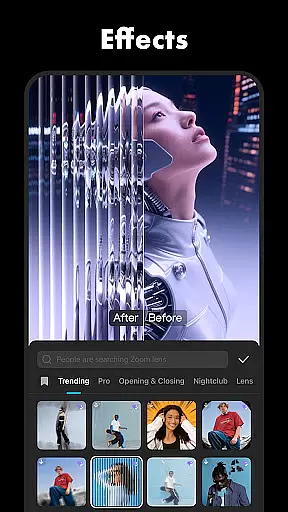
In addition to its robust editing capabilities, CapCut allows users to enhance their videos with trending effects, filters, music, and sound effects. Users can add text with various fonts and styles, import local fonts, and apply smooth transitions between clips. With support for 4K 60fps exports and smart HDR, CapCut ensures high-quality video output suitable for sharing across social media platforms like TikTok, YouTube, and Instagram.
CapCut stands out with its comprehensive feature set tailored for both novice and experienced video editors. The app's basic video editing tools allow users to trim, split, merge, and adjust the speed of video clips with precision. Advanced features include keyframe animation, enabling detailed control over video elements, and optical flow technology for creating seamless slow-motion effects. The chroma key feature facilitates green screen editing, while the stabilization tool ensures smooth footage even from shaky recordings.
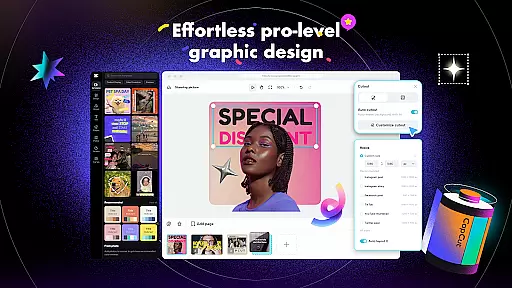
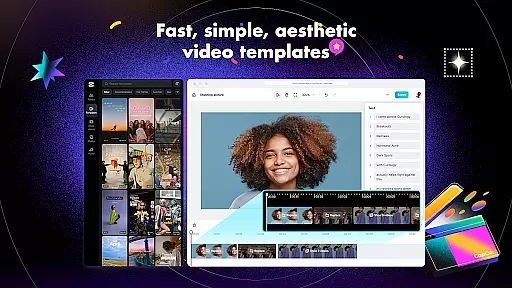
Beyond traditional editing, CapCut incorporates intelligent features such as automated speech recognition for generating subtitles and text-to-speech functionality in numerous languages and voices. Its background removal tool simplifies the process of isolating subjects from their backgrounds. Moreover, CapCut provides a rich library of customizable text templates, stickers, trending effects, and filters that are regularly updated to keep pace with current trends, empowering creators to produce visually captivating content.
Video format compatibility is a crucial aspect of any video editing application, ensuring that users can work with a wide range of video files without conversion hassles. CapCut excels in this area by supporting various popular formats, allowing creators to import and export videos seamlessly.
The app's advanced format support extends to its export options, where users can customize resolutions up to 4K at 60fps, with smart HDR enhancements. This flexibility ensures that your final creations maintain exceptional quality across different platforms and devices.
CapCut's comprehensive format handling also includes audio tracks, enabling users to extract sound from video clips or add music and sound effects in multiple formats. The app maintains audio-visual synchronization throughout the editing process, preserving the integrity of both elements.
By providing such extensive format compatibility, CapCut empowers content creators to focus on their artistic vision rather than technical limitations. Whether you're editing for social media platforms or professional presentations, the app ensures your videos will look stunning and play smoothly across all intended mediums.
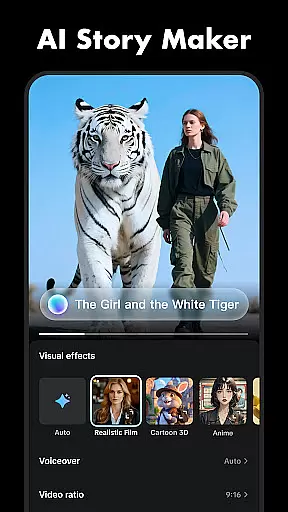
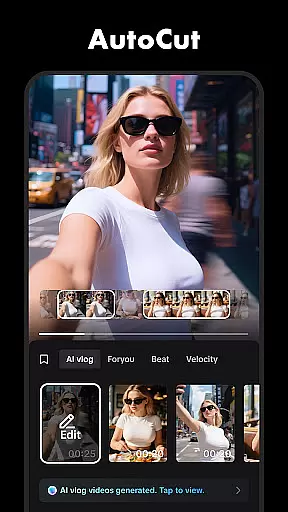
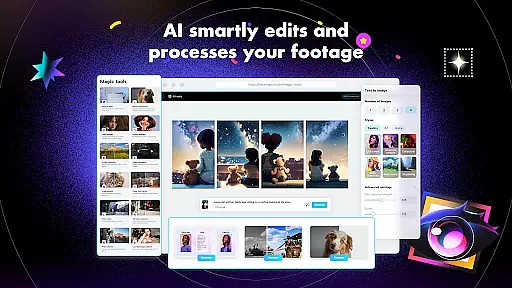
AI-powered editing features represent a significant advancement in video editing technology, streamlining complex processes and making professional-quality editing accessible to everyone. CapCut incorporates several intelligent tools that leverage artificial intelligence to enhance the editing experience.
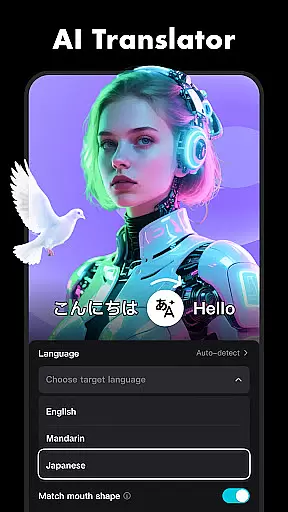
The app's auto captions feature utilizes advanced speech recognition technology to automatically generate subtitles for videos. This function supports multiple languages and dialects, making content more accessible to global audiences while saving editors valuable time.
CapCut's AI capabilities extend to its background removal tool, which accurately detects and eliminates backgrounds from video footage without requiring green screen setups. The text-to-speech feature adds another dimension of accessibility, converting written text into natural-sounding speech in various languages and voices.
These AI-powered features not only accelerate the editing process but also maintain high-quality results that rival manual editing techniques. By integrating these intelligent tools, CapCut enables creators to produce sophisticated video content efficiently, regardless of their technical expertise level.
User-friendly interface
Advanced editing tools
Variety of effects and filters
Multi-language support
High-quality export options
Limited offline functionality
Occasional bugs reported
Ads within free version
Subscription required for premium features
Large file size after installation





A full editing room to accompany your Insta360 cameras and handheld gimbals.
 3.30
3.30
Connect 2 UVC devices for recording and broadcast video/audio stream
3.90
Video Player - Unlimited features, 30 days money back guarantee.
4.60
Watch full episodes of your favorite Cartoon Network and Cartoonito shows!
3.50
?100% FREE! Download & save videos? safely in this app. All formats supported.
4.60
AirMirror is Receiver for Screen Mirroring and Casting from Apple Devices.
3.60
High-Quality USB Camera Viewer & HDMI Display
4.70
KMPlayer Plus (Divx Codec) officially support Divx codec.
4.30
Manage your YouTube channel on the go
4.40
Play ALL formats in 4K & HD. Video downloader, MP3 player, Chromecast & more.
4.80
Pro video editor app for Instagram, edit video with song, AI, effect & slowmo.
4.80
Find, download, and play torrents with the official BitTorrent® Pro app
4.70
A Simple app to download Video & Music from the Internet.
4.70
HD video maker with no watermark, no ads & vlog maker with music, PIP, text
4.50
Video Downloader, Multiple Resolution Options, Video Player
4.50
Viddo: Generate Action Figure, AI Anime, AI kiss, AI hug Video from image & text
4.40
Video player, file manager for all formats, 4K/HD media player supports subtitle
4.30
Turn your phone into a wireless camera!
4.20
Browser for Samsung TV to stream webvideos, online movies and livestreams in HD
4.10


User Reviews