

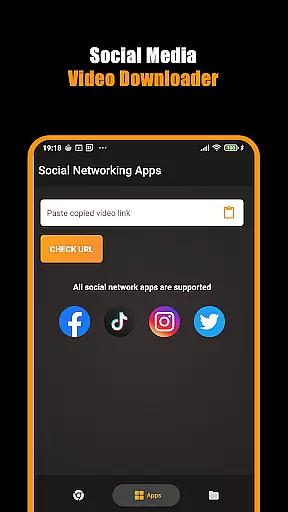
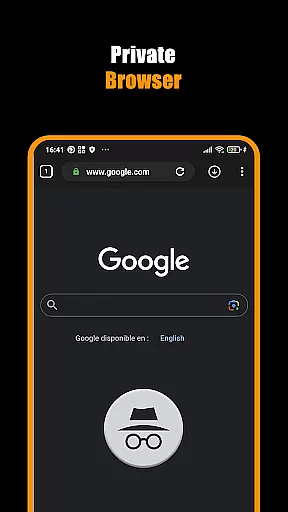
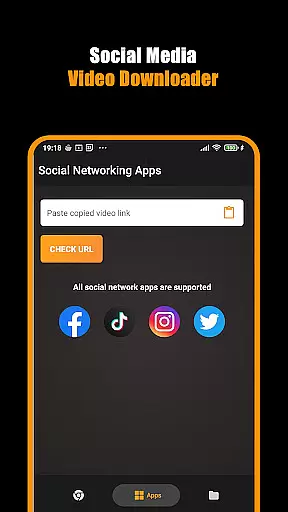
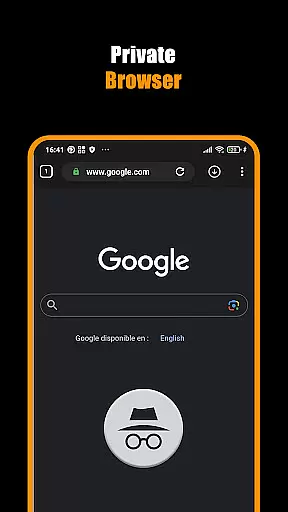
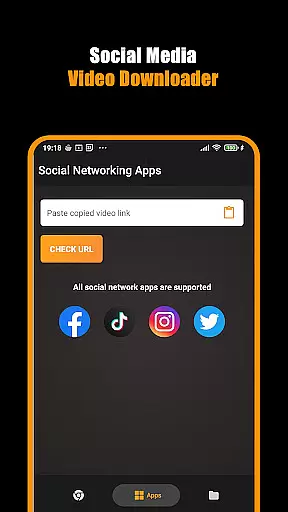
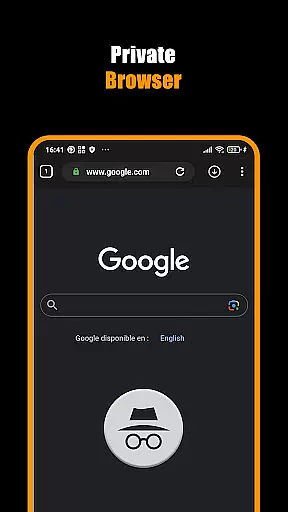
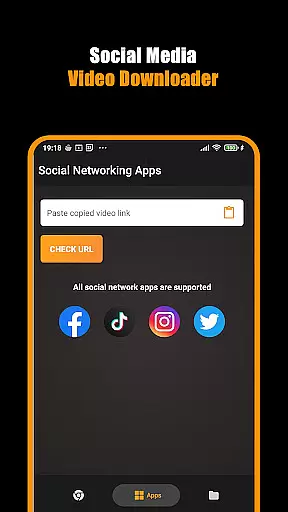
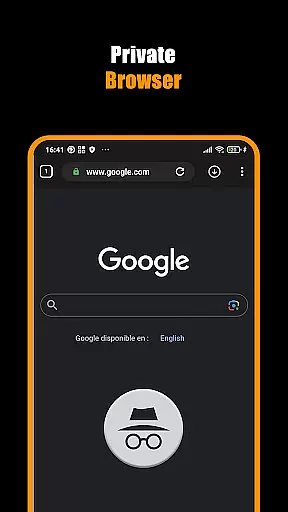
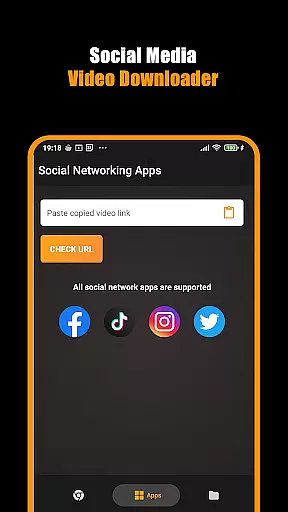
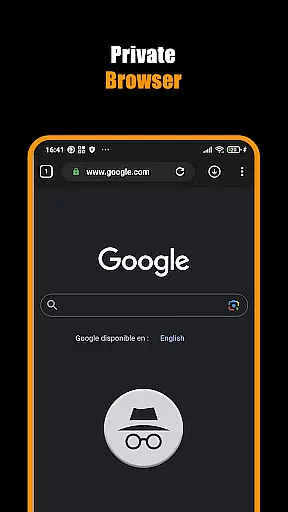
Hub Video Downloader is a versatile video downloading tool designed for users who need to save online videos directly to their devices. The app features a built-in private browser that allows users to browse the web securely while automatically detecting downloadable video content. With support for high-definition video downloads in 2K and 4K resolutions, it ensures premium quality for every saved file.
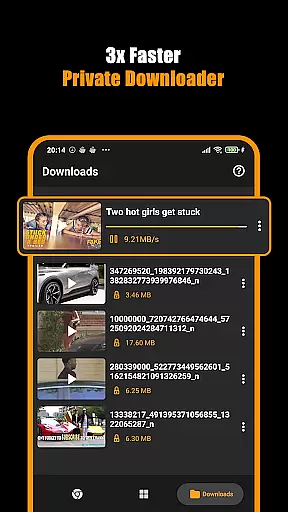
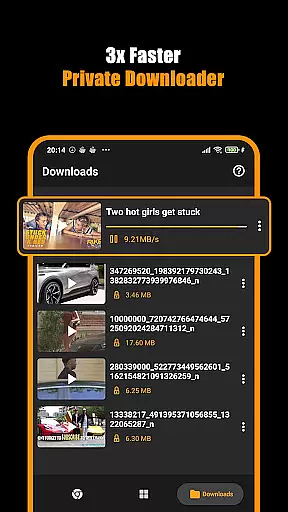
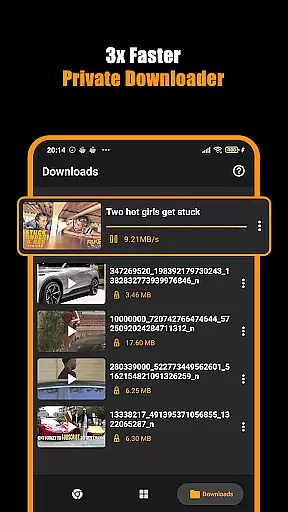
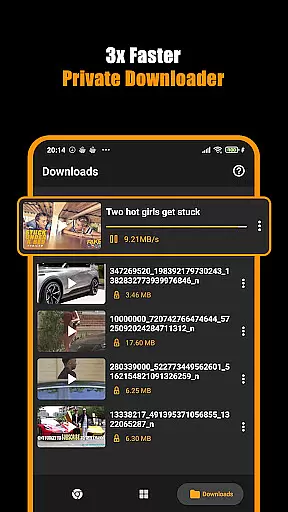
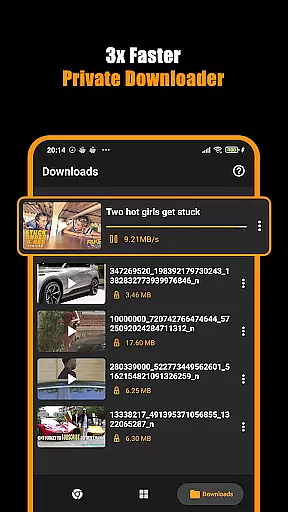
The application also provides advanced multitasking capabilities, enabling users to pause, resume, or cancel downloads at any time. Its background download functionality ensures uninterrupted performance even when multitasking. Additionally, Hub Video Downloader prioritizes user privacy by clearing all browsing data upon exit, making it an ideal choice for those seeking both convenience and security.
Hub Video Downloader stands out with its comprehensive set of features tailored for seamless video saving. One of its key highlights is the automatic video detection system, which identifies downloadable content as soon as users visit a webpage. This eliminates the hassle of manual searches and streamlines the downloading process significantly.
Another notable feature is the app's ability to handle multiple downloads simultaneously. Users can manage several files at once, thanks to intuitive controls such as pause, resume, and cancel options. Furthermore, the integrated private browser enhances security by blocking intrusive trackers and ensuring no trace of activity remains after use. These robust functionalities make Hub Video Downloader a top choice for efficient and secure video management.
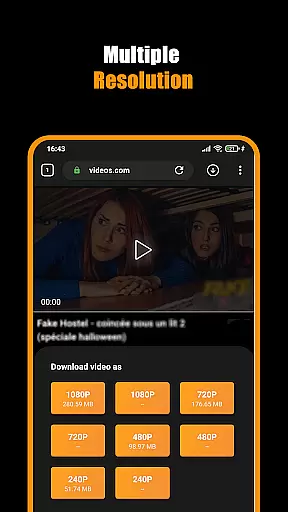
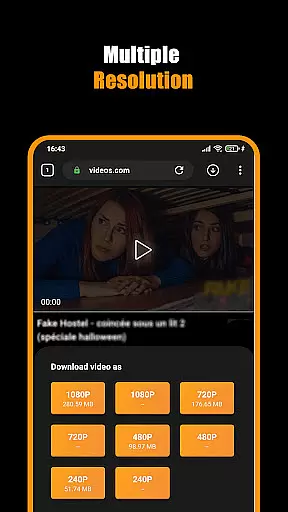
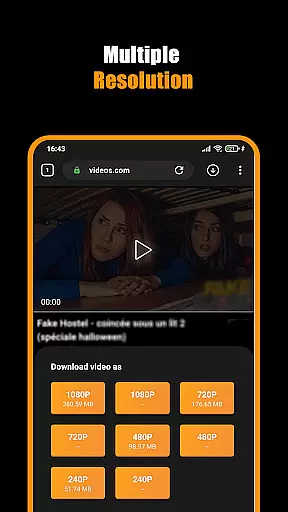
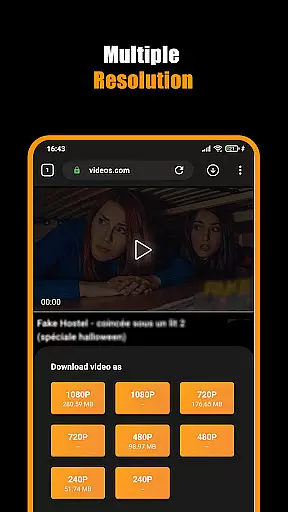
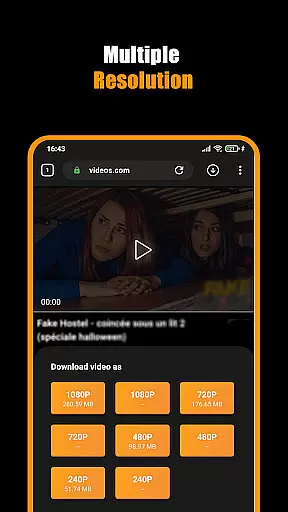
Video format compatibility is a crucial feature for any video player and editor, ensuring that users can access their content in various formats without technical barriers. Hub Video Downloader supports an extensive range of video formats, including HD, 2K, and 4K resolutions, making it versatile for different user needs.
The app's built-in browser automatically detects and allows downloading of videos from websites, converting them into a playable format on your device. This seamless integration simplifies the process of obtaining high-quality videos while maintaining the original resolution and quality.
Users benefit from not having to worry about format conversion or compatibility issues. Whether you're downloading short clips or full-length movies, the app ensures that all content is ready for immediate playback, enhancing the overall user experience.
This level of compatibility underscores the app's commitment to providing a comprehensive video management solution, empowering users to enjoy their favorite content without limitations.
AI-powered editing features represent the cutting-edge of video editing technology, enabling users to enhance their videos with minimal effort. Hub Video Downloader incorporates advanced AI tools that assist in optimizing video quality, adjusting settings for the best viewing experience, and even organizing downloaded content efficiently.
With these intelligent features, users can automatically improve video clarity, stabilize shaky footage, and apply color corrections that make their content stand out. The AI algorithms are designed to learn from user preferences, offering personalized suggestions and edits that align with individual tastes.
The advantage of using AI in video editing is the significant time and effort saved. Instead of manually tweaking settings, users can rely on the app's smart systems to handle complex adjustments, allowing them to focus on enjoying their content rather than troubleshooting technical details.
By integrating AI-powered editing features, Hub Video Downloader not only simplifies the editing process but also elevates the quality of the final product, ensuring that every video looks its best on any device.
User-friendly interface
High-definition video support
Private browsing mode
Background download capability
Automatic video detection
No YouTube support
Limited to non-copyrighted content
Requires stable internet
Occasional ads
Device storage dependency






Online Videos Player
 3.90
3.90
Client application for NextPVR software
3.00
?100% FREE! Download & save videos? safely in this app. All formats supported.
4.60
Create & edit videos with AI
4.30
KineMaster, Your Ultimate Video Editor!
4.40
Live TV, anywhere in your home
3.80
Download website videos fast&privacy
4.40
Cast to Smart TV, Fire TV. Cast video, photo - Fast & Stable!
3.90
Video player with 4K & 1080P support, popup play, background play and subtitle.
4.20
Tik & Story Saver-Download ALL social media videos, photos & reels no watermark.
4.80
All in one HD video downloader & player for multiple formats with full privacy
4.70
A Simple app to download Video & Music from the Internet.
4.70
Video Player - Unlimited features, 30 days money back guarantee.
4.60
Search & download videos from net with all video downloader, auto-detect & safe.
4.60
Cast movies, tv shows and live streams to Chromecast, Roku, DLNA, Fire TV & more
4.60
All in one multi protocols stream receiver for AirPlay, Cast and DLNA.
3.60
Browser for Sony TV to stream web videos, online movies and live tv
3.20
You can play SWF format file!
2.50
Play and download HD videos from all sources — fast, simple, and all-in-one.
4.3

User Reviews