

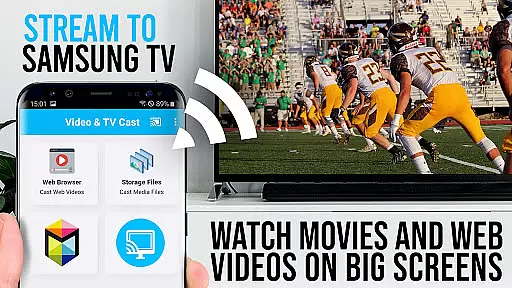
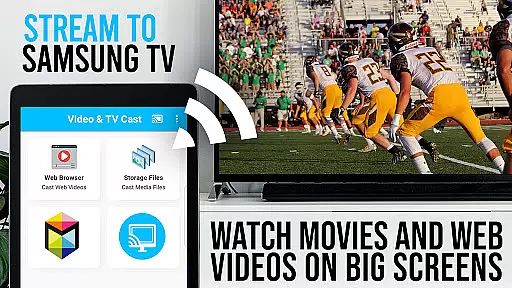
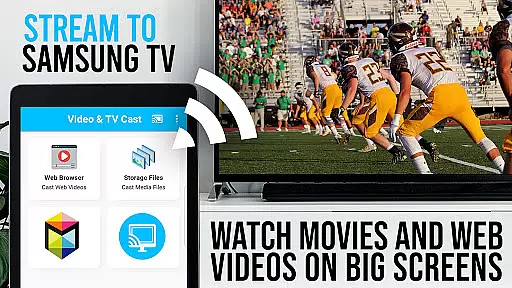
TV Cast Pro for Samsung TV is a premier application designed to enhance your home entertainment experience by streaming web videos, online movies, livestreams, and live TV shows directly to your Samsung Smart TV or Blu-ray Player. This app eliminates the need for additional streaming hardware, supporting formats like mp4, m3u8, hls livestreams, and video over https, with Full HD quality.
The PRO edition offers all premium features unlocked, catering to Samsung models from 2010 (C series) to 2017 (new M/MU/Q series), including Blu-ray Players equipped with Smart Hub or VEWD. With Video & TV Cast, users can browse the web and cast any video content to their TV effortlessly.
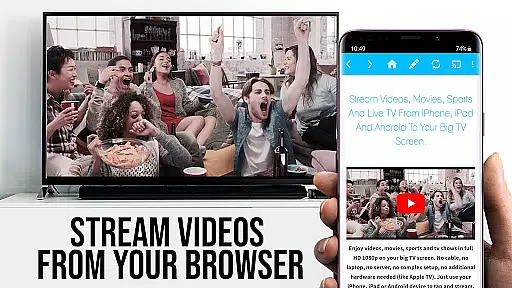
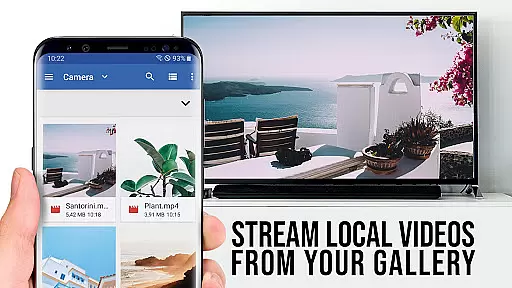
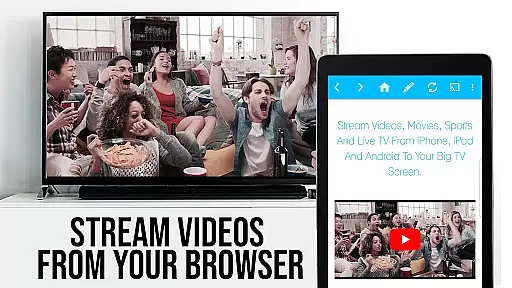
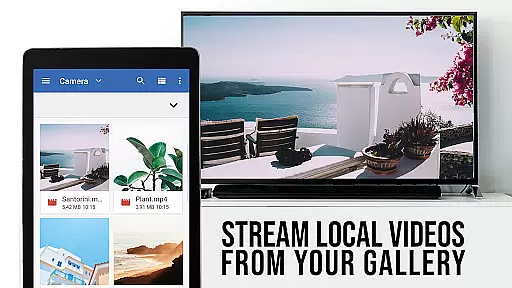
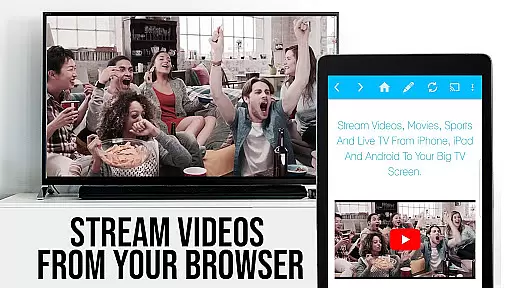
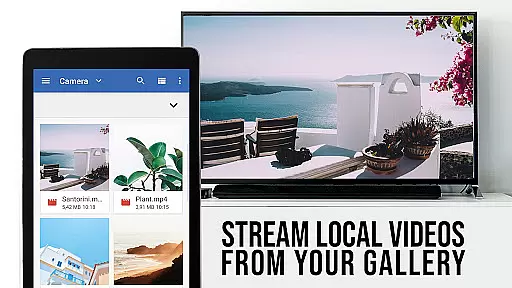
TV Cast Pro stands out with its comprehensive feature set tailored for seamless media streaming. The app allows users to browse websites and cast embedded videos to their Samsung TV or Blu-ray Player with a single tap. It supports a wide range of video formats and resolutions, ensuring compatibility and high-quality playback.
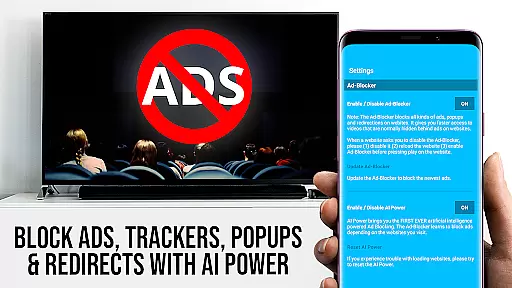
Among its standout features are the Remote Playbar for advanced video control, an Ad-Blocker to eliminate ads and popups on most websites, and the ability to manage bookmarks directly within the browser. Additionally, the Desktop Mode enables loading desktop versions of websites, enhancing user experience by accessing content typically restricted to PCs.
TV Cast Pro for Samsung TV offers extensive video format compatibility, ensuring users can stream a wide variety of content without technical hindrances. The app supports popular formats such as Mp4, m3u8, and HLS livestreams, making it versatile for different types of web videos, online movies, and live TV shows.
The ability to handle video over https further enhances its utility, allowing secure streaming from websites that employ this protocol. This feature is particularly important in an era where data security is paramount, providing peace of mind to users who are concerned about the safety of their internet activities.
With Full HD support, the app ensures that users can enjoy high-quality visuals on their Samsung Smart TVs and Blu-ray Players. This level of clarity and detail elevates the viewing experience, bringing out the best in streamed content and making it a top choice for those seeking premium video playback.
By eliminating the need for an additional streaming box, TV Cast Pro simplifies the streaming process while maintaining broad format compatibility. This seamless integration empowers users to cast videos directly from their favorite websites with minimal hassle, enhancing convenience and enjoyment.
While TV Cast Pro for Samsung TV focuses primarily on streaming capabilities, its AI-powered editing features play a crucial role in optimizing the user experience. Although not a traditional video editor, the app incorporates intelligent functionalities that streamline the casting process and improve overall performance.
The Remote Playbar is one such feature, offering advanced video control options like scrubbing, forward, rewind, play, pause, and stop. These tools provide users with greater command over their viewing experience, allowing precise navigation through content directly from their Samsung Smart TV remote.
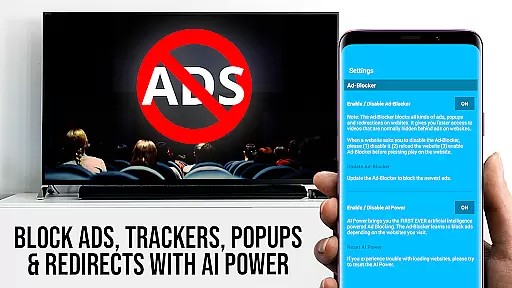
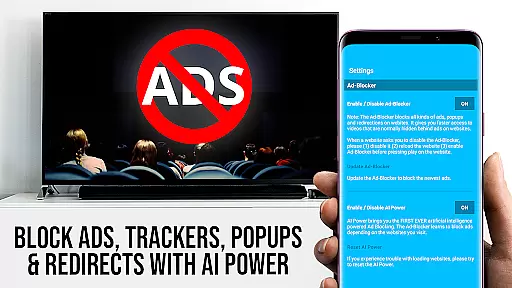
An integrated Ad-Blocker enhances uninterrupted viewing by filtering out ads and popups on most visited websites. This smart solution not only reduces distractions but also speeds up page loading times, creating a cleaner and more efficient browsing environment for accessing desired videos.
Additionally, the Desktop Mode feature uses AI to adjust the browser's user-agent, enabling access to desktop versions of websites. While this doesn't enable casting of Flash videos, it demonstrates the app's commitment to leveraging technology for improved functionality and user satisfaction across different web platforms.
User-friendly interface
Wide format support
No extra hardware needed
Ad-free experience
Remote video control
Limited to Samsung TVs
DRM protected content not supported
Requires companion app installation
Occasional connectivity issues
Desktop mode limitations

Video Player - Unlimited features, 30 days money back guarantee.
 4.60
4.60
Save photos and videos from social apps in one tap.
3.60
High-Quality USB Camera Viewer & HDMI Display
4.70
Turn your phone into a wireless camera!
4.20
An easy-to-use and all-round screen recorder with audio
4.80
Cast to Smart TV, Fire TV. Cast video, photo - Fast & Stable!
3.90
Connect EasyCap or UVC devices for recording and broadcast video/audio stream
3.60
A Simple app to download Video & Music from the Internet.
4.70
Make videos you’re proud to share with Edits, a video editor for creators.
4.70
#1 Torrent App on Android ** No Ads Ever + Battery Saver **
4.80
GENRAL PRO - General Pro is the best video player that fully supports all formats.
4.70
HD Video player all format, HD Videos, Cast & Subtitle. No annoying ads.
4.60
Cast to Chromecast, Xbox, Fire Stick, Roku, DLNA, Smart TV & No Feature Limited!
4.50
Photo and Music Video Creator into Stunning Videos—Effortlessly
4.40
Powerful video player with advanced hardware acceleration and subtitle supports
4.20
Video player with 4K & 1080P support, popup play, background play and subtitle.
4.20
Kodi media center, a free and open source cross-platform entertainment hub
3.60
Mix with Virtual DJ directly from your phone or tablet !
3.10
The smartest M3U IPTV Player your playlists have ever seen.
4.2


User Reviews