

Video to MP3 is a versatile media conversion tool that allows users to convert video files to high-quality audio tracks. The app supports a wide range of formats including MP4, MKV, AVI, and more, while also providing advanced editing features such as trimming, merging, and sound boosting. With its batch processing capabilities, users can convert up to 15 videos at once, making it ideal for both casual users and professionals.
In addition to its core conversion functionality, the app offers specialized tools like fade-in and fade-out effects, bitrate customization, and metadata editing. Whether you're looking to extract music from videos or create personalized ringtones, Video to MP3 provides an all-in-one solution for managing your multimedia content efficiently.
One of the standout features of Video to MP3 is its ability to handle multiple file conversions simultaneously. Users can convert various video formats like MOV, MKV, and AVI into universally compatible MP4 or MP3 files. The app also includes an intuitive video trimmer and cutter, allowing precise edits to create custom clips.
Beyond basic conversion, the app offers advanced audio editing tools. These include an MP3 cutter for trimming songs, a merger function for combining tracks, and customizable bitrate settings for optimal quality. Additional features like fade effects, volume boosting, and album art integration make this app a comprehensive solution for anyone seeking professional-grade media editing on their mobile device.
Video to MP3 stands out with its extensive video format compatibility, ensuring users can convert nearly any video file to audio. The app supports a wide array of video formats including MP4, MKV, FLV, AVI, and WMV, making it versatile for various user needs.
This broad compatibility is crucial for users who work with different video sources, allowing them to focus on content creation rather than format limitations. Whether you're converting MOV to MP4 or MKV to MP4, the app handles these tasks seamlessly.
The application's ability to manage such a diverse range of formats not only simplifies the conversion process but also enhances productivity. Users can batch convert up to 15 videos at once, streamlining workflows and saving valuable time.
By removing technical barriers related to format support, Video to MP3 empowers creators and casual users alike to extract high-quality audio from their video files efficiently and reliably.
Beyond basic conversion, Video to MP3 incorporates AI-powered editing features that elevate the user experience. These intelligent tools include automatic sound boosting, fade-in and fade-out effects, and customizable bitrate settings ranging from 32kb/s to 320kb/s.
The app's AI capabilities extend to its efficient video trimming and cutting functions. Users can quickly isolate desired video segments and extract audio with precision, thanks to the smart detection algorithms that identify optimal cut points.
Additional AI-enhanced features include automatic metadata tagging for Title, Album, Artist, and Genre fields, plus intelligent music cover art generation for MP3 files. These automated enhancements save users considerable time in post-processing.
The integration of artificial intelligence throughout the editing process ensures professional-quality results without requiring advanced technical skills, making sophisticated audio editing accessible to all users.
User-friendly interface
Batch conversion support
High-quality output
Wide format compatibility
Advanced editing tools
Limited advanced features
Occasional ads
No cloud backup
Heavy on storage
Complex for beginners
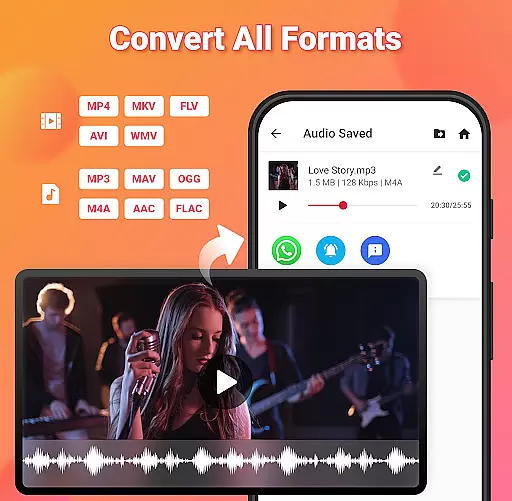
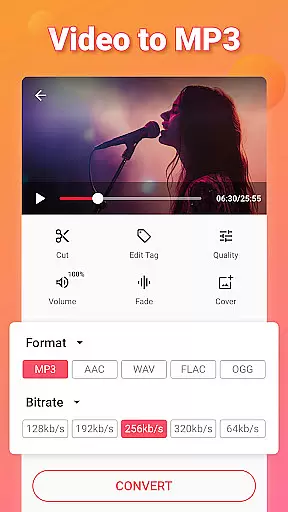
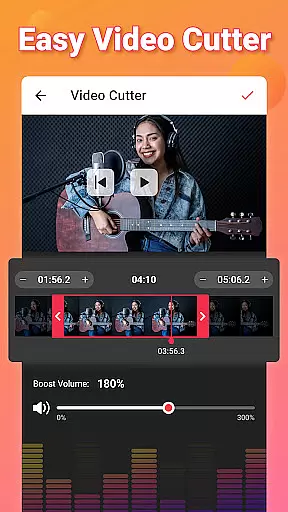
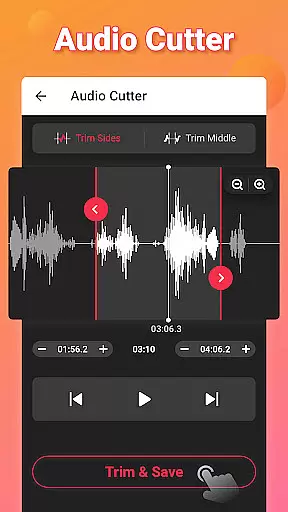
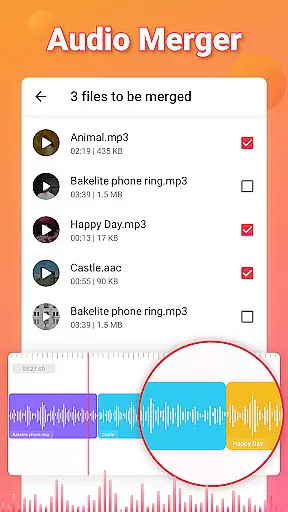
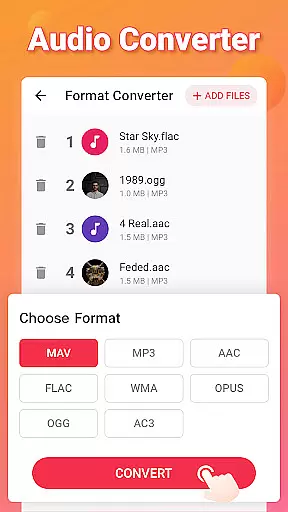
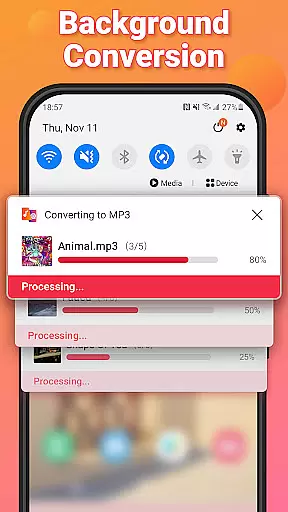
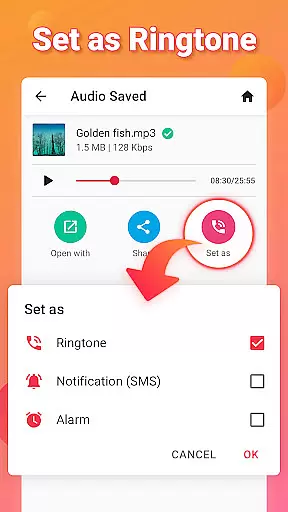

Photo and Music Video Creator into Stunning Videos—Effortlessly
 4.40
4.40
Support 1000+ Video Format, Subtitle Download, mp3 & Background Play, Cast On TV
4.60
Movie maker & video editing app with AI effects and green screen
4.30
Add date and time watermark to photos and videos
4.50
Manage your IPTV live channels and VOD playlists (no playlist included)
3.80
LumaFusion: The Ultimate Storytelling Experience for Video Editing
4.10
Cast movies, tv shows and live streams to Chromecast, Roku, DLNA, Fire TV & more
4.60
Livestream, news, & gaming content. Watch, chat, and upload. Join Rumble today!
3.80
Video&Drama Player All Format is a HD video player, music player
3.00
Play ALL formats in 4K & HD. Video downloader, MP3 player, Chromecast & more.
4.80
HD Video player all format, HD Videos, Cast & Subtitle. No annoying ads.
4.60
Cast to Chromecast, Xbox, Fire Stick, Roku, DLNA, Smart TV & No Feature Limited!
4.50
Web Browser for LG TV to stream webvideos, online movies and livestreams in HD
4.20
Video player with 4K & 1080P support, popup play, background play and subtitle.
4.20
Powerful, professional, versatile teleprompter. Developed by an active film crew
4.00
Connect 2 UVC devices for recording and broadcast video/audio stream
3.90
Cast to Smart TV, Fire TV. Cast video, photo - Fast & Stable!
3.90
Kodi media center, a free and open source cross-platform entertainment hub
3.60
This app is an emulator of some specific IPTV boxes
3.50

User Reviews