

TV Cast Pro for Sony TV is a premier application designed to enhance your streaming experience by enabling you to watch web videos, online movies, livestreams, and live-TV shows directly on your Sony TV. This app stands out as it requires no additional streaming box, supporting formats like mp4, m3u8, hls livestreams, video over https, and Full HD content.
The PRO edition offers all premium features unlocked, catering specifically to Sony TVs equipped with the built-in Video & TV Cast app. It allows users to browse the web and cast any video they desire onto their TV screen effortlessly. With functionalities such as remote playbar, ad-blocker, bookmarks, desktop mode, and customizable homepage settings, this app provides an enriched user experience tailored for seamless entertainment.
TV Cast Pro boasts a variety of advanced features that cater to diverse user needs. The Remote Playbar functionality offers enhanced video control while browsing, including options like video scrubbing, forward, rewind, play, pause, and stop. This feature ensures users have complete command over their viewing experience.
In addition to its powerful playback controls, the app includes an Ad-Blocker that eliminates ads and popups on most websites visited, ensuring uninterrupted streaming. Users can also manage bookmarks efficiently, switch to Desktop Mode for accessing desktop versions of websites, and personalize their homepage settings. These capabilities collectively contribute to a streamlined and customized streaming environment.
Furthermore, the app emphasizes user safety by requiring minimal Android permissions, safeguarding identity data, accounts, device id, phone status, GPS location, and contacts. By prioritizing security alongside performance, TV Cast Pro delivers a comprehensive solution for enjoying digital content on Sony TVs.
TV Cast Pro for Sony TV offers extensive video format compatibility, ensuring users can enjoy a wide range of content without limitations. The app supports popular formats such as Mp4, m3u8, and HLS livestreams, making it versatile for various streaming needs.
With the capability to handle video over https and Full HD support, users can stream high-quality content directly to their Sony TVs. This eliminates the need for additional streaming devices or boxes, simplifying the entertainment setup while maintaining excellent video quality.
The application's broad format support extends to web videos, online movies, livestreams, and live-TV shows. By simply entering or pasting the video URL into the browser address bar, users can effortlessly play supported files on their Sony TV. This seamless integration enhances user convenience and expands viewing possibilities.
It is important to note that while the app provides comprehensive format compatibility, certain DRM-protected videos from platforms like Flash video, Google Play Movies, Netflix, Amazon, and HBO are not supported. Users are encouraged to test their preferred websites and videos using the free edition to ensure compatibility before upgrading to the PRO version.
TV Cast Pro for Sony TV incorporates AI-powered editing features that elevate the user experience by providing advanced video control options. One standout feature is the Remote Playbar, which allows users to manage video playback with functionalities such as scrubbing, forward, rewind, play, pause, and stop, all while browsing.
In addition to playback controls, the PRO version includes an Ad-Blocker that enhances the viewing experience by blocking ads and popups on most visited websites. This feature can be toggled on or off in the settings, giving users flexibility and control over their browsing environment.
Further enriching its editing suite, the app offers a Desktop Mode that changes the browser user-agent, allowing the Android device to mimic a desktop PC. This enables the loading of desktop websites instead of mobile versions, although it does not facilitate casting of Flash videos served in desktop mode.
While the app provides powerful editing tools, it maintains user safety and privacy by requiring only minimal Android permissions. Unlike other apps, Video & TV Cast refrains from accessing identity data, accounts, device ID, phone status, GPS location, or contacts, ensuring a secure and trustworthy user experience.
User-friendly interface
Comprehensive format support
Advanced remote controls
Effective ad-blocking
Customizable settings
Limited to Sony TVs
No full device mirroring
DRM protected content not supported
Connection issues possible
Refunds only within 24 hours
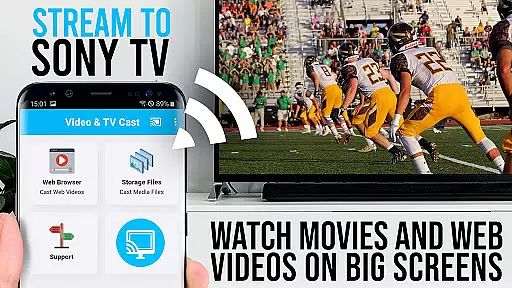
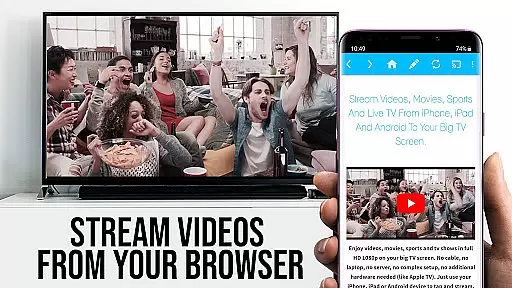
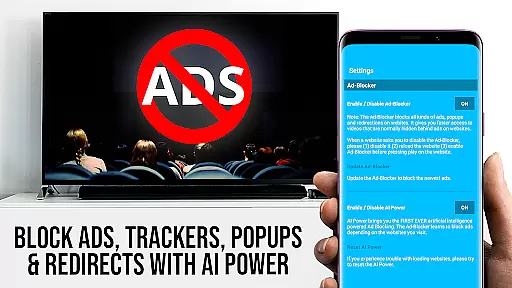
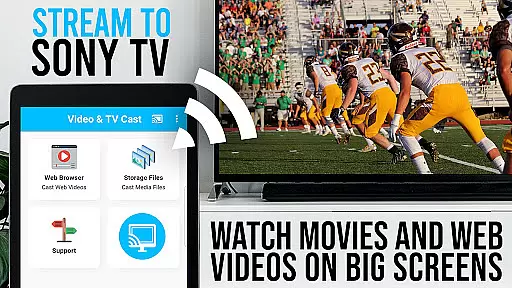
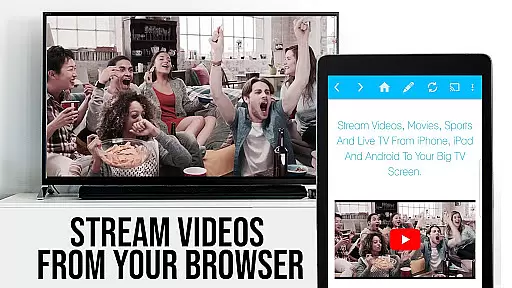
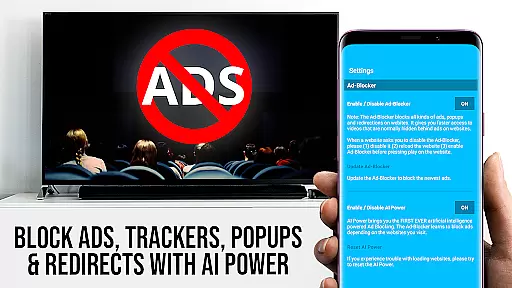
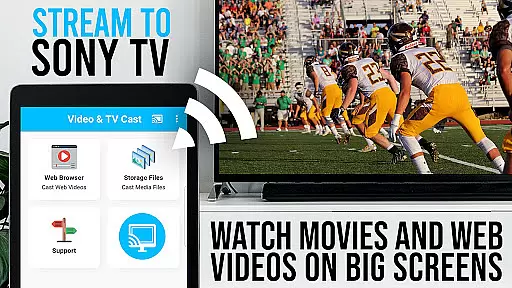
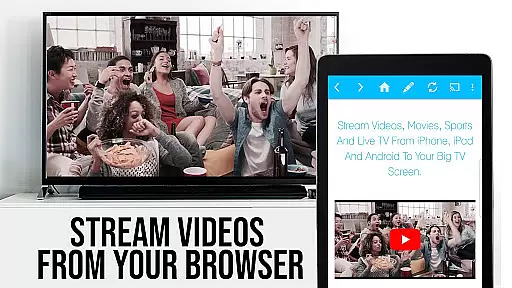
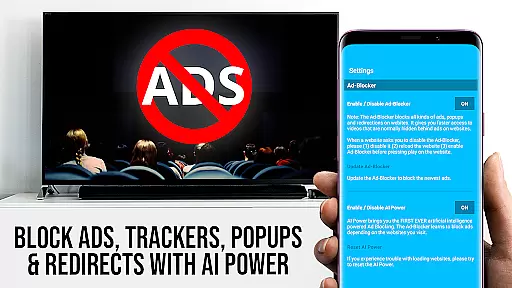

Photo and Music Video Creator into Stunning Videos—Effortlessly
 4.40
4.40
Search & download videos from net with all video downloader, auto-detect & safe.
4.60
Create photo video with music & template. AI video maker for stunning slideshow.
4.60
Full HD Video mp3 Player, MP4 player play 1080p, File manager, Video Downloader
4.40
Play ALL formats in 4K & HD. Video downloader, MP3 player, Chromecast & more.
4.80
High-Quality USB Camera Viewer & HDMI Display
4.70
Fast & easy HD video downloader for all formats, support 4K playback & download.
4.60
AI Video Editor:AI Music, Text to Video,Text to Speech,Auto Caption,Video Effect
4.00
Browser for Samsung TV to stream webvideos, online movies and livestreams in HD
4.10
A Simple app to download Video & Music from the Internet.
4.70
Watch IPTV on your Android device
4.60
?100% FREE! Download & save videos? safely in this app. All formats supported.
4.60
Web Browser for LG TV to stream webvideos, online movies and livestreams in HD
4.20
Fast private browser with secure, seamless access & supported video downloads!
4.00
Connect 2 UVC devices for recording and broadcast video/audio stream
3.90
Manage your IPTV live channels and VOD playlists (no playlist included)
3.80
IPTV Player - Watch live TV from m3m & m3u8 playlist, stream IPTV on mobile
3.30
Stream high quality video from your camera over NDI protocol
4.0
Powerful HD video player with support for all formats & subtitles.
4.2


User Reviews