

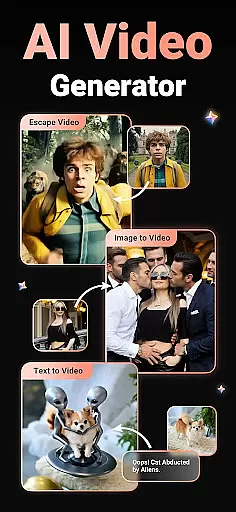
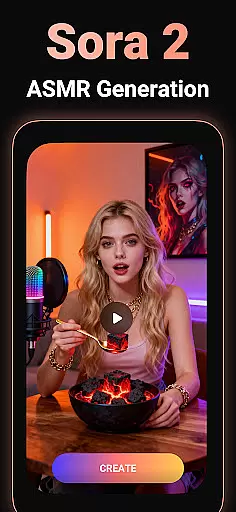
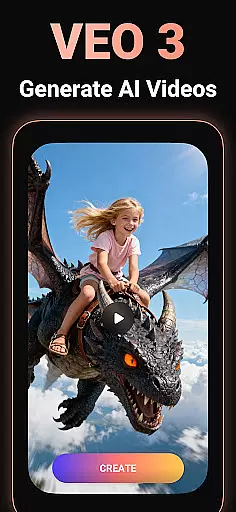
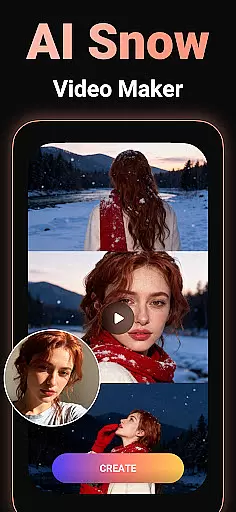
Viddo - AI Video Generator is a revolutionary video editing tool that allows users to create stunning AI-powered videos with ease. The app offers multiple creative features such as Image-to-Video, Text-to-Video, and AI Keyframe transitions, enabling users to generate professional-quality content from images or text.
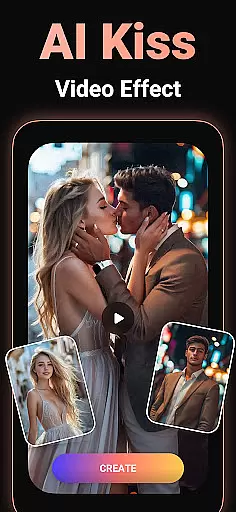
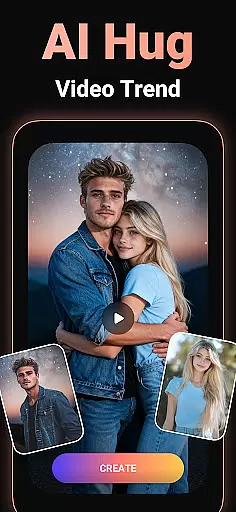
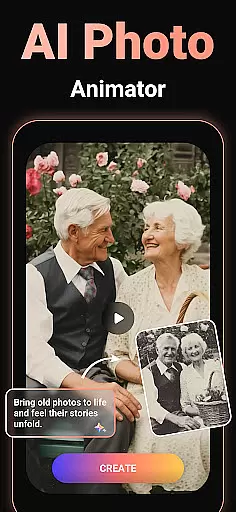
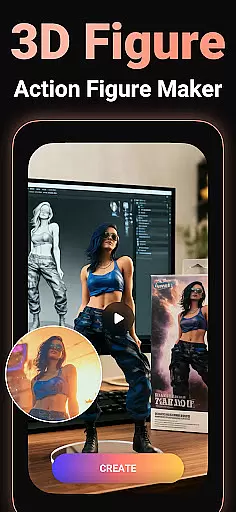
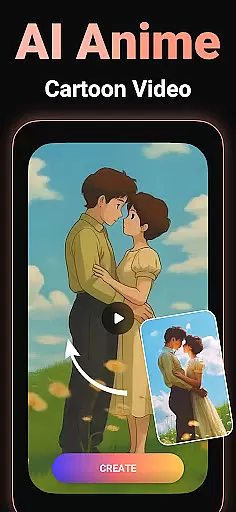
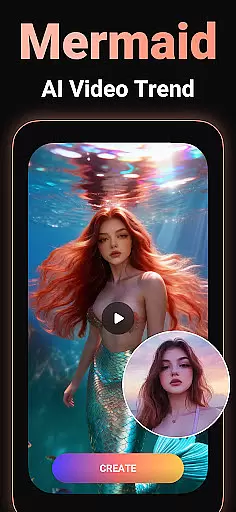
With advanced AI effects like AI Hug, AI Kiss, AI Anime, and AI Dancing, Viddo makes it possible to craft viral trends and imaginative scenarios. Whether you want to transform photos into dancing animations, turn yourself into an action figure, or experiment with surreal transformations, this app brings your ideas to life in minutes.
Ideal for social media creators, marketers, and casual users alike, Viddo simplifies the process of producing high-quality, engaging videos while offering endless creative possibilities.
Viddo stands out with its diverse range of innovative features tailored for modern content creators. Its Image-to-Video generator lets users upload photos and convert them into lifelike animations, complete with customizable prompts for unique results. The Text-to-Video creator transforms written scripts into dynamic visual stories, perfect for storytelling or marketing campaigns.
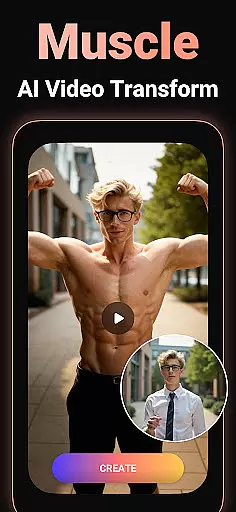
The AI Keyframe Video Generator introduces seamless transitions between frames, allowing users to create complex animations like superhero transformations or outfit changes effortlessly. Additionally, trending AI effects such as AI Anime, AI Muscle Man Mode, and miniature salon makeovers provide fun ways to explore creative concepts.
One of Viddo's key strengths is its ability to produce ultra-realistic, high-quality outputs inspired by popular tools like Pixverse AI. By combining powerful AI technology with intuitive controls, the app ensures both beginners and professionals can achieve impressive results quickly and easily.
Video format compatibility is a crucial feature for any video player and editor, ensuring that users can work with a wide range of video files without conversion hassles. Viddo - AI Video Generator supports an extensive array of formats, allowing creators to upload and edit videos in their preferred specifications.
The app's advanced processing engine recognizes and processes various video codecs and containers seamlessly. Whether your files are in MP4, AVI, MOV, or other popular formats, Viddo ensures smooth playback and editing. This eliminates the need for prior conversion, thus saving time and preserving video quality.
For content creators, this means the freedom to source footage from different devices and platforms without worrying about compatibility issues. The ability to handle diverse formats empowers users to focus on unleashing their creativity rather than troubleshooting technical limitations.
Ultimately, Viddo's broad video format compatibility enhances productivity and widens creative possibilities. Users can effortlessly produce high-quality AI-generated videos and share them across multiple platforms, ensuring their content reaches a wider audience without any hitches.
AI-powered editing features represent the cutting-edge evolution of video editing, automating complex tasks and enabling creators to achieve professional results effortlessly. Viddo - AI Video Generator incorporates sophisticated AI algorithms that revolutionize how users approach video creation, making it accessible even to novices.
One standout feature is the AI Keyframe Video Generator, which allows users to create stunning transitions by simply uploading a first and last frame. The AI then generates smooth intermediate sequences, such as transforming a cat into a tiger or experimenting with imaginative outfit changes. This simplifies what would traditionally be labor-intensive keyframe animations.
Viddo also offers trendy AI effects like AI Hug, AI Kiss, and AI Anime, inspired by popular trends. These tools let users experiment with viral video styles and push creative boundaries. By leveraging Pixverse AI technology, the app delivers ultra-realistic, high-quality content that stands out on social media platforms.
With these intelligent features, Viddo not only streamlines the editing process but also opens up new realms of creativity. Users can craft unique, visually captivating videos that captivate audiences, all while enjoying an intuitive and user-friendly interface that makes video production fast, easy, and fun.
User-friendly interface
Advanced AI capabilities
Variety of creative tools
Fast rendering speed
Social media integration
Limited free features
Subscription costs
Occasional bugs
High system requirements
Learning curve for new users

Video Player - Unlimited features, 30 days money back guarantee.
 4.60
4.60
Save photos and videos from social apps in one tap.
3.60
Snaptubè Video Downloader app allows to download videos and music in Snaptube. .
4.60
KMPlayer Plus (Divx Codec) officially support Divx codec.
4.30
Video Downloader, Multiple Resolution Options, Video Player
4.50
Mix with Virtual DJ directly from your phone or tablet !
3.10
Find, download, and play torrents with the official BitTorrent® Pro app
4.70
All in one multi protocols stream receiver for AirPlay, Cast and DLNA.
3.60
Screen recorder with audio to take live videos & Screenshot in high quality!
4.70
Flud is a simple and beautiful BitTorrent client for Android.
4.80
Watch IPTV on your Android device
4.60
Cast to Chromecast, Xbox, Fire Stick, Roku, DLNA, Smart TV & No Feature Limited!
4.50
KineMaster, Your Ultimate Video Editor!
4.40
Browser for Fire TV to stream webvideos, online movies, livestreams in HD
4.40
Powerful, professional, versatile teleprompter. Developed by an active film crew
4.00
AI Video Editor:AI Music, Text to Video,Text to Speech,Auto Caption,Video Effect
4.00
Livestream, news, & gaming content. Watch, chat, and upload. Join Rumble today!
3.80
AirMirror is Receiver for Screen Mirroring and Casting from Apple Devices.
3.60
This app is an emulator of some specific IPTV boxes
3.50

User Reviews