

PowerDirector is a comprehensive AI-powered video editor that enables users to create high-quality videos with ease. The app offers an extensive range of features including AI Auto Edit, which detects the best moments in your clips and turns them into polished videos using templates. With tools like AI Image-to-Video, AI Portrait filters, and AI Video Enhancer, users can transform their media into engaging content suitable for social platforms.
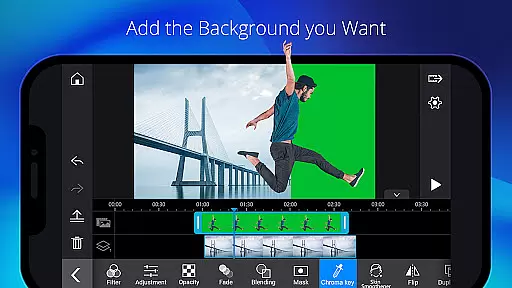
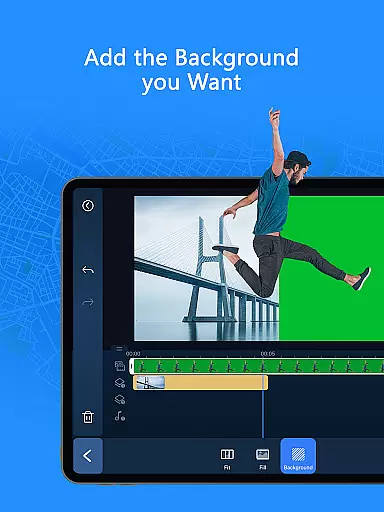
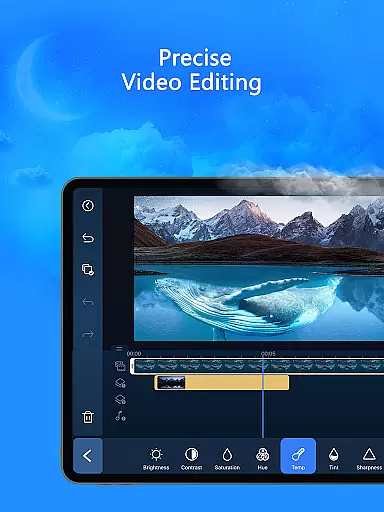
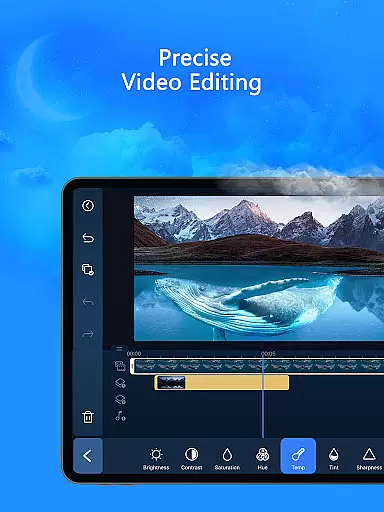
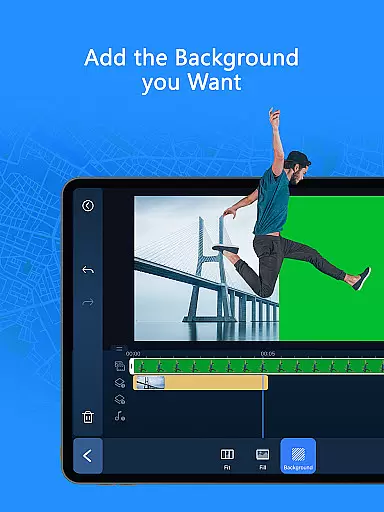
In addition to its advanced AI capabilities, PowerDirector provides easy-to-use editing tools such as trimming, cutting, splicing, rotating, and adding music or text. It also caters to professional content creators with fine-tuning options for brightness, color, saturation, green screen editing, video stabilization, and more. Whether you're a beginner or an experienced editor, this app supports all skill levels while offering premium benefits like exclusive content and an ad-free experience.
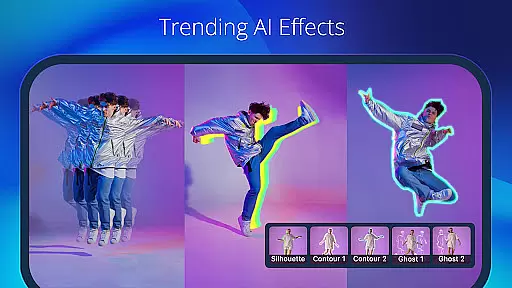
PowerDirector stands out with its vast array of AI editing features designed to streamline the video creation process. Tools like AI Auto Caption, AI Voice Changer, and AI Smart Cutout allow users to enhance their videos effortlessly. The app also includes creative options such as Body Effect with Body Tracking and AI Background Removal, enabling unique visual effects tailored to user preferences.
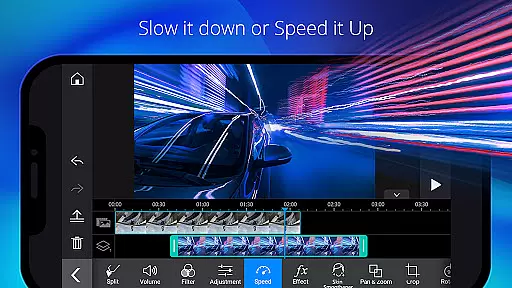
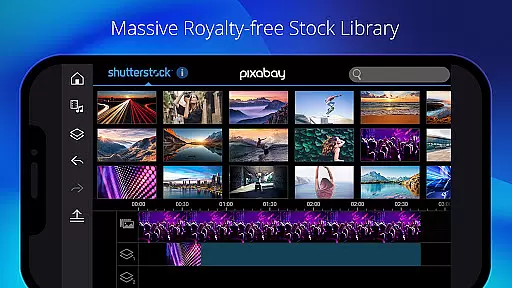
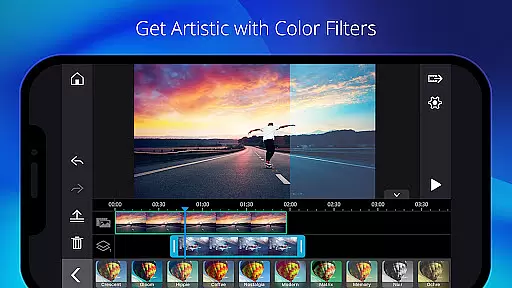
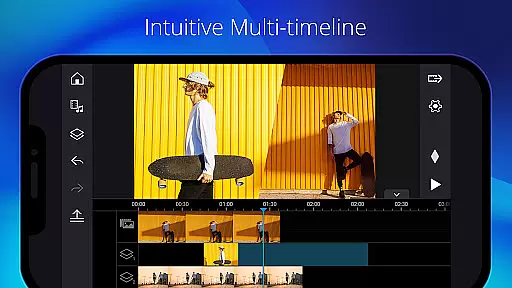
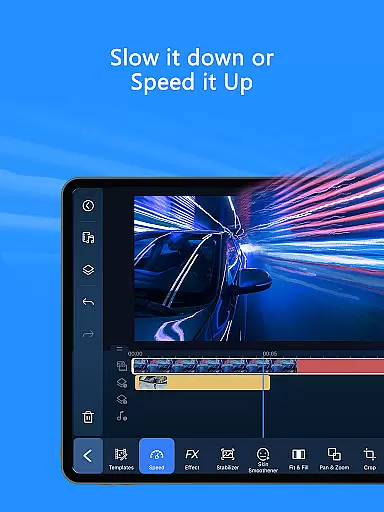
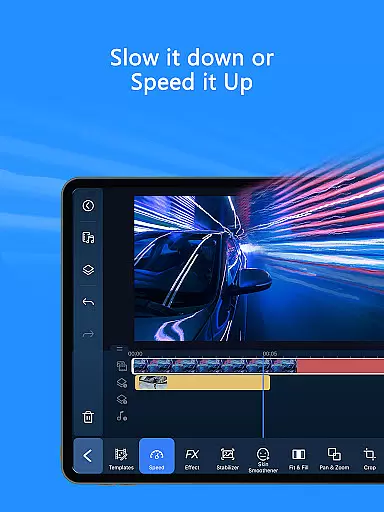
Beyond AI tools, the app offers essential editing functions including trimming, transitions, speed adjustments for fast or slow motion, and picture-in-picture effects. Advanced controls like keyframe adjustments provide precision in overlay edits. Additionally, users have access to thousands of free templates, effects, filters, stock media content, and customizable elements powered by Getty Images, making it a versatile choice for both casual creators and professionals alike.
Video format compatibility is a crucial feature for any video editor as it ensures that users can work with a wide range of video files without the need for conversion. PowerDirector supports an extensive array of formats, making it versatile for both amateur and professional projects.
The application's comprehensive format support includes popular standards such as MP4, AVI, and MOV, alongside less common codecs, providing flexibility in video editing. This means you can easily import footage from different devices, including smartphones, DSLRs, and action cameras, without worrying about format issues.
Moreover, PowerDirector enhances user experience by offering optimized rendering options. Users can export their projects in high-quality formats suitable for various platforms like YouTube, Instagram, and Vimeo. The app also allows adjustments in resolution and bitrate, catering to specific needs and ensuring the best possible output quality.
By supporting a broad spectrum of video formats, PowerDirector not only simplifies the editing process but also expands creative possibilities, enabling creators to focus on storytelling rather than technical limitations.
AI-powered editing features represent a significant advancement in video editing technology, allowing creators to produce professional-quality content with minimal effort. PowerDirector incorporates several AI tools that automate complex tasks, thus streamlining the editing process and enhancing productivity.
One standout feature is AI Auto Edit, which analyzes raw footage to identify the most compelling moments, automatically assembling them into a cohesive narrative using pre-designed templates. Additionally, AI Image-to-Video transforms still images into dynamic video clips through advanced animation techniques, perfect for creating engaging social media posts.
PowerDirector also offers specialized filters under AI Portrait, enabling unique visual styles inspired by renowned artists like Ghibli and Disney. Furthermore, functionalities such as AI Speech-to-Text and AI Background Removal provide precise control over audio transcription and layer isolation, respectively, elevating the overall production value.
These intelligent features not only save time but also democratize video creation, empowering users of all skill levels to craft impressive videos effortlessly.
User-friendly interface
Extensive AI features
Versatile editing tools
Premium royalty-free library
Professional customization options
Some features require subscription
Advanced tools may overwhelm beginners
Occasional performance lags on older devices
Limited offline functionality
Ads in free version
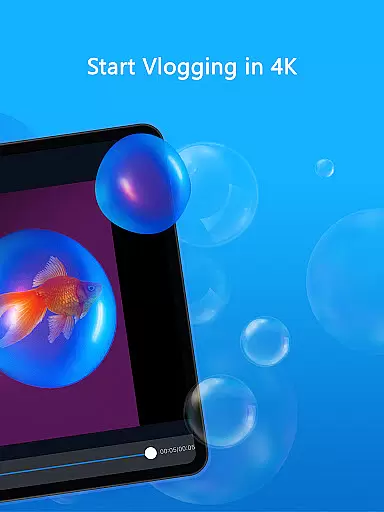
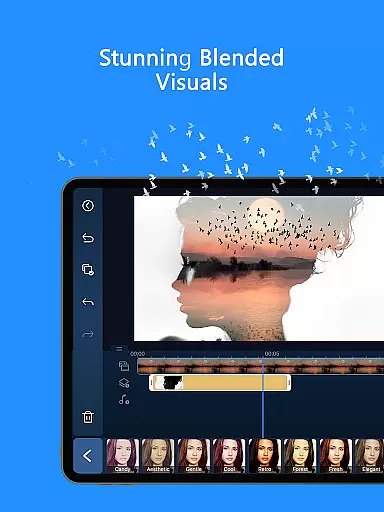
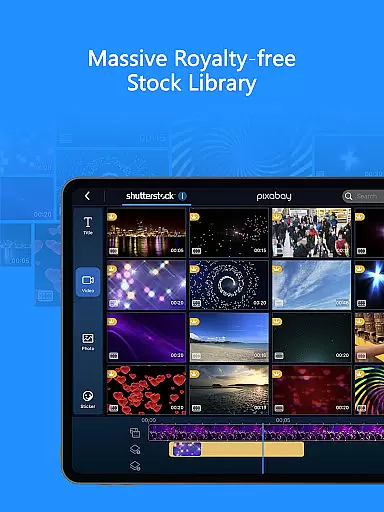
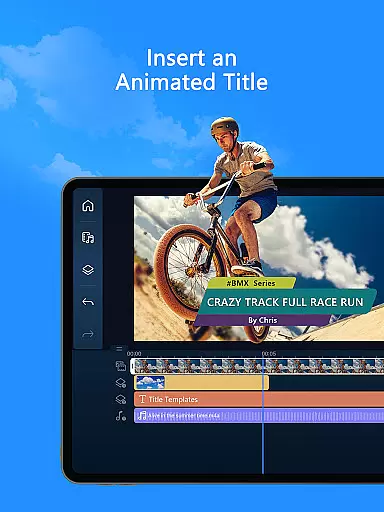
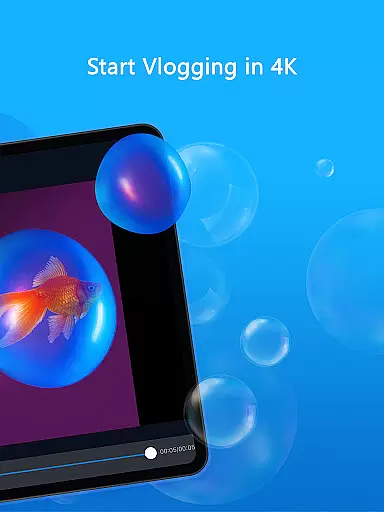
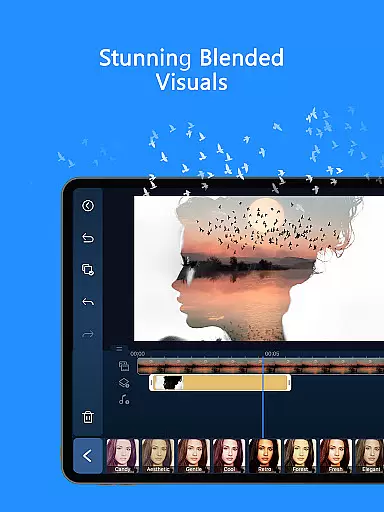
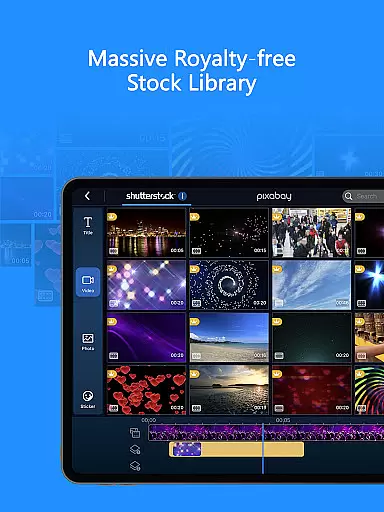
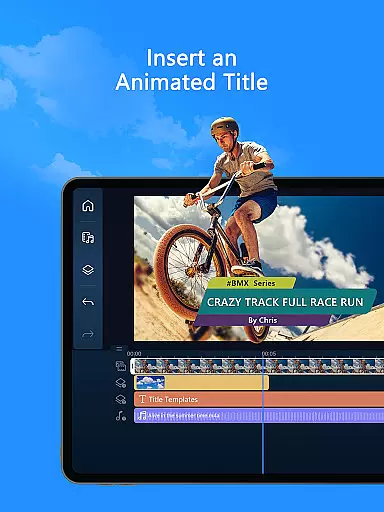

The smartest M3U IPTV Player your playlists have ever seen.
 4.2
4.2
Kodi media center, a free and open source cross-platform entertainment hub
3.60
HD video maker with no watermark, no ads & vlog maker with music, PIP, text
4.50
All format media Player, no need video converter any more!
4.00
Support 1000+ Video Format, Subtitle Download, mp3 & Background Play, Cast On TV
4.60
IPTV Player - Watch live TV from m3m & m3u8 playlist, stream IPTV on mobile
3.30
Screen recorder with audio to take live videos & Screenshot in high quality!
4.70
Make videos you’re proud to share with Edits, a video editor for creators.
4.70
Capture the moment and Cut
3.40
Download Hub, easy and private way to download and enjoy your videos offline
4.80
#1 Torrent App on Android ** No Ads Ever + Battery Saver **
4.80
Watch IPTV on your Android device
4.60
Auto video maker with music & exclusive filters. Video editing made simple.
4.50
Cast to Chromecast, Xbox, Fire Stick, Roku, DLNA, Smart TV & No Feature Limited!
4.50
KineMaster, Your Ultimate Video Editor!
4.40
KMPlayer Plus (Divx Codec) officially support Divx codec.
4.30
Fast private browser with secure, seamless access & supported video downloads!
4.00
Connect 2 UVC devices for recording and broadcast video/audio stream
3.90
The essential companion to your Blue Iris PC software
2.50

User Reviews