

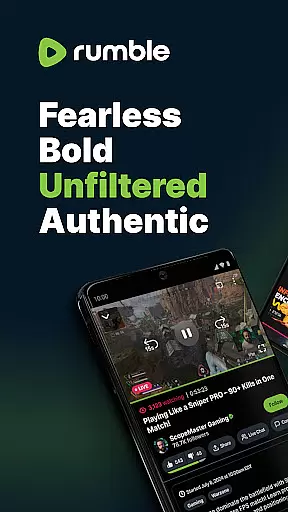
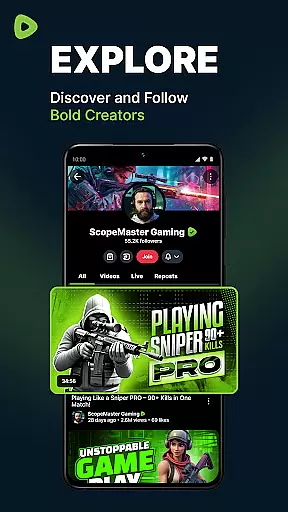
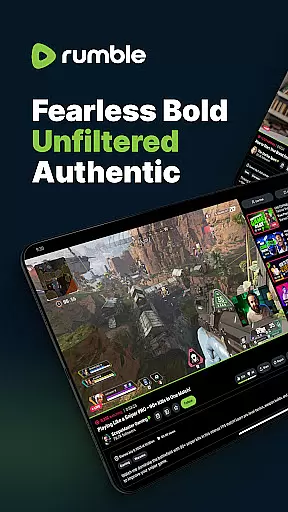
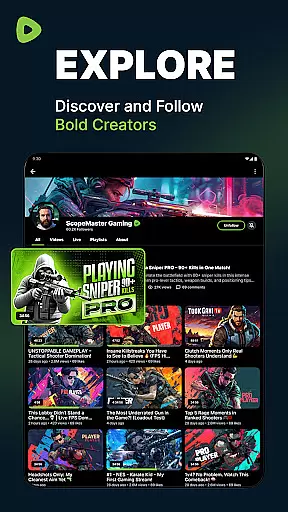
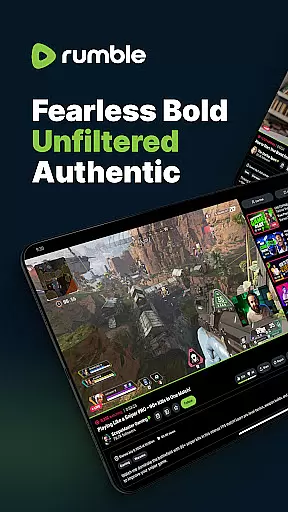
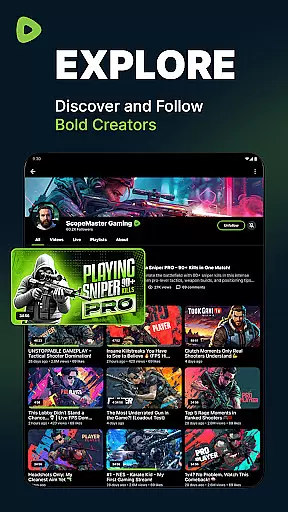
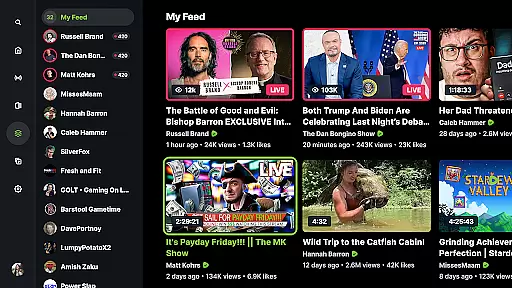
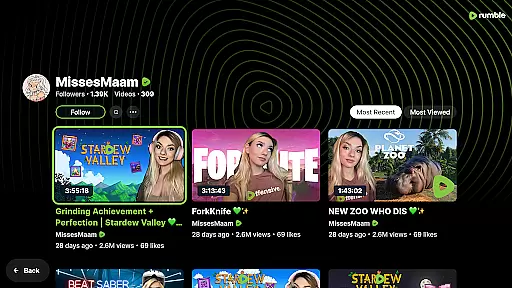
Rumble is a freedom-first video-sharing platform designed for creators and viewers who value free speech and an open Internet. It offers live streaming, video sharing, and content monetization without the influence of Big Tech.
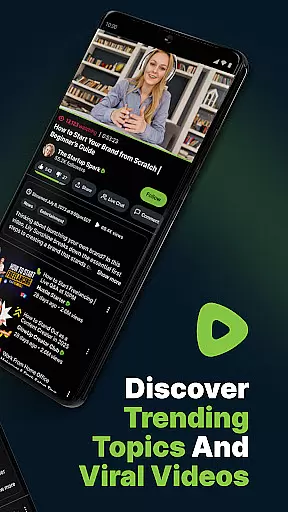
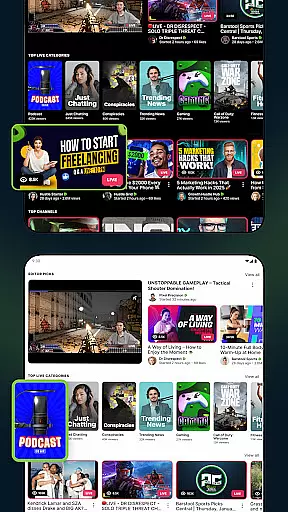
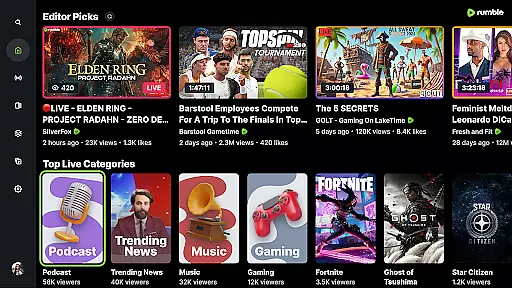
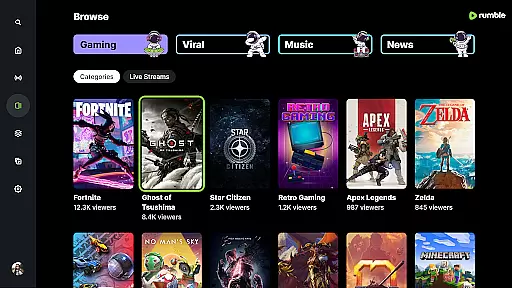
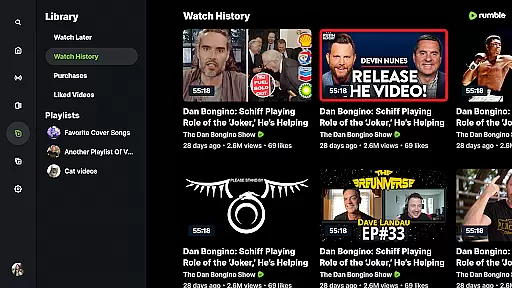
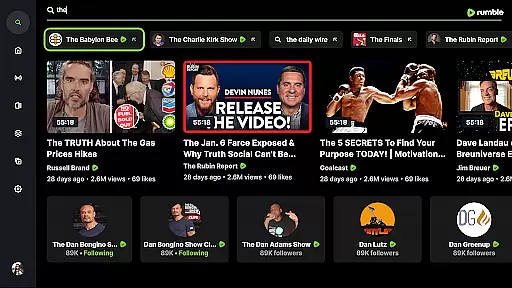
With millions of users, Rumble provides a diverse range of videos and live streams covering news, politics, gaming, sports, and culture. Its recommendation system helps users discover viral content and authentic voices not available on other platforms.
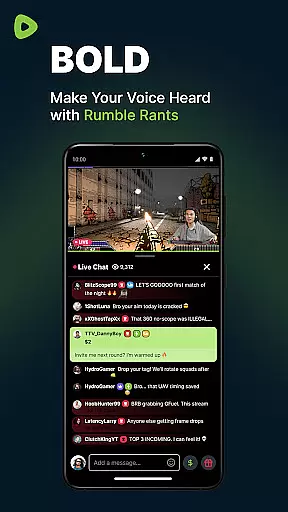
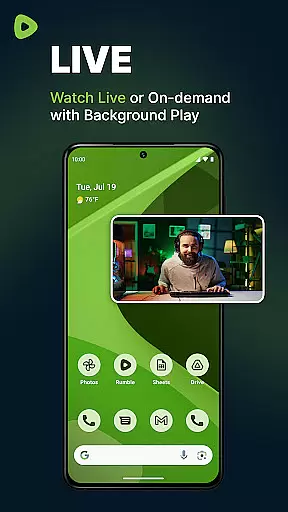
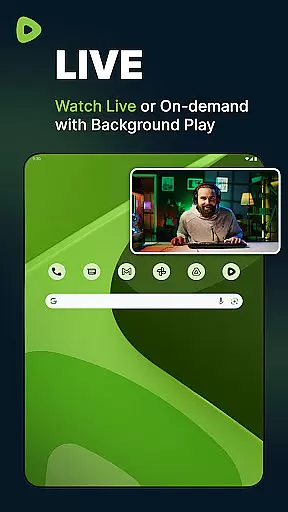
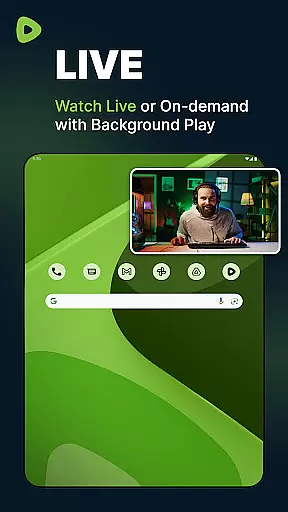
Rumble stands out with its unfiltered and uncensored approach, allowing bold creators to share authentic content freely. The platform supports seamless live streaming, enabling real-time interaction through live chats.
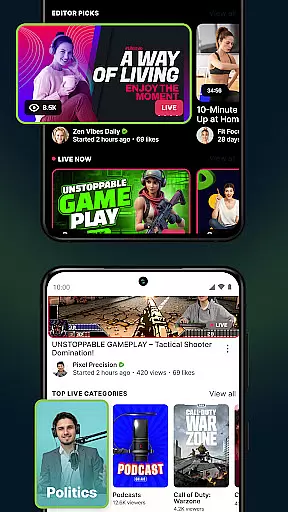
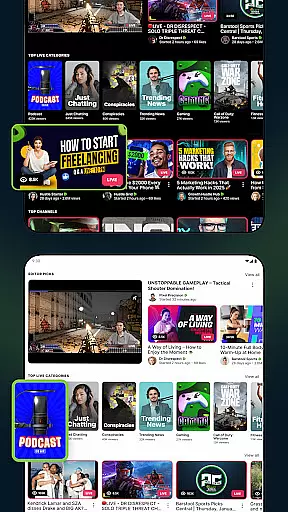
Users can explore trending videos across various categories and enjoy smooth performance on any device. Exclusive content like The Lineup, featuring top creators hosting daily live streams, adds unique value to the Rumble experience.
Video format compatibility is a crucial feature for any video platform, ensuring users can upload, view, and share content seamlessly across devices. Rumble excels in this area by supporting a wide range of video formats, allowing creators to publish their work without worrying about technical restrictions.
The platform's robust infrastructure ensures that videos in various resolutions and codecs play smoothly, offering an uninterrupted viewing experience. This flexibility empowers content creators to focus on their message rather than technical limitations, while viewers enjoy high-quality playback regardless of their device or internet speed.
Rumble's commitment to format compatibility extends beyond just basic support. The platform optimizes video delivery through adaptive streaming technology, which automatically adjusts quality based on the viewer's connection speed. This ensures that all users, whether on mobile devices or desktop computers, receive the best possible viewing experience without buffering or quality issues.
While primarily known for its free speech stance, Rumble also incorporates AI-powered editing features that enhance the content creation process. These intelligent tools help creators optimize their videos for maximum impact and engagement, even if they lack professional editing skills.
The platform's AI capabilities include automatic video enhancement, smart cropping for different aspect ratios, and intuitive audio leveling. These features ensure that even amateur creators can produce professional-looking content that competes with established media outlets. Additionally, Rumble's AI analyzes video performance, providing creators with valuable insights into audience engagement patterns.
What sets Rumble apart is how these AI tools work behind the scenes without complicating the user interface. The platform maintains its straightforward approach while offering sophisticated editing capabilities that help creators improve their content quality without steep learning curves or expensive equipment requirements.
User-friendly interface
Free from censorship
Generous revenue sharing
Diverse content library
Exclusive live streams
Limited mobile features
Smaller audience base
Fewer advanced tools
Less brand recognition
New platform risks








Video player, file manager for all formats, 4K/HD media player supports subtitle
 4.30
4.30
Cast Videos from Web Browser, IPTV to Roku, Chromecast, DLNA, Smart TV +more
4.60
Create photo video with music & template. AI video maker for stunning slideshow.
4.60
AirMirror Receiver - Screen mirroring/cast web videos to Android TV by AirPlay.
4.40
Download website videos fast&privacy
4.40
Movie maker & video editing app with AI effects and green screen
4.30
IPTV Player - Watch live TV from m3m & m3u8 playlist, stream IPTV on mobile
3.30
Watch IPTV on your Android device
4.60
LumaFusion: The Ultimate Storytelling Experience for Video Editing
4.10
Pro video editor app for Instagram, edit video with song, AI, effect & slowmo.
4.80
Seamlessly connect and control your smart devices, anytime, anywhere with ease.
4.60
Auto video maker with music & exclusive filters. Video editing made simple.
4.50
Video Downloader, Multiple Resolution Options, Video Player
4.50
Add date and time watermark to photos and videos
4.50
Full HD Video mp3 Player, MP4 player play 1080p, File manager, Video Downloader
4.40
Capture images & record videos for USB Camera, Webcam, Microscopes, Endoscopes
3.80
A full editing room to accompany your Insta360 cameras and handheld gimbals.
3.30
You can play SWF format file!
2.50
The essential companion to your Blue Iris PC software
2.50


User Reviews