

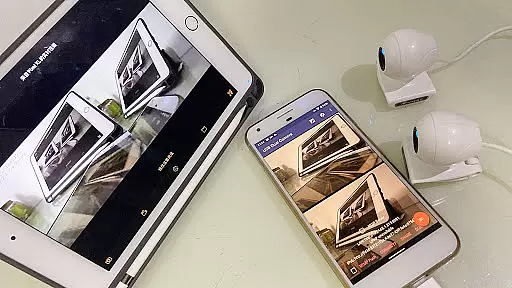
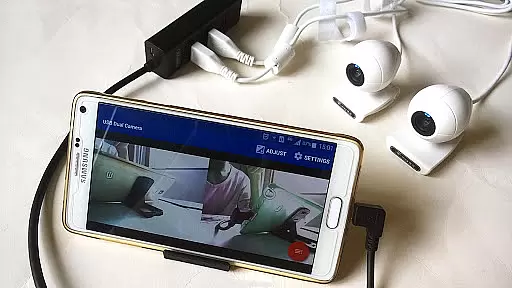
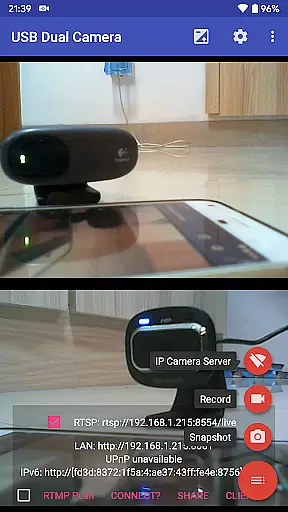
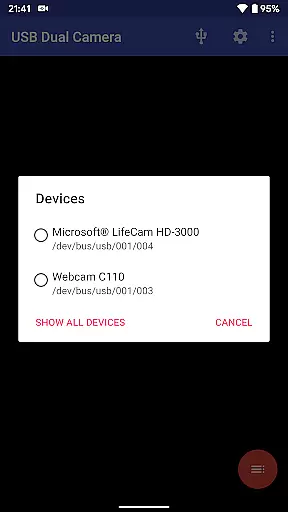
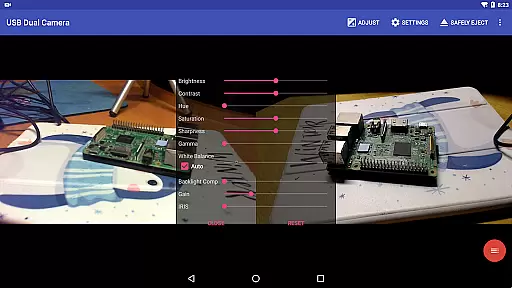
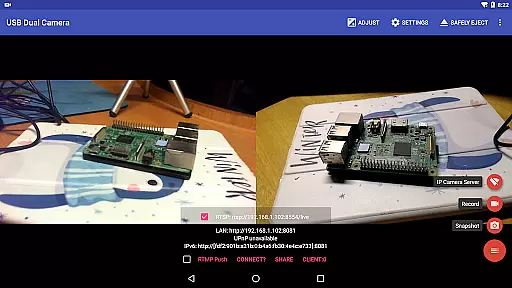
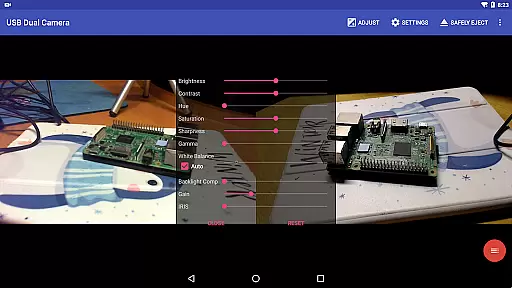
USB Dual Camera Pro is a versatile video tool that allows Android devices to connect to two USB webcams or video capture cards simultaneously via USB-OTG. It supports advanced features like 4K resolution, progressive and interlaced video, and MJPEG/H.264/H.265 formats. The app also functions as an IP camera with bi-directional audio support, making it ideal for security monitoring.
The application provides professional-grade capabilities such as RTMP/SRT live streaming, HEVC/AV1 codec support, and simultaneous dual-camera recording. Users can create side-by-side 3D videos, overlay built-in camera feeds, and add timestamp/GPS data to recordings. With motion detection-based auto-recording and FTP upload functionality, this app serves as a complete dash cam solution.
This app is particularly useful for content creators, security professionals, and mobile journalists who need flexible video capture options on their Android devices. The ability to seamlessly switch between foreground and background recording ensures uninterrupted operation, while the built-in HTTP/RTSP server enables wireless monitoring through browsers or dedicated IP camera applications.
USB Dual Camera Pro offers an impressive array of features designed for professional video work. The app's dual-camera support allows users to record from two sources simultaneously, with options for separate audio tracks and synchronized MP4 file creation. Its advanced codec support includes HEVC and AV1, enabling high-quality streaming on compatible Android devices.
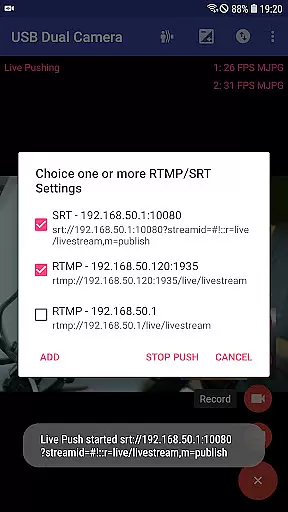
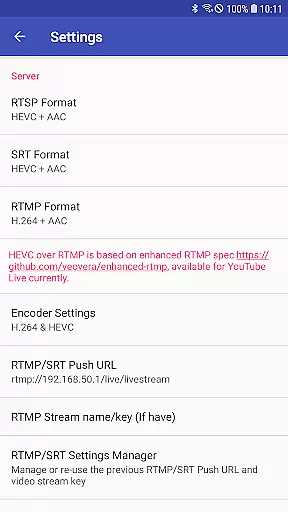
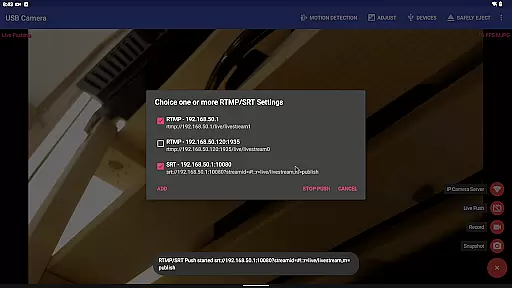
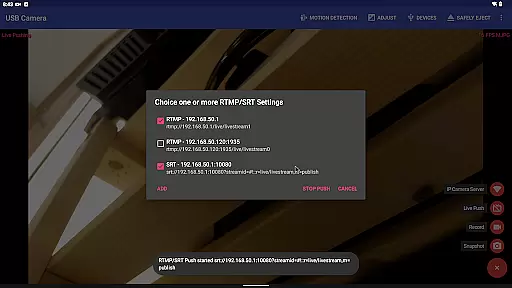
The application excels in live broadcasting capabilities, supporting RTMP/SRT protocols with secure rtmps connections. Users can stream to multiple media servers simultaneously while maintaining audio/video synchronization. The built-in audio mixer allows combining USB audio with system microphones, and the video overlay feature enables picture-in-picture compositions.
Additional features include loop recording with automatic file segmentation, motion detection-based recording, and FTP upload functionality. The app can add metadata overlays (timestamp, GPS) to video frames and supports seamless background recording. These features make it particularly valuable for security monitoring, dashcam usage, and professional video production scenarios where continuous recording and metadata tracking are essential.
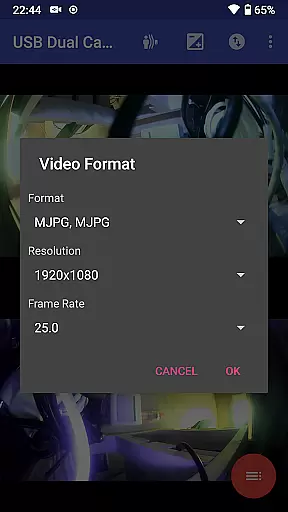
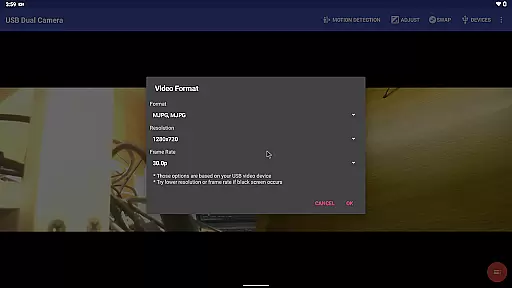
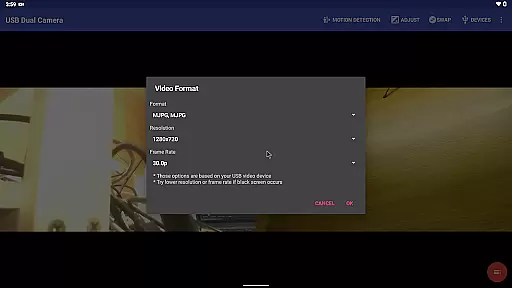
USB Dual Camera Pro demonstrates exceptional versatility in video format compatibility, ensuring users can work with a wide range of codecs and resolutions. The app supports MJPEG, H.264, H.265, HEVC, and even AV1 formats, catering to different use cases and device capabilities.
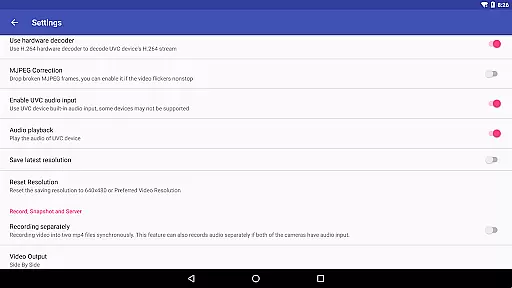
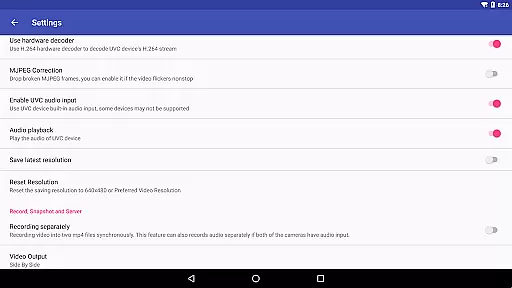
When using two cameras simultaneously, the app requires MJPEG or other advanced formats like H.264, making it possible to handle up to 4K video via HDMI. This flexibility allows users to select the optimal format for their specific needs, whether it's for high-quality recording or smooth streaming.
The application's support for progressive and interlaced video further enhances its compatibility, accommodating various types of video sources. Users can confidently connect different cameras and capture devices, knowing that USB Dual Camera Pro will handle them effectively.
This comprehensive format support enables professionals and enthusiasts to utilize their preferred video standards while maintaining excellent performance across different Android devices and versions.
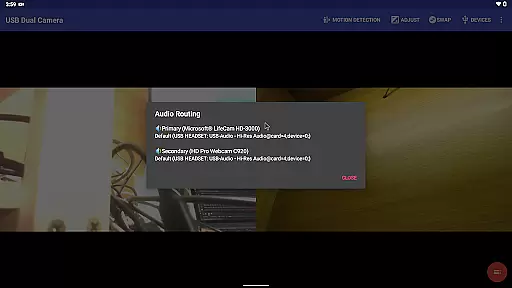
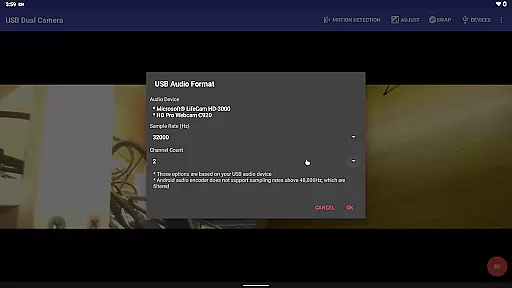
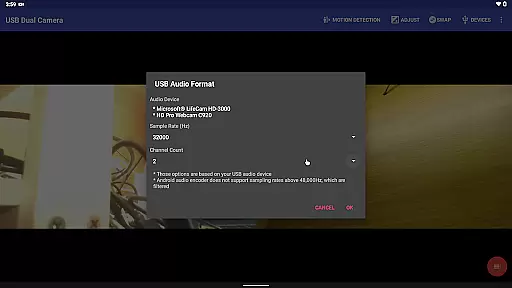
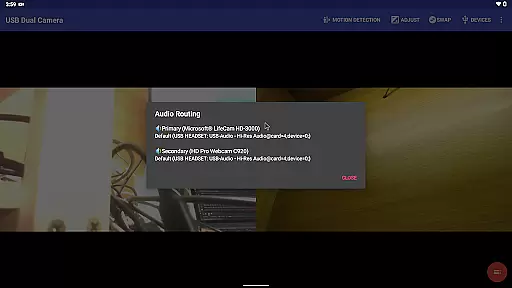
While USB Dual Camera Pro primarily focuses on camera connectivity and video capture, it incorporates several intelligent features that enhance the video editing process. The app's ability to mix USB audio with built-in microphones or system audio provides creators with flexible audio editing options.
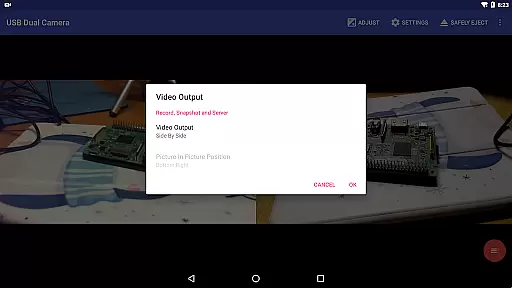
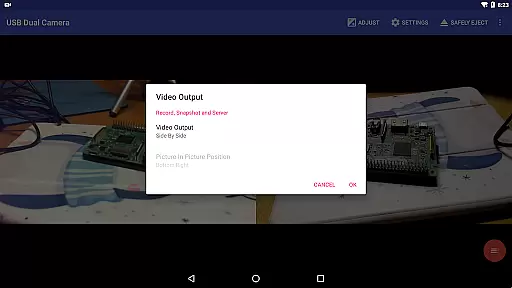
The application's automatic video mixing capabilities when recording from two cameras simultaneously simplify the editing workflow. It can synchronize audio and video streams from different sources, creating seamless full Side-by-Side (SBS) 3D videos without manual alignment.
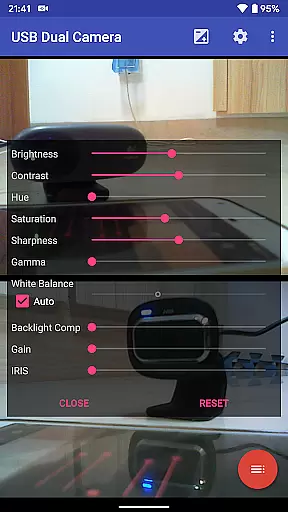
Advanced overlay functions allow users to add timestamps, GPS data, speed information, and other metadata directly onto video frames during recording. These AI-powered features eliminate the need for post-processing, saving valuable editing time.
Additionally, the app's motion detection-based auto-recording and FTP upload functionality streamlines the content management process, automatically capturing and delivering relevant footage without manual intervention.
Supports dual cameras
Advanced codec options
Professional live streaming
Motion detection recording
Background recording
Requires OTG cable
Power supply needed
Android 9+ permission
External power source
Device compatibility


IPTV-Smarters Player Pro M3U - Watch Live Stream TV Channels with Chromecast
 4.00
4.00
KineMaster, Your Ultimate Video Editor!
4.40
Fast video downloader & private browser. Save HD clips to watch offline.
4.40
IPTV Loader, loads your own Playlist. DOES NOT CONTAIN ANY LIST OR CHANNELS
4.60
Find, download, and play torrents with the official BitTorrent® Pro app
4.70
This app is an emulator of some specific IPTV boxes
3.50
Download Hub, easy and private way to download and enjoy your videos offline
4.80
Enjoy your favorite videos and channels with the official YouTube app.
3.90
Photo editor & video maker with music and slideshows.
4.10
Tik & Story Saver-Download ALL social media videos, photos & reels no watermark.
4.80
Support 1000+ Video Format, Subtitle Download, mp3 & Background Play, Cast On TV
4.60
Download website videos fast&privacy
4.40
All format media Player, no need video converter any more!
4.00
Make your own Animations, Video and Photo Edits, Visual Effects, and more!
4.00
AirMirror is Receiver for Screen Mirroring and Casting from Apple Devices.
3.60
Download videos easily & play them all in one smart, powerful video manager.
3.40
Browser for Sony TV to stream web videos, online movies and live tv
3.20
Client application for NextPVR software
3.00
The smartest M3U IPTV Player your playlists have ever seen.
4.3

User Reviews