

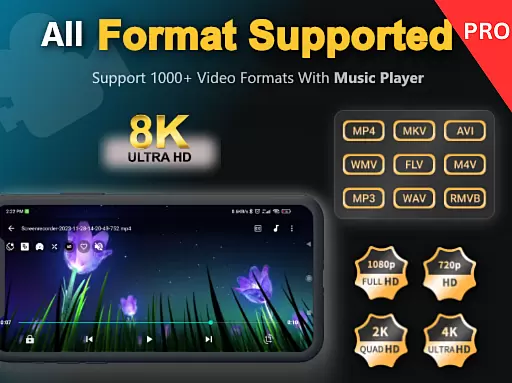
Zea Player Pro is a premium-grade video player designed for Android devices, offering an ad-free experience with support for all major video and audio formats. This includes high-resolution files up to 8K, making it ideal for movie enthusiasts and content creators who demand the best in video quality.
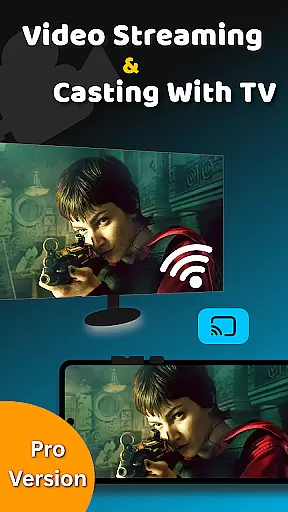
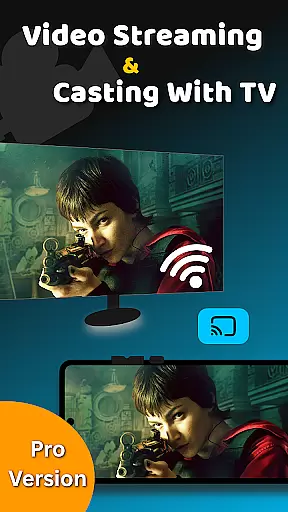
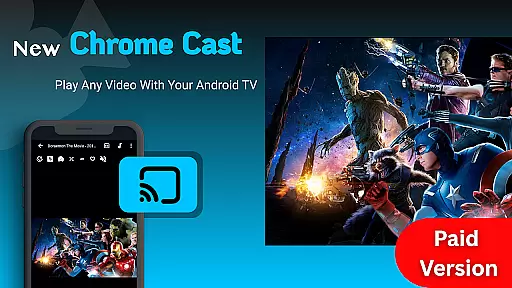
With advanced features such as dual audio tracks, online subtitle downloads, and background play, Zea Player Pro ensures users can customize their viewing experience. The app also provides privacy controls, allowing users to password-protect private media files, while its volume booster and casting capabilities further enhance usability.
Whether streaming from URLs or playing local files, this professional HD video playback tool delivers seamless performance across all formats, including MKV, MP4, AVI, and more. Its intuitive interface and powerful functionality make it the ultimate solution for enjoying high-quality media on Android devices.
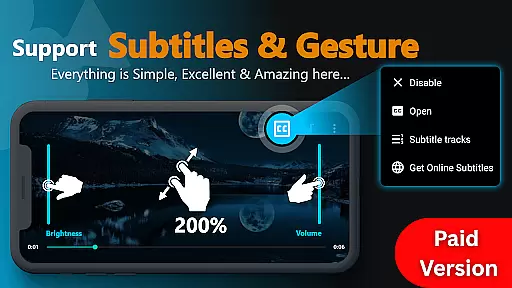
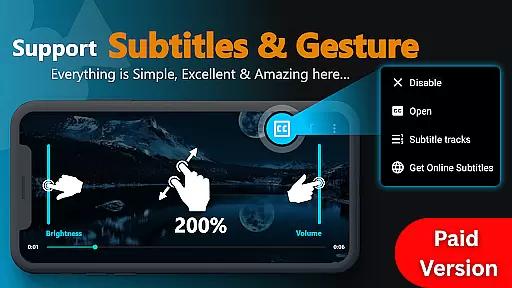
Zea Player Pro stands out with its comprehensive feature set tailored for both casual viewers and tech-savvy users. It supports all popular media formats, including ultra-HD 4K and 8K videos, ensuring no file is unplayable. The inclusion of dual audio tracks and subtitle support enhances accessibility, catering to multilingual audiences and those requiring specific language options.
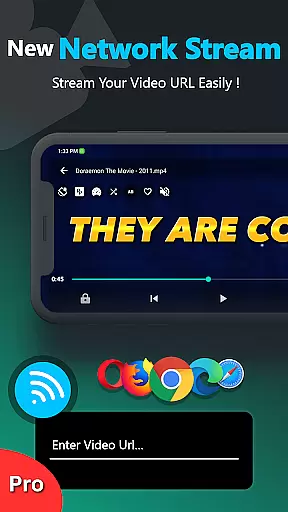
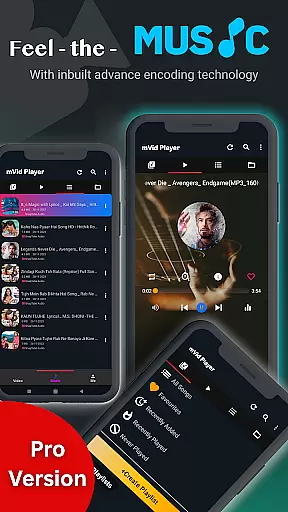
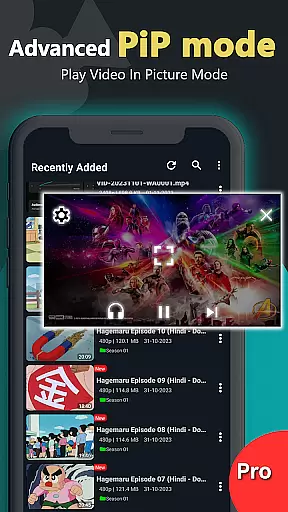
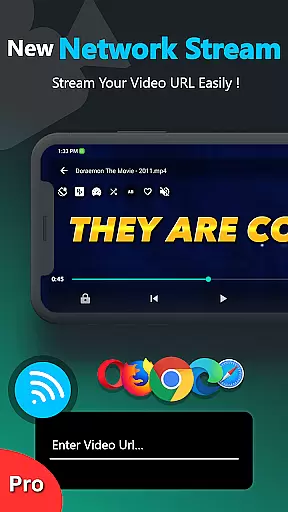
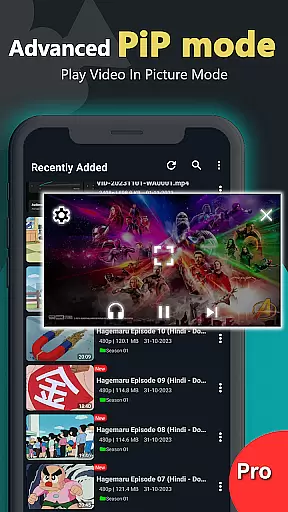
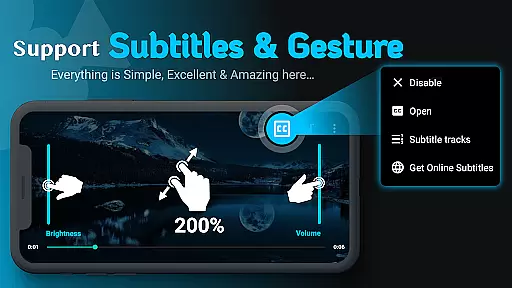
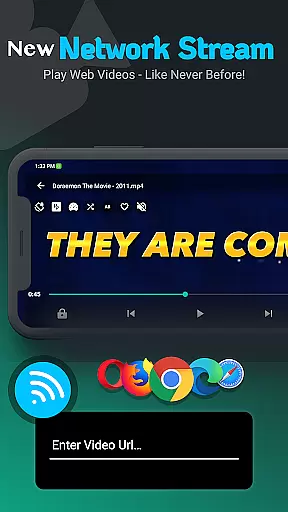
One of the standout features is its ability to stream videos via URL, enabling users to access content directly from web sources without downloading. Additionally, the app allows music and video playback in the background, perfect for multitasking. Users can easily adjust volume, brightness, zoom, and playback progress through simple controls, providing a smooth and personalized experience.
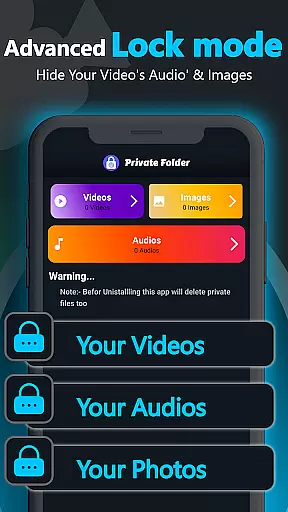
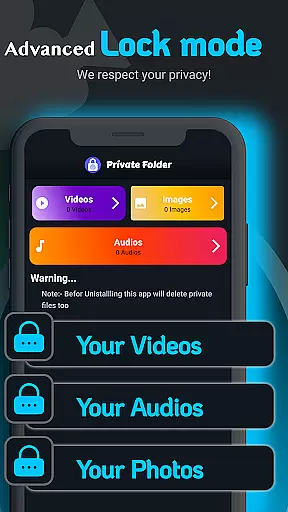
The app's private folder functionality adds another layer of security by letting users hide sensitive media files behind a password. This makes Zea Player Pro not only versatile but also secure, appealing to individuals concerned about data privacy. Overall, these robust features position the app as a top-tier choice among video players.
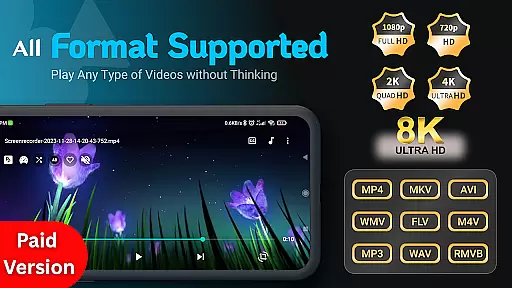
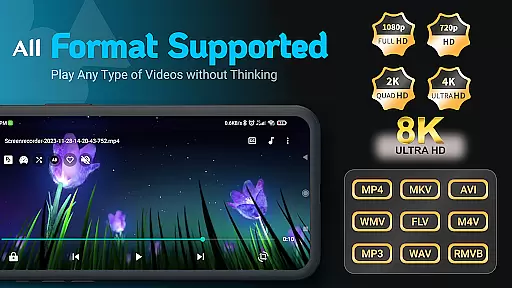
Video Player Pro Version stands out for its exceptional video format compatibility, ensuring users can enjoy a seamless playback experience across all major file types. The application supports an extensive range of formats including MKV, MP4, AVI, MOV, and even ultra-high-definition 4K and 8K videos.
This comprehensive support is made possible through advanced decoding technologies integrated into the app, allowing it to handle complex video files with ease. Whether you're watching locally stored videos or streaming content via URLs, the app ensures smooth, high-quality playback without any hiccups.
For users, this means unparalleled flexibility in video consumption. You no longer need to worry about converting files or dealing with unsupported formats. The app's robust compatibility empowers you to focus on enjoying your favorite movies, TV shows, and personal recordings without technical limitations holding you back.
While primarily a video player, Video Player Pro Version incorporates AI-powered features that enhance the viewing experience beyond simple playback. One notable feature is its intelligent subtitle management system, which uses AI algorithms to automatically detect, download, and synchronize subtitles for your videos.
The app also implements smart audio track management, allowing users to seamlessly switch between dual audio tracks while maintaining perfect synchronization with the video. This AI-driven approach extends to its volume booster functionality, which intelligently amplifies audio without distorting quality.
These AI-powered capabilities significantly improve user convenience and accessibility. Viewers can enjoy more personalized and comfortable viewing experiences, with automated features that would typically require manual adjustments in other players. The integration of artificial intelligence transforms this video player into a sophisticated media companion that adapts to individual preferences and needs.
Ad-free playback
Supports 8K resolution
Private folder protection
Dual audio track support
Background playback
Paid version only
No free trial
Limited UI customization
Occasional bugs
High system requirements
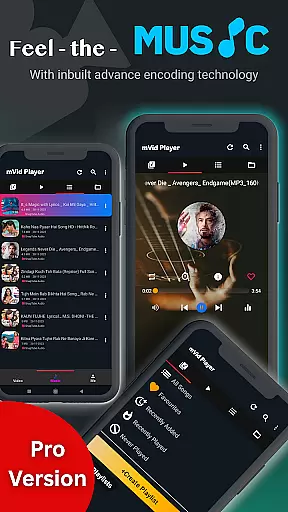
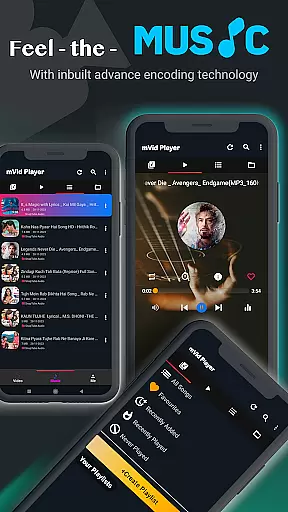

HD Video player all format, HD Videos, Cast & Subtitle. No annoying ads.
 4.60
4.60
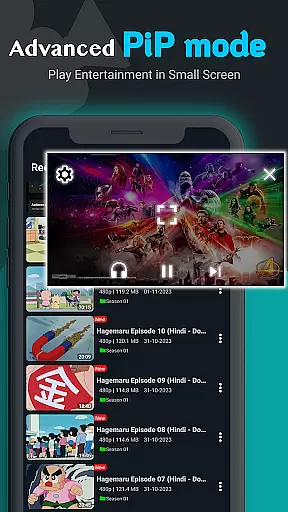
HD video & music player - All format support with floating & PIP mode!
3.80
1)AirPlay/DLNA Mirroring/Streaming, up to 4 connections; 2)Samba/NAS/DMS Player.
4.00
Explore the largest library of free GIFs, Stickers & Memes - or create your own!
3.90
Mix with Virtual DJ directly from your phone or tablet !
3.10
Find, download, and play torrents with the official BitTorrent® Pro app
4.70
The essential companion to your Blue Iris PC software
2.50
Create, Publish & Maximize
4.70
Manage your YouTube channel on the go
4.40
AI Video Editor with Music, Filter, Slideshow, Effect, Merge & Trim Video.
4.80
Seamlessly connect and control your smart devices, anytime, anywhere with ease.
4.60
Browser for Fire TV to stream webvideos, online movies, livestreams in HD
4.40
Video Downloader is an utility that can save videos and music from web sites
4.20
All format media Player, no need video converter any more!
4.00
Make your own Animations, Video and Photo Edits, Visual Effects, and more!
4.00
Live TV, anywhere in your home
3.80
Manage your IPTV live channels and VOD playlists (no playlist included)
3.80
Livestream, news, & gaming content. Watch, chat, and upload. Join Rumble today!
3.80
A full editing room to accompany your Insta360 cameras and handheld gimbals.
3.30

User Reviews