

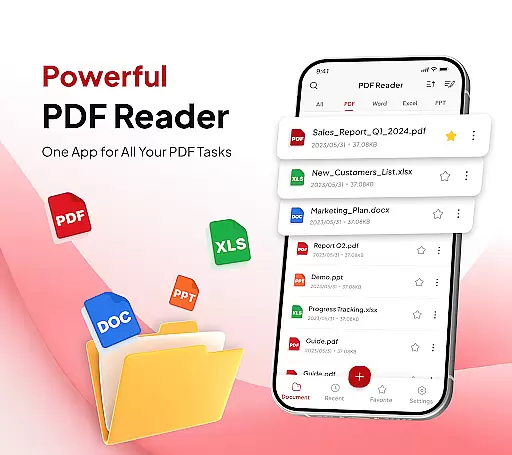
PDF Reader - Document Editor is a comprehensive productivity tool designed to simplify how you manage digital documents. This app allows users to read, edit, organize, and convert PDF files with ease, making it an essential utility for students, professionals, and anyone handling PDFs regularly.
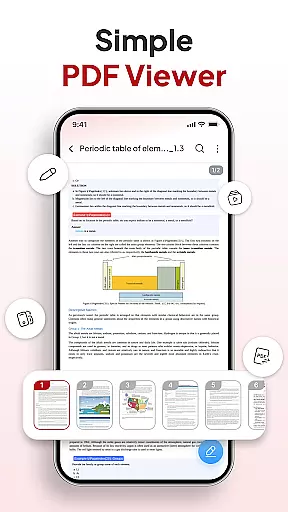
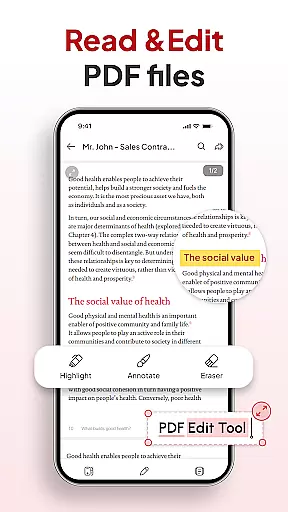
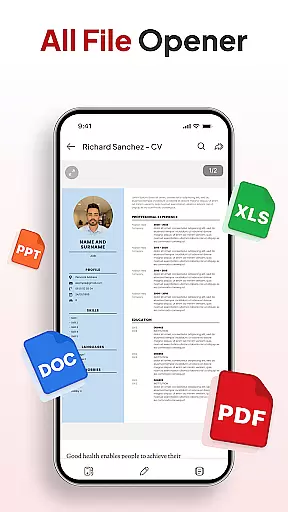
The app's standout feature is its all-in-one functionality that combines smooth PDF reading with advanced editing capabilities. Users can open large PDFs without lag, highlight text, zoom into details, and even handle other file formats like DOCX and PPT. Its intuitive interface ensures that both basic and complex tasks are executed seamlessly.
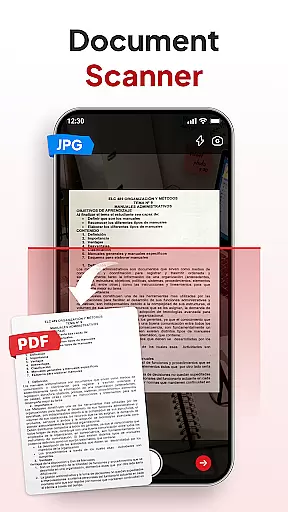
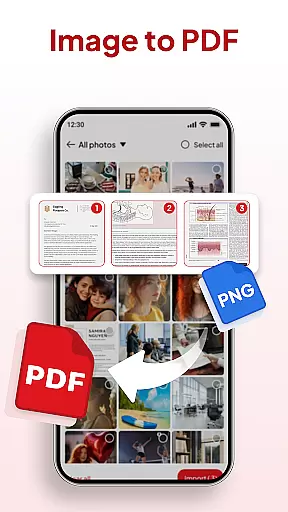
For those needing document conversion, the app offers smart tools such as a document scanner and image-to-PDF converter. These features ensure that physical documents or images can be digitized quickly while maintaining professional quality. With additional capabilities like signature management, AI-powered summarization, and instant sharing options, this app is a complete solution for modern document handling needs.
PDF Reader - Document Editor stands out with its robust set of features tailored for efficient document management. One of the core strengths is its ability to handle multiple file types beyond just PDFs, including XLS, DOCX, and PPT files, providing versatility unmatched by many competitors.
The app includes a built-in document scanner that transforms physical notes, receipts, or contracts into clear digital PDFs instantly. Additionally, the Image-to-PDF converter allows users to turn photos or screenshots into well-formatted documents within seconds. These functionalities cater especially to professionals who need quick conversions on the go.
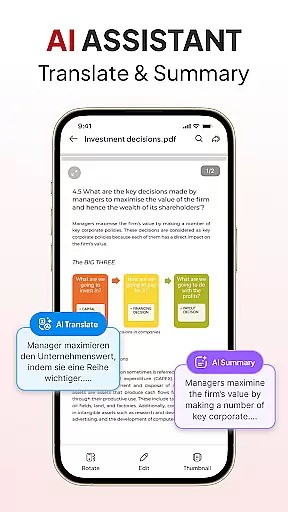
Productivity is further enhanced through smart organization tools such as file sorting, searching, and folder management. The inclusion of an AI assistant adds another layer of convenience by enabling document summarization and translation. With seamless integration across platforms and easy sharing options via popular apps, this tool ensures your workflow remains uninterrupted while delivering high performance in every task.
Efficient task management is crucial for productivity applications, and PDF Reader - Document Editor excels in this area. The app provides an all-in-one solution for handling PDF documents, allowing users to read, edit, organize, and convert files seamlessly.
The application's interface is designed to help users manage their tasks effectively. With features like File Organizer, individuals can sort and search for any document by name, date, or size. This ensures that important files are always easy to locate and access when needed.
PDF Reader - Document Editor also includes smart tools such as AI Assistant, which helps summarize or translate documents. These capabilities enhance the user's ability to process information quickly and accurately, making it a valuable asset for students, professionals, and anyone who manages files daily.
By integrating these comprehensive task management features, PDF Reader - Document Editor not only simplifies document handling but also boosts overall productivity, enabling users to focus on their core activities without being bogged down by cumbersome file management processes.
In today's interconnected world, reliable cross-device synchronization is essential for any productivity tool. PDF Reader - Document Editor understands this need and offers seamless integration across multiple devices, ensuring that your documents are always up-to-date and accessible wherever you are.
The app supports instant sharing, allowing users to send PDFs via their favorite apps with just one tap. Whether you're working from a smartphone, tablet, or computer, you can easily share files with colleagues, friends, or family without worrying about compatibility issues.
Moreover, the application's cloud-based system guarantees real-time updates, so any changes made on one device will automatically reflect on all others linked to your account. This feature provides peace of mind knowing that your data is synchronized and secure at all times.
With its robust cross-device synchronization capabilities, PDF Reader - Document Editor ensures that users have a consistent experience across platforms, enhancing both convenience and efficiency in managing digital documents.
User-friendly interface
Multi-format support
Powerful AI tools
Instant file sharing
Advanced scanning
Limited free features
Occasional bugs
Ads in free version
Premium subscription
Large file slowdown

All in one sketching tool. Technical and General drawing. Online Maps support.
 3.70
3.70
Wake up & get tasks done! Add alarms & reminders on the Clock Launcher.
4.00
Easily read and manage all your PDF files
4.10
Protect and view your important info on your phone and tablet with eWallet®
4.80
⏰ Finally a timer app which can run multiple timers simultaneously on your watch
3.90
PDF scanner & converter for files, photos, lottery, QR codes. One swipe away!
4.50
Enjoy classic gameplay with customizable features and retro-style graphics.
4.30
Subscribe to Webcal & .ics calendars and keep them up-to-date!
4.50
Browse and view your photos and videos from the phone with photo & video hide.
4.10
A beautiful digital clock with autostart and many other functions
4.70
Planet Free VPN - The best Fast Unlimited and Secure VPN Without Logs
4.50
CalenGoo is a very flexible and feature-rich calendar app
4.40
A Pixel Art watchface inspired by other iconic 90s designs for Wear OS devices!
4.40 4.20
4.20
Total remote control for your Android device, PC and cloud services (IFTTT)!
4.20
Experience real multitasking on your Android!
4.00
A Revolutionary All-in-One Artificial Intelligence Tools
3.80
ID.me Authenticator is a simple and free Two Factor Authentication solution
3.50
A simple, portable logger for POTA, SOTA, Field Day, and more
4.1

User Reviews