

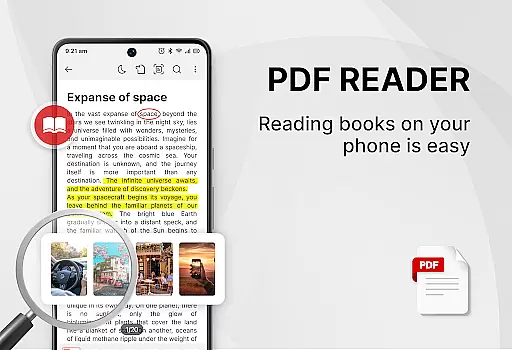
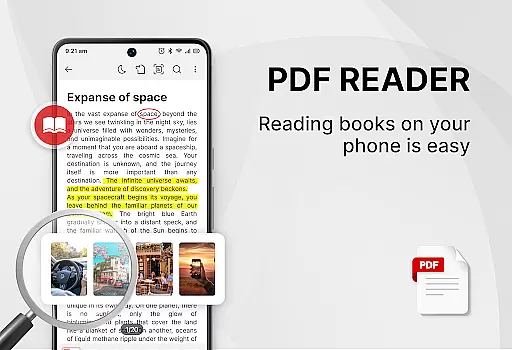
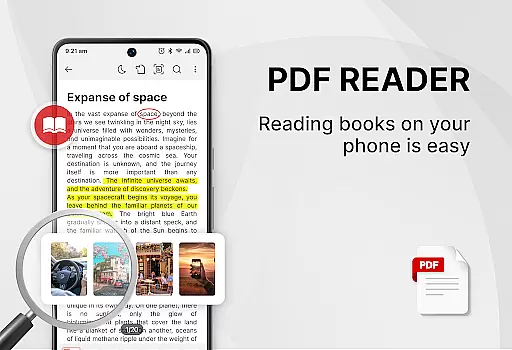
PDF Reader - Smart PDF Viewer is a comprehensive productivity tool designed for managing and reading various document formats on Android devices. This app allows users to effortlessly handle PDF files, including reading, editing, and sharing them with others.
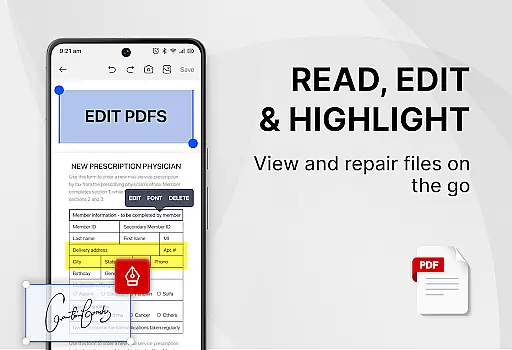
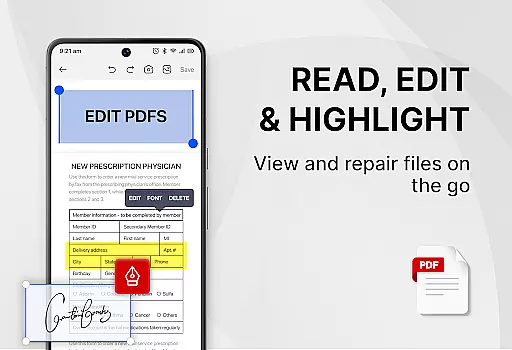
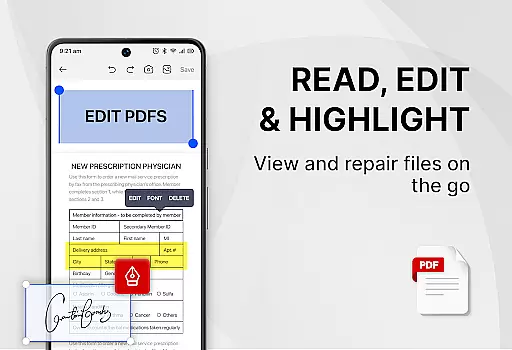
In addition to basic PDF functionalities, the app supports advanced features such as adding e-signatures, converting PDFs to images, merging and splitting PDFs, and securing documents with passwords. Its all-in-one nature means users get a PDF reader, ebook viewer, and editor combined in a single package.
Ideal for students and professionals alike, this app enhances work and study efficiency by providing essential tools for document management. The user-friendly interface ensures that even those new to PDF handling can easily navigate and utilize its features.
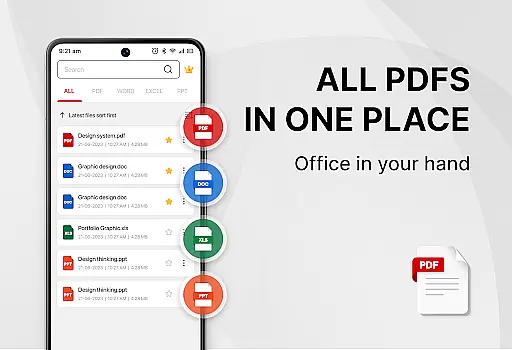
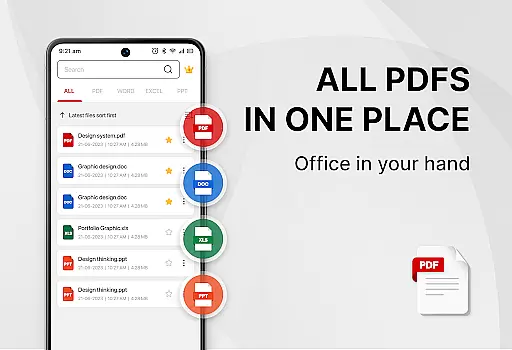
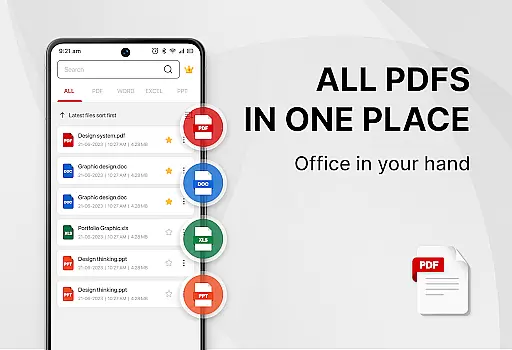
One of the standout features of PDF Reader - Smart PDF Viewer is its ability to support multiple document formats, including PDF, Word, Excel, and PPT files. This versatility makes it an indispensable tool for anyone dealing with diverse document types.
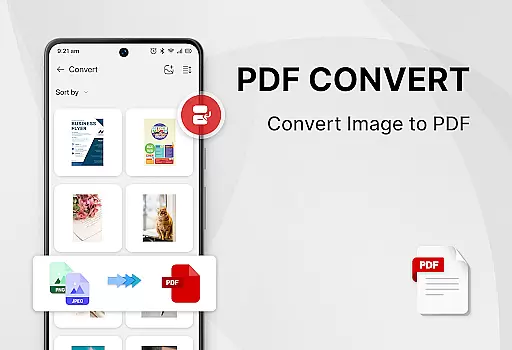
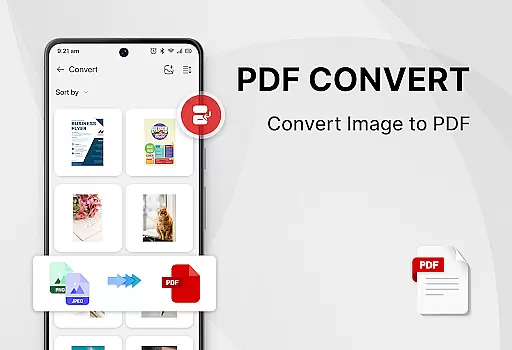
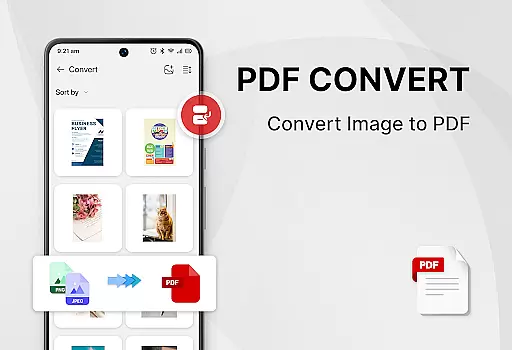
The app also includes powerful PDF tools such as easy e-signature addition, image-to-PDF conversion, document scanning, and text searching within PDFs. These capabilities ensure users can manage their documents efficiently without needing additional software.
Moreover, the app offers a seamless user experience with features like one-click light and dark mode switching, recently opened files lists, and simple file management options. All these features are provided free of charge, making it an accessible solution for enhancing productivity.
Task management is a crucial aspect of productivity applications, especially for users who need to handle multiple documents efficiently. PDF Reader - Smart PDF Viewer excels in this area by offering an all-in-one solution for managing various document types.
The app provides smart search functionality that displays all document files including PDFs, Word, Excel, and PPT formats. This feature allows users to quickly locate the files they need without wasting time navigating through complex folder structures.
Additionally, the recently opened files list offers quick access to frequently used documents. The ability to switch between light and dark modes with one click enhances user comfort during long reading sessions, contributing to better focus and productivity.
By integrating essential document management features into a single interface, this application streamlines workflow and helps users maintain an organized digital workspace, ultimately improving their overall efficiency.
In today's interconnected world, reliable cross-device synchronization is vital for maintaining seamless workflows across different platforms. PDF Reader - Smart PDF Viewer addresses this need by ensuring that your documents are accessible wherever you go.
While the app currently requires MANAGE_EXTERNAL_STORAGE permission to function optimally on Android devices, this ensures that all your document files are accurately located, accessed, and editable from any location within your device storage.
Although direct cloud synchronization features aren't explicitly mentioned, the app's comprehensive file management system lays a solid foundation for potential future enhancements in cross-device functionality.
With its robust set of features including e-signature capabilities, file conversion tools, and document protection options, users can trust that their work remains consistent and up-to-date across different working environments, enhancing both personal and professional productivity.
User-friendly interface
Comprehensive format support
Powerful PDF editing tools
Free to use
Efficient document management
Requires storage permission
Limited offline functionality
No cloud integration
Occasional ads
Basic UI design

Secure, fast, open-source, VNC and SSH Remote Desktop for Windows, Linux and Mac
 4.70
4.70
IP Camera Viewer - Android TV : RTSP Surveillance camera viewer for Android TV
4.1
Todo reminder
4.10
Stay on top of your to-dos with Google Tasks, part of Google Workspace.
4.60
Activate Two Factor Authentication (2FA or Multi OTP), Password manager and more
4.10
* block pre-roll ads, pop-up and forced redirect ads * Samsung certification app
4.00
Quickly and easily keep track of your work shifts
4.70
Lightweight PDF, Word, Excel reader.
4.60
Scan paperwork into PDF/JPG, generate your own e-signature and send fax or email
4.70
Simple notepad & memo. Take notes, to-do list, shopping list with reminders.
4.80
App Lock with fingerprint, password: Lock apps & hide photos with lock screens
4.60
Translate text/voice/photos in 150+ languages. Offline & fast translator app.
4.50
Tally and goal counter for Wear OS & mobile
4.50
A lightweight JSON & XML files creator, editor and viewer (Premium Version)
4.40
CalenGoo is a very flexible and feature-rich calendar app
4.40
Pwnagotchi companion app
4.20
Make apps & sites with natural language prompts
4.10
Wake up & get tasks done! Add alarms & reminders on the Clock Launcher.
4.00
Create and edit presentations with Google Slides, part of Google Workspace.
4.00

User Reviews