

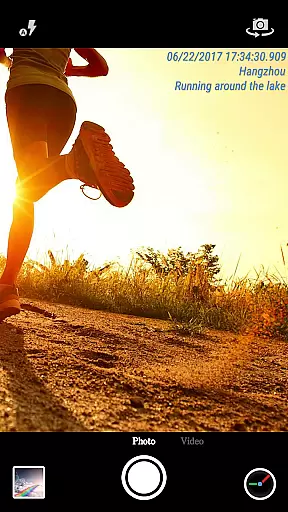
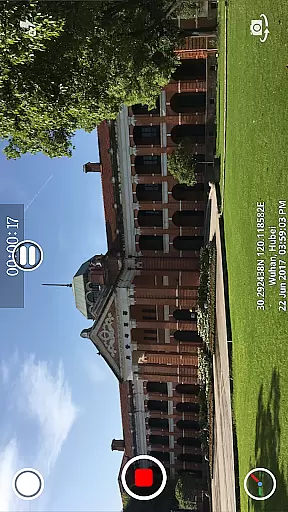
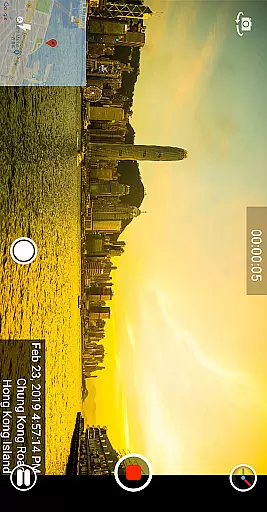
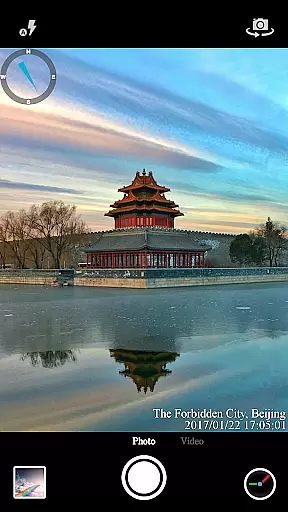
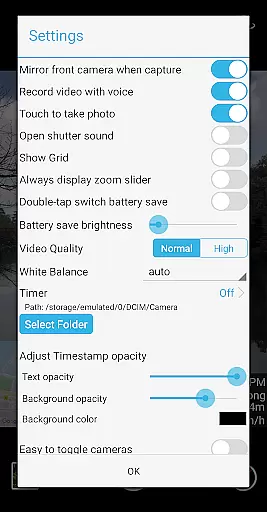
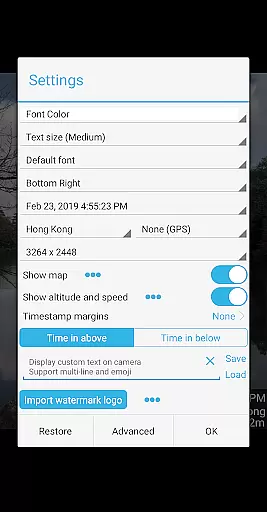
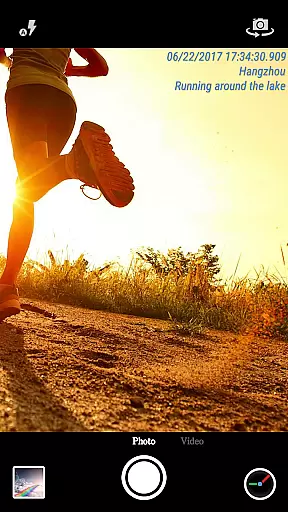
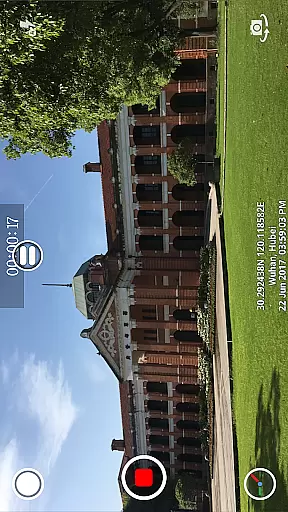
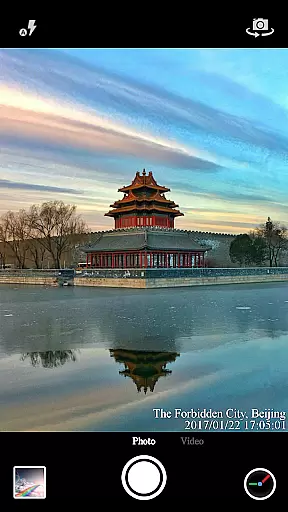
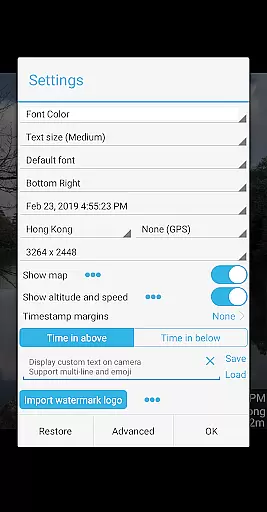
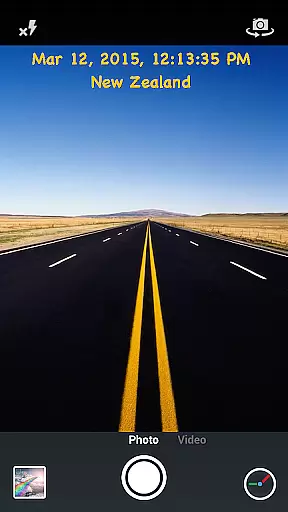
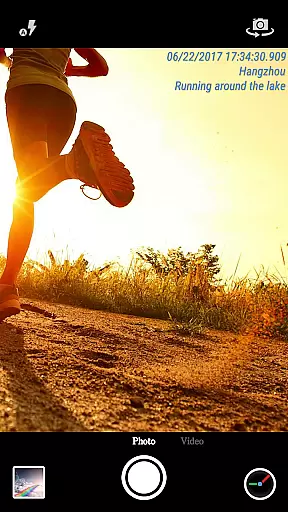
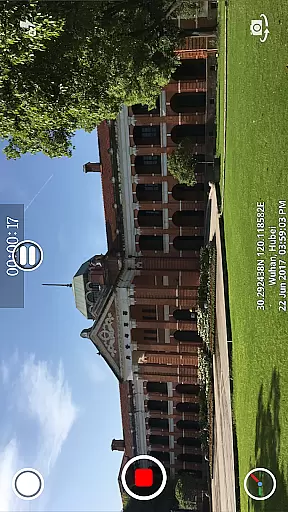
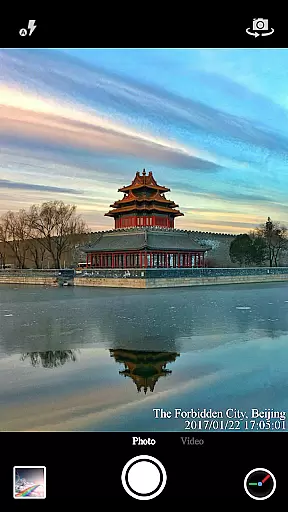
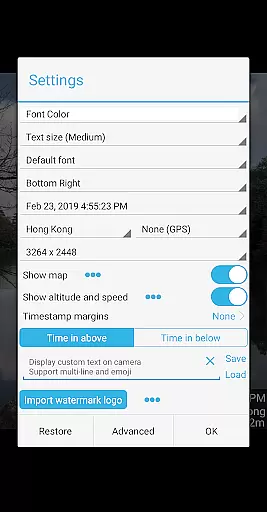
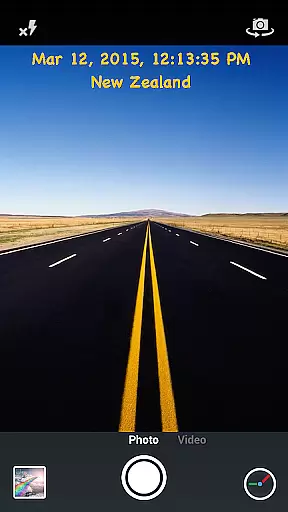
Timestamp Camera Pro is a powerful video and photo editing application that allows users to add real-time timestamp watermarks while capturing media. The app supports 61 different timestamp formats, customizable font styles, sizes, colors, and positions, making it versatile for various professional needs. Users can also include location data, altitude, and speed in their timestamps, which is particularly useful for evidence collection or activity tracking.
In addition to timestamping, the app offers advanced features such as custom text and emoji overlays, map displays with adjustable scale and transparency, and the ability to add custom logo images. With support for both photo and video modes, users can record high-quality media with or without audio. The app's battery saver mode and option to disable shutter sounds enhance its usability in different scenarios. Timestamp Camera Pro is ideal for professionals who require accurate documentation of time and location in their visual content.
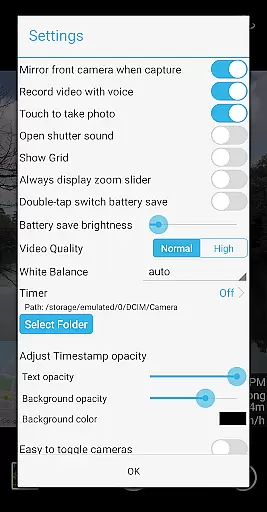
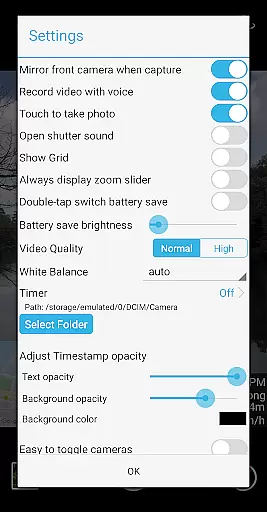
Timestamp Camera Pro stands out with its comprehensive feature set tailored for users who need to document time-sensitive events. The app's ability to record videos with millisecond accuracy in timestamps is unique in the market. It offers extensive customization options, including seven timestamp positions, multiple font settings, and adjustable opacity for the timestamp background. This level of customization ensures that timestamps do not obstruct important visual details.
Beyond timestamping, the app provides creative tools such as custom text and emoji overlays, map displays, and logo image integration. These features allow users to personalize their media with additional context or branding. The app also includes practical functionalities like battery saver mode, silent shutter, and direct saving to an SD card. Such features make it suitable for extended use in the field without worrying about device performance or storage limitations.
Timestamp Camera Pro stands out with its extensive video format compatibility, ensuring that users can work with a wide array of file types without any hitches. The app supports popular formats such as MP4, AVI, and MOV, making it versatile for various devices and platforms.
Beyond just basic playback, the application allows real-time effects to be applied to videos regardless of their format. This means timestamps, watermarks, and other customizations are seamlessly integrated during recording, not as an afterthought in post-production.
For content creators and professionals who require flexibility, this compatibility ensures that exporting or sharing videos is hassle-free. Whether you're uploading to social media or transferring files for editing, Timestamp Camera Pro maintains the integrity and quality of your footage across different formats.
The AI-powered editing features of Timestamp Camera Pro revolutionize how users enhance their video content. By leveraging advanced algorithms, the app automatically adjusts settings like brightness, contrast, and color balance to optimize video quality.
One standout feature is the automatic timestamp and location addition. The AI recognizes the need for these elements in professional and personal projects, applying them accurately down to the millisecond. This eliminates manual input errors and saves significant time during video production.
Moreover, the intelligent system suggests optimal font styles, sizes, and positions for the timestamp based on video content. These smart recommendations ensure that important details remain visible without obstructing the main subject, enhancing both the aesthetic and informational value of your videos.
User-friendly interface
Highly customizable
Accurate timestamping
Versatile functionality
Professional-grade features
May drain battery faster
Some features require premium
Interface may feel complex
Limited free version
Occasional bugs reported




Online Videos Player
 3.90
3.90
Support 1000+ Video Format, Subtitle Download, mp3 & Background Play, Cast On TV
4.60
Seamlessly connect and control your smart devices, anytime, anywhere with ease.
4.60
Watch IPTV on your Android device
4.60
LumaFusion: The Ultimate Storytelling Experience for Video Editing
4.10
Browser + Remote for Roku to stream webvideos, online movies and livestreams
4.60
Browser for Fire TV to stream webvideos, online movies, livestreams in HD
4.40
A Simple app to download Video & Music from the Internet.
4.70
Capture the moment and Cut
3.40
A Quick and Pro Video Editor
4.70
All in one HD video downloader & player for multiple formats with full privacy
4.70
Fast & Private HD Video Downloader with Built-in Proxy Browser and Video Player.
4.50
Download website videos fast&privacy
4.40
Powerful Video Editor & Photo Editing App —— Quick Edits & Stunning Effects!
4.30
Capture images & record videos for USB Camera, Webcam, Microscopes, Endoscopes
3.80
Browser for Sony TV to stream web videos, online movies and live tv
3.20
Client application for NextPVR software
3.00
Powerful HD video player with support for all formats & subtitles.
4.5
Play and download HD videos from all sources — fast, simple, and all-in-one.
4.5

User Reviews