

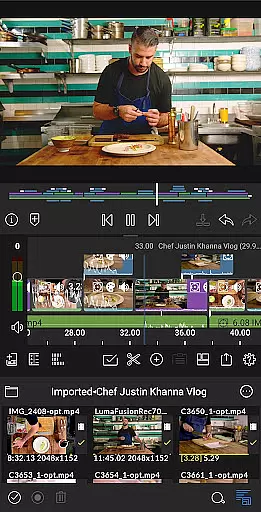
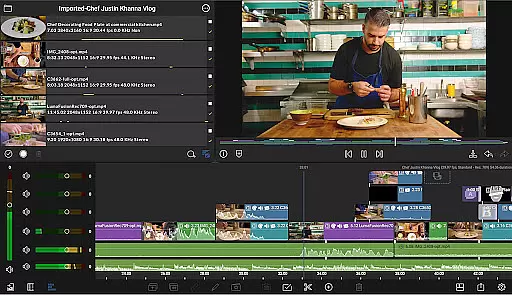
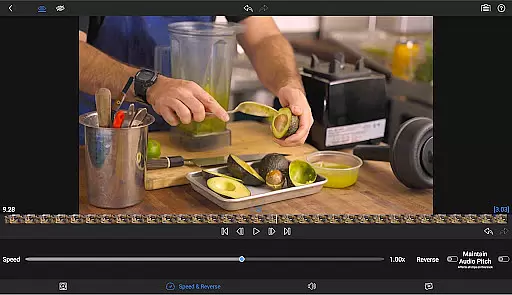
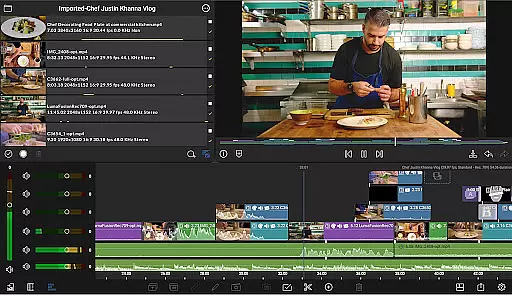
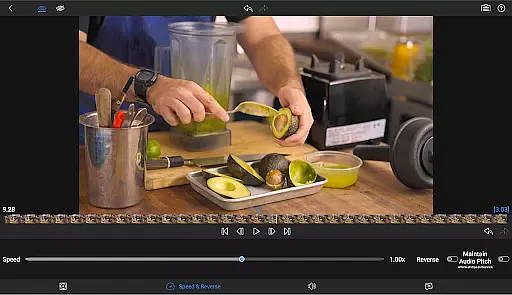
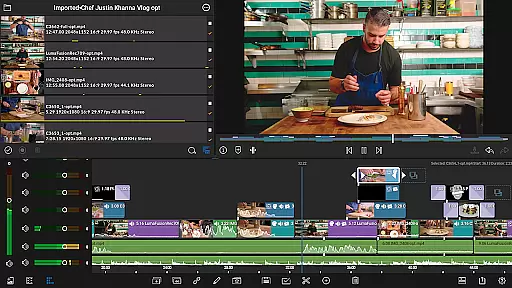
LumaFusion is the gold standard for storytellers, offering a fluid, intuitive touch-screen editing experience. With professional editing tools, it supports up to 4K media and provides six video-with-audio or graphic tracks alongside six additional audio-only tracks.
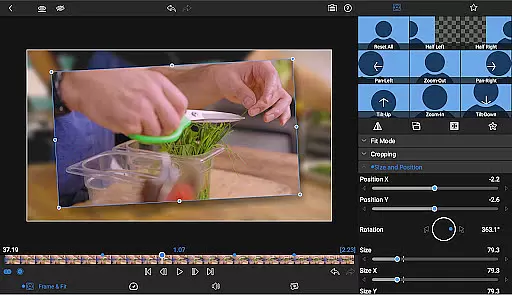
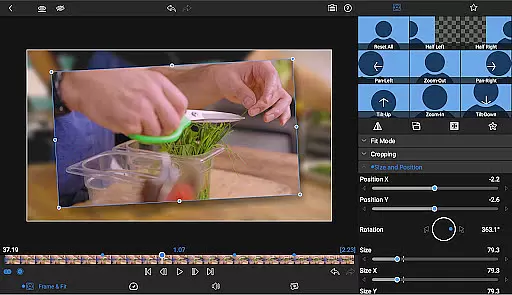
It features advanced audio control, creative titles, multilayer text, layered effects, color correction, and project flexibility. The app also offers speed ramping and enhanced keyframing as part of its Creator Pass subscription, making it an ideal choice for both amateur and professional video editors.
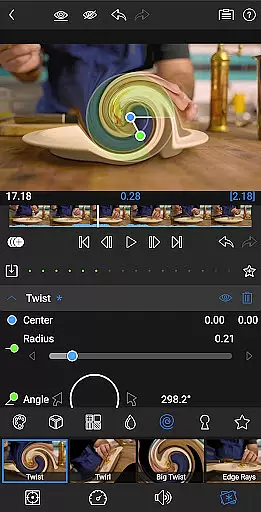
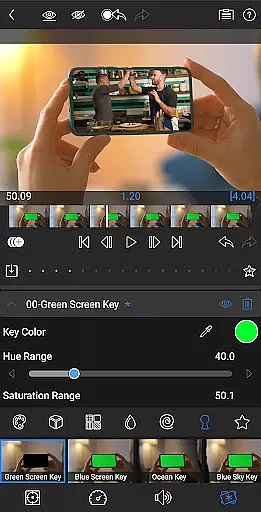
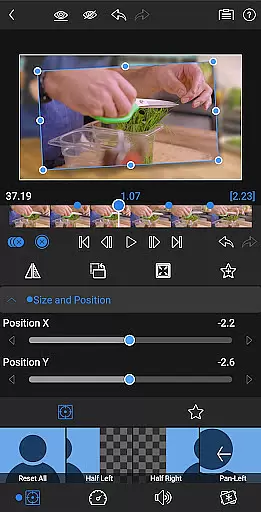
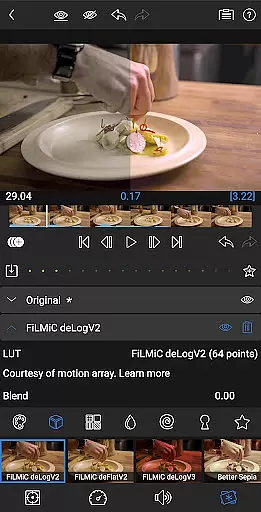
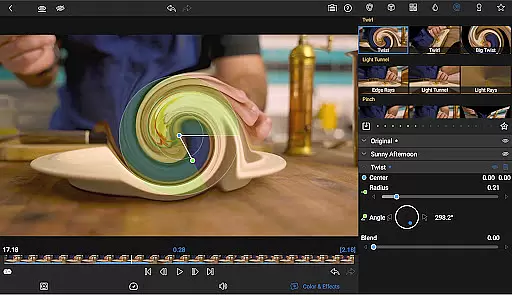
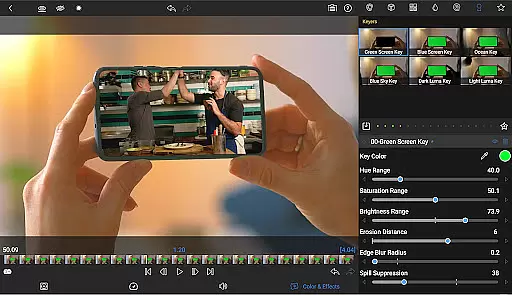
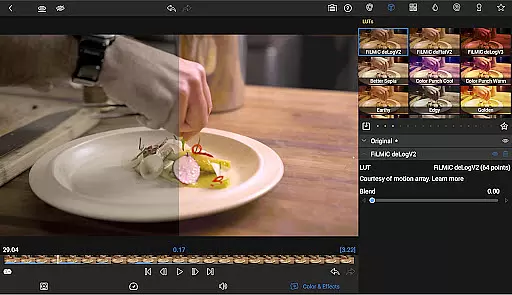
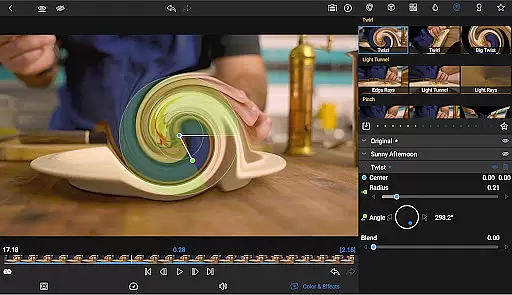
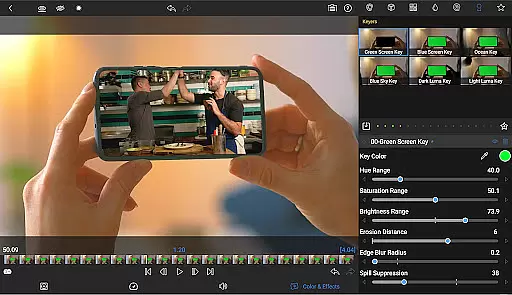
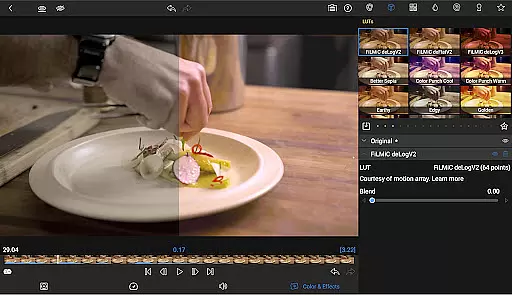
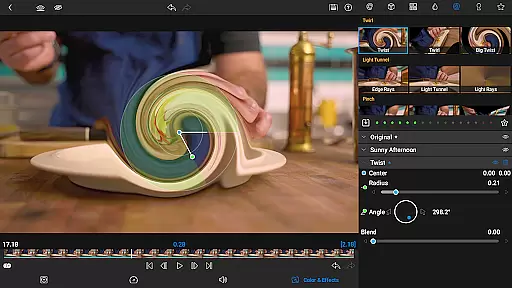
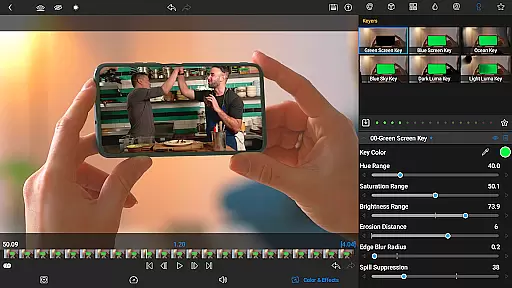
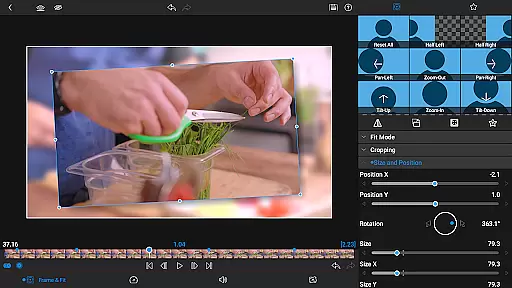
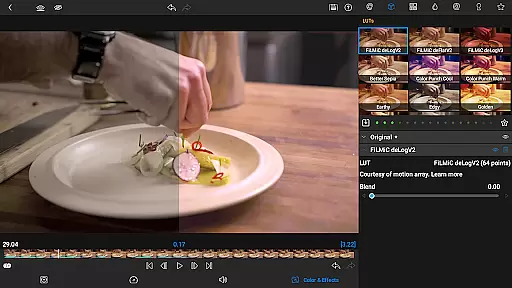
LumaFusion stands out with its ultimate timeline that allows fluent editing using flexible track-based and magnetic timelines. It includes powerful color correction tools, unlimited keyframes for precise animations, and customizable text and effect presets.
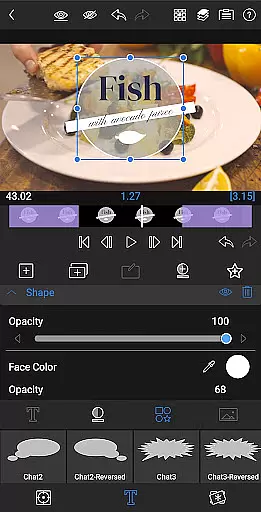
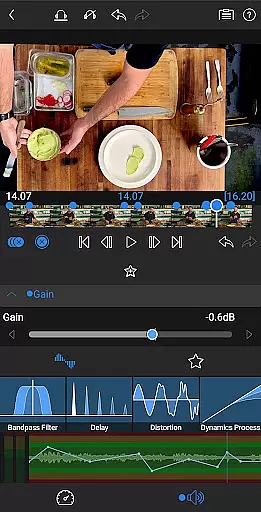
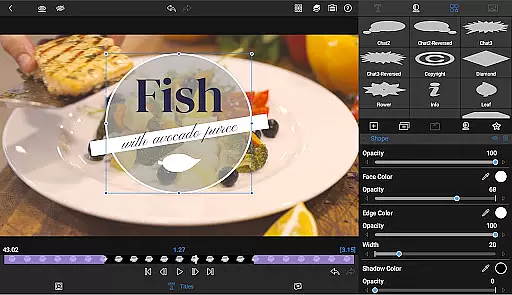
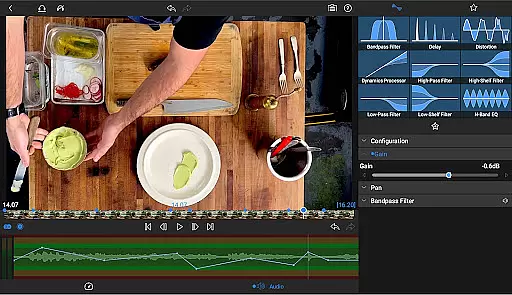
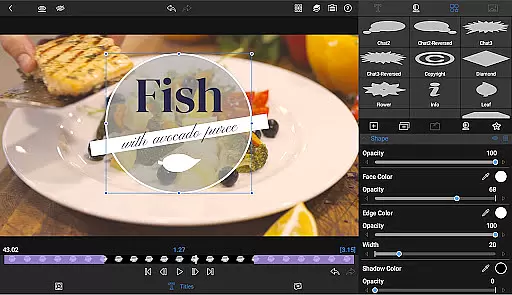
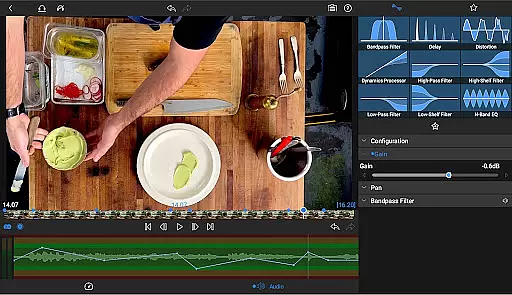
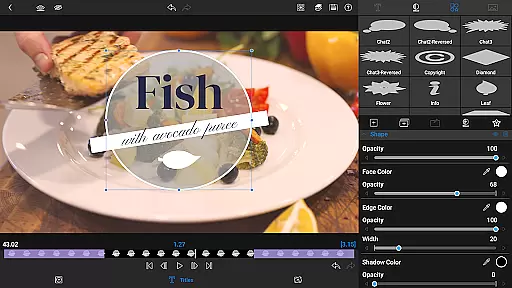
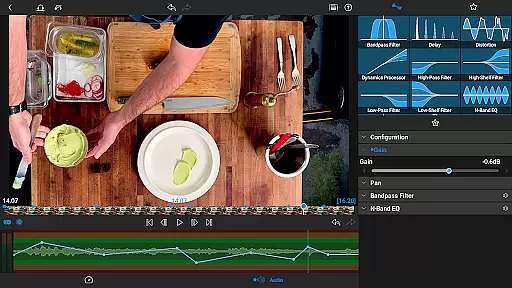
The app excels in audio manipulation with Graphic EQ and Parametric EQ, keyframe audio levels, panning, and EQ, along with stereo and dual-mono audio support. Users can create eye-catching titles with multilayer options, customizable fonts, colors, borders, and shadows, and even import custom fonts.
Project flexibility is unmatched with aspect ratios for all uses, frame rates from 18fps to 240fps, and the ability to edit directly from USB-C drives or cloud storage. Sharing your masterpieces is effortless with control over resolution, quality, format, and various export destinations.
Video format compatibility is a crucial feature for any video editing application, ensuring that users can work with a wide range of media files without conversion hassles. LumaFusion excels in this area by supporting multiple video formats, including high-resolution 4K media. This flexibility allows creators to import and edit videos directly from various sources, such as cloud storage or USB-C drives, streamlining the workflow.
The app's ability to handle different file types extends to its project settings, where users can choose aspect ratios and frame rates that suit their creative needs. Whether producing content for widescreen cinema or social media platforms, LumaFusion provides the necessary tools to ensure that the final output meets professional standards. The platform also enables seamless transitions between devices, making it easy to continue editing on the go.
With LumaFusion, exporting projects is just as versatile. Creators have control over resolution, quality, and format when sharing their masterpieces. They can effortlessly export videos to various destinations, including social media, local storage, or cloud services. This comprehensive approach to video format compatibility ensures that LumaFusion remains a top choice for storytellers who demand both flexibility and quality in their editing process.
AI-powered editing features are revolutionizing the way video editors work, offering advanced tools that simplify complex tasks and enhance creativity. LumaFusion incorporates several AI-driven functionalities that elevate the editing experience. For instance, the app includes sophisticated color correction tools and scopes like Video Waveform, vector, and histogram, which help users achieve professional-grade visuals with minimal effort.
In addition to color grading, LumaFusion leverages AI for audio processing. Editors can utilize Graphic EQ and Parametric EQ to fine-tune soundscapes, while keyframing options allow for precise control over audio levels, panning, and equalization. These intelligent features enable creators to craft seamless audio mixes that complement their visual storytelling.
LumaFusion also offers AI-enhanced titling and animation capabilities. Users can create multilayer titles combining text, shapes, and images, then apply customizable presets for consistent branding across projects. Furthermore, optional subscriptions like the Creator Pass unlock access to millions of royalty-free assets powered by AI curation, enhancing the creative possibilities. Overall, these AI-powered tools empower editors to focus on their narrative while the software handles the technical details.
Intuitive touch-screen interface
Professional-grade editing tools
Advanced audio manipulation capabilities
Flexible project settings and media library access
Comprehensive sharing options
Subscription required for full features
Complexity may overwhelm beginners
High system requirements for optimal performance
Limited free support resources
In-app purchases can add up



Tik & Story Saver-Download ALL social media videos, photos & reels no watermark.
 4.80
4.80
Snaptubè Video Downloader app allows to download videos and music in Snaptube. .
4.60
HD video maker with no watermark, no ads & vlog maker with music, PIP, text
4.50
Live TV, anywhere in your home
3.80
Video player with powerful streaming playback and various convenient features.
2.10
AirMirror Receiver - Screen mirroring/cast web videos to Android TV by AirPlay.
4.40
Download videos easily & play them all in one smart, powerful video manager.
3.40
Viddo: Generate Action Figure, AI Anime, AI kiss, AI hug Video from image & text
4.40
Manage your YouTube channel on the go
4.40
AI Video Editor with Music, Filter, Slideshow, Effect, Merge & Trim Video.
4.80
Video Trimmer, Video to MP3 Converter. Extract music from video, Easy & Fast.
4.80
Search & download videos from net with all video downloader, auto-detect & safe.
4.60
Cast movies, tv shows and live streams to Chromecast, Roku, DLNA, Fire TV & more
4.60
Full HD Video mp3 Player, MP4 player play 1080p, File manager, Video Downloader
4.40
Fast & Private Video Downloader App. Save all videos easily from the Internet.
4.40
Fast private browser with secure, seamless access & supported video downloads!
4.00
HD video & music player - All format support with floating & PIP mode!
3.80
IPTV Player - Watch live TV from m3m & m3u8 playlist, stream IPTV on mobile
3.30
Browser for Sony TV to stream web videos, online movies and live tv
3.20

User Reviews