

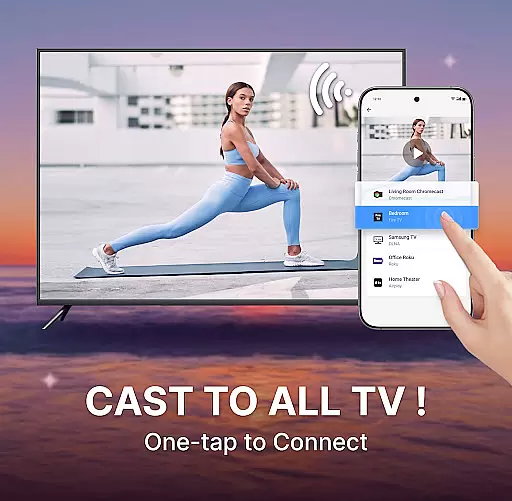
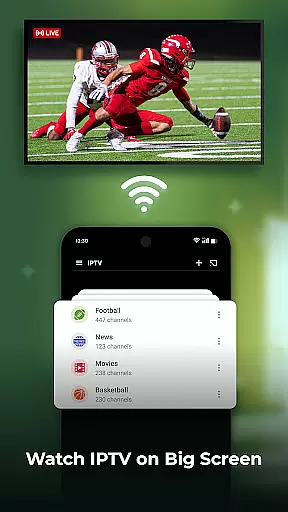
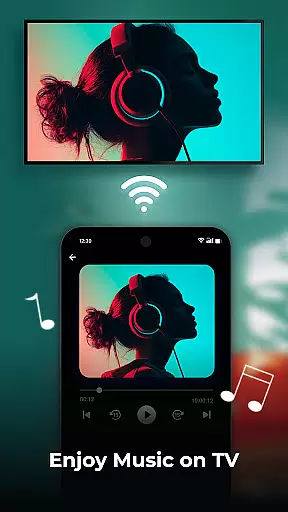
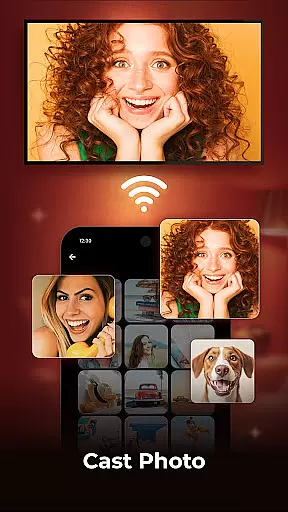
Cast to TV is a versatile application designed for users who wish to share their mobile content on larger screens. This app enables you to cast your phone's screen to a smart TV effortlessly, allowing for real-time streaming of videos, photos, and music with just a few taps. It supports a wide range of popular streaming devices, ensuring that you can enjoy your favorite content in high quality.
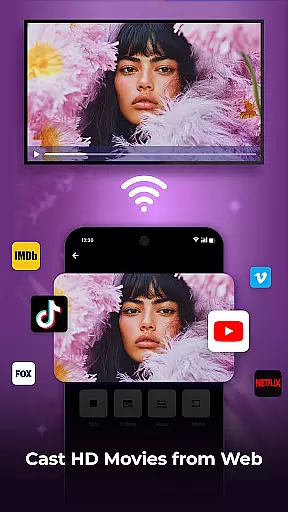
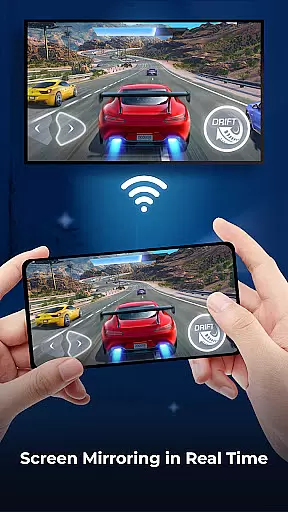
One of the standout features of Cast to TV is its Screen Mirroring capability, which mirrors your phone screen in real time onto a bigger display. Whether it's for showcasing holiday photos or enjoying an immersive gaming experience, this app provides a seamless solution. Additionally, it offers a built-in web browser for casting web videos directly to your TV, enhancing your viewing pleasure without interruptions from ads or pop-ups.
Cast to TV boasts an array of features that cater to diverse user needs. The app allows you to cast movies, web videos, photo slideshows, and more, making it ideal for both entertainment and presentations. With easy-to-use controls, you can pause, fast forward, adjust volume, and even manage subtitles directly from your device.
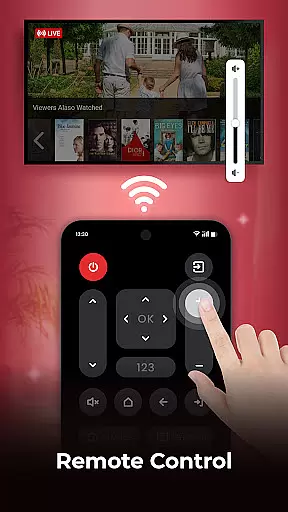
The Screen Mirroring feature stands out by providing a way to mirror your phone screen in real time, perfect for gaming or sharing content with friends and family. Moreover, the app includes a remote control function for TVs, giving you command over basic video functions such as play, pause, and channel switching. Its built-in web browser further enriches the experience by enabling web video casting while offering playback history and resolution options.
One of the key strengths of Cast to TV lies in its exceptional video format compatibility. This feature ensures that users can cast a wide range of video formats from their mobile devices to their smart TVs without any hitches. Whether you're dealing with MP4, AVI, or MKV files, this app handles them all, making it versatile for different user needs.
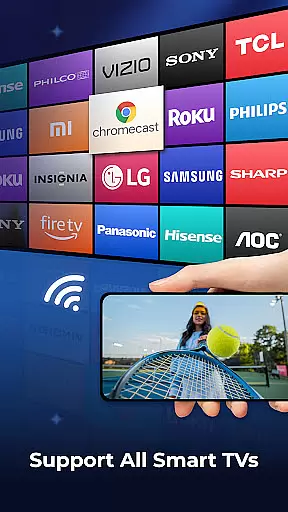
The app supports popular streaming devices like Sony, Samsung, LG TVs, Apple TV, Fire TV, and Xbox. This extensive device support means that no matter what kind of smart TV or streaming gadget you own, Cast to TV has got you covered. The ability to stream in HD enhances your viewing pleasure by delivering sharp and clear images directly to your big screen.
For users, this means an uninterrupted entertainment experience. You won't have to worry about converting file formats or running into playback issues. Just select your desired content on your phone and cast it effortlessly to enjoy a high-quality watching experience on the bigger screen.
Cast to TV also offers AI-powered editing features that elevate the user experience when managing multimedia content. These intelligent tools allow users to manipulate and enhance their videos easily before casting them onto the big screen. With functionalities such as trimming, merging clips, adding effects, and adjusting playback speed, users gain more control over how their content is presented.
In addition to basic editing capabilities, the app includes advanced options like creating playlists with shuffle, loop, or repeat modes. This flexibility lets viewers customize their viewing sessions according to personal preferences. Moreover, the built-in web browser facilitates seamless casting of online videos while blocking pop-ups and ads for an uninterrupted experience.
Ultimately, these AI-driven enhancements save time and effort while providing professional-grade results. Users benefit from intuitive controls and powerful editing tools that make sharing media not only convenient but also enjoyable. Whether presenting vacation photos or showcasing creative projects, Cast to TV empowers users with sophisticated yet accessible technology.
User-friendly interface
Wide device compatibility
High-quality streaming
Real-time screen mirroring
Built-in web browser
Limited free features
Occasional connectivity issues
Ads in free version
Requires compatible devices
Subscription fees apply

Online Videos Player
 3.90
3.90
Connect 2 UVC devices for recording and broadcast video/audio stream
3.90
Video Player - Unlimited features, 30 days money back guarantee.
4.60
Watch a large amount of high-definition short drama content
4.60
Snaptubè Video Downloader app allows to download videos and music in Snaptube. .
4.60
IPTV Player - Watch live TV from m3m & m3u8 playlist, stream IPTV on mobile
3.30
Add date and time watermark to photos and videos
4.50
Download Hub, easy and private way to download and enjoy your videos offline
4.80
Create, Publish & Maximize
4.70
Screen recorder with audio to take live videos & Screenshot in high quality!
4.70
Cast Videos from Web Browser, IPTV to Roku, Chromecast, DLNA, Smart TV +more
4.60
Fast, private downloading, video saving, social media
4.50
KineMaster, Your Ultimate Video Editor!
4.40
Fast & Private Video Downloader App. Save all videos easily from the Internet.
4.40
Video player, file manager for all formats, 4K/HD media player supports subtitle
4.30
KMPlayer Plus (Divx Codec) officially support Divx codec.
4.30
IPTV-Smarters Player Pro M3U - Watch Live Stream TV Channels with Chromecast
4.00
1)AirPlay/DLNA Mirroring/Streaming, up to 4 connections; 2)Samba/NAS/DMS Player.
4.00
AirMirror is Receiver for Screen Mirroring and Casting from Apple Devices.
3.60

User Reviews