

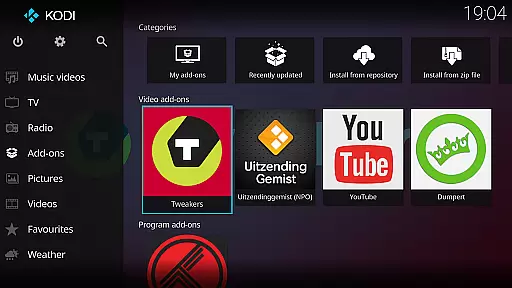
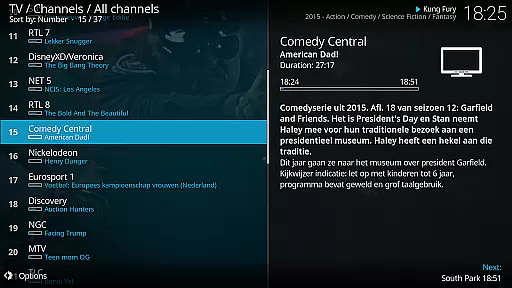
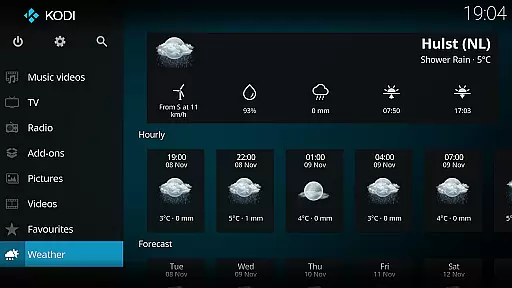
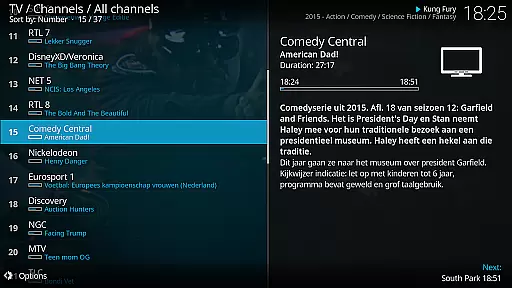
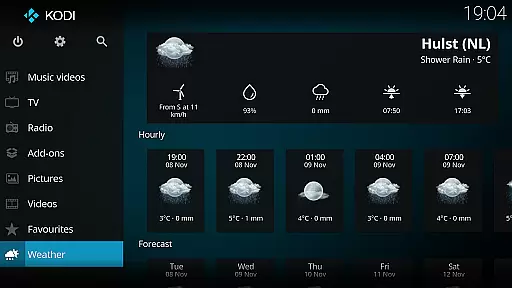
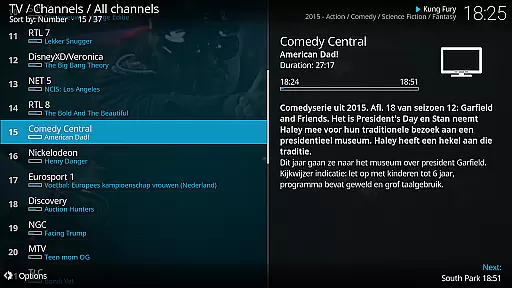
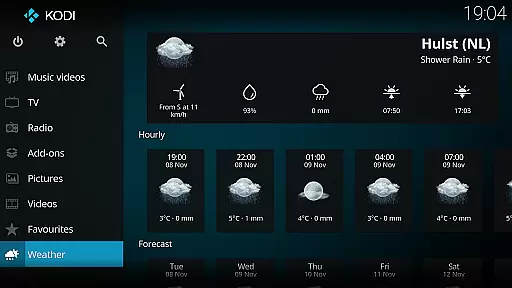
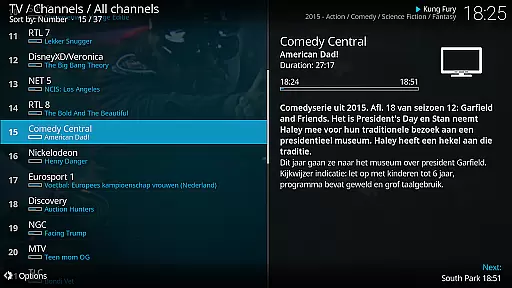
Kodi is an award-winning media player designed for home theater setups. It offers a 10-foot user interface, making it perfect for living room entertainment systems. Users can easily browse and play videos, music, podcasts, and view photos from various sources including hard drives, optical discs, local networks, and the internet.
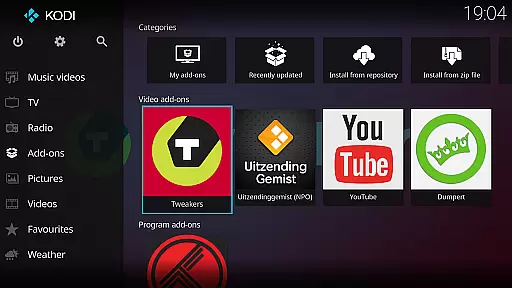
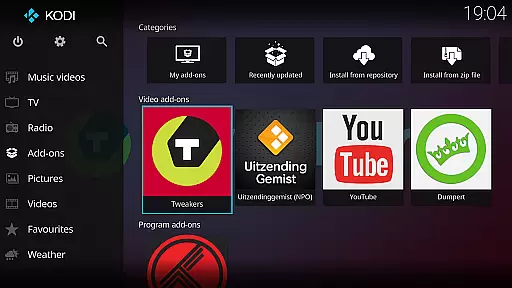
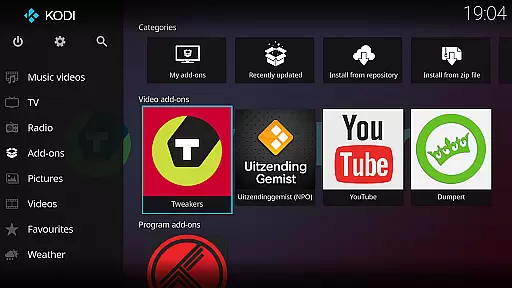
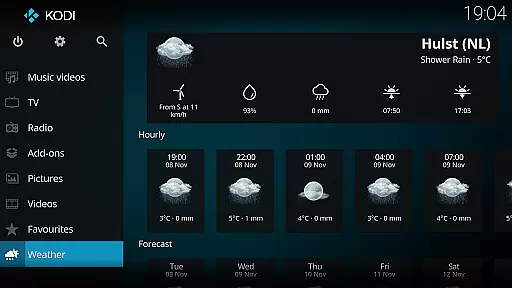
With support for third-party plugins, Kodi enhances its capabilities by allowing access to freely available content online. Its graphical interface is intuitive and optimized for remote control usage. The software is cross-platform, working on multiple operating systems, and includes two main skins: Estuary and Estouchy, catering to different device types.
Kodi stands out with its versatile media playback capabilities. It supports a wide range of audio and video formats, ensuring compatibility with most digital media files. The inclusion of two primary skins, Estuary and Estouchy, provides users with options tailored for TV screens and larger mobile devices respectively.
The platform's extensibility through third-party plugins allows users to customize their experience extensively. Kodi's open-source nature encourages community contributions, leading to continuous improvements and updates. Additionally, its ability to stream content from local and networked sources makes it a comprehensive solution for managing personal media libraries.
One of the core strengths of Kodi is its extensive video format compatibility. This media player supports a wide range of video formats including popular ones like MP4, AVI, MKV, and many more. The ability to play virtually any video file without the need for additional codecs makes Kodi an ideal choice for users who want a seamless playback experience.
Kodi achieves this through its integration with FFmpeg, a powerful multimedia framework that handles decoding and encoding. This ensures that whether you're streaming content from your local network or playing files directly from your device, Kodi can handle it effortlessly. The platform also supports high-definition content, including 4K and even 8K videos, making it suitable for home theater setups.
For users, this means no more frustration over unsupported file types or having to convert videos before playback. Kodi's comprehensive format support allows you to focus on enjoying your media rather than worrying about technical limitations. Whether you're watching movies, TV shows, or personal recordings, Kodi provides a consistent and reliable viewing experience across all supported formats.
While Kodi primarily functions as a media player, it offers some unique AI-powered features that enhance the user experience. One notable feature is its smart playlist generation, which uses algorithms to analyze your viewing habits and preferences. Based on this data, Kodi can automatically create personalized playlists, saving users time and effort in organizing their media library.
The platform also incorporates machine learning elements in its user interface optimization. As you interact with Kodi, the system learns your preferences and adjusts its recommendations accordingly. This adaptive behavior helps streamline navigation and improves content discovery within large media libraries. Additionally, Kodi's add-on architecture allows developers to integrate advanced AI features through third-party plugins.
These intelligent capabilities demonstrate how Kodi goes beyond basic media playback. By leveraging AI technologies, the platform creates a more intuitive and personalized entertainment hub. Users benefit from a more organized media collection and enhanced content suggestions, making their viewing experience more enjoyable and efficient.
User-friendly interface
Wide format support
Customizable with plugins
Cross-platform compatibility
Active community support
No built-in content
Requires technical knowledge
Large app size
Limited mobile optimization
Potential legal concerns

Fast, private downloading, video saving, social media
 4.50
4.50
Powerful HD video player with support for all formats & subtitles.
4.0
VLC Remote lets you control your VLC Media Player on Mac, PC or Linux.
4.60
GENRAL PRO - General Pro is the best video player that fully supports all formats.
4.70
Manage your IPTV live channels and VOD playlists (no playlist included)
3.80
This app is an emulator of some specific IPTV boxes
3.50
Web Browser for LG TV to stream webvideos, online movies and livestreams in HD
4.20
Cast movies, tv shows and live streams to Chromecast, Roku, DLNA, Fire TV & more
4.60
A Simple app to download Video & Music from the Internet.
4.70
Video Trimmer, Video to MP3 Converter. Extract music from video, Easy & Fast.
4.80
Screen recorder with audio to take live videos & Screenshot in high quality!
4.70
Seamlessly connect and control your smart devices, anytime, anywhere with ease.
4.60
Fast & Private HD Video Downloader with Built-in Proxy Browser and Video Player.
4.50
Photo and Music Video Creator into Stunning Videos—Effortlessly
4.40
Create & edit videos with AI
4.30
Turn your phone into a wireless camera!
4.20
Your media, on your terms.
4.10
All format media Player, no need video converter any more!
4.00
Stream Web Videos to Chromecast, Samsung, LG, Sony, Roku, Fire TV, DLNA + more
4.00


User Reviews