

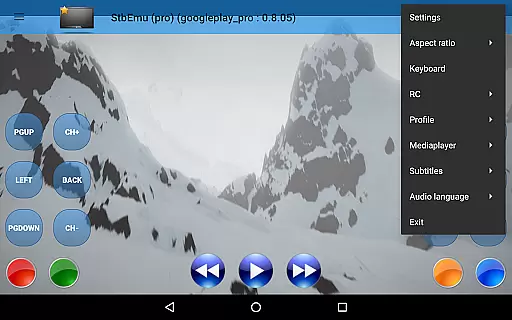
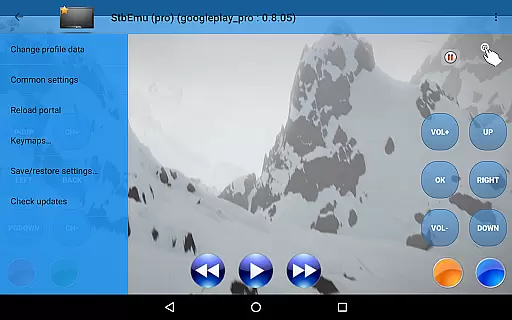
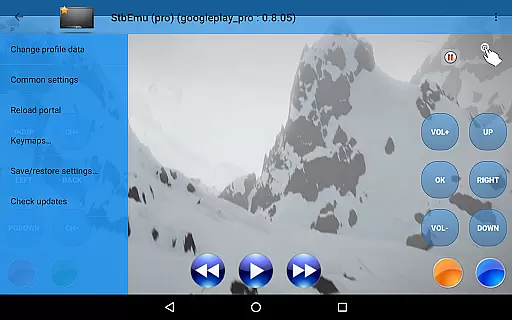
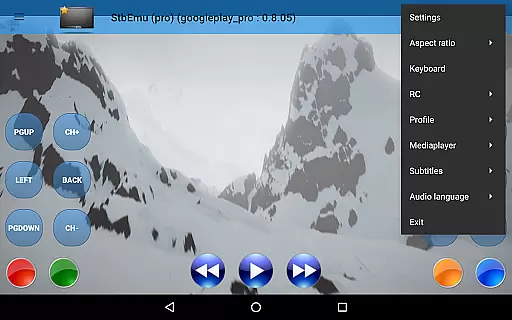
StbEmu (Pro) is a sophisticated video player tailored for advanced IPTV services. Designed primarily for tech-savvy users, it requires meticulous configuration to align with your IPTV provider's specifications. This app does not support m3u playlists and serves as a powerful tool for those who demand high-quality streaming experiences.
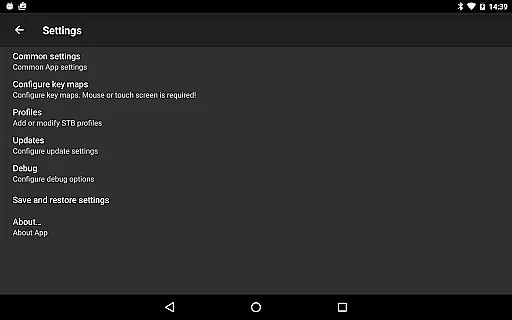
The application shines in its ability to be fine-tuned through extensive settings, ensuring compatibility and optimal performance. By accessing the comprehensive documentation available on their website, users can unlock the full potential of StbEmu (Pro). It stands out by offering a customizable interface that caters to individual preferences, making it an ideal choice for users seeking a personalized IPTV experience.
StbEmu (Pro) boasts a myriad of features designed for an immersive IPTV experience. One standout feature is its highly customizable nature, allowing users to tweak various settings to match their specific needs. The app supports a wide array of formats and codecs, ensuring smooth playback without compromising quality.
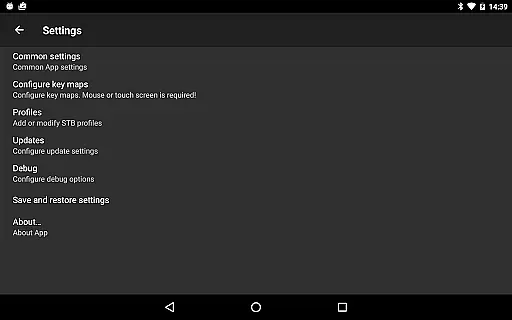
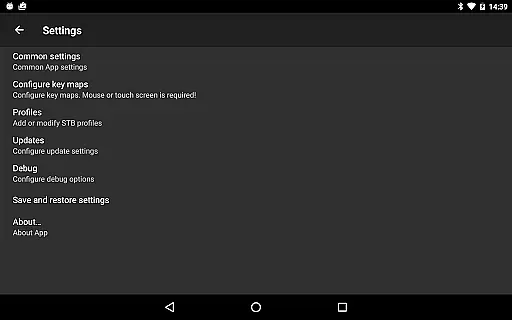
Another notable aspect is the detailed configuration options provided for experienced users. These options enable precise adjustments to network settings, EPG sources, and streaming parameters. Additionally, the app offers advanced error logging and debugging tools, which are invaluable for troubleshooting and maintaining a seamless streaming environment.
While StbEmu (Pro) doesn't support m3u playlists, its integration capabilities with various IPTV portals make it versatile. Users benefit from direct access to live TV channels and VOD services, enhancing their overall entertainment options. The emphasis on configurability and performance optimization sets this video player apart from generic alternatives.
Video format compatibility is a crucial feature for any video player, ensuring that users can enjoy content in various formats without technical hindrances. StbEmu (Pro) is designed with this in mind, supporting a wide array of video codecs and containers.
The app's configuration allows it to adapt to different IPTV providers' standards, making it versatile for multiple streaming services. This ensures that whether you're accessing content through a demo IPTV portal or your personal provider, the video playback remains smooth and uninterrupted.
For users who have correctly configured the app according to their IPTV provider's specifications, StbEmu (Pro) promises an efficient and customizable viewing experience. By reading the wiki and adjusting settings, users can unlock the full potential of video compatibility.
While StbEmu (Pro) focuses primarily on IPTV playback, understanding AI-powered editing features within video players can enhance user interaction and content management. Although this app doesn't directly offer editing capabilities, its sophisticated setup can complement advanced video manipulation tasks.
Experienced users configuring the app will find that although it lacks m3u playlist support, its alignment with specific IPTV provider settings enables a tailored media experience. This specificity is akin to custom editing features found in dedicated video editors.
By meticulously adjusting settings and consulting the comprehensive documentation, users can optimize their IPTV viewing in ways that reflect personalized editingu2014curating channels and stream parameters to fit individual preferences seamlessly.
User-configurable settings
Wide codec support
Advanced error logging
High-quality streaming
Detailed documentation
Complex setup process
No m3u playlist support
Not beginner-friendly
Limited customer support
Requires technical knowledge
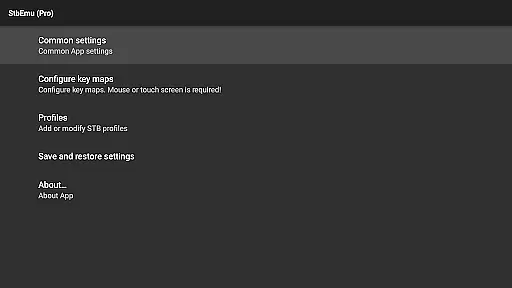
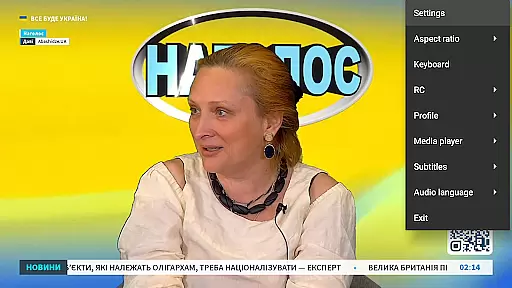
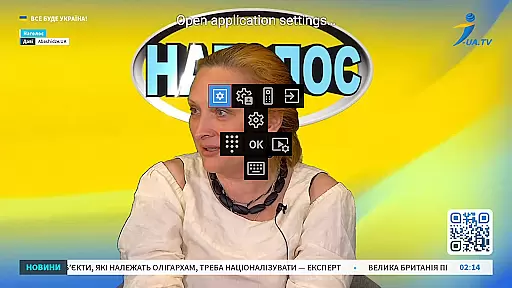


Client application for NextPVR software
 3.00
3.00
Video Downloader is an utility that can save videos and music from web sites
4.20
Powerful HD video player with support for all formats & subtitles.
4.1
VLC Remote lets you control your VLC Media Player on Mac, PC or Linux.
4.60
An easy-to-use and all-round screen recorder with audio
4.80
All in one HD video downloader & player for multiple formats with full privacy
4.70
Browser + Remote for Roku to stream webvideos, online movies and livestreams
4.60
Download Hub, easy and private way to download and enjoy your videos offline
4.80
Make videos you’re proud to share with Edits, a video editor for creators.
4.70
A Simple app to download Video & Music from the Internet.
4.70
Watch a large amount of high-definition short drama content
4.60
Watch IPTV on your Android device
4.60
Cast to Chromecast, Xbox, Fire Stick, Roku, DLNA, Smart TV & No Feature Limited!
4.50
Fast & Private HD Video Downloader with Built-in Proxy Browser and Video Player.
4.50
Powerful video player with advanced hardware acceleration and subtitle supports
4.20
VLC for Android is the best open source video and music player, fast and easy!
4.10
Online Videos Player
3.90
Kodi media center, a free and open source cross-platform entertainment hub
3.60
AirMirror is Receiver for Screen Mirroring and Casting from Apple Devices.
3.60

User Reviews