

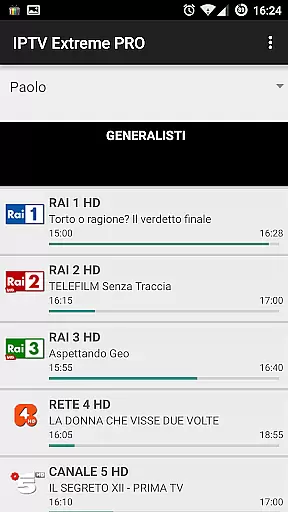
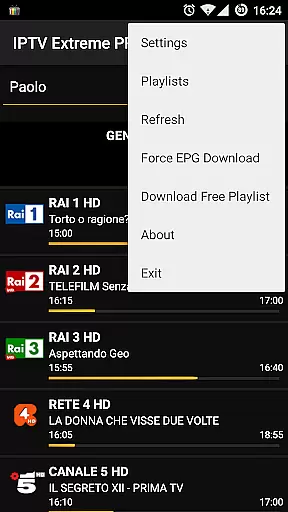
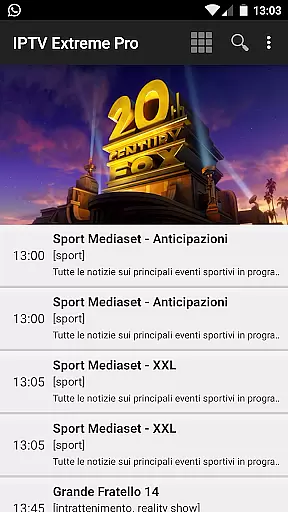
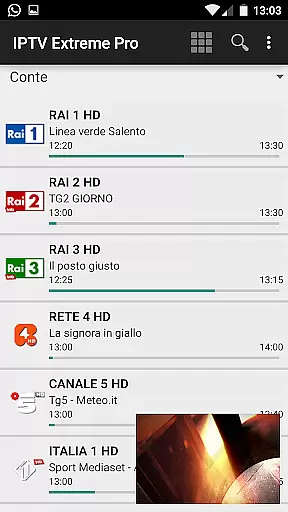
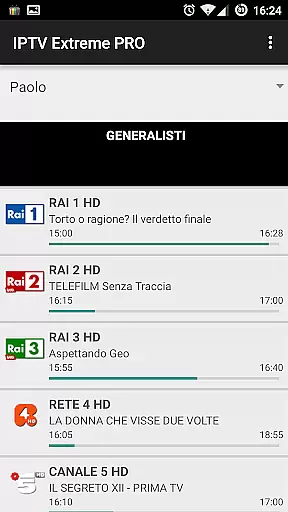
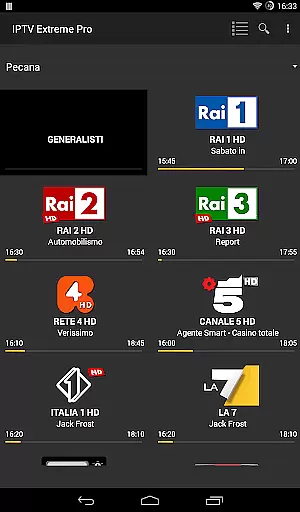
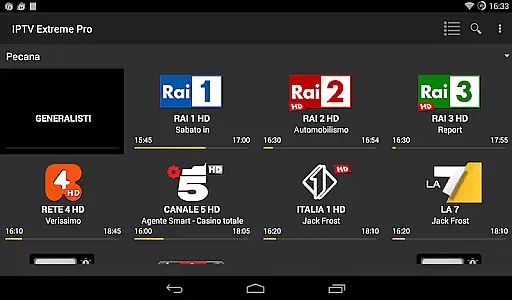
IPTV Extreme Pro is a feature-rich playlist manager designed for seamless IPTV streaming and management. The app offers advanced functionalities such as integrated players, Chromecast support, parental controls, and remote controller compatibility. It supports M3U playlists, MAG devices, and multi-EPG (TV Guide) with auto updates, making it an ideal tool for users seeking a customizable IPTV experience.
With additional features like EPG alias management, picons support, and the ability to download on-demand programs or record live streams, IPTV Extreme Pro caters to both casual viewers and advanced users. Its professional version ensures an ad-free experience while providing over 10 themes and advanced tools like timers, time recording, and memo functions for TV guide events.
This application is perfect for users who already possess legal IPTV playlists and wish to enhance their streaming experience through advanced management tools and high-quality playback options.
IPTV Extreme Pro stands out with its comprehensive set of features tailored for IPTV enthusiasts. The app includes two integrated players (Advanced & Light), ensuring smooth playback across different devices. Chromecast support allows users to stream content on larger screens, while parental controls provide peace of mind for families. Remote controller support enhances user convenience, especially when using the app with external devices.
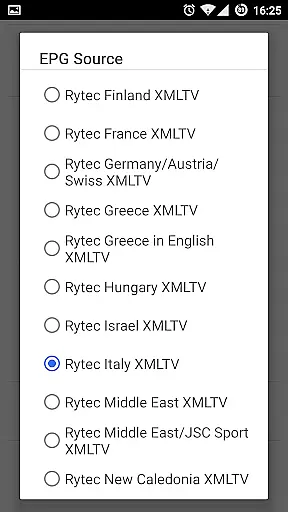
For advanced users, the app offers backup and restore settings, M3U playlist support, and MAG device compatibility. Multi-EPG support with automatic updates ensures users always have access to the latest TV guides. Additional features include EPG alias management, picons customization, and the ability to download on-demand programs or record live streams with time limits.
The Pro version elevates the experience by removing ads and offering over 10 customizable themes. Advanced tools like time recording, timer management, and autostart on boot functionality make this app a powerful choice for managing IPTV content efficiently.
Video format compatibility is a crucial aspect of any video player application, ensuring that users can enjoy a wide range of content without technical limitations. IPTV Extreme Pro supports M3U playlists and various EPG formats, making it adaptable to different user preferences and sources.
The app's integrated Advanced and Light players are designed to handle multiple video codecs and container formats. This versatility allows users to stream content from diverse sources, including live TV channels and on-demand programs, without worrying about format incompatibility issues.
With support for Chromecast and MAG devices, the application extends its compatibility beyond mobile screens. Users can seamlessly stream their favorite content on larger displays, enjoying high-quality video playback across different devices and network environments.
The inclusion of Picons support in various sizes further enhances the visual experience, providing clear channel identification regardless of display resolution. This comprehensive approach to format compatibility ensures that IPTV Extreme Pro remains a versatile solution for managing and viewing IPTV content across different platforms and devices.
While IPTV Extreme Pro primarily focuses on streaming management, its advanced features incorporate elements of AI-powered functionality that enhance the user experience. The application's Auto EPG update and EPG alias management system utilizes intelligent algorithms to maintain accurate program information.
The parental control feature demonstrates sophisticated content filtering capabilities, allowing users to create customized viewing restrictions. This smart system automatically categorizes and filters content based on predefined parameters, ensuring appropriate viewing material for different audiences.
Recording functionality includes intelligent time management features, enabling users to schedule recordings with precision. The application's ability to download on-demand programs and record live streams incorporates smart detection mechanisms that optimize storage usage while maintaining video quality.
Additionally, the search function for similar events on the TV guide employs pattern recognition algorithms to help users discover relevant content. These AI-driven features, combined with more than 10 customizable themes and advanced timer management, create an intelligent interface that adapts to individual user preferences and viewing habits.
User-friendly interface
Extensive feature set
Chromecast integration
Parental controls included
Ad-free Pro version
No built-in channels
Requires technical knowledge
Premium version costs
Complex for beginners
Limited customer support





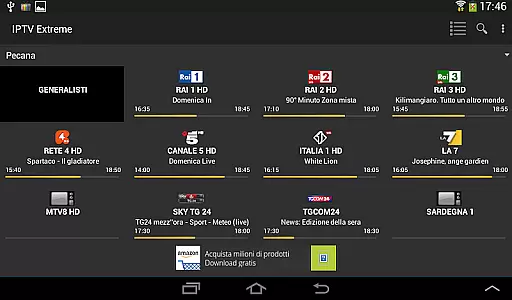


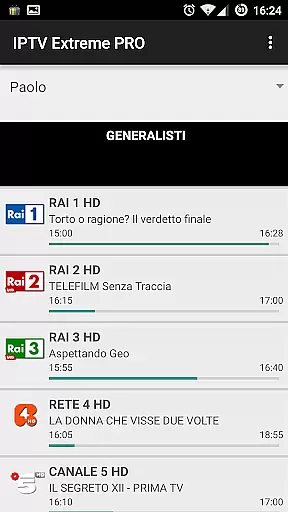
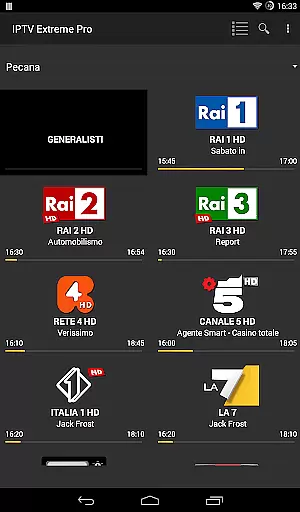
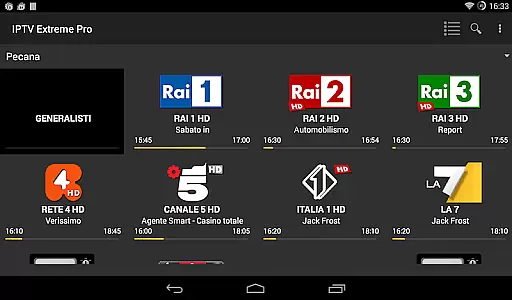









IPTV-Smarters Player Pro M3U - Watch Live Stream TV Channels with Chromecast
 4.00
4.00
Your media, on your terms.
4.10
Photo and Music Video Creator into Stunning Videos—Effortlessly
4.40
Video Trimmer, Video to MP3 Converter. Extract music from video, Easy & Fast.
4.80
Cast to Chromecast, Xbox, Fire Stick, Roku, DLNA, Smart TV & No Feature Limited!
4.50
Create photo video with music & template. AI video maker for stunning slideshow.
4.60
Explore the largest library of free GIFs, Stickers & Memes - or create your own!
3.90
Fast & easy HD video downloader for all formats, support 4K playback & download.
4.60
Download videos and play them offline
4.70
Flud is a simple and beautiful BitTorrent client for Android.
4.80
Find, download, and play torrents with the official BitTorrent® Pro app
4.70
HD Video player all format, HD Videos, Cast & Subtitle. No annoying ads.
4.60
Cast movies, tv shows and live streams to Chromecast, Roku, DLNA, Fire TV & more
4.60
Video Downloader, Multiple Resolution Options, Video Player
4.50
Powerful Video Editor & Photo Editing App —— Quick Edits & Stunning Effects!
4.30
1)AirPlay/DLNA Mirroring/Streaming, up to 4 connections; 2)Samba/NAS/DMS Player.
4.00
Stream Web Videos to Chromecast, Samsung, LG, Sony, Roku, Fire TV, DLNA + more
4.00
A full editing room to accompany your Insta360 cameras and handheld gimbals.
3.30
Browser for Sony TV to stream web videos, online movies and live tv
3.20

User Reviews