

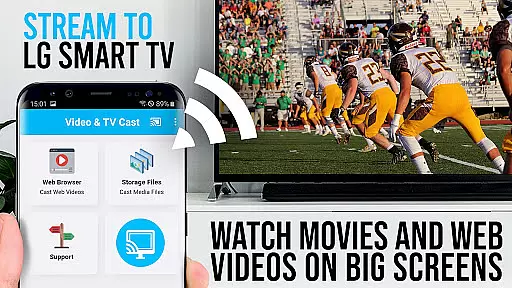
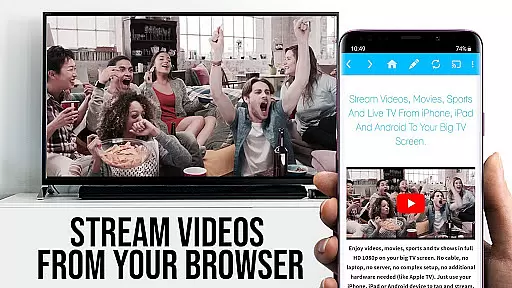
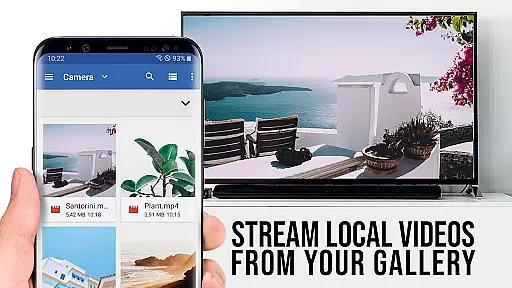
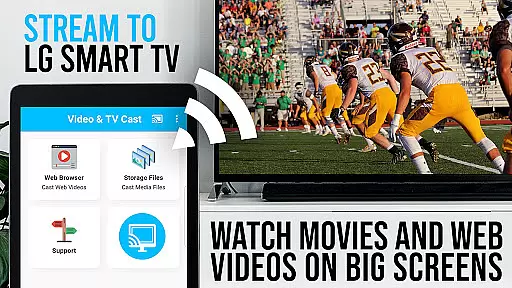
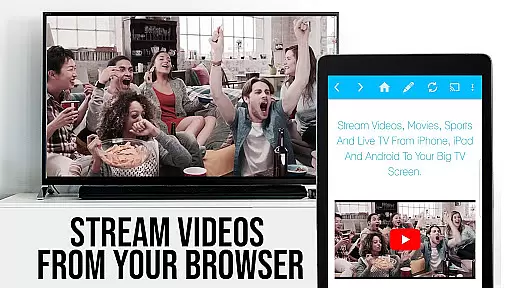
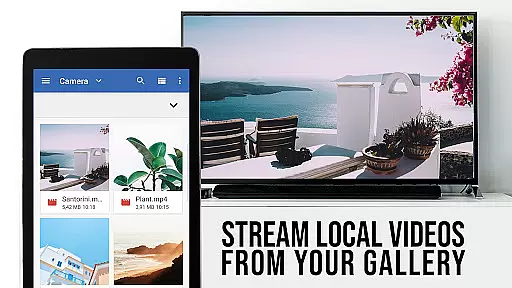
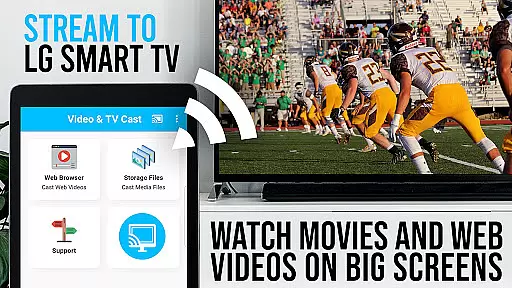
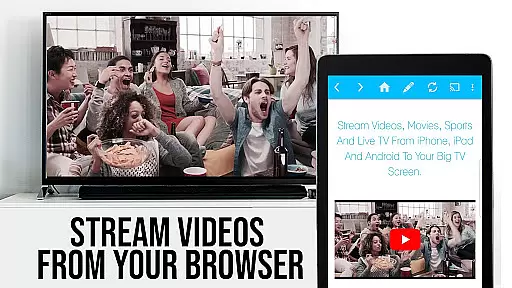
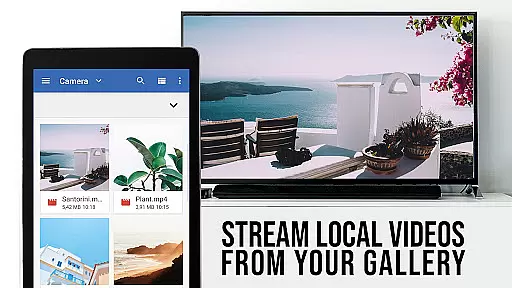
TV Cast Pro for LG webOS is a premier application designed to enhance your LG Smart TV experience. This app allows you to stream web-videos, online-movies, livestreams, and live-tv shows directly on your LG TV without the need for an additional streaming box. It supports various video formats including mp4 and m3u8, ensuring high-quality Full HD streaming. The app's standout feature is its ability to cast content while enabling multitasking on your Android device, which means you can continue using your phone for other activities during casting.
The PRO edition of TV Cast offers all premium features unlocked, providing users with advanced functionalities such as remote playbar for video control, an ad-blocker to ensure uninterrupted viewing, bookmarks for easy access to favorite sites, desktop mode for a full website browsing experience, and customizable homepage settings. These features collectively offer a seamless and enriched media consumption experience tailored for LG webOS or Netcast LG Smart TV users.
TV Cast Pro for LG webOS stands out with its innovative features that cater to avid multimedia consumers. One of the key highlights is the Multi-tasking capability, allowing users to close the app or even shut down their phone while casting continues uninterrupted. This ensures that your device remains free for other uses such as making calls or texting without affecting the stream.
Another remarkable feature is the support for Full HD streaming, which is independent of the Android device's screen resolution. This guarantees crisp and clear video playback on your TV. Additionally, the app promotes efficient WIFI usage since it doesn't route videos through your phone like Miracast does. With broad device compatibility across all Android devices, TV Cast removes barriers related to hardware restrictions, offering a versatile streaming solution.
Moreover, the inclusion of pro features such as Remote Playbar, Ad-Blocker, Bookmarks, Desktop Mode, and Change Homepage options significantly enhances user interaction and personalization within the app. Such comprehensive functionality positions TV Cast Pro as a top-tier choice for those seeking advanced streaming capabilities on their LG Smart TVs.
TV Cast Pro for LG webOS offers extensive video format compatibility, ensuring users can stream a wide variety of content without technical hindrances. The app supports popular formats like Mp4 and m3u8, allowing seamless streaming in full HD quality.
The ability to handle different video formats makes it versatile for various user needs. Whether you're streaming web-videos, online-movies, or live-tv shows, the app ensures that all content is delivered in high definition, enhancing your viewing experience on the largest screen in your home.
By removing the need for additional streaming boxes, TV Cast Pro simplifies the streaming process while maintaining broad format support. This means you can enjoy your favorite videos directly on your LG Smart TV without worrying about format restrictions or additional devices.
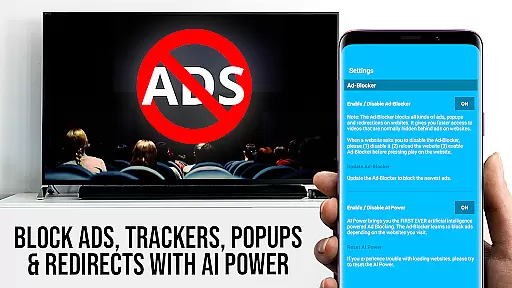
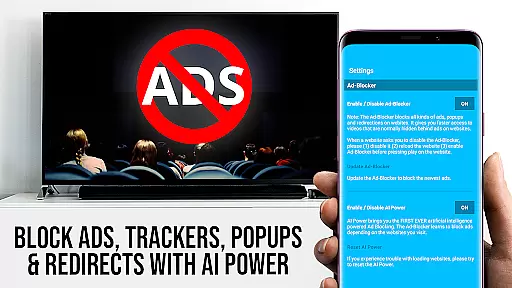
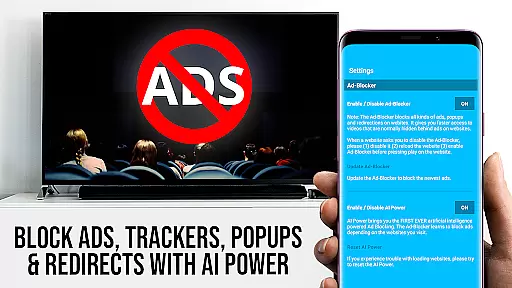
While TV Cast Pro for LG webOS doesn't focus on traditional AI-powered editing features, it enhances user experience through smart functionalities. For instance, the Ad-Blocker feature intelligently filters out ads and popups from most websites, providing an uninterrupted streaming experience.
The app also includes advanced browsing capabilities with its Desktop Mode, which allows users to view desktop versions of websites. This feature effectively changes the browser's user-agent, making your Android device appear as a desktop PC and enabling access to richer content typically unavailable on mobile sites.
Additionally, the Remote Playbar provides intuitive video controls such as scrubbing, forward, rewind, play, pause, and stop. These tools empower users to manage their streaming content efficiently, offering a smarter way to interact with media on your LG TV.
Full HD streaming
Multi-tasking enabled
Ad-free experience
Device compatibility
Advanced video control
No DRM support
Limited refunds
QR Code dependency
Premium cost
Third-party app limitations

The smartest M3U IPTV Player your playlists have ever seen.
 4.0
4.0
Auto video maker with music & exclusive filters. Video editing made simple.
4.50
Kodi media center, a free and open source cross-platform entertainment hub
3.60
HD Video player all format, HD Videos, Cast & Subtitle. No annoying ads.
4.60
Watch full episodes of your favorite Cartoon Network and Cartoonito shows!
3.50
Watch a large amount of high-definition short drama content
4.60
Support 1000+ Video Format, Subtitle Download, mp3 & Background Play, Cast On TV
4.60
Movie maker & video editing app with AI effects and green screen
4.30
All in one multi protocols stream receiver for AirPlay, Cast and DLNA.
3.60
AI Video Editor with Music, Filter, Slideshow, Effect, Merge & Trim Video.
4.80
High-Quality USB Camera Viewer & HDMI Display
4.70
Fast, private downloading, video saving, social media
4.50
Viddo: Generate Action Figure, AI Anime, AI kiss, AI hug Video from image & text
4.40
Create & edit videos with AI
4.30
Video player with 4K & 1080P support, popup play, background play and subtitle.
4.20
1)AirPlay/DLNA Mirroring/Streaming, up to 4 connections; 2)Samba/NAS/DMS Player.
4.00
AirMirror is Receiver for Screen Mirroring and Casting from Apple Devices.
3.60
You can play SWF format file!
2.50
Powerful HD video player with support for all formats & subtitles.
4.5


User Reviews